Adjustable MA & Alternating Extremities
 By LuxAlgoMay 3, 2021
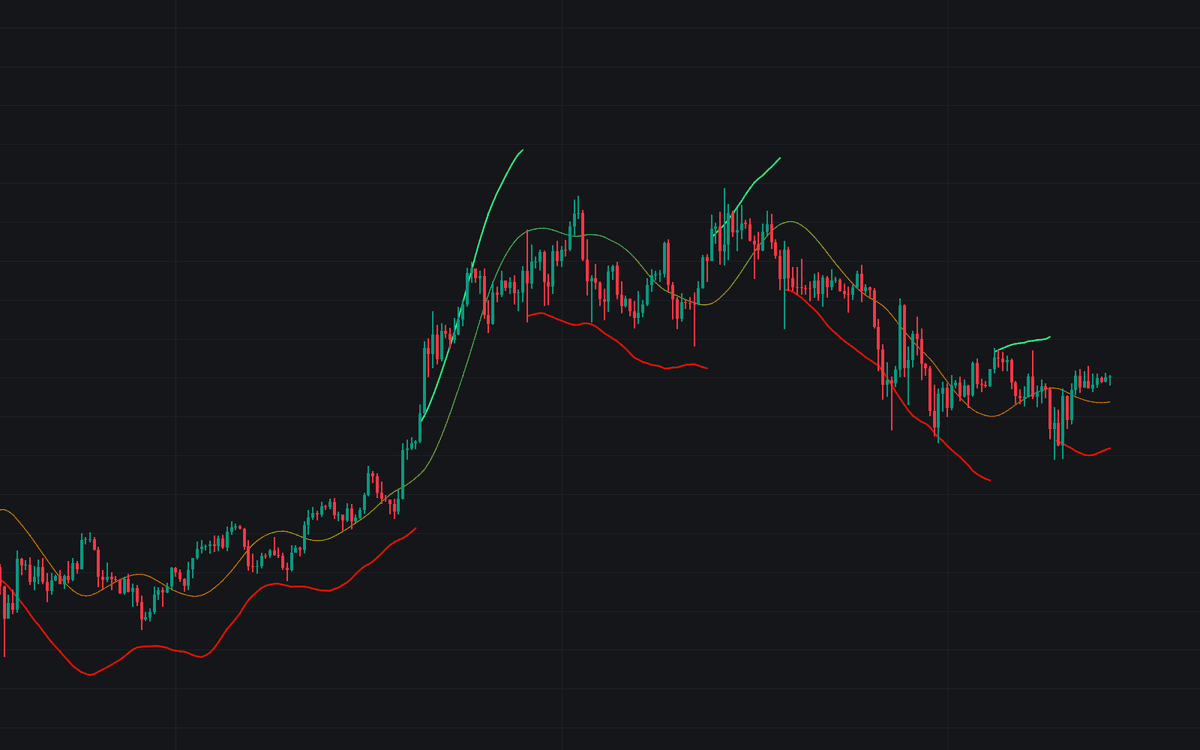

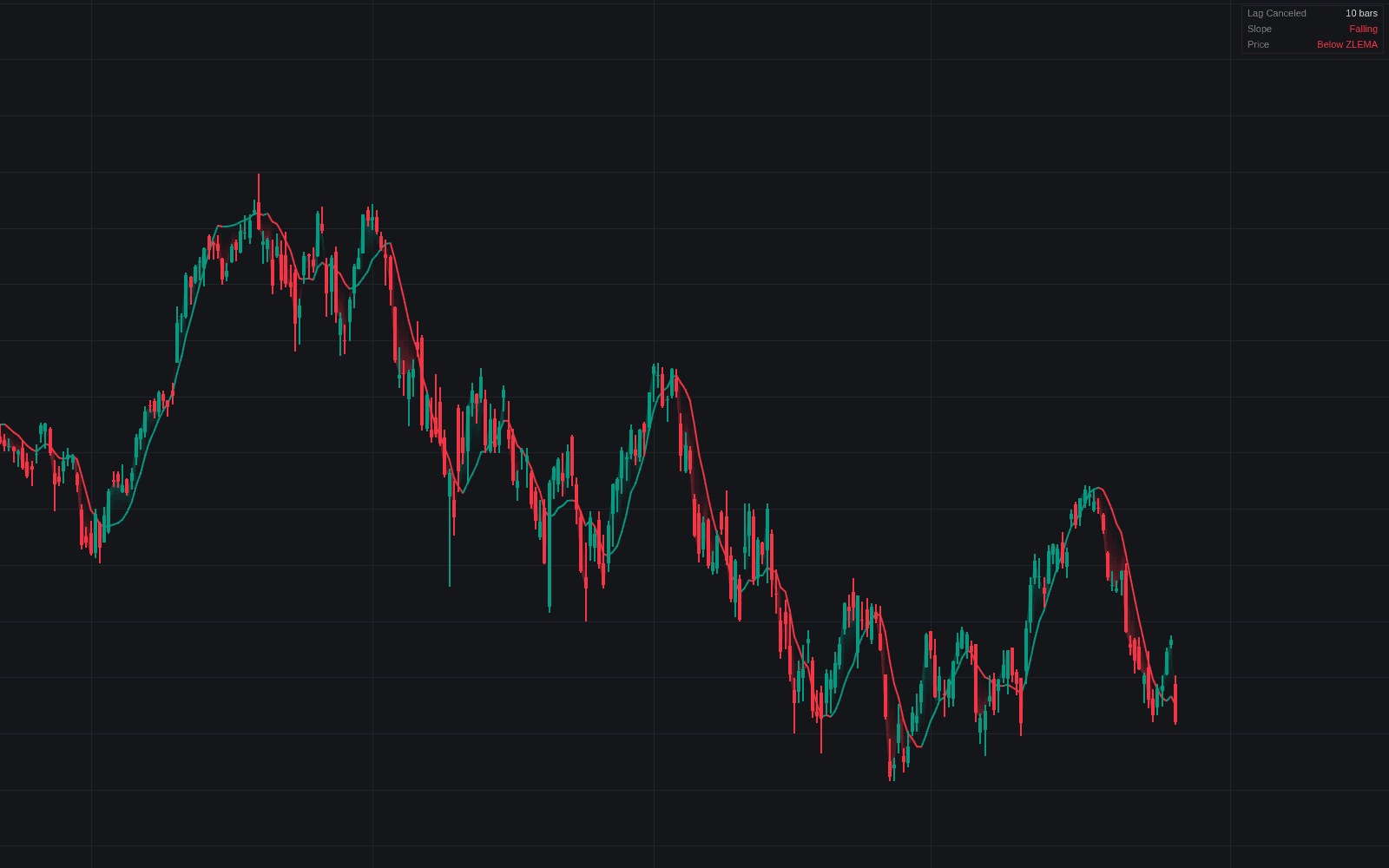
Adjustable MA & Alternating Extremities hands you the kernel controls other moving averages keep fixed. Two parameters steer the plot directly: Lag trades responsiveness for smoothness, while Overshoot amplifies the parametric sine-based kernel's negative weights so the average can lead rather than trail. Around it, the tool highlights alternating extremities that behave like the bands of an MA envelope (the upper one prints when the high exceeds it, the lower when the low breaks beneath), marking spots where price may snap back.
How to Trade the Adjustable MA & Alternating Extremities?
- Range rebounds: with a long average (say a 200 length with a multiplicative factor of 1), extremity tags locate levels where ranging price tends to turn.
- Trend reads: in trending conditions closes sit beyond the extremity; watch for the band to catch up to price and act as support or resistance before a reversal.
- Crossover systems: dial Lag down for the fast leg and up for the slow leg. One indicator supplies both sides of the cross.
- As Smoothed Candles: render the MA as candles (open from the prior two MA values; high, low, and close each their own smoothed series) for a heikin-ashi-like read without forced continuity.
Adjustable MA & Alternating Extremities Settings
- Length: the MA period, how many recent data points feed the calculation.
- Mult: multiplicative factor applied to each extremity.
- Lag: adjusts the average's delay; higher values mean more lag and more smoothness.
- Overshoot: scales overshoot amplitude. Higher values cut lag but exaggerate turns.
- As Smoothed Candles / Show Alternating Extremities: switch the two display modes.
Frequently Asked Questions
Free on Vela
Run it on Vela. Go further with a paid plan.
- Up to 500 strategy alerts, with webhook automation
- Up to 10× the chart history of Free
- Orderflow lookback up to full history
- More Quant usage to customize it, plus extra usage when you need it
- Futures data alongside crypto, stocks, forex and commodities
Also works on

Related indicators
Run it on Vela. Make it yours with Quant.
Open this indicator free on Vela, our next-generation charting platform. Then ask Quant, our coding agent built into Vela, to retune it or turn it into a backtested strategy of your own.