Directional Matrix
 By LuxAlgoMay 28, 2021
Directional Matrix is an indicator on Vela, our next-generation charting platform, written in Pine Script®.
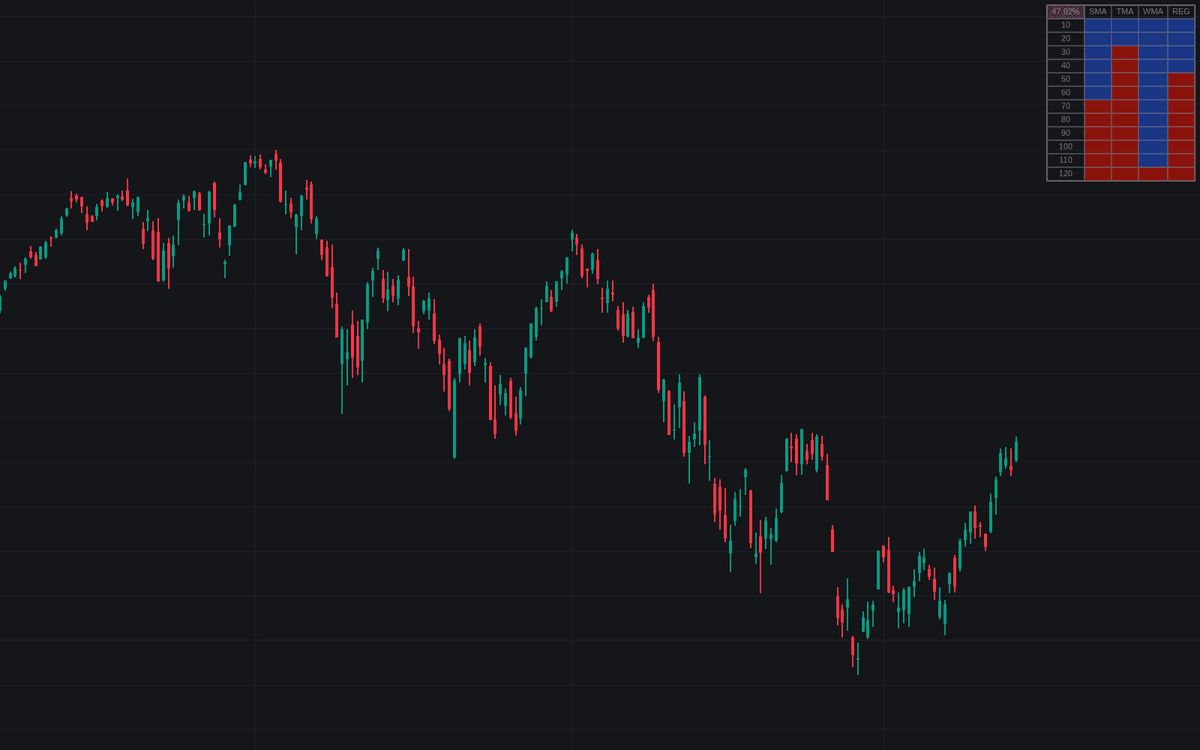

Directional Matrix condenses trend into a dashboard: it computes an SMA, TMA, WMA, and linear regression across a whole range of lengths and colors one cell per calculation: bullish when that average is rising, bearish when it is falling. Because the slope of a moving average is itself a trend condition, the grid amounts to dozens of trend votes cast at once, with the top-left cell reporting the bullish share.
How to Trade the Directional Matrix?
- Grid mostly bullish: broad agreement across lengths and average types supports a trending long bias; a mostly bearish grid supports the opposite.
- Top-left percentage: the proportion of rising cells, a single consensus number to track as conditions shift.
- Normalized Change Mode: cells grade change intensity from 0 to 1 on a color gradient, separating decisive moves from drift.
The four columns corroborate each other in useful ways: a rising SMA means price exceeds its level from p bars ago, a rising WMA means price sits above an SMA of period p+1, and a rising REG means a WMA sits above an SMA of the same period. Read together, the matrix behaves like a moving average ribbon with the geometry stripped out: pure direction, no overlapping lines.
Directional Matrix Settings
- Maximum Length: the top of the period range evaluated for all four indicators.
- Minimum Length: where the range starts.
- Step: the gap between consecutive periods. Smaller steps add rows and detail, larger steps keep the grid compact.
- Src: the data source feeding the calculations.
- Normalized Change Mode: replaces direction signs with normalized changes, scaled from 0 (lowest) to 1 (highest) within each column.
- A style block covers dashboard location and size, text/frame color, bullish and bearish cell colors, and cell transparency.
Frequently Asked Questions
Free to use
Run it on Vela. Go further with a paid plan.
- Up to 500 Custom Alerts, with webhook automation
- Up to 10× the chart history of Free
- Orderflow lookback up to full history
- More Quant usage to customize it, plus extra usage when you need it
- Futures data alongside crypto, stocks, forex and commodities
Also works on

Related indicators
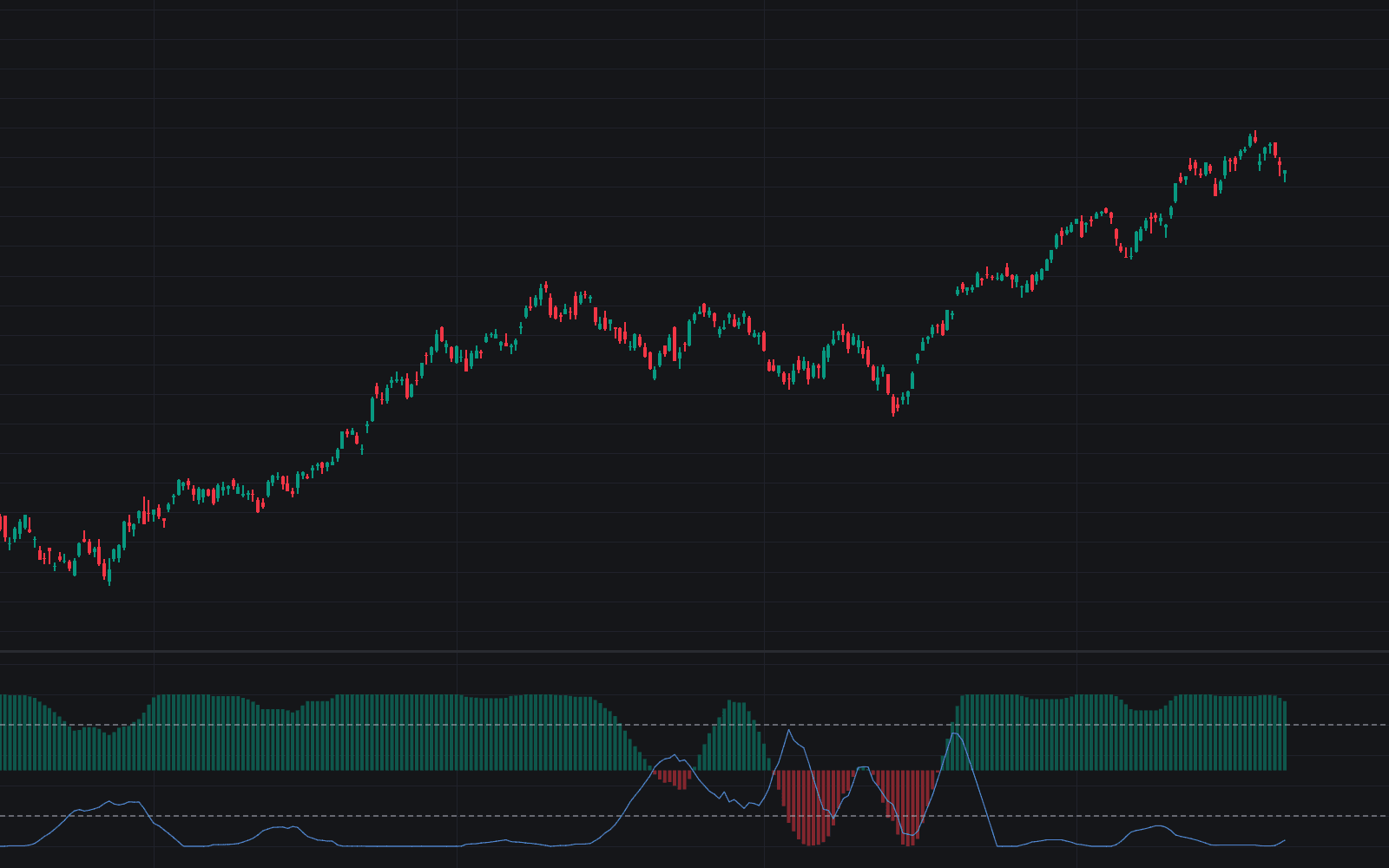
All 3 MA Slope Filter indicators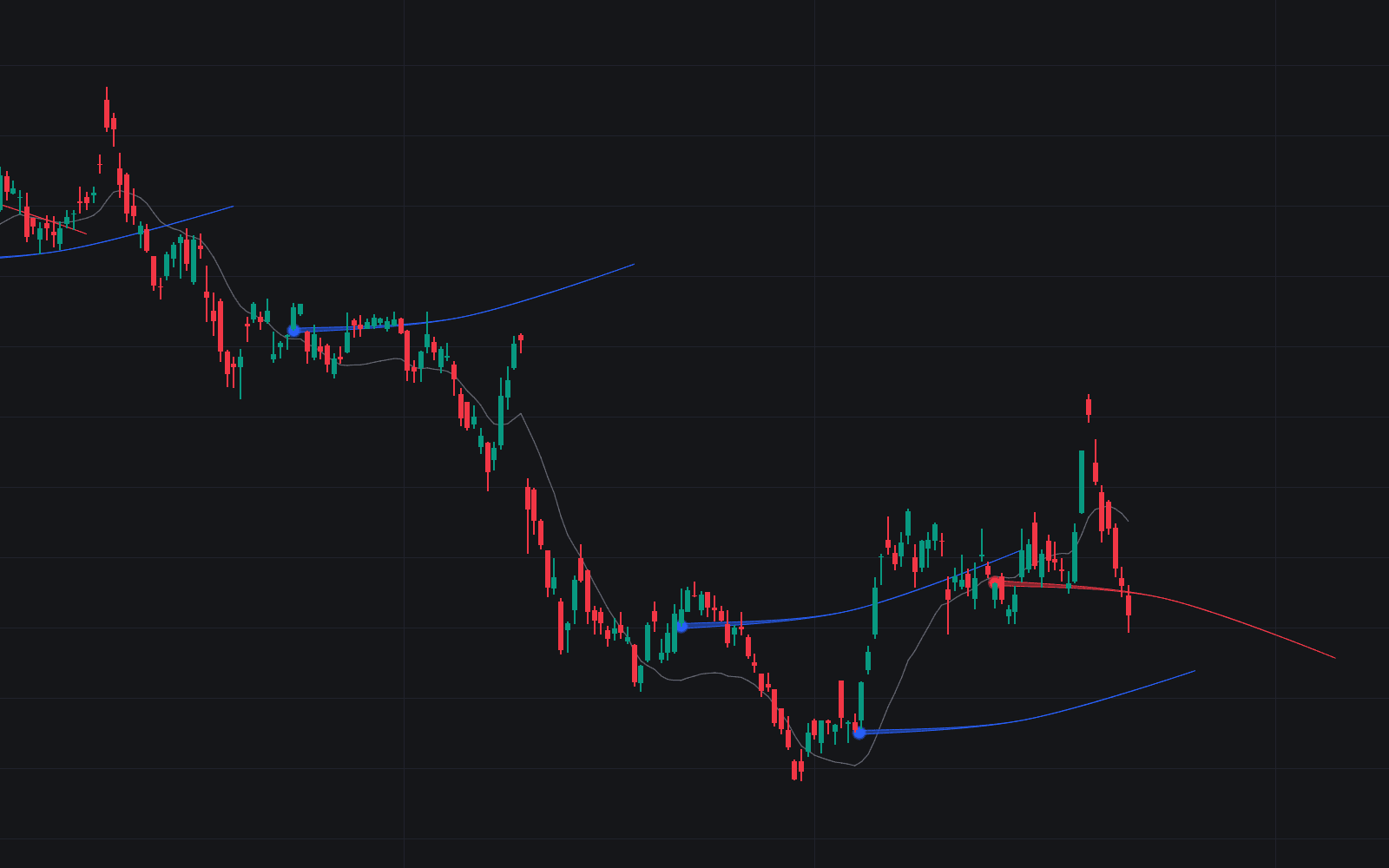
.png&w=3840&q=75)
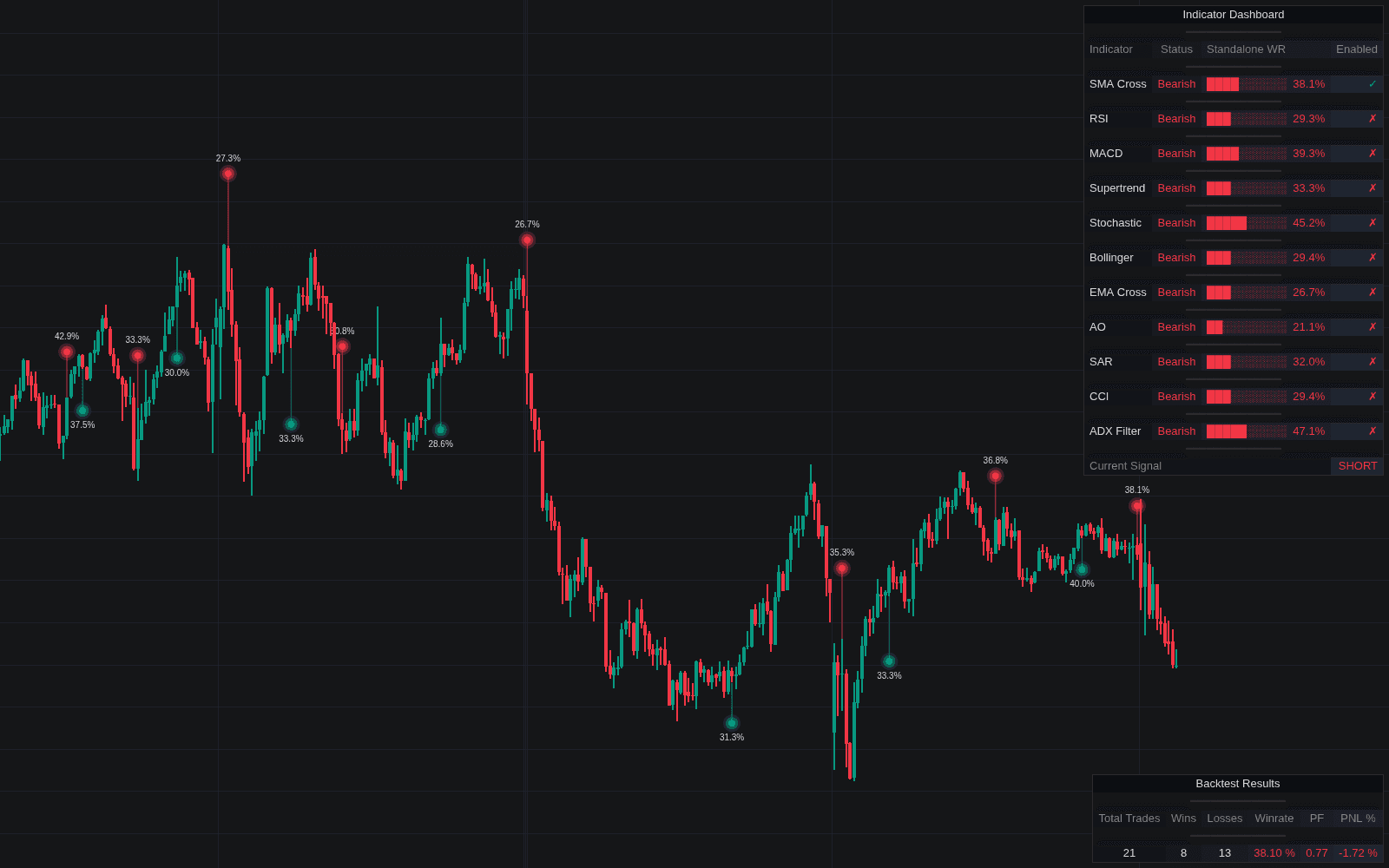
Run it on Vela. Make it yours with Quant.
Open this indicator free on Vela, our next-generation charting platform. Then ask Quant, our coding agent built into Vela, to retune it or turn it into a backtested strategy of your own.