Liquidity Sentiment Profile (Auto-Anchored)
 By LuxAlgoAug 28, 2023
Liquidity Sentiment Profile (Auto-Anchored) is an indicator on Vela, our next-generation charting platform, written in Pine Script®.
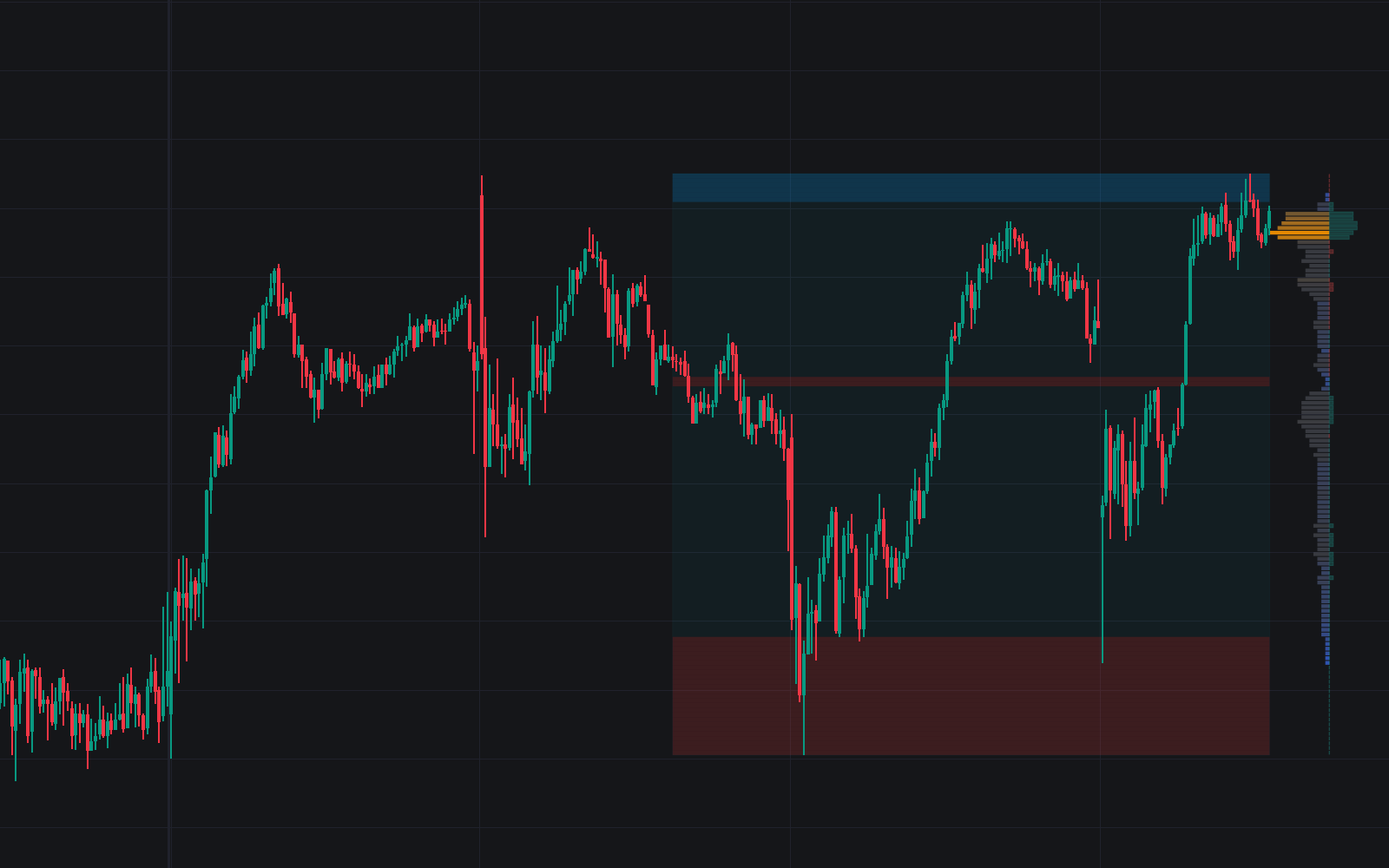

Liquidity Sentiment Profile (Auto-Anchored) takes the two-sided liquidity-and-sentiment histogram and hands you the anchor. Profiles can attach to preset periods, a fixed range, or detected swing highs and lows, so the volume-by-price distribution lines up with the structure you actually trade. The left side of the profile maps trading activity by price and the right side maps market sentiment.
How to Trade the Liquidity Sentiment Profile (Auto-Anchored)?
- Two-sided read: activity concentration on the left, bullish/bearish control on the right, with color coding that makes supply and demand zones, support/resistance, and consolidation areas quick to spot.
- Value areas: significant levels that recur within a profile's range and can serve as areas to buy or sell against.
- Level of Significance line: follows the developing POC (the price level carrying the heaviest traded activity) as it shifts.
- Buyside & Sellside Liquidity Zones: this version adds explicit supply and demand zones, directing attention to where buy and sell orders likely rest.
Liquidity Sentiment Profile (Auto-Anchored) Settings
- Anchor Period: selects the anchoring mode and resolution.
- Fixed Period: the span used when the anchor is set to Fixed Range.
- Swing Detection Length: the swing lookback driving the Swing High / Swing Low anchor modes.
- High Traded Nodes / Average Traded Nodes / Low Traded Nodes: color choices for the liquidity side, with Threshold % settings for the high and low classes.
- Buyside & Sellside Liquidity Zones: zone visibility, with separate colors for buyside and sellside nodes.
- Number of Rows / Profile Width %: histogram granularity and row width.
- Visibility toggles cover the Sentiment Profile, Level of Significance, Price Levels, and Range Background Fill.
Frequently Asked Questions
Free to use
Run it on Vela. Go further with a paid plan.
- Up to 500 Custom Alerts, with webhook automation
- Up to 10× the chart history of Free
- Orderflow lookback up to full history
- More Quant usage to customize it, plus extra usage when you need it
- Futures data alongside crypto, stocks, forex and commodities
Also works on

Related indicators
All 30 Volume Profile indicators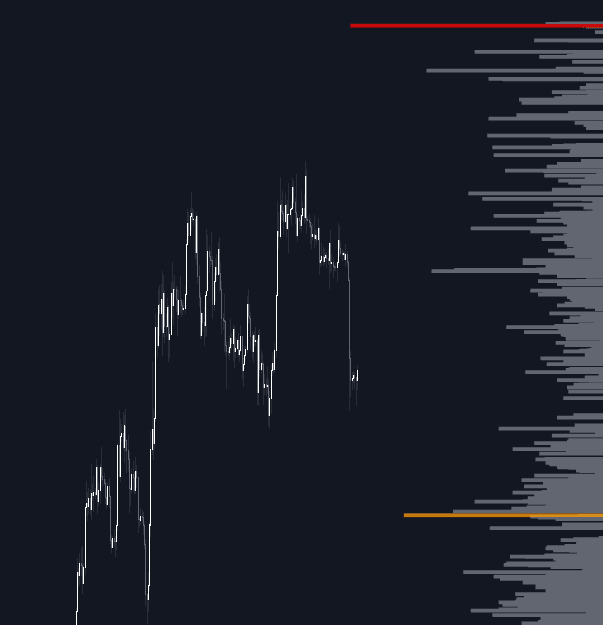
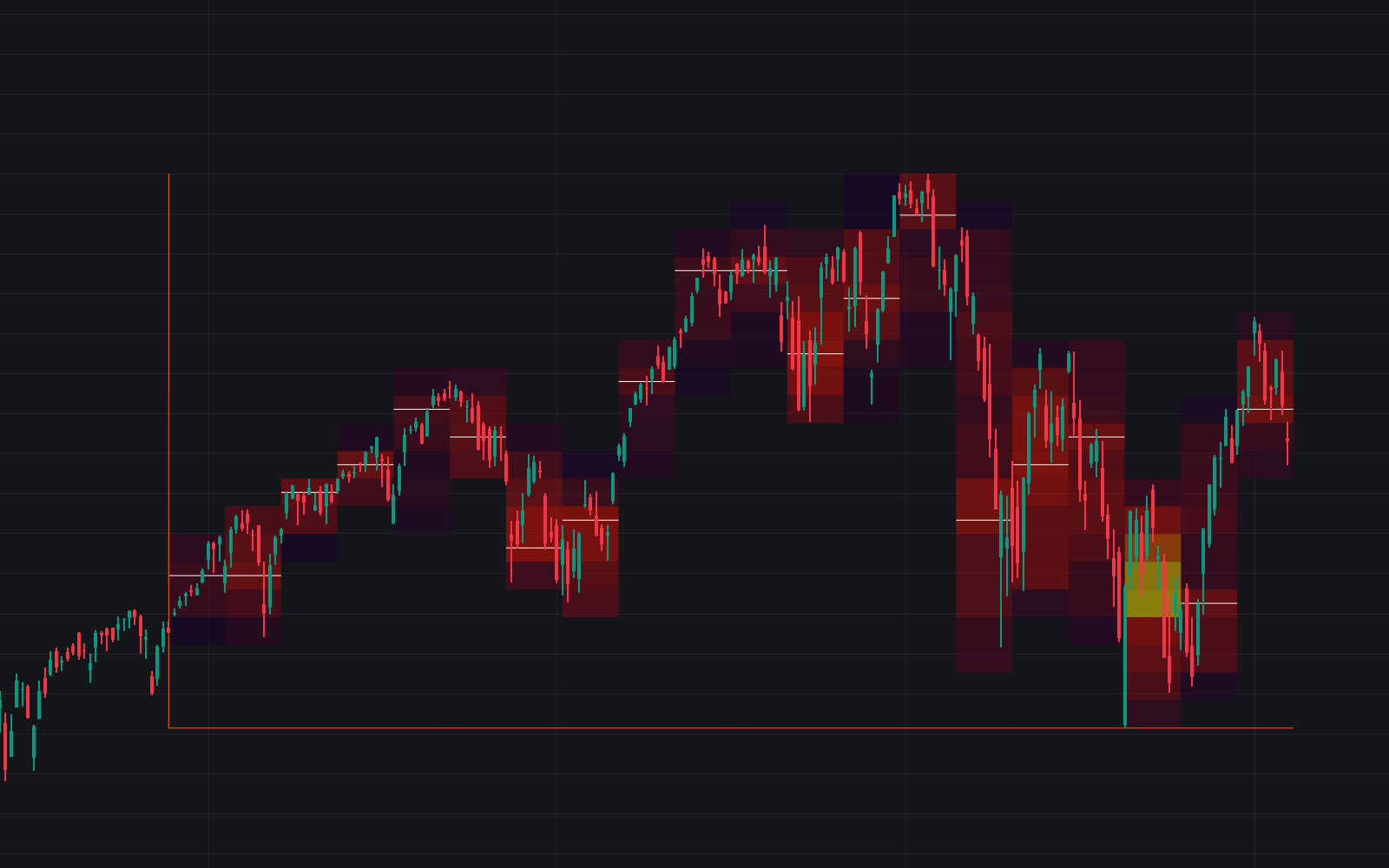
.png&w=3840&q=75)
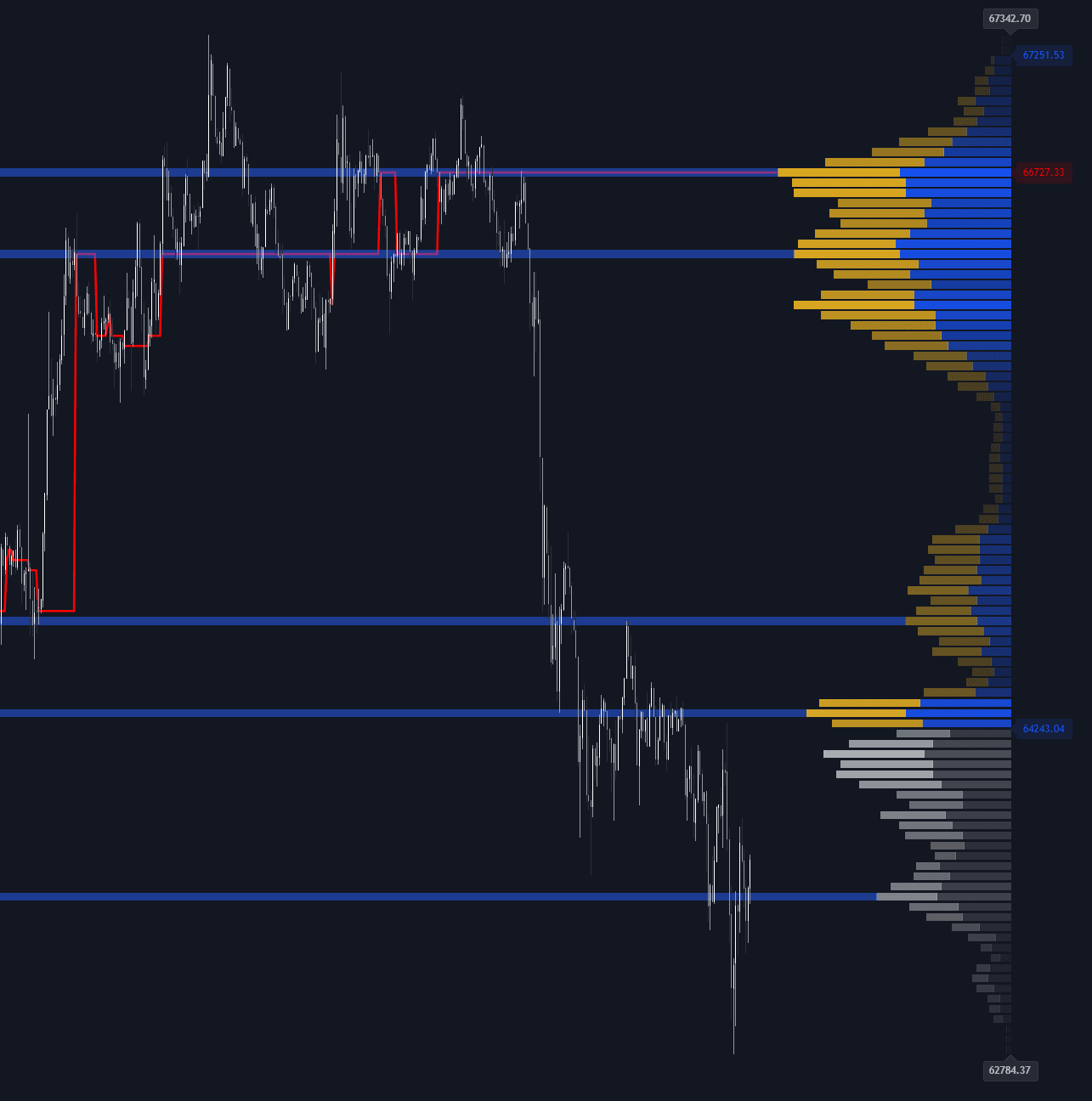
Run it on Vela. Make it yours with Quant.
Open this indicator free on Vela, our next-generation charting platform. Then ask Quant, our coding agent built into Vela, to retune it or turn it into a backtested strategy of your own.