Nadaraya-Watson Envelope
 By LuxAlgoOct 18, 2021
Nadaraya-Watson Envelope is an indicator on Vela, our next-generation charting platform, written in Pine Script®.
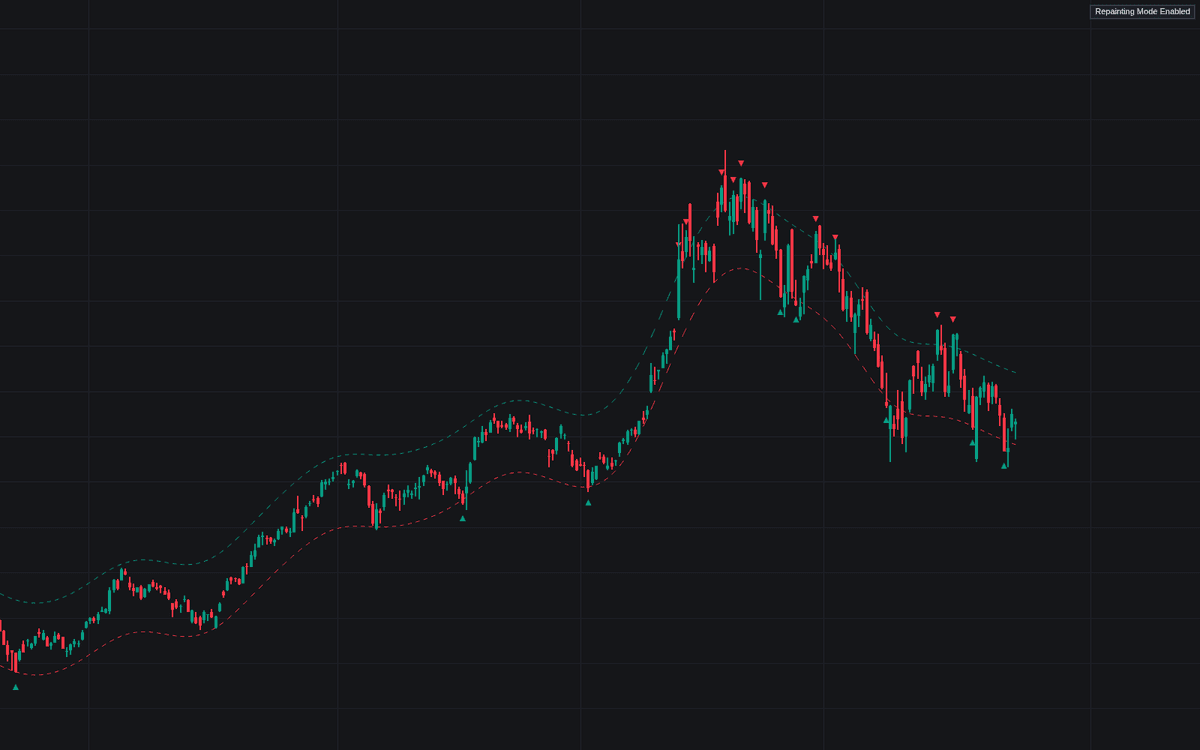

Nadaraya-Watson Envelope estimates the underlying price trend with kernel regression and builds an envelope around the fit by adding and subtracting mean absolute deviations. Crossings of the upper or lower extremity print triangles and can trigger alerts, giving contrarian traders a systematic cue that price has stretched unusually far from its estimated center.
Two calculation modes are offered. The default smoothing recalculates the fit across the window and therefore repaints; the alternative uses an endpoint Nadaraya-Watson estimator that does not, delivering results akin to traditional band indicators. In the default mode the triangles are redrawn from the latest fit too, so they show past crossings in hindsight; in the endpoint mode, triangles print as each crossing happens and stay fixed once the bar closes.
How to Trade the Nadaraya-Watson Envelope?
- Price crosses the upper extremity: an unusually stretched advance relative to the estimated trend. Contrarian setups look for rotation back toward the center.
- Price crosses the lower extremity: the mirror case, flagging stretched declines for mean-reversion longs.
- Triangle labels: in the endpoint mode they mark each crossing as it happens and stay on their bar once it closes, which is what makes them usable in real time; in the default repainting mode they are redrawn from the latest fit and show crossings in hindsight.
A note on expectations: extremity crossings describe stretch, not guaranteed reversals, and nothing suggests this envelope outperforms traditional band tools. Treat it as a single input within a broader plan rather than a standalone system.
Nadaraya-Watson Envelope Settings
- Bandwidth: controls the smoothness of the envelopes; higher values produce smoother results.
- Mult: sets the width of the envelope.
- Source: the input series used for calculation.
- Repainting Smoothing: chooses between the repainting fit and the non-repainting endpoint method.
Frequently Asked Questions
Free to use
Run it on Vela. Go further with a paid plan.
- Up to 500 Custom Alerts, with webhook automation
- Up to 10× the chart history of Free
- Orderflow lookback up to full history
- More Quant usage to customize it, plus extra usage when you need it
- Futures data alongside crypto, stocks, forex and commodities
Also works on

Related indicators
All 4 Kernel Regression indicators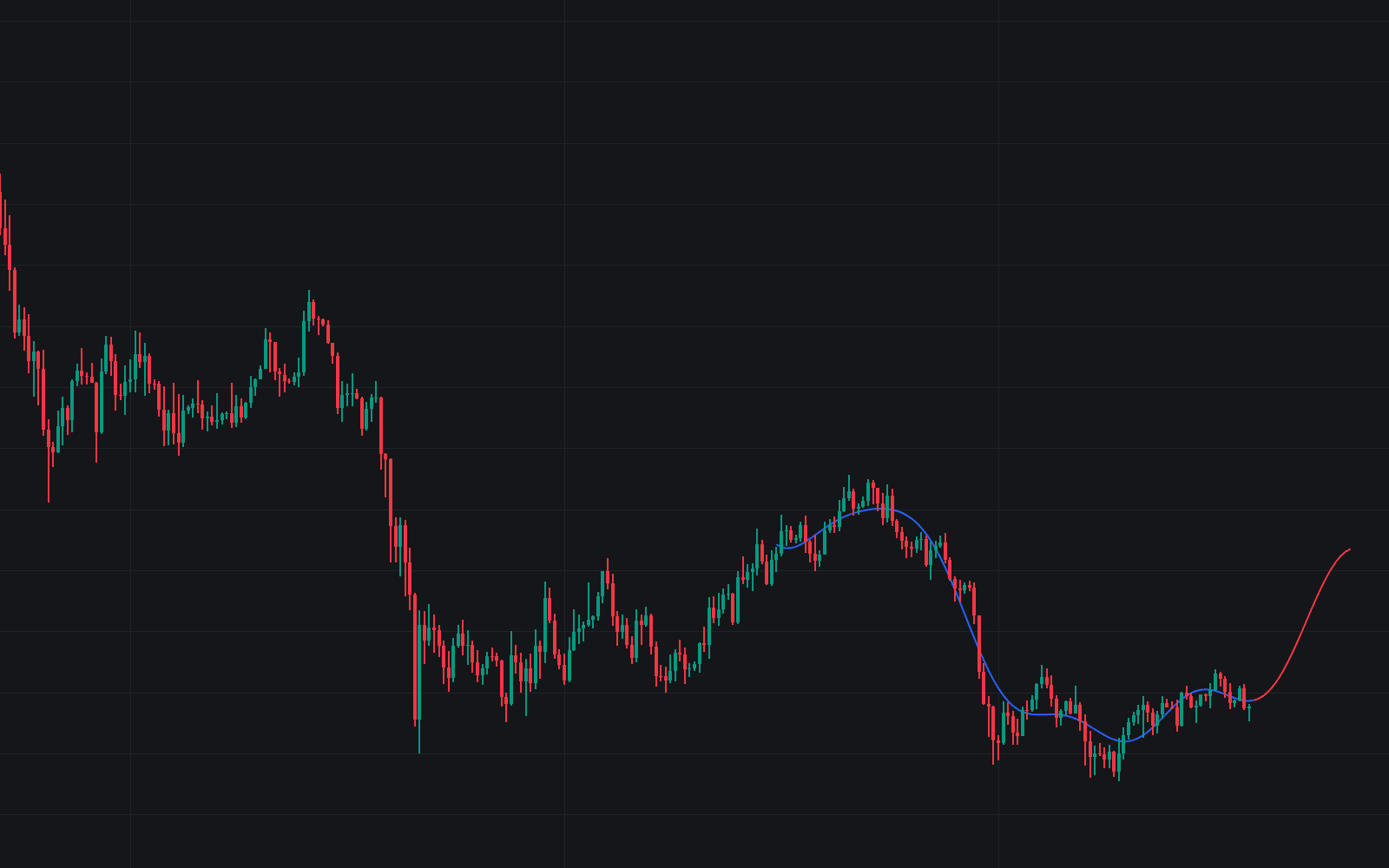
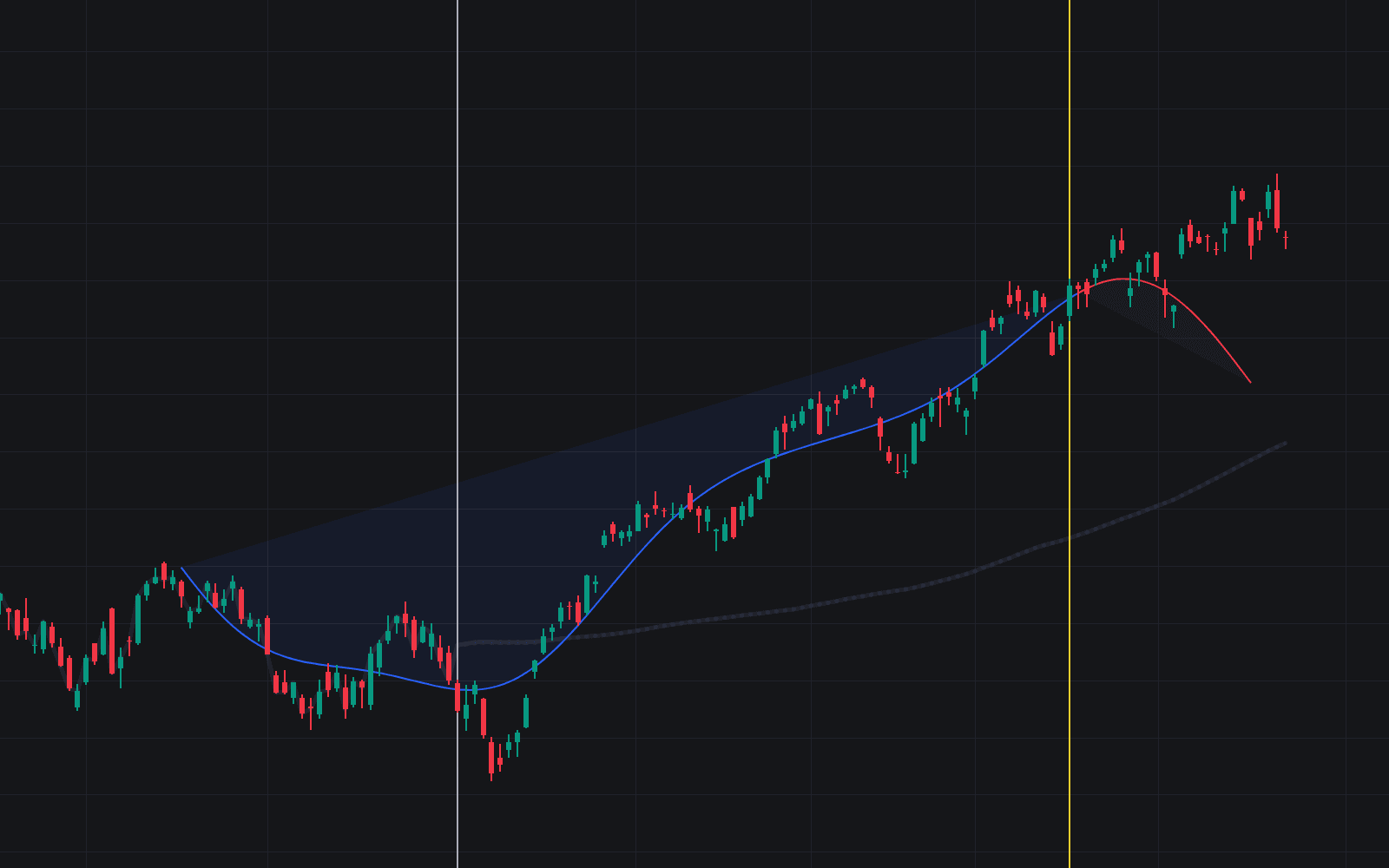
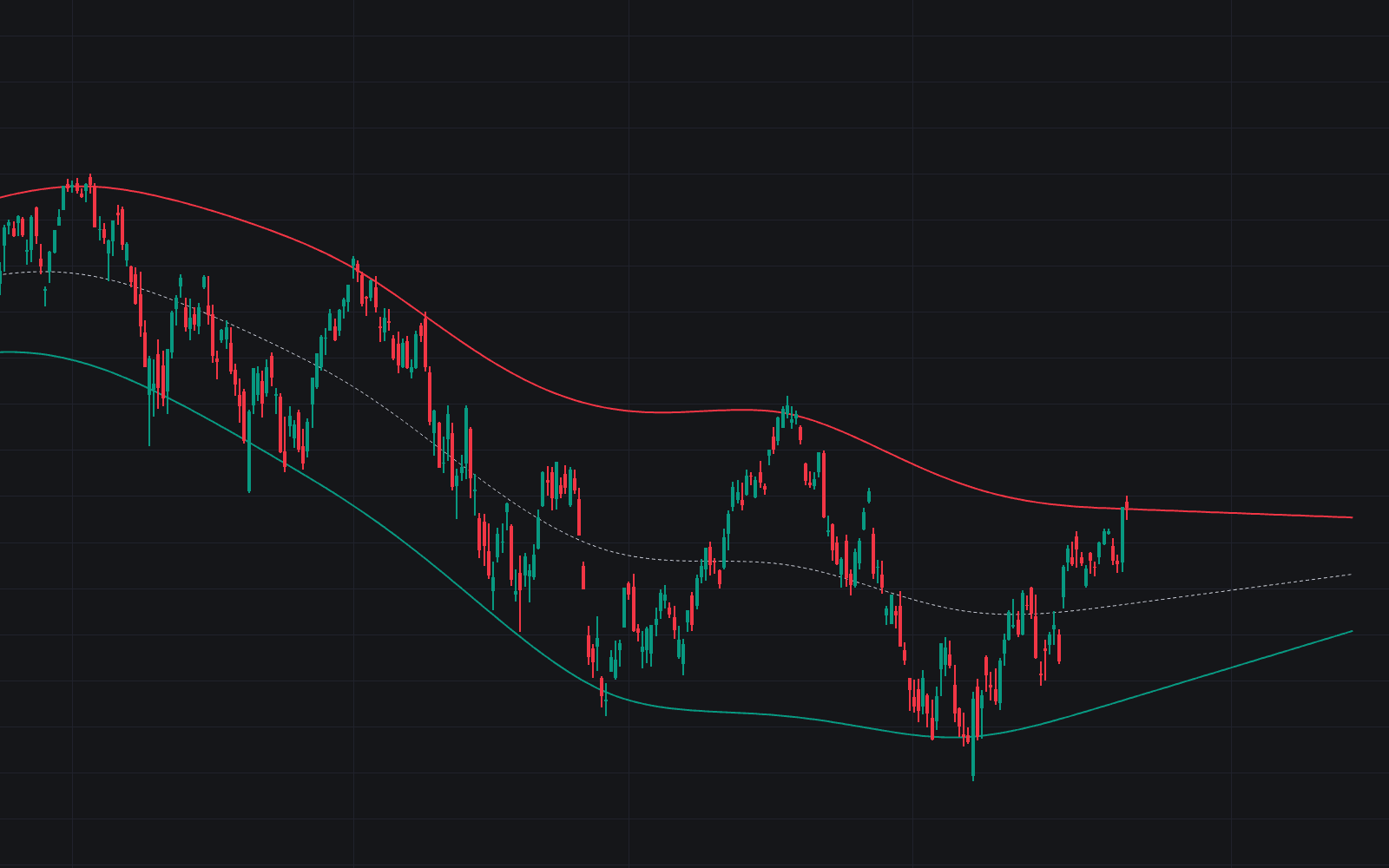
Run it on Vela. Make it yours with Quant.
Open this indicator free on Vela, our next-generation charting platform. Then ask Quant, our coding agent built into Vela, to retune it or turn it into a backtested strategy of your own.