Percentile Nearest Rank Using Arrays
 By LuxAlgoSep 10, 2020
Percentile Nearest Rank Using Arrays is an indicator on Vela, our next-generation charting platform, written in Pine Script®.
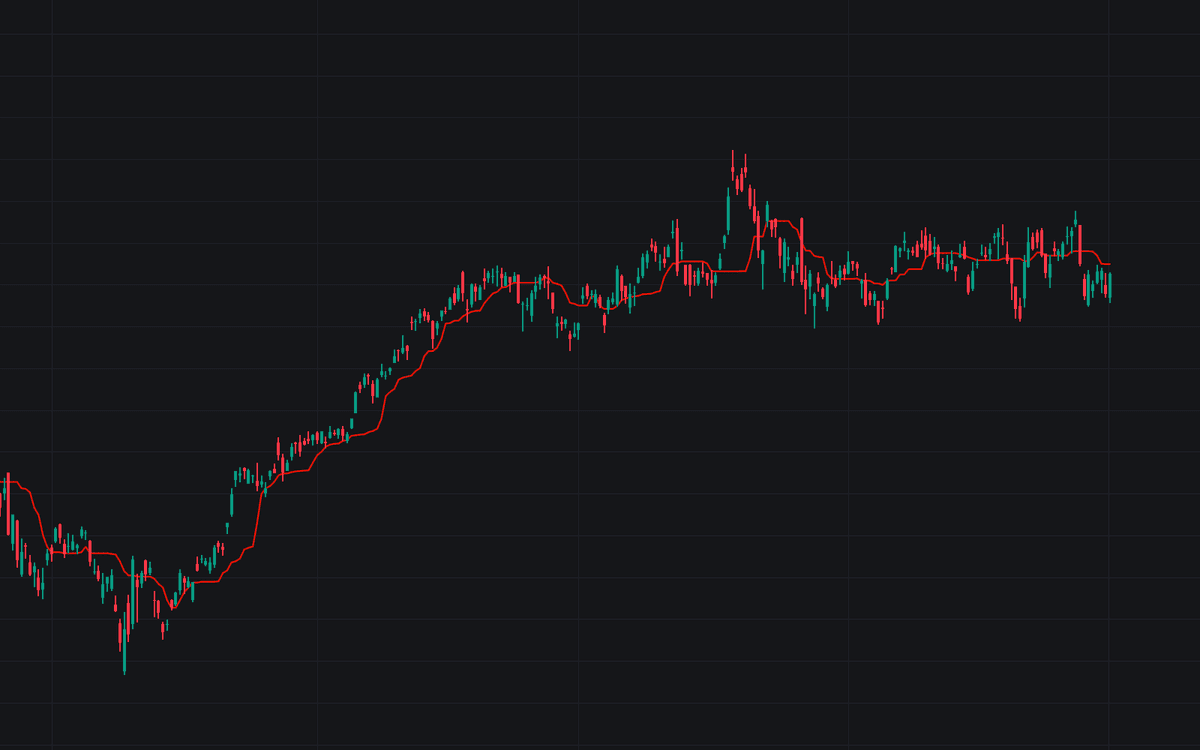

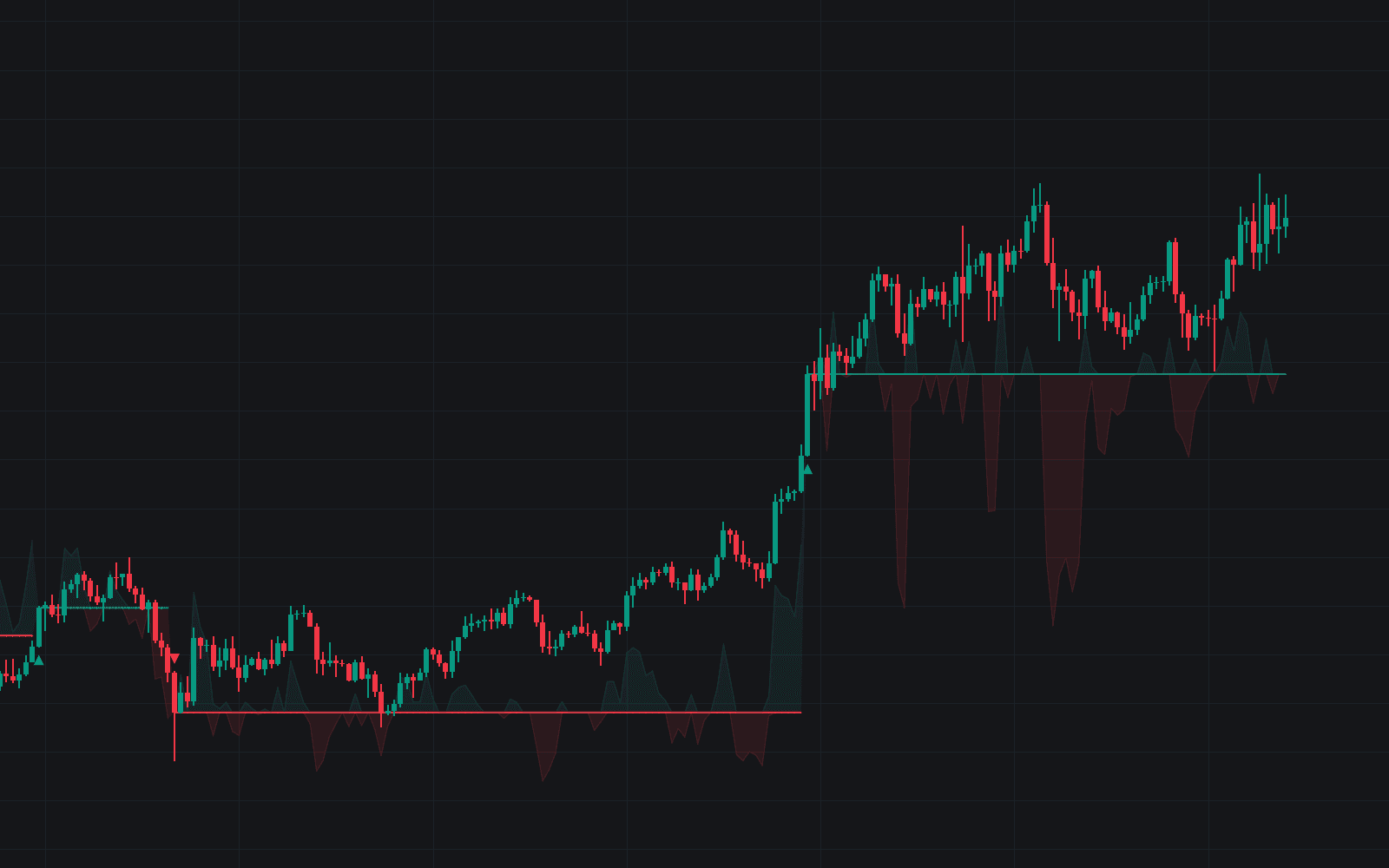
Percentile Nearest Rank Using Arrays computes a rolling percentile rank the direct way: gather the last Length values, sort them, and return the value below which Percentage% of the window sits. Created with Alex Grover, it is less a signal generator than a statistical primitive from the order-statistic filters family: one input turns the same engine into a rolling median, a quartile envelope, or a rolling extreme.
How to Trade the Percentile Nearest Rank Using Arrays?
- Percentage 50: plots the rolling median, a robust read of trend direction that a single outlier can't drag around.
- Percentage 100: returns the rolling maximum. For the rolling minimum, pick a percentage that rounds to the first rank (4 to 9 at the default Length of 15), because 0 wraps around to the maximum. These extremes are the statistics underneath stochastic normalization and Donchian-style channels.
- Percentage 75 / 25: the upper and lower rolling quartiles, bracketing the middle half of recent values.
Run two instances to frame a channel. The original release demonstrates a 75/25 interquartile band computed over a 100-bar window.
Percentile Nearest Rank Using Arrays Settings
- Length: the rolling window: how many past data points are ranked.
- Percentage: the 0-100 threshold; the output is the value with Percentage% of the window below it.
- Src: the series the percentile is computed on.
Frequently Asked Questions
Free to use
Run it on Vela. Go further with a paid plan.
- Up to 500 strategy alerts, with webhook automation
- Up to 10× the chart history of Free
- Orderflow lookback up to full history
- More Quant usage to customize it, plus extra usage when you need it
- Futures data alongside crypto, stocks, forex and commodities
Also works on

Related indicators
Run it on Vela. Make it yours with Quant.
Open this indicator free on Vela, our next-generation charting platform. Then ask Quant, our coding agent built into Vela, to retune it or turn it into a backtested strategy of your own.