Power Hour Trendlines

Dec 31, 2025

Static chart image
Support and Resistance
Time Based
Channels
Cycle
Works on the following platforms:
tradingviewSymbolTradingView
For free use on the TradingView platform
ninjatraderNinjaTrader
For free use on the NinjaTrader platform
metatrader4MetaTrader 4/5
For free use on the MetaTrader 4/5 platform
thinkorswimThinkorswim
For free use on the Thinkorswim platform

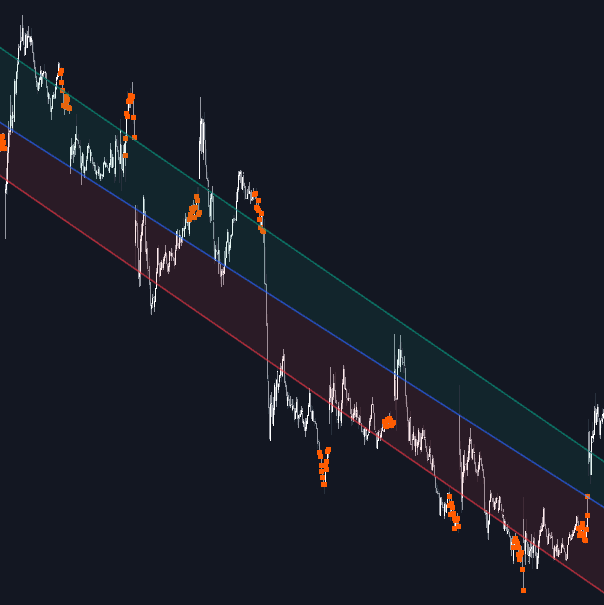
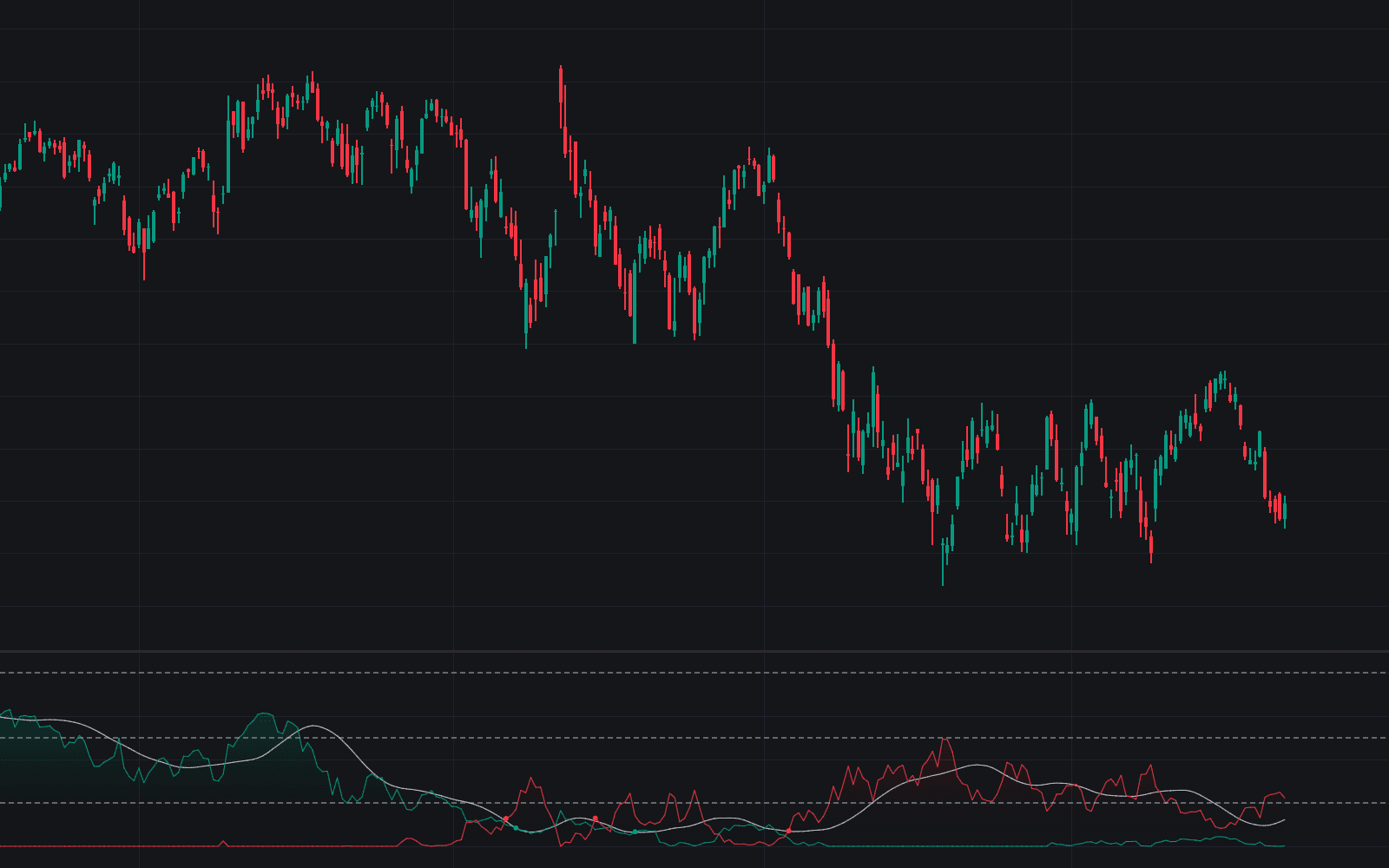
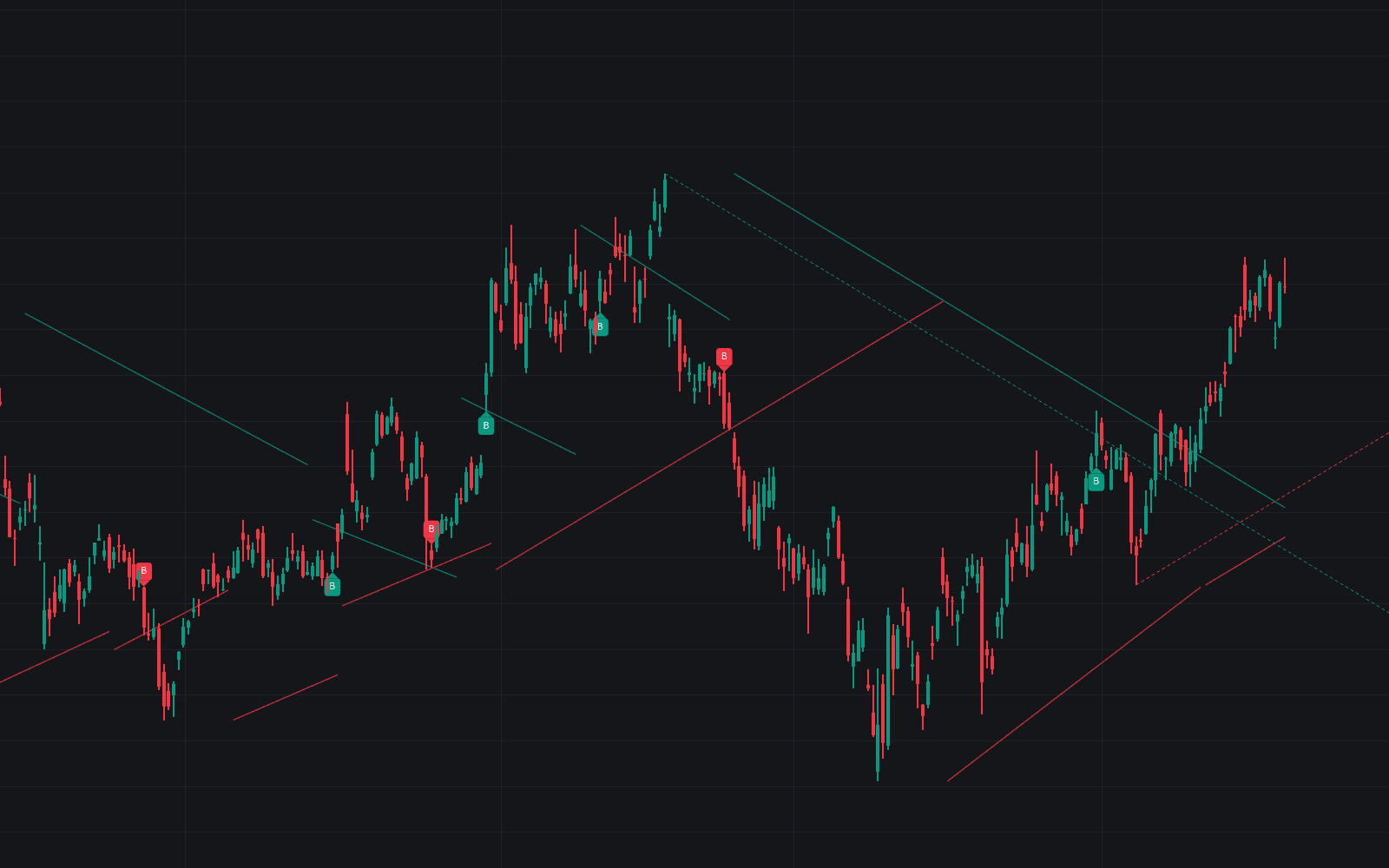
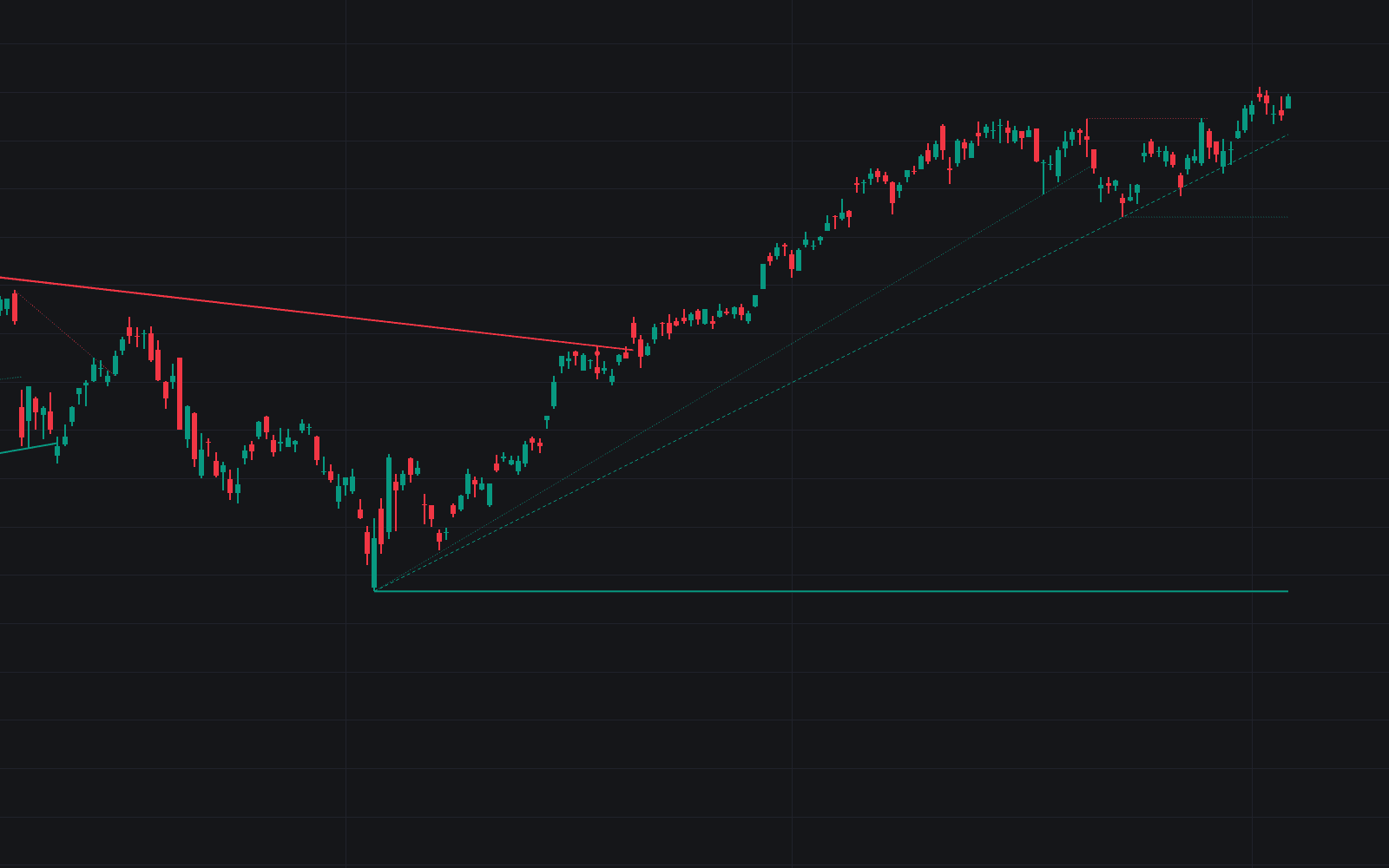
The Power Hour Trendlines trading indicator is a price-based trend analysis tool designed to help traders understand market direction, volatility, and key support and resistance levels using data from the most active part of the trading session. By focusing exclusively on Power Hours, this indicator builds statistically meaningful trendlines that reflect where institutional volume and late-session participation are most concentrated. The result is a clear and adaptable trading indicator that works as both a directional filter and a volatility-based trading strategy component.

Built for discretionary and systematic traders alike, Power Hour Trendlines allow users to customize session timing, session memory, and visual styling while maintaining a simple and objective methodology rooted in linear regression and price-action behavior.

How to Trade the Power Hour Trendlines Trading Indicator

indicator image

The Power Hour is defined as the final hour of the regular trading session and is set by default from 3:00 p.m. to 4:00 p.m. New York time. This period is widely recognized as a time of increased liquidity, volatility, and institutional activity, often associated with portfolio rebalancing and Market on Close (MOC) orders.

Traders operating on higher timeframes frequently use this window to enter or exit positions, making prices formed during Power Hours especially relevant for trend analysis. The Power Hour Trendlines indicator is built on the hypothesis that price data generated during these high-activity periods carries more informational value than prices formed during quieter market hours.

Trendline Construction Logic Explained

indicator image

The indicator constructs up to three trendlines using only the closing prices of candles that fall within the selected Power Hours:

  1. Middle Trendline
    A linear regression line is first calculated using all Power Hour closing prices across the selected number of sessions. This serves as the core directional reference.

  2. Upper Trendline
    Power Hour closes that fall above the regression line are used to compute the upper trendline, capturing bullish deviations and upside volatility.

  3. Lower Trendline
    Power Hour closes below the regression line are used to calculate the lower trendline, highlighting bearish pressure and downside volatility.

This approach ensures that the indicator adapts dynamically to price behavior while remaining statistically grounded.

Identifying Market Direction with Trendline Slope

indicator image

As with any trend-based trading strategy, the slope of the trendlines plays a crucial role in market interpretation:

  • Positive slope: The market is in an uptrend.
  • Negative slope: The market is in a downtrend.
  • Flat slope: The market is ranging or consolidating.

In the example shown, Nasdaq and Bitcoin exhibit clear downward slopes, gold shows a strong upward trend, and the euro/U.S. dollar reflects a sideways market structure over the observed sessions. This makes the indicator particularly useful as a higher-timeframe bias filter.

Volatility Analysis Using Trendline Width

indicator image

The distance between the upper and lower trendlines provides immediate insight into market volatility:

  • Wide channel: Higher volatility and more aggressive price swings.
  • Narrow channel: Lower volatility and more controlled price behavior.

In the example, Dow30 and the euro/U.S. dollar display opposite volatility dynamics. While volatility above the middle trendline expands in one case, it contracts in the other. Meanwhile, downside volatility remains stable in both, offering traders valuable context for risk management and position sizing.

Multi-Session Trend Analysis

indicator image

One of the strengths of the Power Hour Trendlines trading indicator is its ability to adapt to different analytical horizons. Traders can adjust the number of Power Hour sessions used in calculations, making it suitable for short-term, swing, and positional analysis.

As illustrated, XLY shows a consistent downtrend over the last 10, 20, and 40 sessions, with momentum accelerating over shorter lookback periods. However, over 70 sessions, the same market appears range-bound, highlighting how trend strength changes over time.

Using Power Hour Trendlines as Support and Resistance

indicator image

Trendlines naturally act as dynamic support and resistance levels. When applied to Power Hour data, these levels often align with areas where institutional traders react.

In the SPY example, trendlines calculated over the last 20 sessions provide clear reference zones where price is either accepted or rejected. Observing price behavior around these levels can help traders anticipate potential reactions, breakouts, or reversals as part of a broader trading strategy.

Not Allowed Timeframes

indicator image

Timeframes larger than 1 hour are not supported. Since the Power Hour is defined as the final hour of the trading session, the indicator requires intraday data to function correctly. A warning message will appear if a timeframe greater than 60 minutes is selected.

SETTINGS

  • Power Hour (NY Time): Define a custom Power Hour using New York time.
  • Sessions Memory: Select how many Power Hour sessions are used for trendline calculations.

Style

  • Top: Enable or disable the upper trendline and customize line and background colors.
  • Middle: Enable or disable the regression trendline and adjust its color.
  • Bottom: Enable or disable the lower trendline and customize line and background colors.
  • Background: Toggle background shading for the upper and lower trendline zones.

Frequently Asked Questions (FAQ)

What is the Power Hour Trendlines trading indicator used for?
It is used to identify trend direction, volatility, and dynamic support and resistance levels using price data from the most active hour of the trading session.

Can this indicator be used as a trading strategy?
Yes. Many traders use it as a directional filter, volatility gauge, or confluence tool alongside other trading indicators and price-action strategies.

Does this work on all markets?
The indicator works across stocks, indices, forex, crypto, and futures, as long as the instrument has a clearly defined trading session.

How do I access the Power Hour Trendlines indicator?
You can get access on the LuxAlgo Library for charting platforms like TradingView, MetaTrader (MT4/MT5), and NinjaTrader for free.

Trading & investing are risky and many will lose money in connection with trading and investing activities. All content on this site is not intended to, and should not be, construed as financial advice. Decisions to buy, sell, hold or trade in securities, commodities and other investments involve risk and are best made based on the advice of qualified financial professionals. Past performance does not guarantee future results.

Hypothetical or Simulated performance results have certain limitations. Unlike an actual performance record, simulated results do not represent actual trading. Also, since the trades have not been executed, the results may have under-or-over compensated for the impact, if any, of certain market factors, including, but not limited to, lack of liquidity. Simulated trading programs in general are designed with the benefit of hindsight, and are based on historical information. No representation is being made that any account will or is likely to achieve profit or losses similar to those shown.

Testimonials appearing on this website may not be representative of other clients or customers and is not a guarantee of future performance or success.

As a provider of technical analysis tools and strategies, we do not have access to the personal trading accounts or brokerage statements of our customers. As a result, we have no reason to believe our customers perform better or worse than traders as a whole based on any content, tool, or platform feature we provide.

Charts used on this site are by TradingView in which the majority of our technical indicators are built on. TradingView® is a registered trademark of TradingView, Inc. www.TradingView.comTradingView® has no affiliation with the owner, developer, or provider of the Services described herein.

Market data is provided by CBOE, CME Group, BarChart, CoinAPI. CBOE BZX real-time US equities data is licensed from CBOE and provided through BarChart. Real-time futures data is licensed from CME Group and provided through BarChart. Select cryptocurrency data, including major coins, is provided through CoinAPI. All data is provided “as is” and should be verified independently for trading purposes.

This does not represent our full Disclaimer. Please read our full disclaimer.

© 2026 LuxAlgo Global, LLC.