Support Resistance Classification
 By LuxAlgoJun 6, 2023
Support Resistance Classification is an indicator on Vela, our next-generation charting platform, written in Pine Script®.
.png&w=1200&q=75)
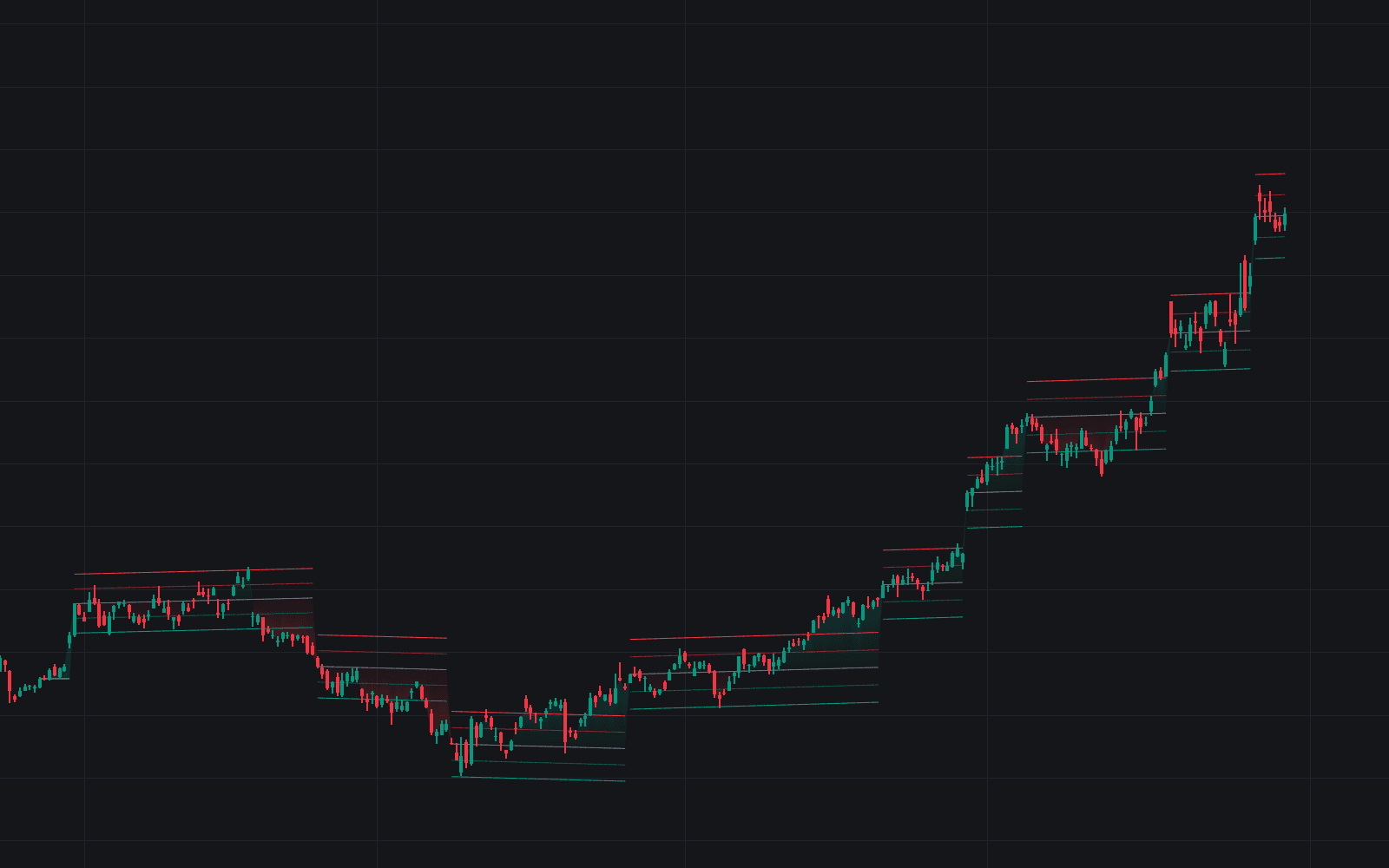
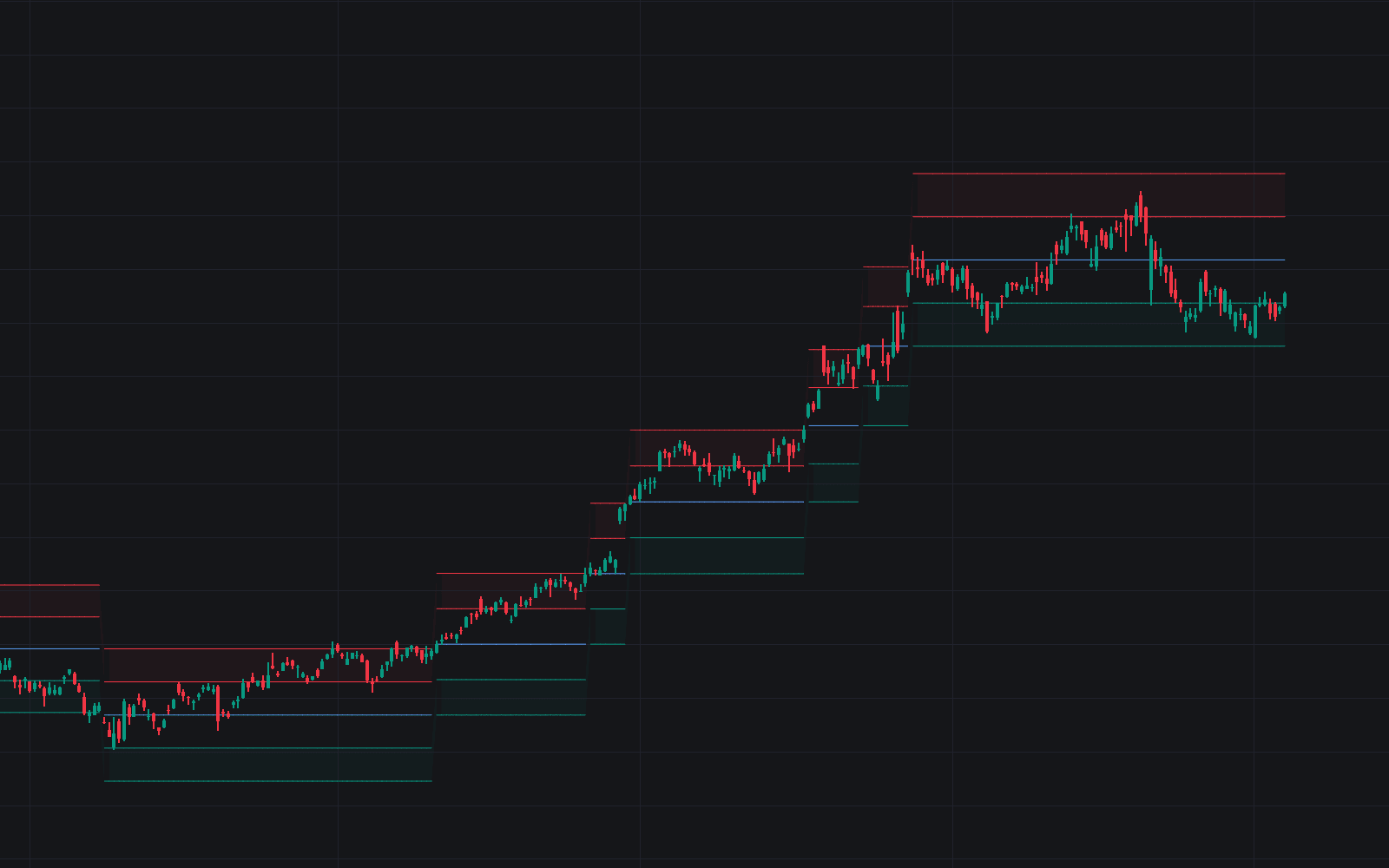
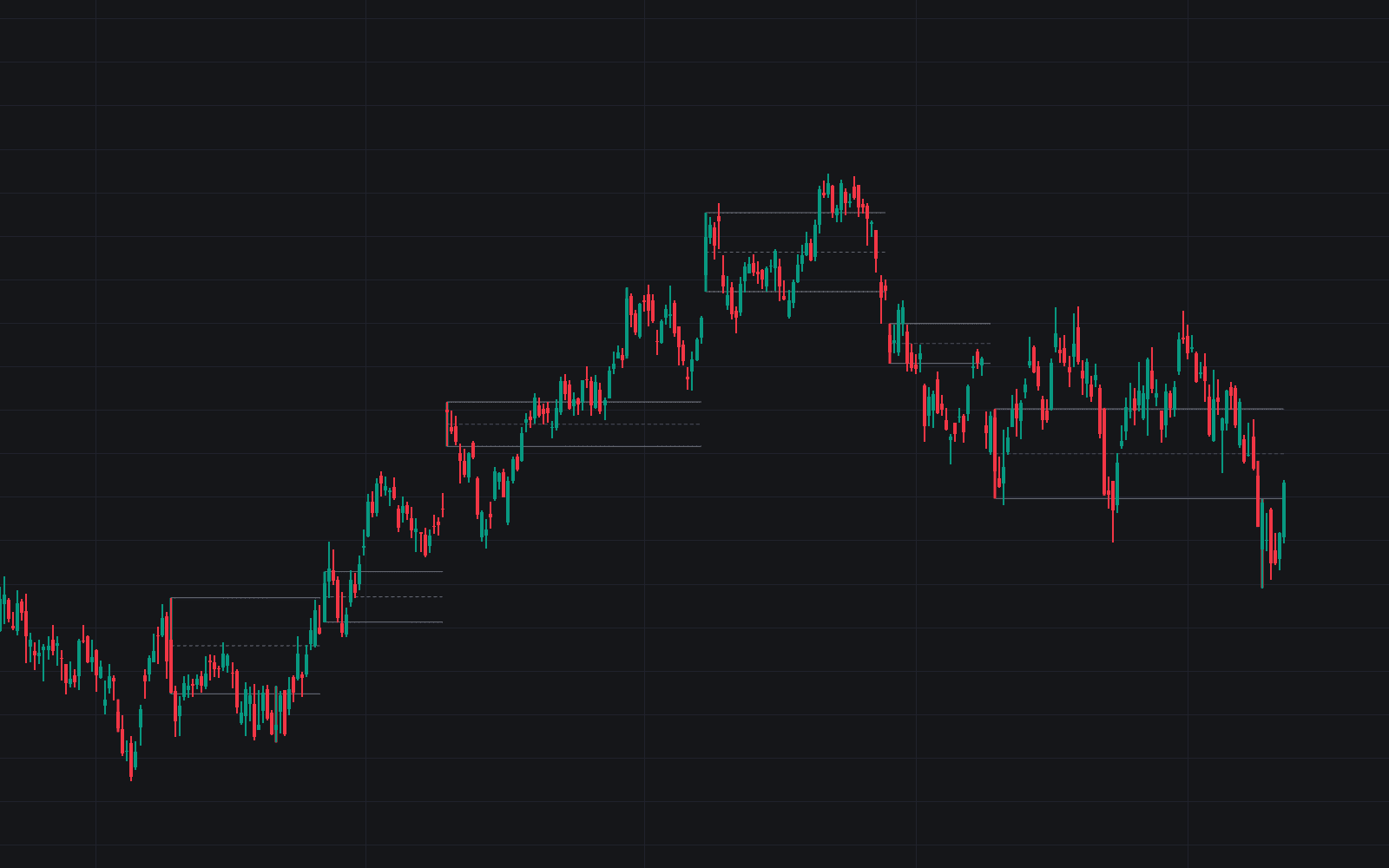
Support Resistance Classification doesn't just draw levels: it grades them. Working across a preset lookback window, it derives support and resistance levels from higher-timeframe references and assigns each a rank starting at 1 based on how few times price has closed through it, with the lower numbers marking the stronger levels. The output is a shortlist you can prioritize at a glance. This is the fixed-lookback, non-VR build: it deliberately omits visible-range functionality because the two techniques cannot share one script.
How to Trade the Support Resistance Classification?
- Rank 1 is the anchor: the strongest classified levels are the first candidates for anticipated reactions and reversals.
- Carry HTF levels down: identify long-term levels from higher-timeframe data, then trade around them on your execution timeframe.
- Swings span the whole line: whichever value/line option is active, swing levels are always checked for breaks across the full lookback.
- Non-broken swings count: unbroken swing points feed the calculation, sharpening the forward-looking value of the levels.
Support Resistance Classification Settings
- Lookback: how many bars back from the current bar the calculation covers.
- Fade: hides a level after a chosen number of breaks.
- Value / line: 'line' counts breaks against the latest level extended across the lookback; 'value' counts them against the reference's own value on each bar (SMA, upper/lower band) or only within the current higher-timeframe period (Fibonacci pivot point levels, previous high/low). Swings always use the whole line.
- Left/Right & Show: swing pivot detection, always on the chart timeframe, with optional pivot display.
- N°, TYPE, LENGTH, MULT, HTF: per-set choices of reference, calculation length, deviation multiplier, and higher timeframe; up to five values (swings excepted) can be displayed for verification.
Frequently Asked Questions
Free to use
Run it on Vela. Go further with a paid plan.
- Up to 500 strategy alerts, with webhook automation
- Up to 10× the chart history of Free
- Orderflow lookback up to full history
- More Quant usage to customize it, plus extra usage when you need it
- Futures data alongside crypto, stocks, forex and commodities
Also works on

Related indicators
All 19 S/R Zone indicators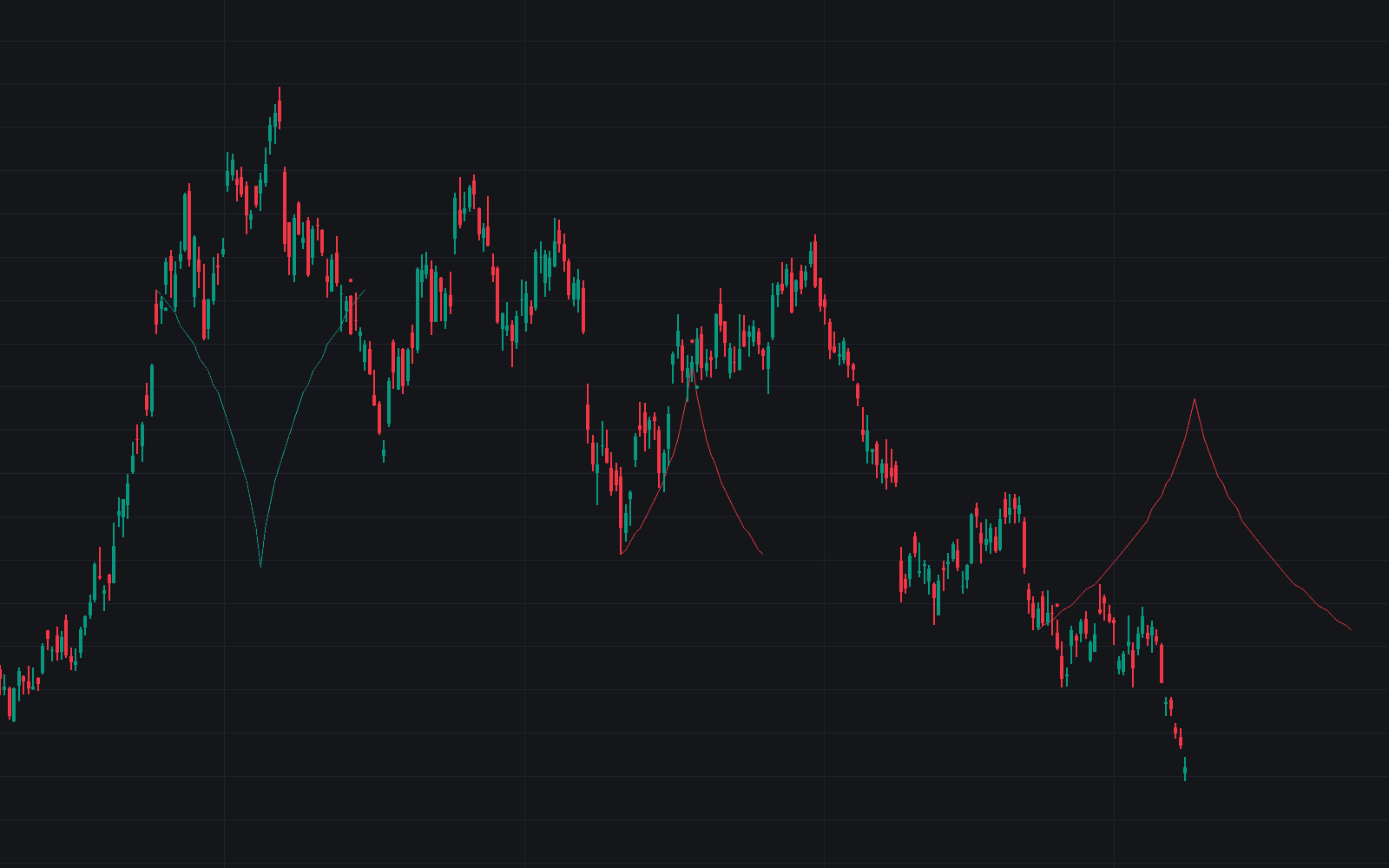
Run it on Vela. Make it yours with Quant.
Open this indicator free on Vela, our next-generation charting platform. Then ask Quant, our coding agent built into Vela, to retune it or turn it into a backtested strategy of your own.