Your Pine Script®, running on Vela
Paste the scripts you already have, write your own in the Pine editor, or have Quant, our coding agent, write them for you. Pine Script® runs on Vela, our next-generation charting platform, through PineTS, our open-source runtime.
Free to start. No credit card required.
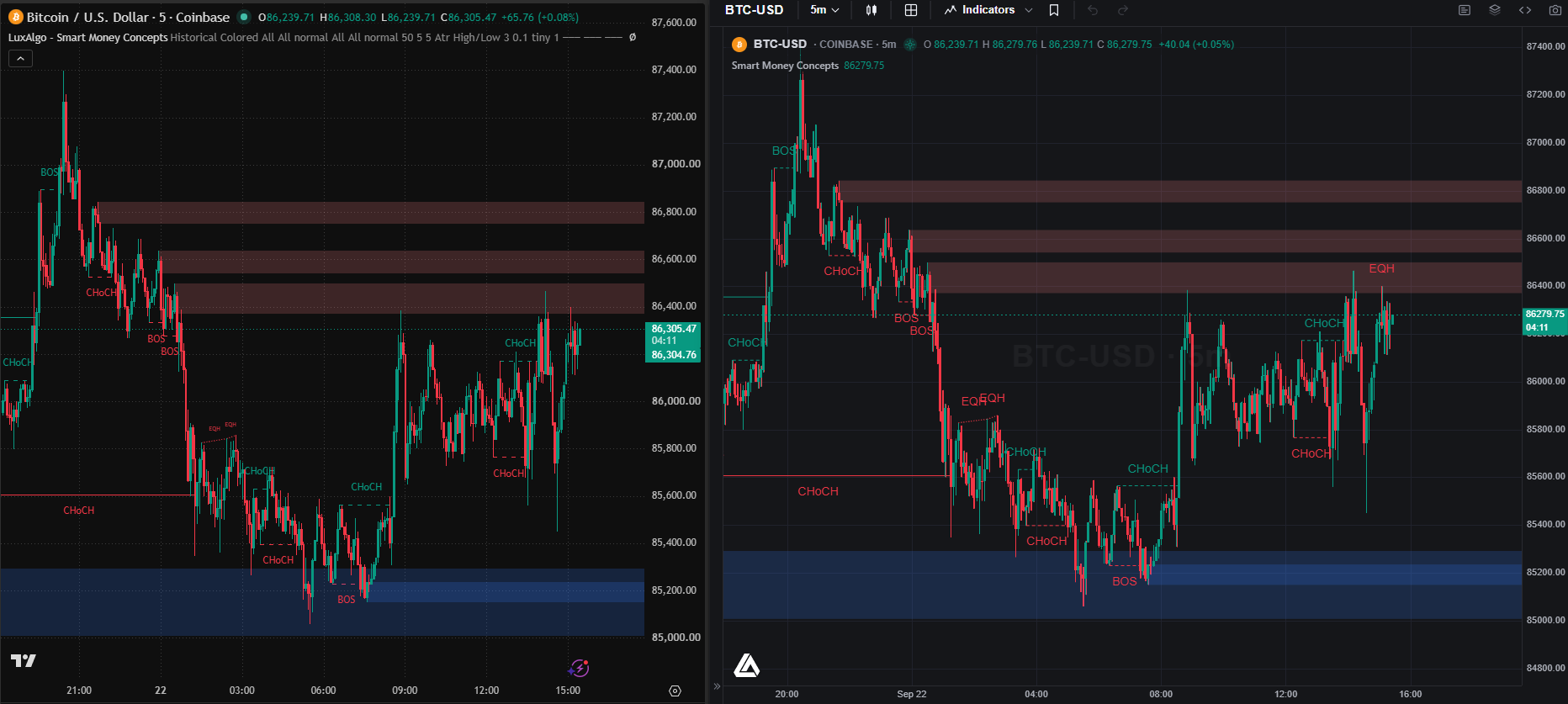
Three Ways onto the Chart.
However a script starts, it ends up in the same place: running on your chart, with its inputs in the settings and its code one click away.
Paste it.
Open the Pine editor from the panel rail, paste the Pine Script® you already have, and press Run. It lands on the active chart.
Write it.
Start a new script and run it as you go. Choose Edit code on a script’s legend row and Run becomes Update: the code changes in place, settings and all.
Ask Quant.
Describe a tool or a strategy, or show it a chart screenshot. Quant, our coding agent, writes the Pine Script®, validates every line, and puts it on your chart.
An Editor Inside the Chart.
- Run puts the script on the active chart. Once it is there, Update changes it in place and keeps its settings.
- Save keeps it in My scripts, in the Indicators menu, beside everything Quant wrote for you. Star it to keep it in Favorites.
- Version history holds the session's versions, and the logs sit under the code. If an update fails, the previous version keeps running.
Every control, step by step: the Pine editor docs.
Strategies, Backtested Where They Run.
Run a strategy script and the chart marks every entry and exit, with a Backtest Summary underneath. Open the full viewer for performance, trade analysis, the trade log, and simulations, and set capital, order size, commission, and slippage in the script's settings.
Backtesting is research, not prophecy: it shows how logic performed historically, so you can refine it honestly. Past performance does not guarantee future results. Backtesting on Vela.
The Library, Already in Pine Script®.
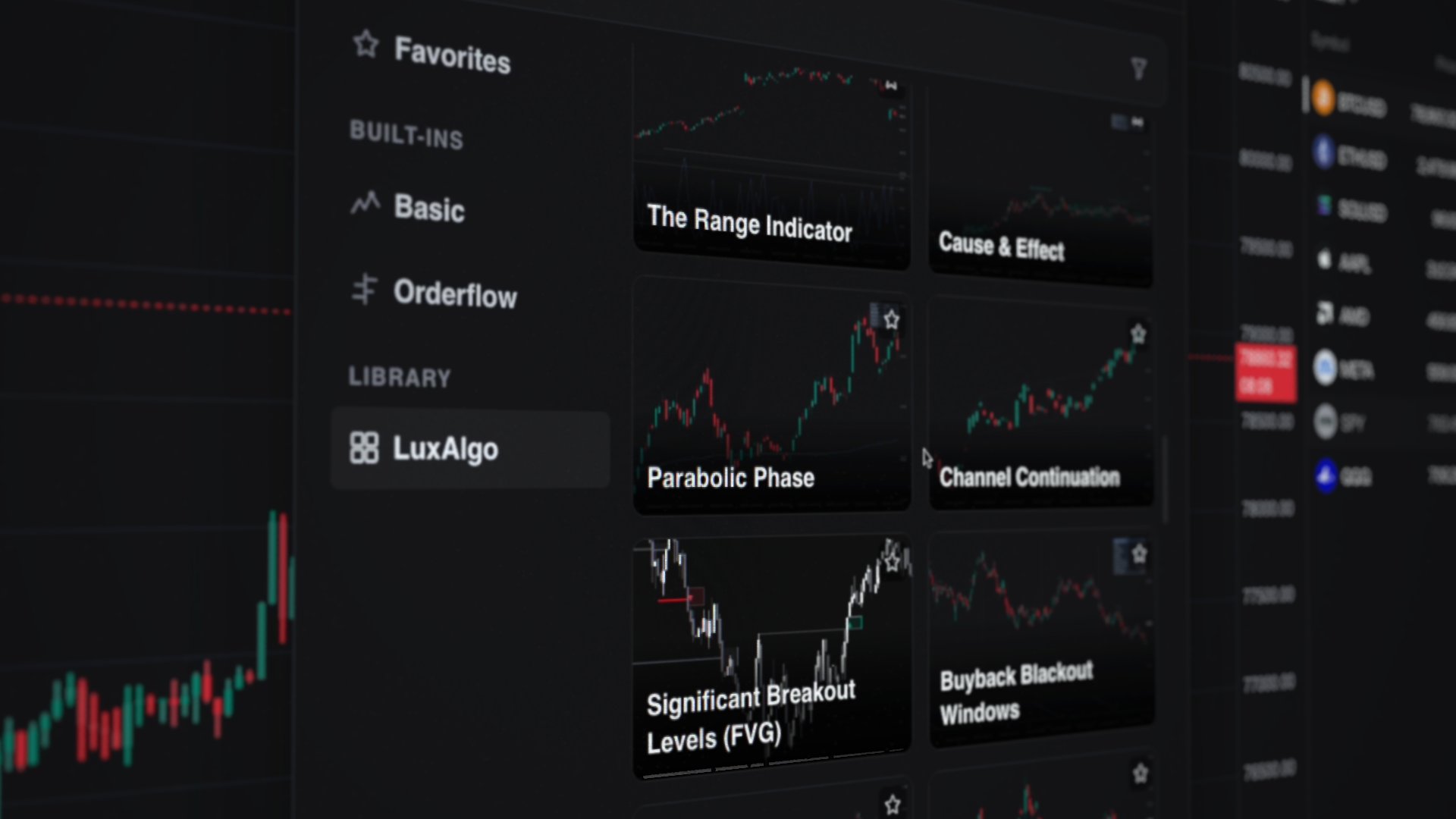
Every indicator in the LuxAlgo Library runs on Vela through PineTS, straight from the Indicators menu: no import, no paste. Free indicators publish their full Pine Script® source on luxalgo.com with a Copy code button, so you can read one, paste it into the editor, and make it yours.
Powered by PineTS, Our Open-Source Runtime.
PineTS executes Pine Script® the way the language defines it: the bar-by-bar model, series indexing, var and varip, na and barstate. It is a runtime, not a converter, and it is open source, so anyone can read how a script runs.
Questions, answered.
Yes. Open the Pine editor from the panel rail, paste or write your script, and press Run: it lands on the active chart. Indicators and strategies both run, on every plan including Free. Running scripts needs a free account.