NewLaunch
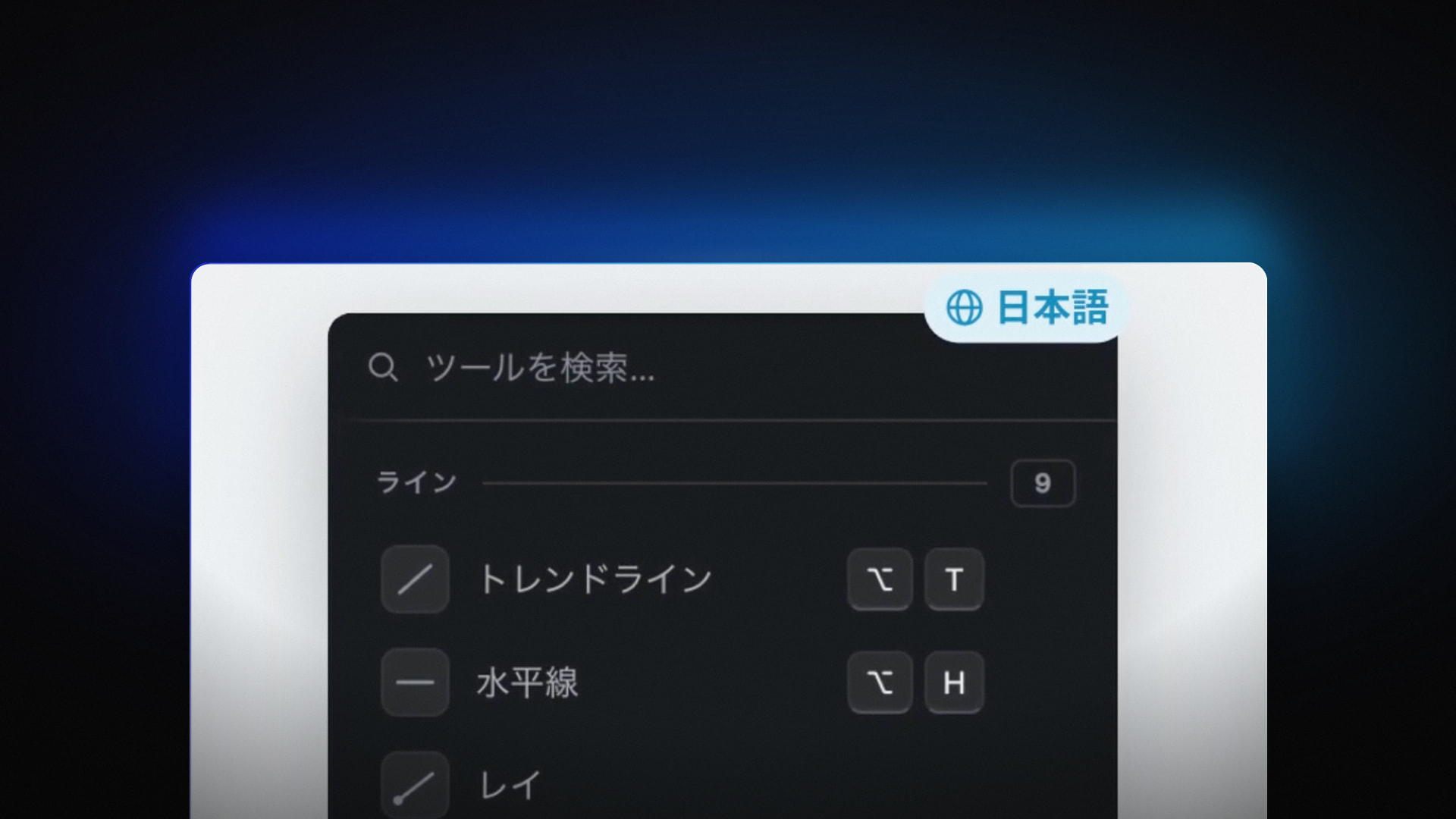
Vela now speaks 21 languages
Vela, our next-generation charting platform, now supports 21 languages. Automatic based on your browser and selectable from your profile dropdown.
New features every week on Vela, our next-generation charting platform, and across LuxAlgo. Launches and the smaller updates and fixes between them, in one running record. The same notes land in our Discord and inside the app.
46 updates
Vela, our next-generation charting platform, now supports 21 languages. Automatic based on your browser and selectable from your profile dropdown.
Import watchlists, chart layouts, accessible Pine Script® code, and paper trading history from TradingView. The setup checklist saves your progress so you can finish later.
Drawings, notes, and protected scripts do not transfer.
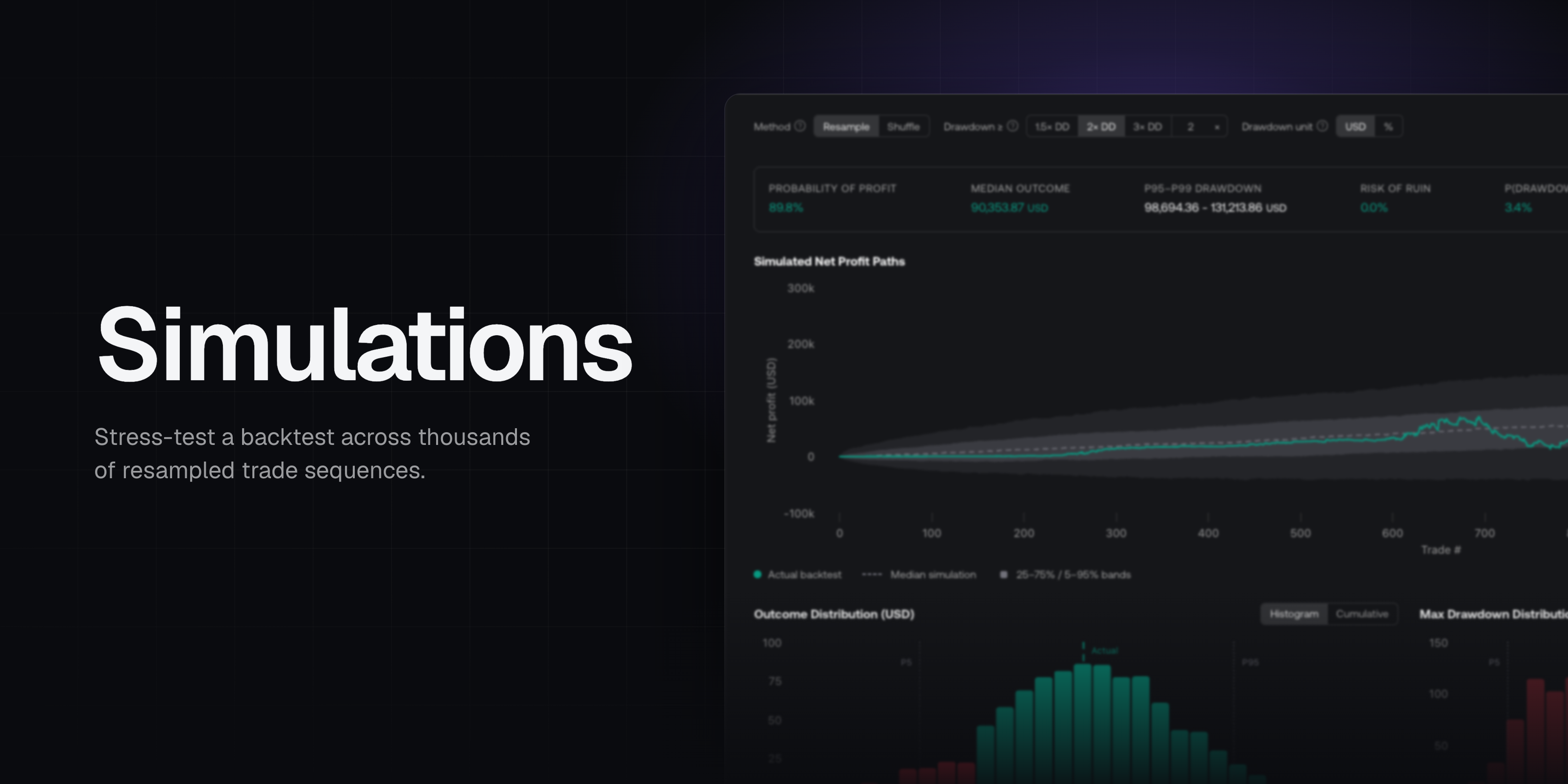
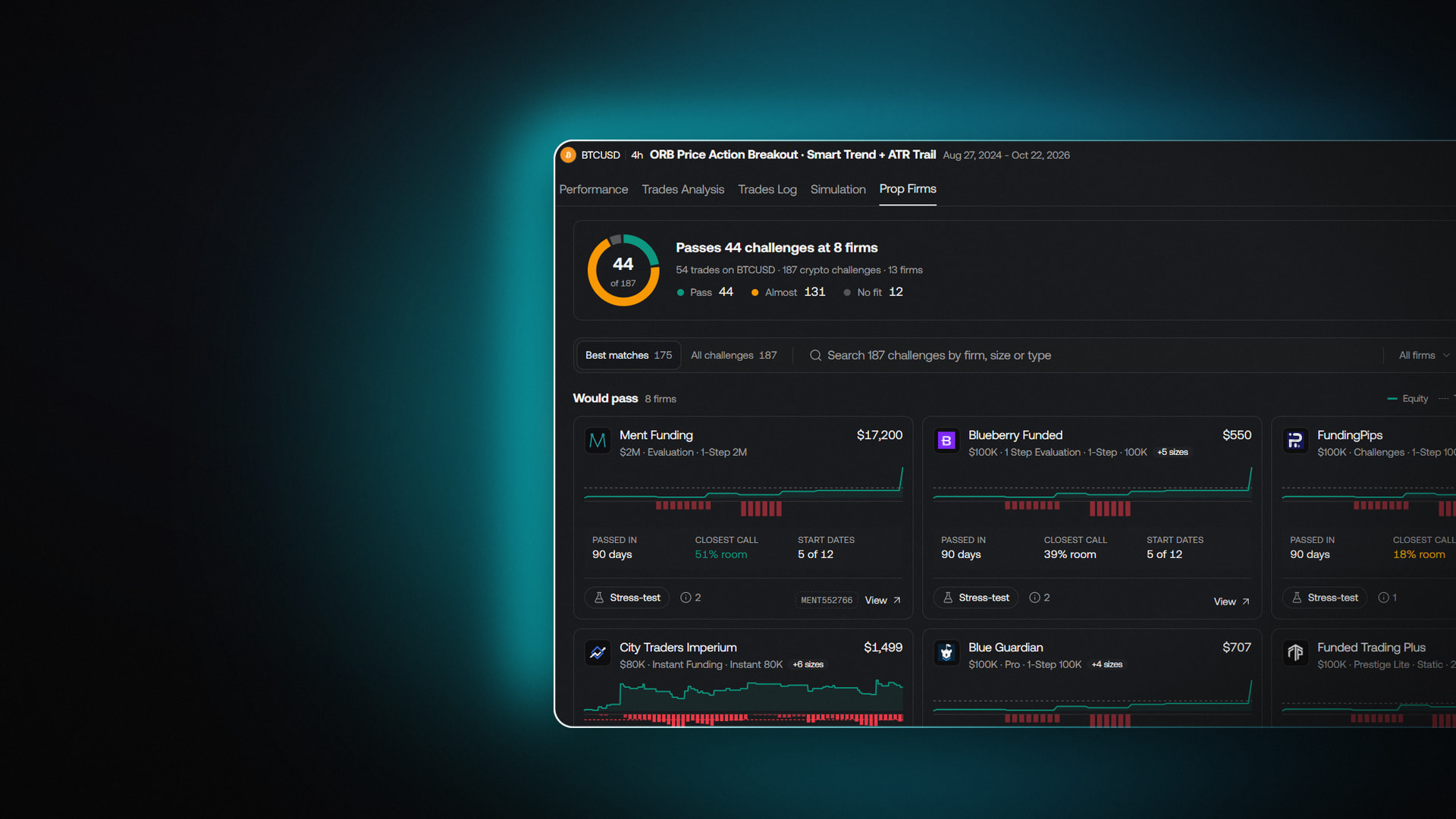
The new Prop Firms tab in the backtest viewer shows which prop firm challenges your strategy's backtest passes. Stress test the results for a firm's challenge with simulations to check whether a pass held up or came down to luck.
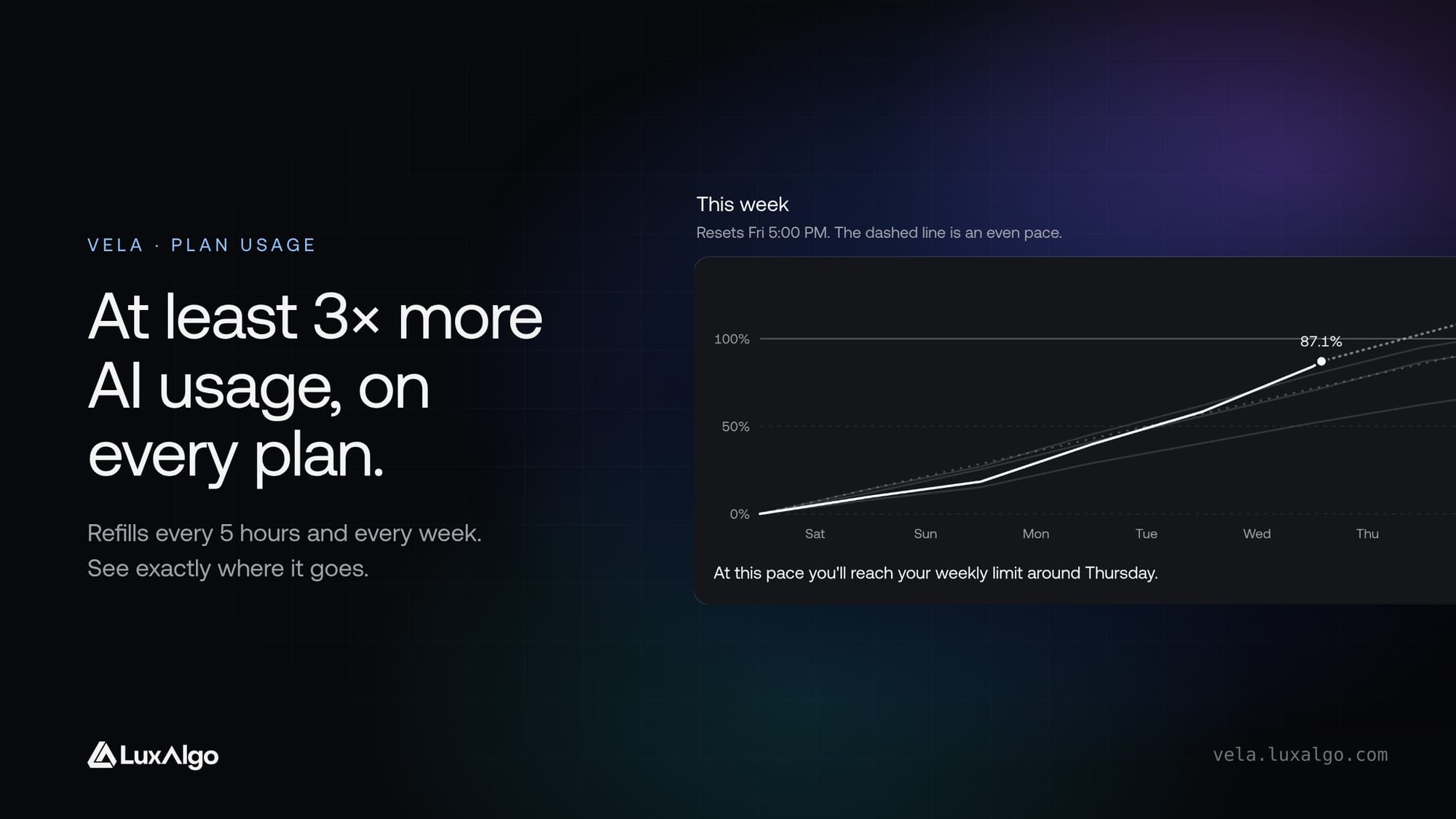
Quant, our coding agent, now runs on plan usage instead of monthly credits: at least 3× more AI usage on every plan, at the same price, with usage matched to the local price on plans priced in local currency. It refills every 5 hours and every week, and Account › Usage shows exactly where it goes.
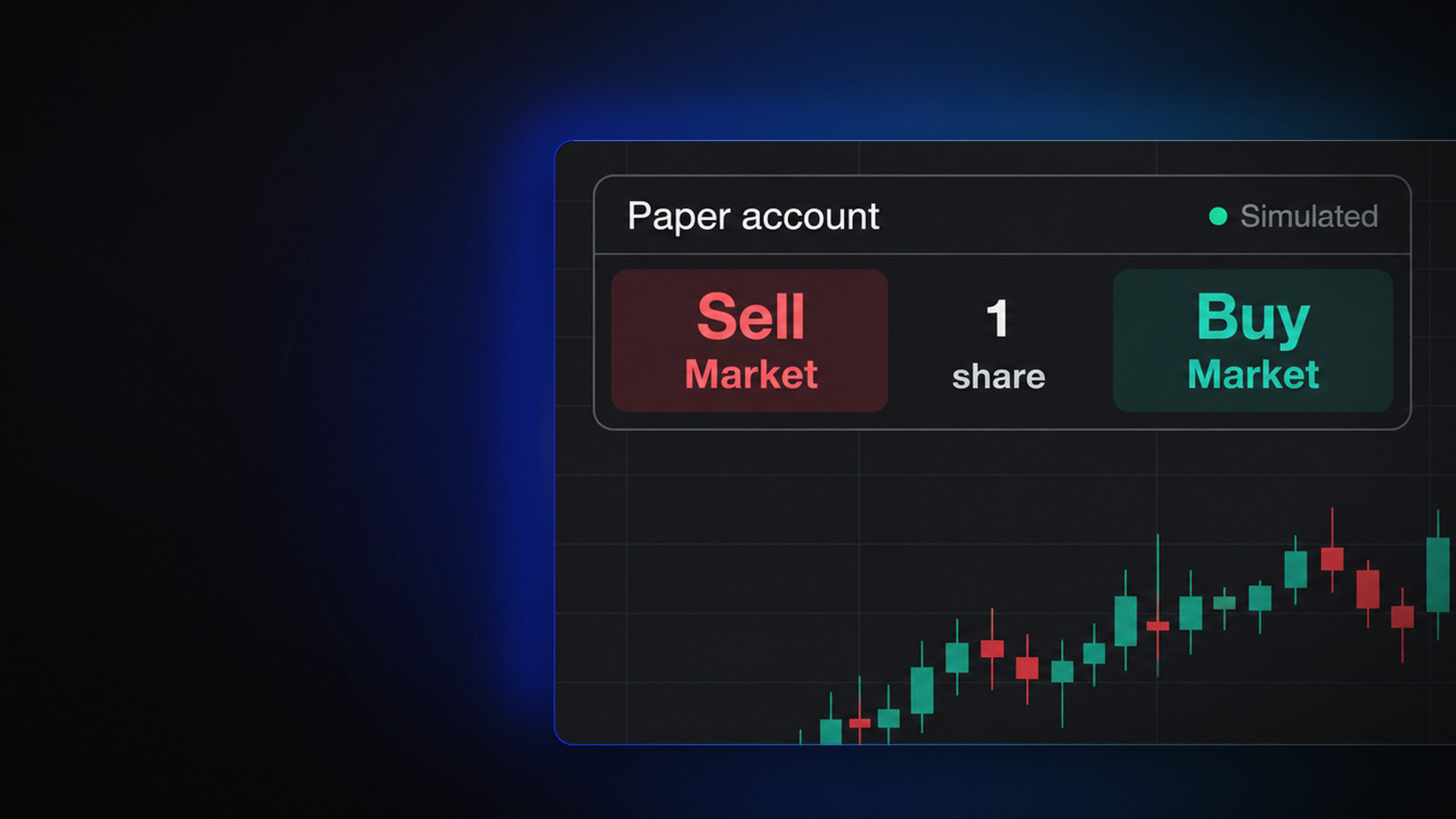
Practice trading on Vela with a $100,000 paper account: buy and sell right from the chart, set stops and targets, and size orders in lots, shares, dollars, or by risk, with no broker and no real money.
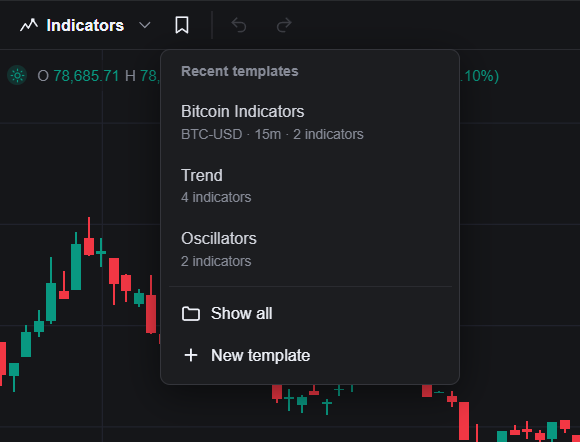
Save the way you like a chart or an indicator set up, and apply it again in one click.
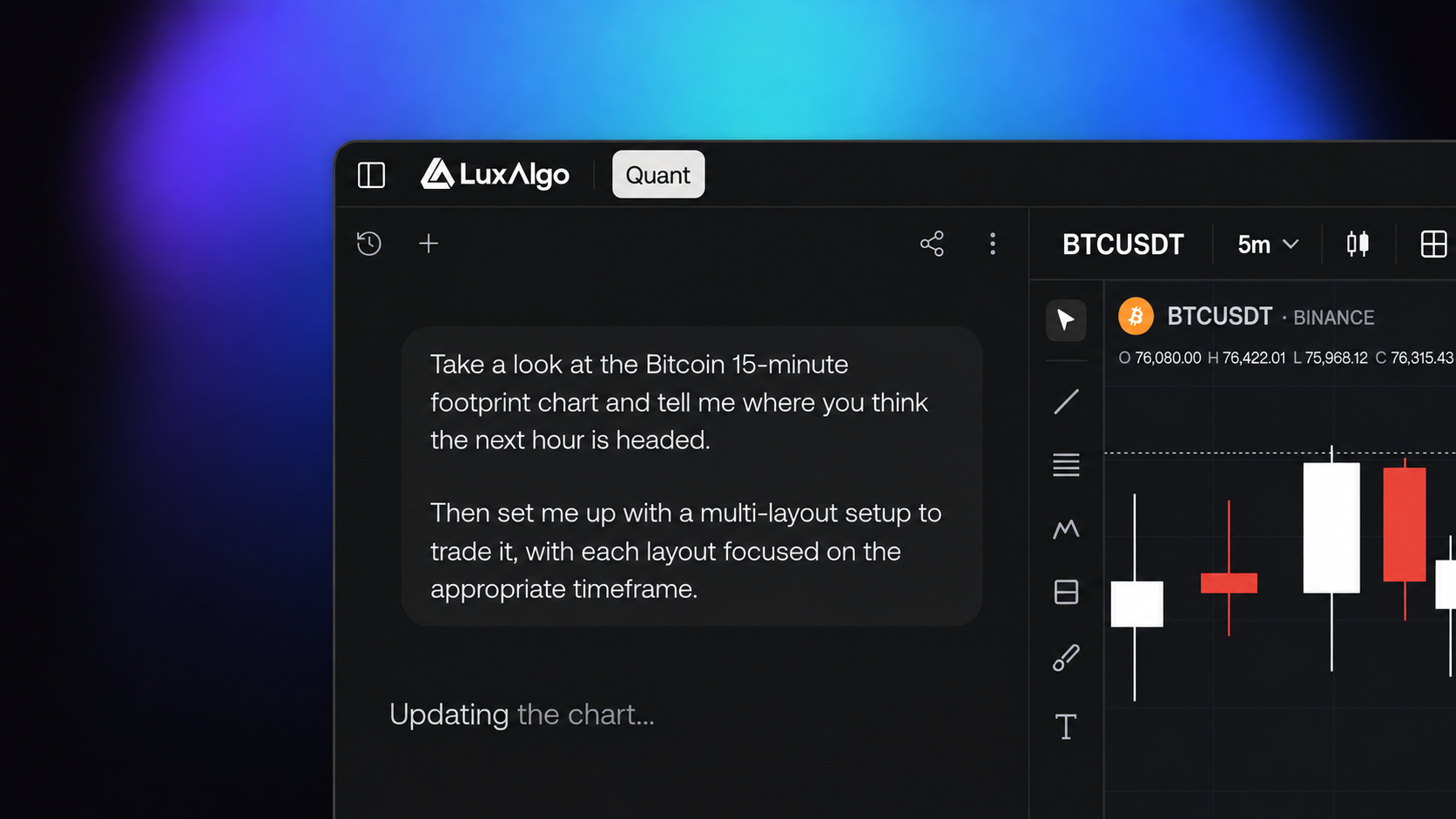
Quant, our coding agent, is quicker to start with and easier to correct.
Every drawing on Vela has a cleaner settings dialog, and your drawing tools remember how you like them.
See what's on the economic calendar today in a panel right next to your chart. Open it from Calendar on the right side of your workspace.
Finding and adding tools on Vela takes fewer clicks.
The watchlist now tells you more about every symbol on it, and Advanced View is rebuilt around your whole list.
The Indicators menu is rebuilt to help you find the right tool faster.
Quant now decides for itself when a question needs current outside information.
Quant now shows what it's doing as it works, step by step: thinking, looking things up, writing and editing scripts, and updating your chart.
Your scripts now have a home in the indicator menu. The new My Scripts section collects everything Quant, our coding agent, has generated for you alongside the scripts you have saved.
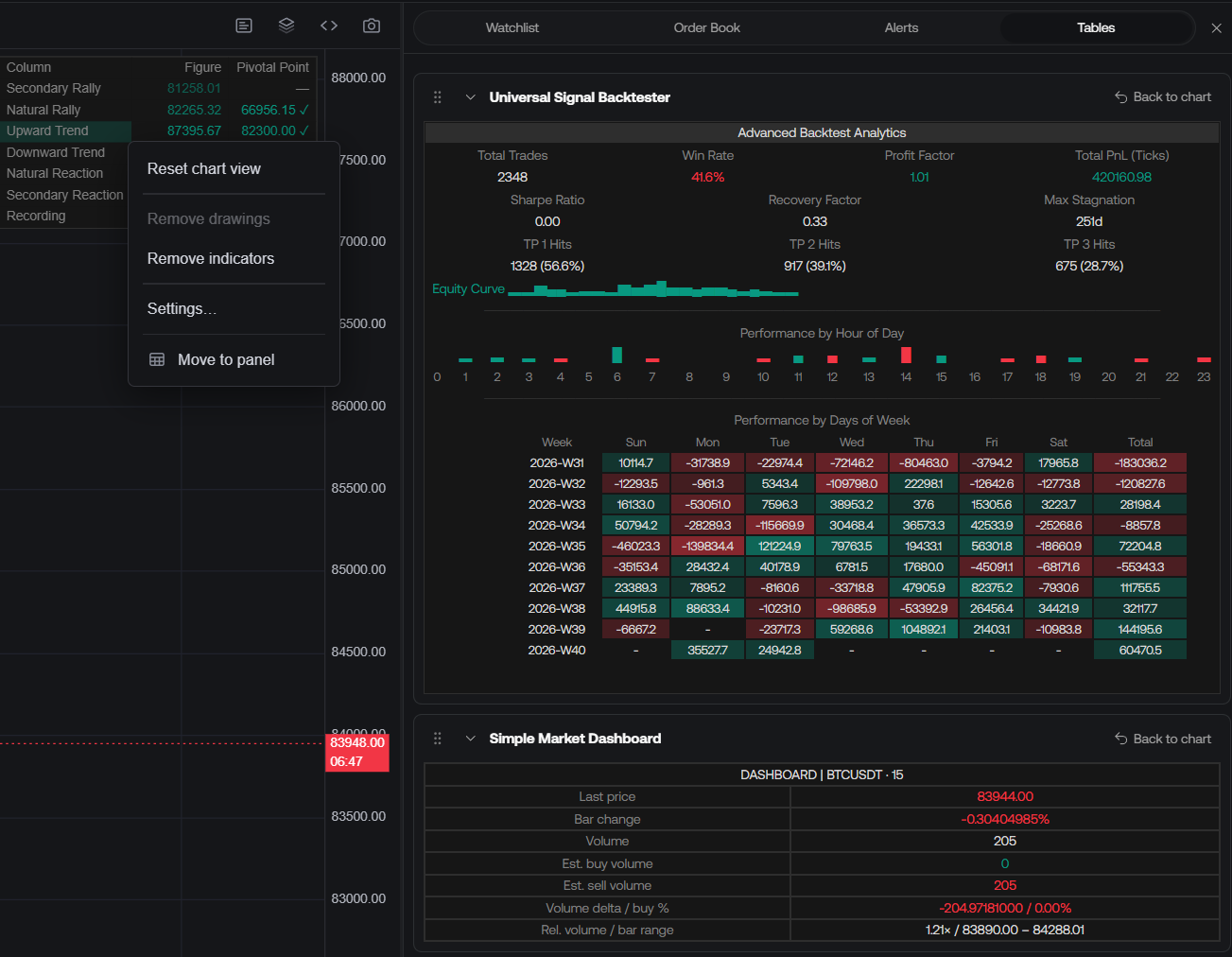
Indicator dashboards and tables can now move into a dedicated, scrollable side panel, freeing space on the chart.
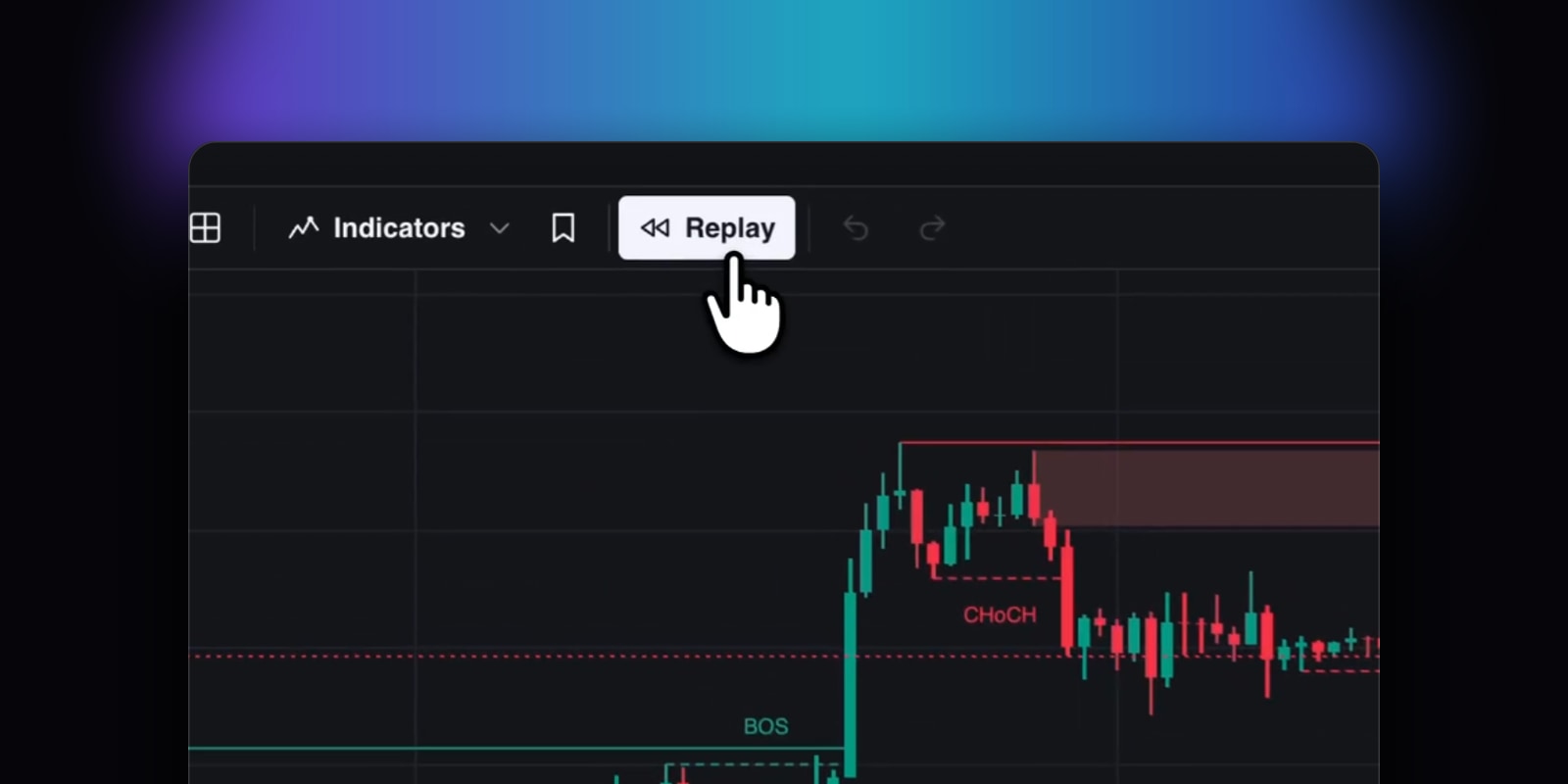
Replay chart history, backtest trades, and simulate your setup in Vela. Choose a start date or specific candle from chart history with the slider, set the update speed, and watch the chart play with native support for multi-chart displays.
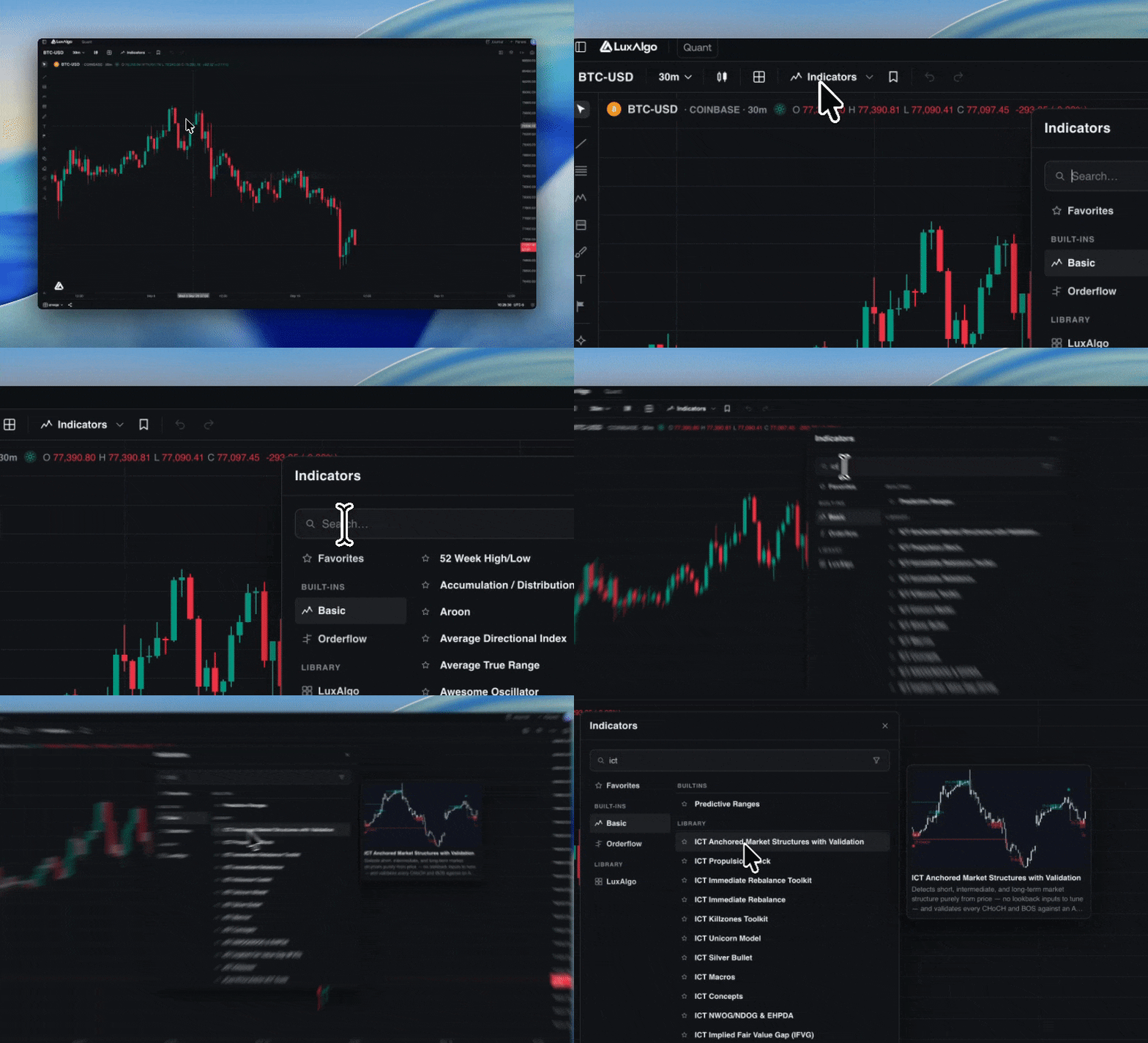
You can now preview indicators visually on-hover when searching on Vela
The search icon in Quant is now a chat history menu, so you can jump back into any past conversation.
Every free build in the Library shows its full source, with a Copy code button on luxalgo.com.
TradingView and Discord connections now live together under Account → Connections.