3-Step Institutional Trap
 By LuxAlgoJun 8, 2026
3-Step Institutional Trap is an indicator on Vela, our next-generation charting platform, written in Pine Script®.
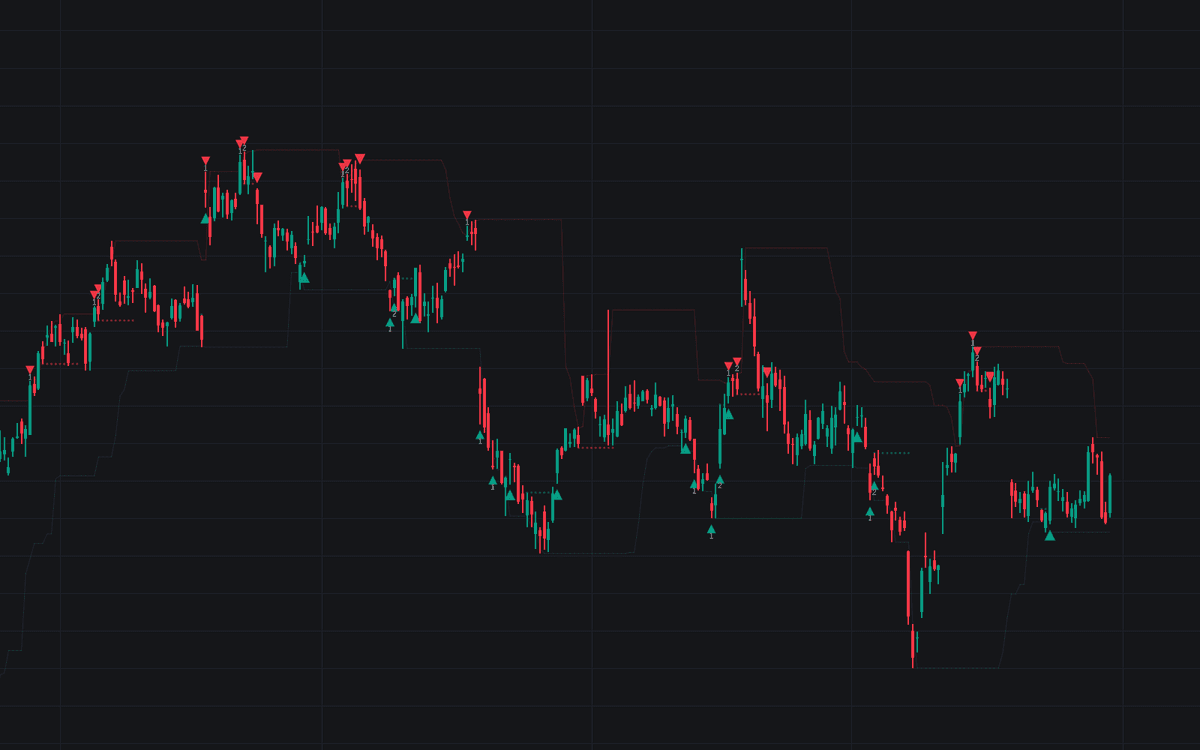

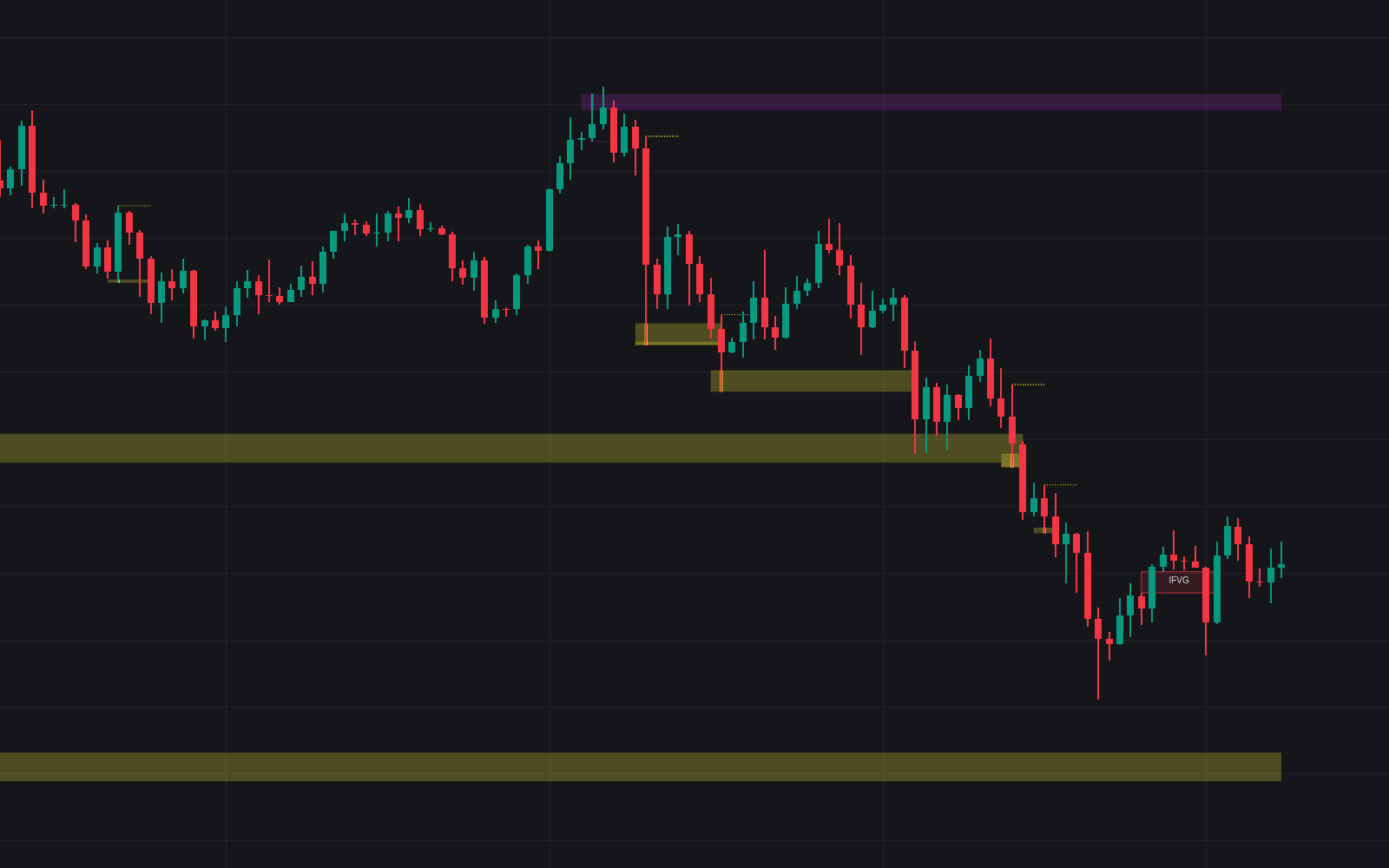
3-Step Institutional Trap marks the moments a breakout was really a stop hunt. It demands three events in order: a liquidity sweep of a recent high or low, a close back inside the broken level, then a break of the trap bar's own extreme, a state machine that stamps labels 1 and 2 on the chart before printing the final buy or sell signal. The premise: once the stops resting beyond an obvious level have been absorbed, the market often reverses sharply, and demanding all three steps keeps you out of the first fake move.
How to Trade the 3-Step Institutional Trap?
- Bullish setup: price breaks below the recent low (label 1), closes back above it inside the rejection window (label 2), and the buy signal fires once price breaks above the trigger level.
- Bearish setup: price sweeps the recent high, closes back below it, and the sell signal prints on the breakdown through the trigger price.
- Trigger level: the high or low of the bar that closes back inside the swept level. No signal exists until a candle closes through it.
Each phase must complete within its configured window, so stalled setups expire instead of firing late. The lookback and timing inputs scale the same logic from one-minute scalps to four-hour swing entries, and the full sequence doubles as a clean read on inducement, the engineered move that pulls traders in before the real direction shows.
3-Step Institutional Trap Settings
- Lookback Period: how many bars define the recent high or low being swept; longer values anchor the trap to more significant levels.
- Max Bars for Rejection (Step 2): the window price has to close back inside the swept level before the setup is abandoned.
- Max Bars for Shift (Step 3): the longest wait allowed for the trigger break once rejection has confirmed.
Frequently Asked Questions
Free to use
Run it on Vela. Go further with a paid plan.
- Up to 500 strategy alerts, with webhook automation
- Up to 10× the chart history of Free
- Orderflow lookback up to full history
- More Quant usage to customize it, plus extra usage when you need it
- Futures data alongside crypto, stocks, forex and commodities
Also works on

Related indicators
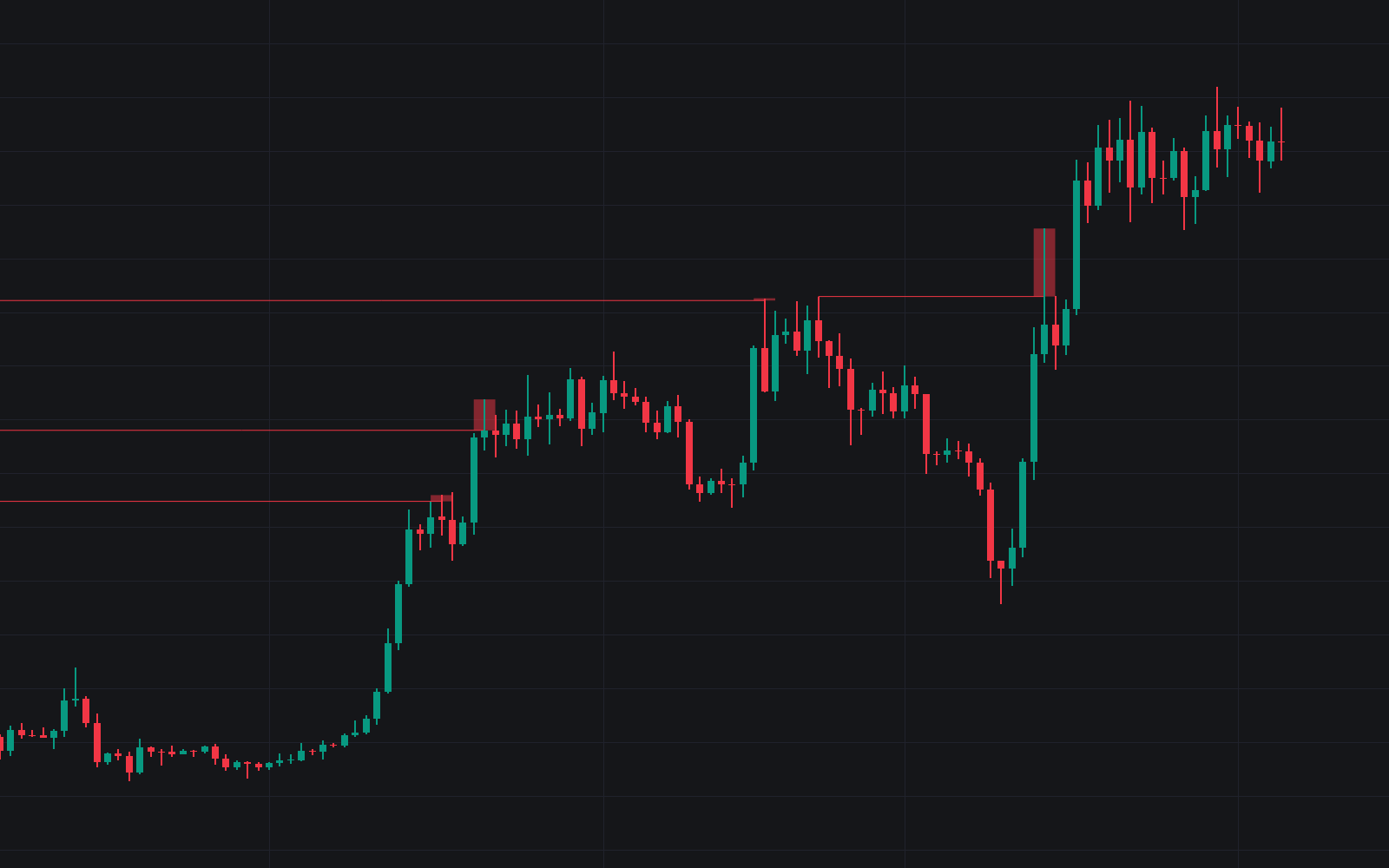
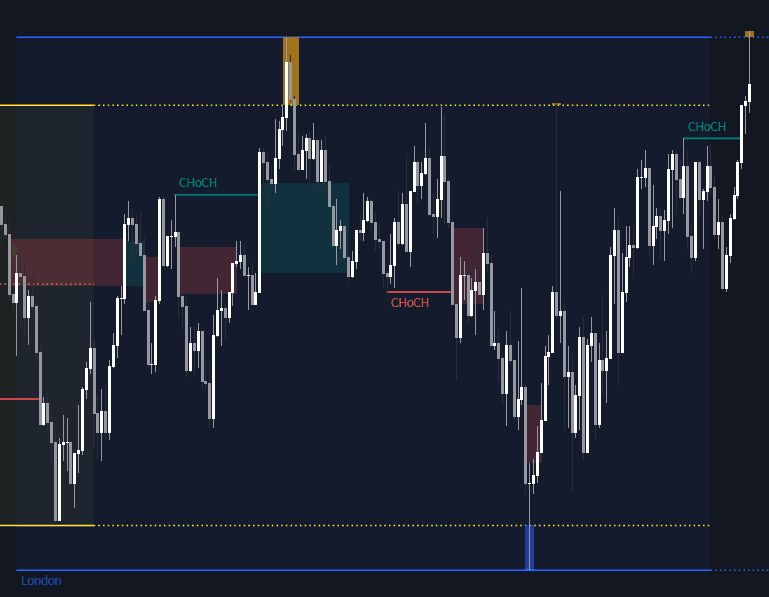
All 27 Liquidity Sweep indicators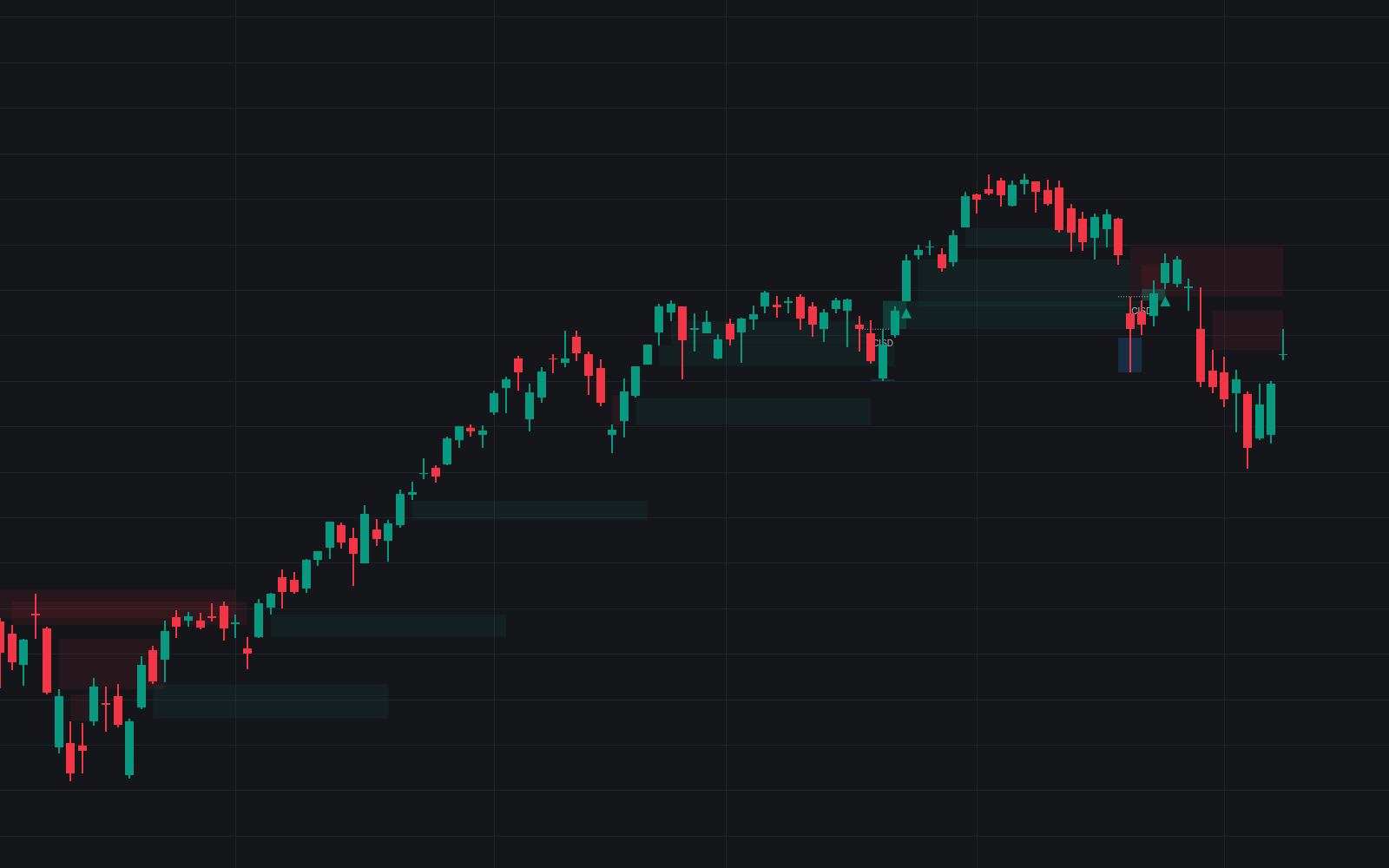
Run it on Vela. Make it yours with Quant.
Open this indicator free on Vela, our next-generation charting platform. Then ask Quant, our coding agent built into Vela, to retune it or turn it into a backtested strategy of your own.