Expanded Cloud
 By LuxAlgoJun 25, 2025
Expanded Cloud is an indicator on Vela, our next-generation charting platform, written in Pine Script®.
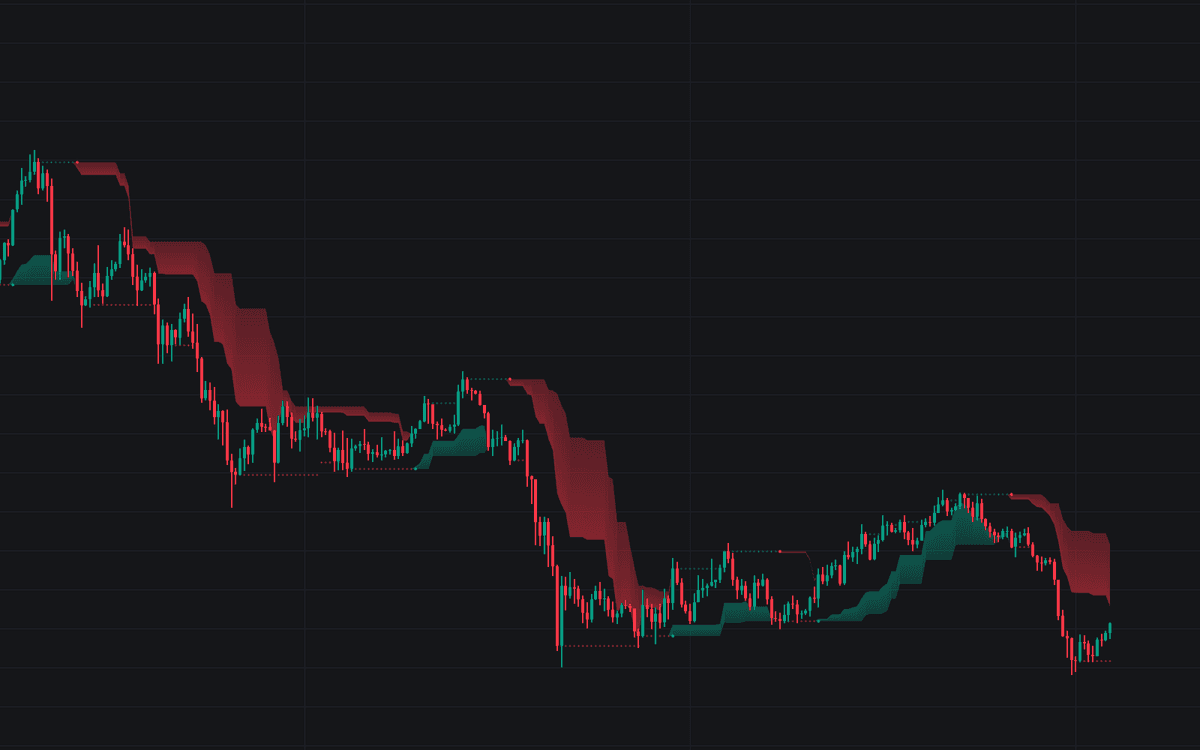

Expanded Cloud turns Donchian Channel extremes into a trailing cloud that hugs price and reads as dynamic support and resistance. The cloud runs beneath price while the trend is up and overhead once it turns down, widens as moves strengthen, and trails behind retracements: one shape carrying direction, momentum, and stop placement at once, with a statistics dashboard attached to keep its signals honest.
How to Trade the Expanded Cloud?
- Cloud below price: uptrend in force. Hold longs and treat the cloud as trailing support.
- Cloud above price: downtrend. The cloud caps rallies as trailing resistance.
- Dots: mark the start of each new trend phase, the tool's clearest visual entry cue.
- Cloud contraction: when the cloud narrows while staying on the trend side of price, a retracement is often ending and continuation becomes the base case.
The dashboard adds context to every signal: PNL simulates the running profit or loss of the cloud's trend-following signals, EXPECT. blends win rate with average risk-reward into an expected value per trade, and AVG 1st TOUCH counts the average candles before price first tags the cloud in a new trend, a useful gauge of how much room a fresh signal typically gets.
Expanded Cloud Settings
- Length: bars used for trend identification. Shorter reacts to quick swings, longer filters noise to surface macro trends.
- Expansion %: how aggressively the cloud widens with price movement; high values (80-100%) hug price, low values (0-30%) stay slow and smooth through chop.
- Source: the price series the calculations run on (close, hl2, and so on).
- Show Statistics / Position / Size: toggle the statistics panel (off by default) and set its corner and scale.
Frequently Asked Questions
Free to use
Run it on Vela. Go further with a paid plan.
- Up to 500 strategy alerts, with webhook automation
- Up to 10× the chart history of Free
- Orderflow lookback up to full history
- More Quant usage to customize it, plus extra usage when you need it
- Futures data alongside crypto, stocks, forex and commodities
Also works on

Related indicators
All 3 Dynamic S/R Via MA indicators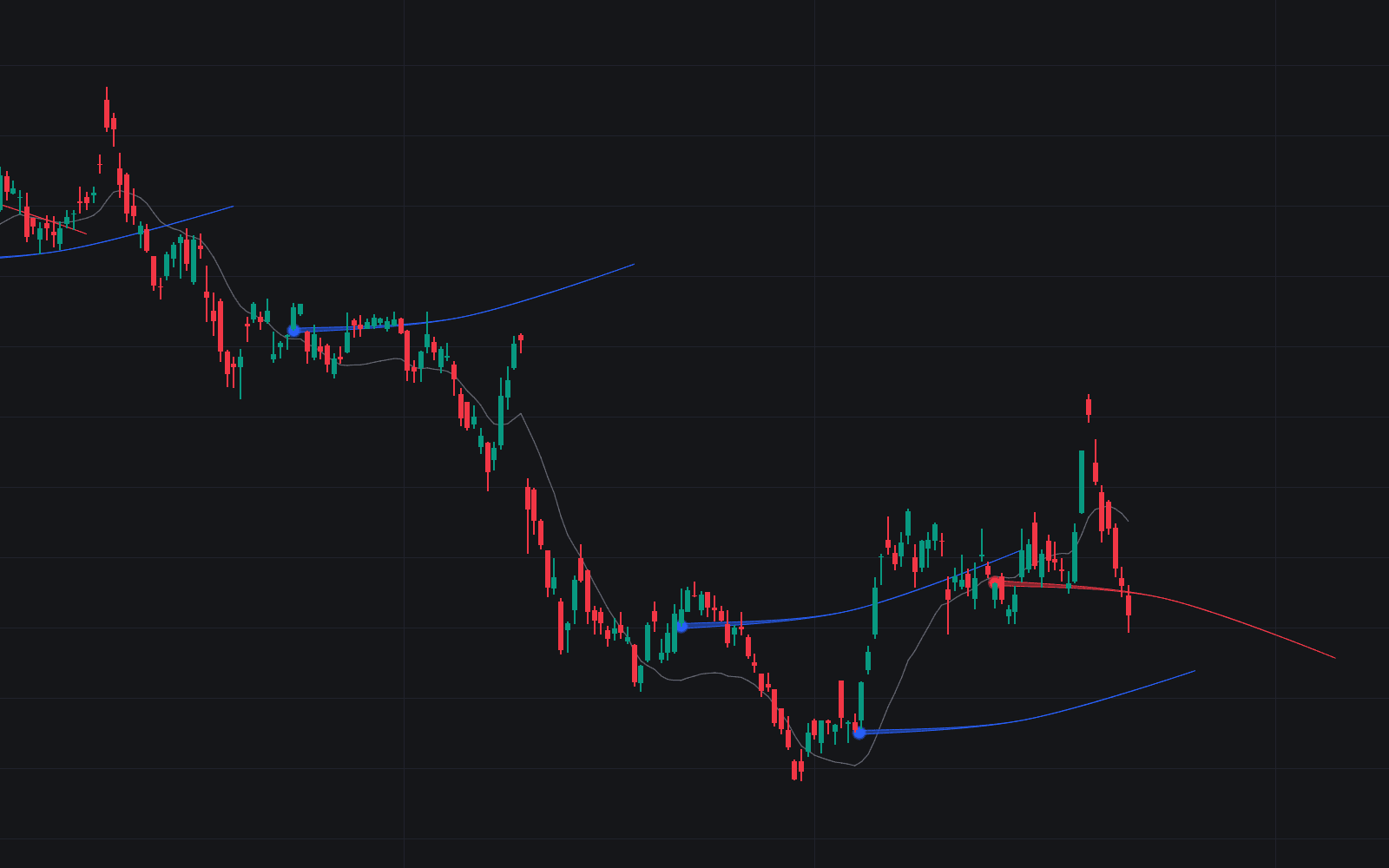
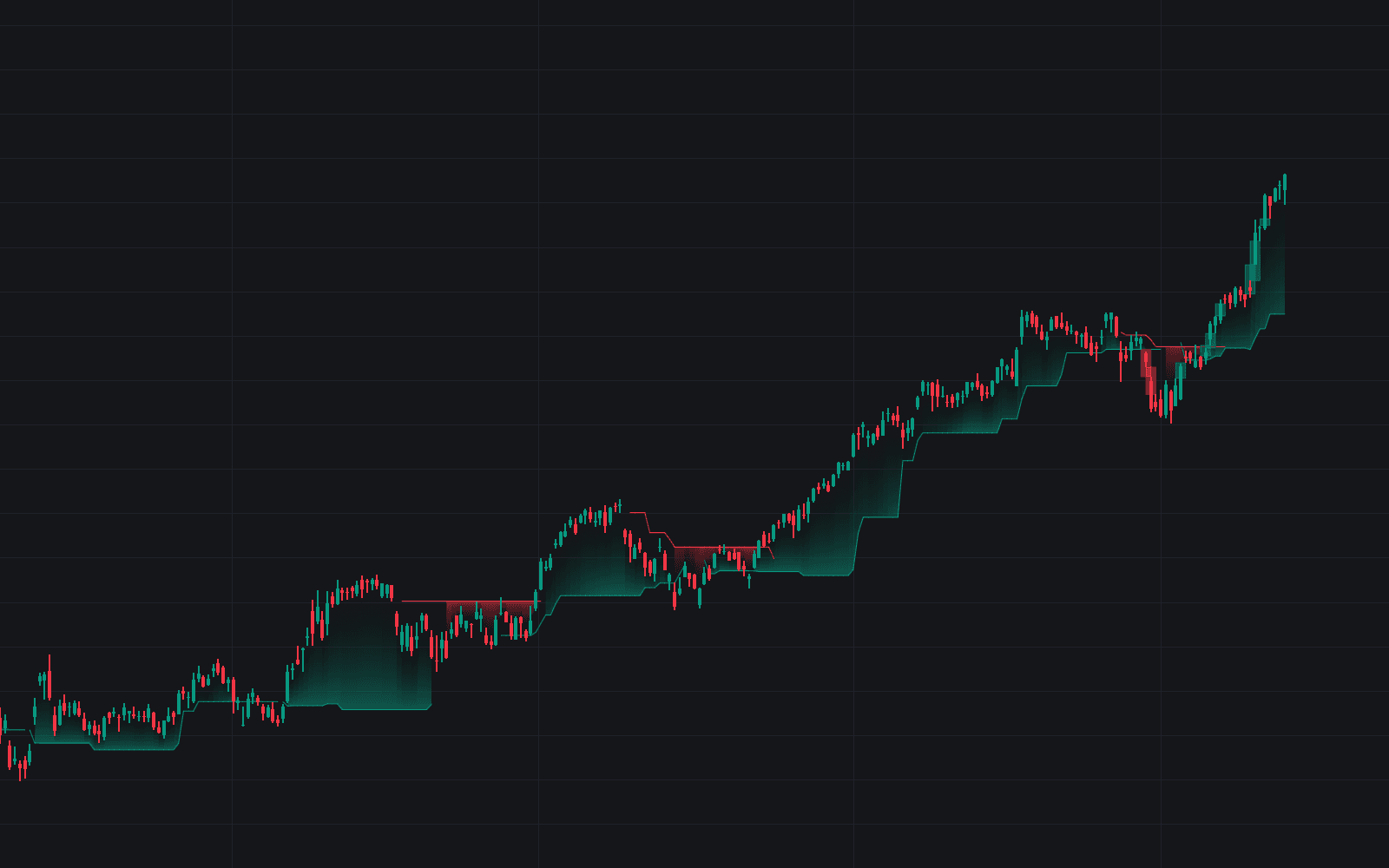
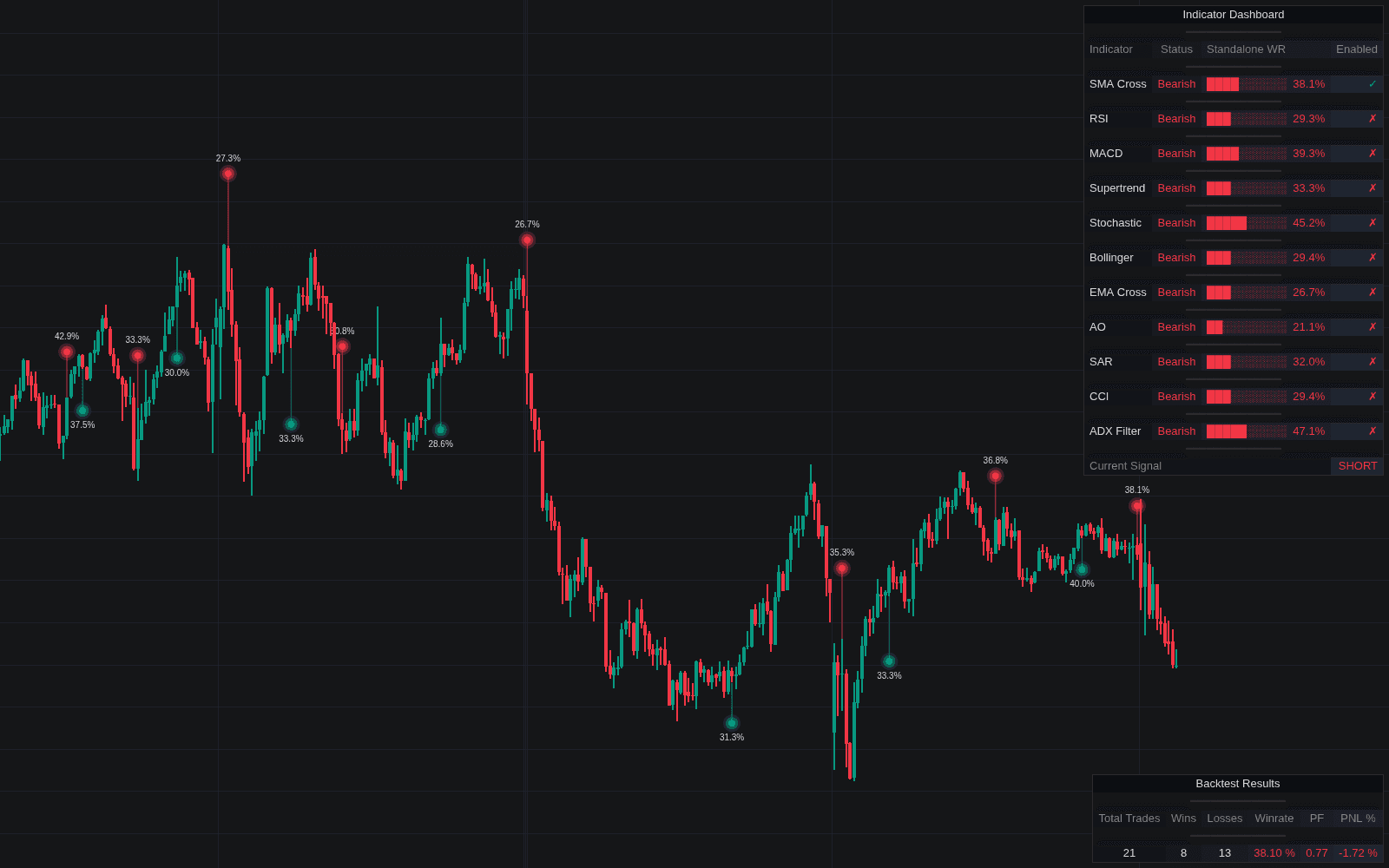
Run it on Vela. Make it yours with Quant.
Open this indicator free on Vela, our next-generation charting platform. Then ask Quant, our coding agent built into Vela, to retune it or turn it into a backtested strategy of your own.