Bollinger Squeeze
 By LuxAlgoJun 3, 2026
Bollinger Squeeze is an indicator on Vela, our next-generation charting platform, written in Pine Script®.
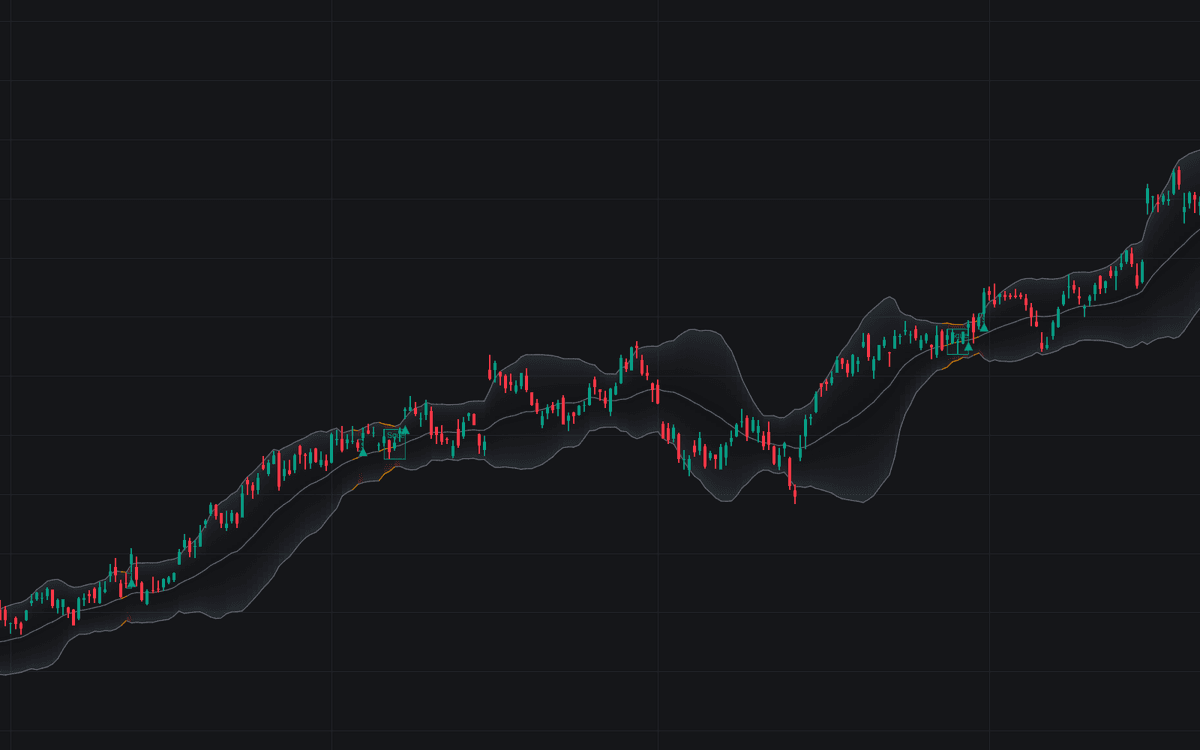

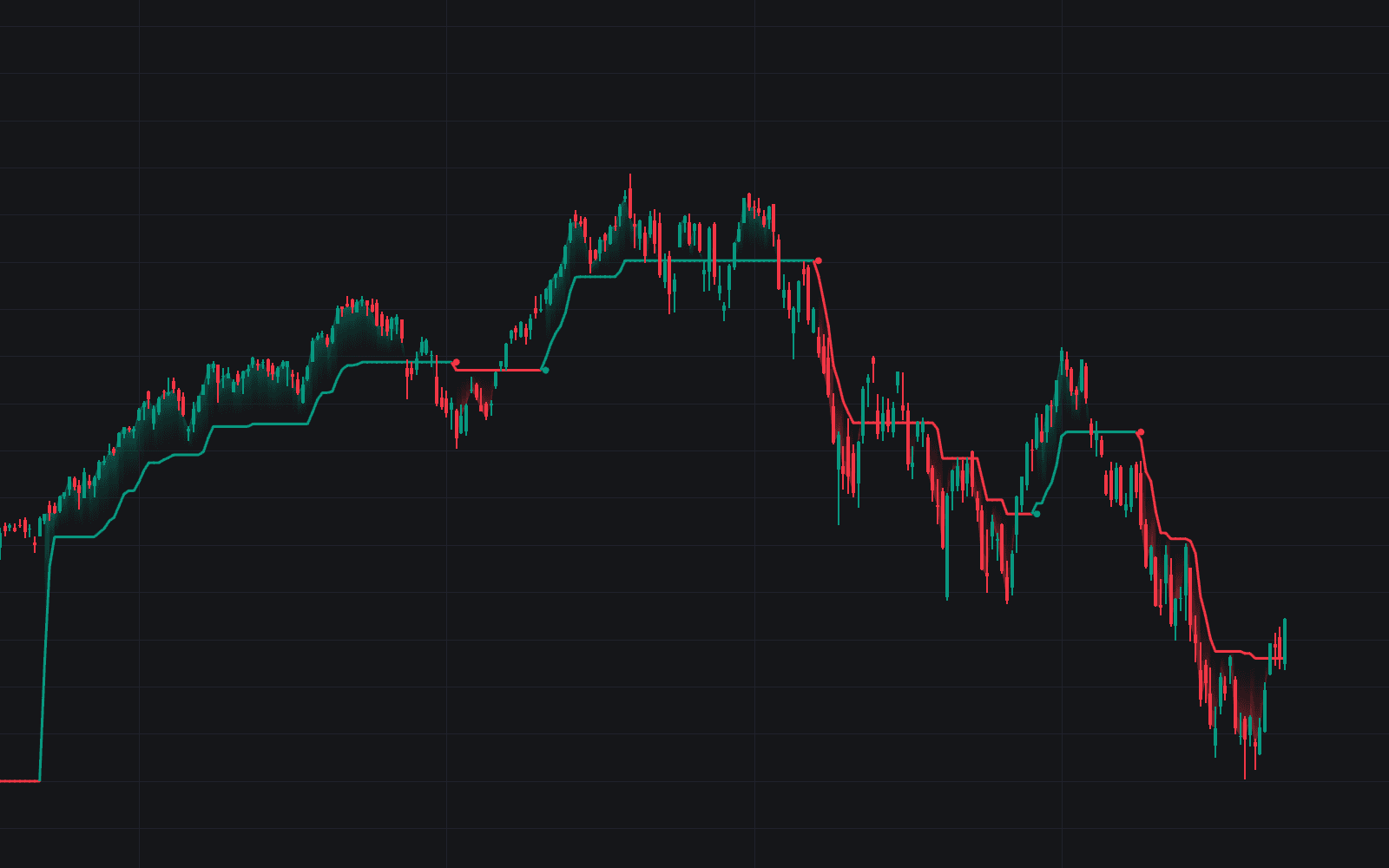
Bollinger Squeeze is the definitive clean build of the Bollinger Squeeze: the bands recolor while volatility is compressed, a dashed box tracks the price range forming during the compression, and a triangle marks the release, the bar where price settles outside that range as the bands turn outward. Three tests are built in: Bollinger's lowest-BandWidth definition, a percentile variant, and the bands-inside-Keltner test, swappable from one input.
How to Trade the Bollinger Squeeze?
- Squeeze on: compression is a condition, not a signal. No direction is implied. The box counter shows its length.
- Bullish / Bearish Release: a close outside the squeeze range while the bands expand resolves the episode and recolors the box; both sides carry alerts.
- Faded boxes: price left the range without expanding bands. No qualifying release, so the box dims instead.
- Confirm the break: initial breaks are notorious for head-fakes; demand volume and follow-through before leaning on the release direction.
Pair it with the rest of the volatility toolkit for the aftermath.
Bollinger Squeeze Settings
- Length (default 20), Source (default close), Multiplier (default 2): the band construction.
- Squeeze Test (default Lowest BandWidth): lookback low, percentile rank, or bands inside Keltner Channels.
- Squeeze Lookback (default 125): window for the first two tests, about six months of daily bars.
- Percentile Floor (default 10): percentile-rank ceiling for the percentile test.
- Keltner Length (default 20) and Keltner Multiplier (default 1.5): the channels the bands must sit inside.
- Show Range (default on), Show Last (default 10), Show Duration (default on), Release Markers (default on): the range boxes and their annotations.
Frequently Asked Questions
Free to use
Run it on Vela. Go further with a paid plan.
- Up to 500 Custom Alerts, with webhook automation
- Up to 10× the chart history of Free
- Orderflow lookback up to full history
- More Quant usage to customize it, plus extra usage when you need it
- Futures data alongside crypto, stocks, forex and commodities

Related indicators
Run it on Vela. Make it yours with Quant.
Open this indicator free on Vela, our next-generation charting platform. Then ask Quant, our coding agent built into Vela, to retune it or turn it into a backtested strategy of your own.