Dynamic Delta FVG
 By LuxAlgoFeb 16, 2026
Dynamic Delta FVG is an indicator on Vela, our next-generation charting platform, written in Pine Script®.
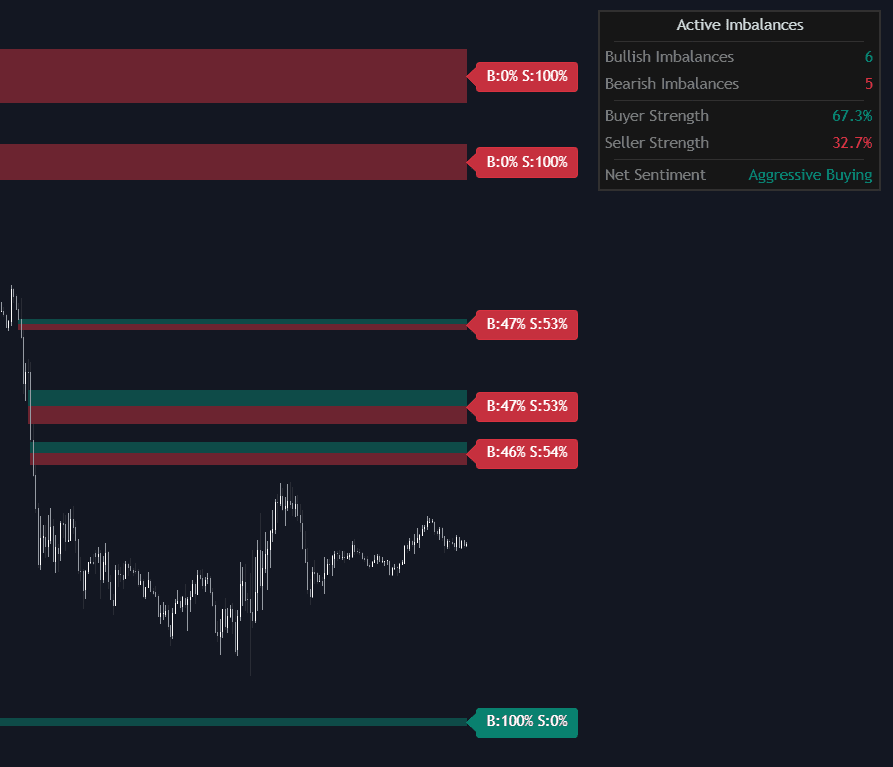
Dynamic Delta FVG detects fair value gaps and answers the question standard gap tools leave open: who was actually in control when the imbalance formed. Using lower-timeframe volume delta, it splits every gap into a green buyer segment and a red seller segment sized to the exact volume share (a gap built on 70% aggressive buying plots 70% green), with B%/S% tags on the box edge, colored by the dominant side, that track the box as it extends.
How to Trade the Dynamic Delta FVG?
- Bullish gap, heavy green: aggressive buying built the imbalance, giving continuation setups real conviction.
- Bullish gap, mostly red: the gap formed on absorbed selling, a warning of weakness despite the bullish shape; the same logic applies in reverse to bearish gaps.
- B%/S% tags: an instant dominance read on every active gap without opening a data window.
- Dashboard net sentiment: aggregates buyer and seller strength across all active gaps into a market-wide imbalance score.
Two mitigation modes suit different styles: Touch retires a gap on first entry, which fits faster intraday management, while Full Fill keeps it active until the whole range is traversed for deeper retracement plays. Filter Overlapping clears older gaps when a new one forms in the same area, keeping the chart on the current footprint.
Dynamic Delta FVG Settings
- Min Volume Threshold: multiple of the 20-period average volume a gap must print on, which filters low-participation gaps.
- Min ATR Magnitude: minimum gap size relative to volatility, dropping insignificant imbalances.
- Mitigation Mode: Touch or Full Fill.
- Filter Overlapping: removes older active gaps overlapped by a new one.
- Delta Timeframe: the lower timeframe used for the delta split; lower values sharpen precision.
- Max Active Gaps (default 20): caps visible imbalances; Show Mitigated Gaps and dashboard position/size cover the rest.
Frequently Asked Questions
Free to use
Run it on Vela. Go further with a paid plan.
- Up to 500 strategy alerts, with webhook automation
- Up to 10× the chart history of Free
- Orderflow lookback up to full history
- More Quant usage to customize it, plus extra usage when you need it
- Futures data alongside crypto, stocks, forex and commodities
Also works on

Related indicators
All 39 Fair Value Gap indicators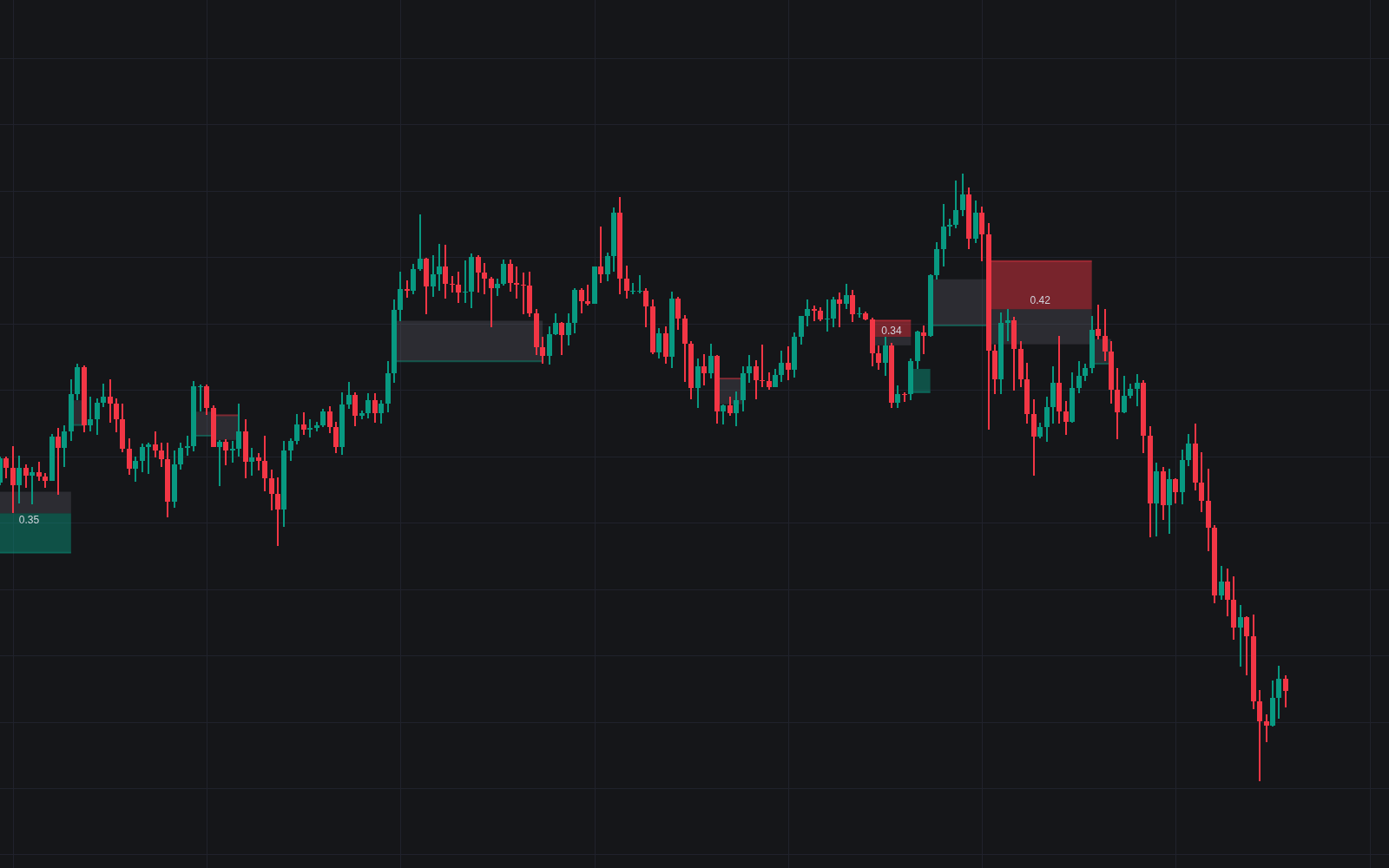
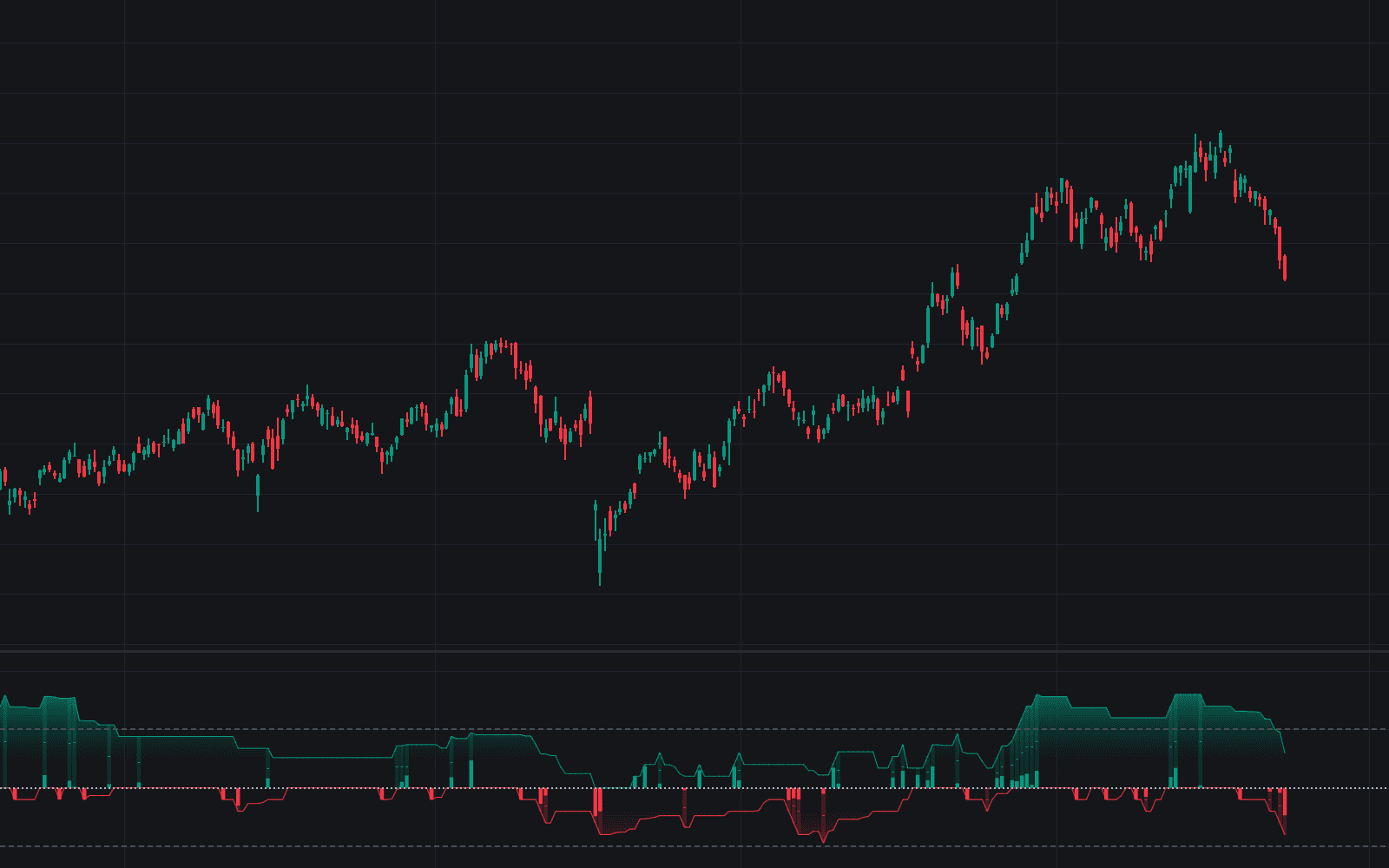
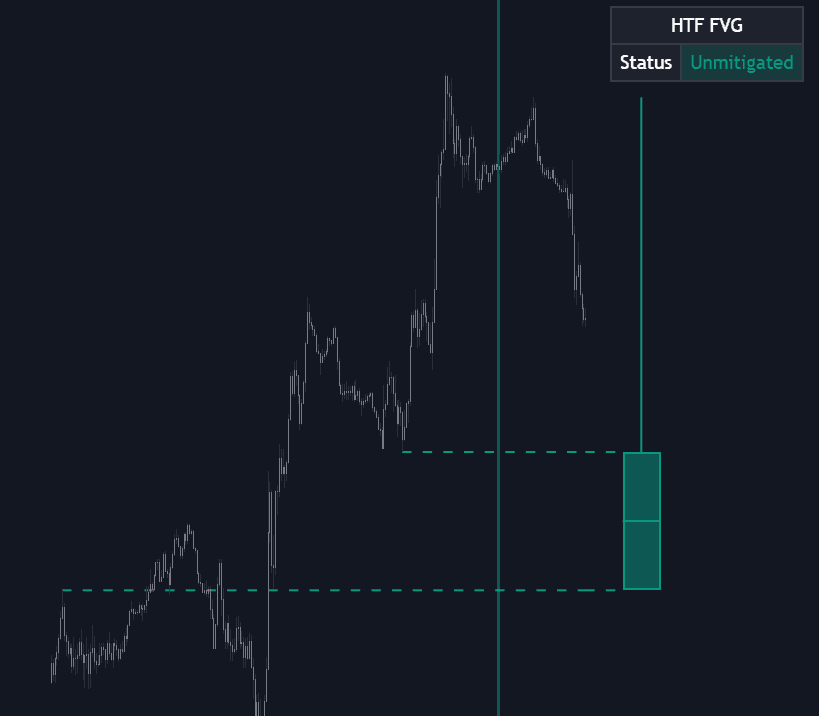
Run it on Vela. Make it yours with Quant.
Open this indicator free on Vela, our next-generation charting platform. Then ask Quant, our coding agent built into Vela, to retune it or turn it into a backtested strategy of your own.