Ehlers SuperSmoother
 By LuxAlgoMay 23, 2026
Ehlers SuperSmoother is an indicator on Vela, our next-generation charting platform, written in Pine Script®.
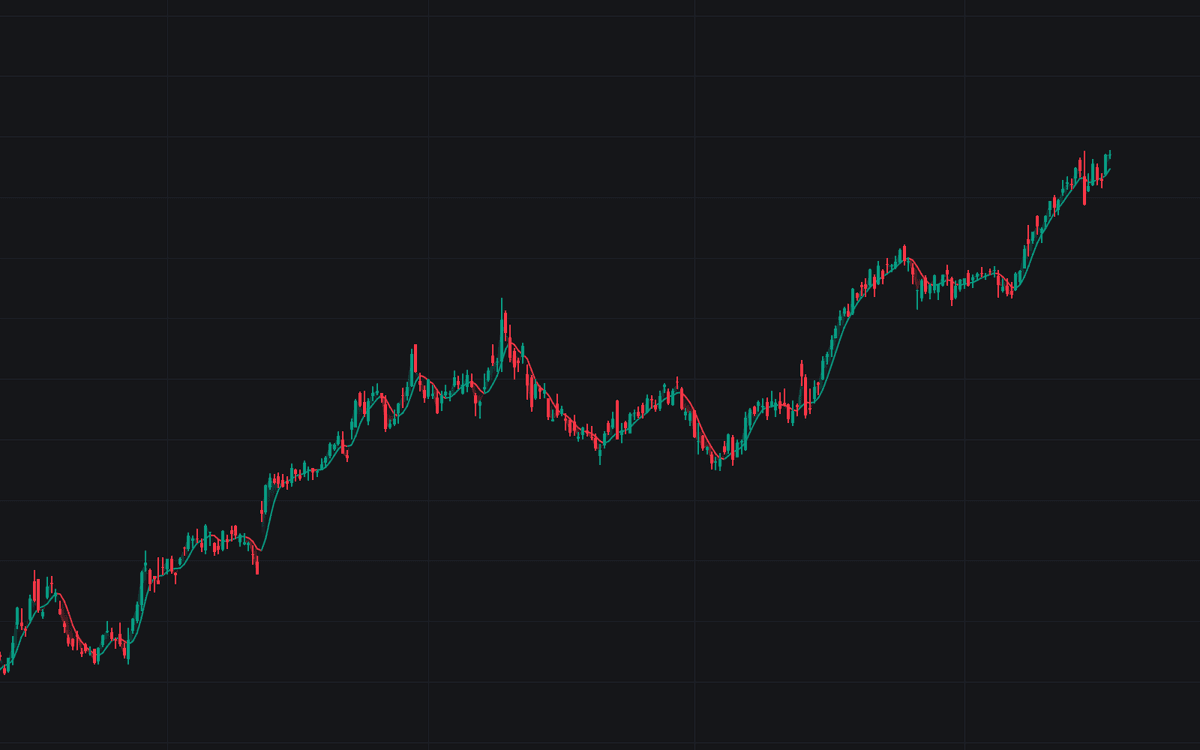

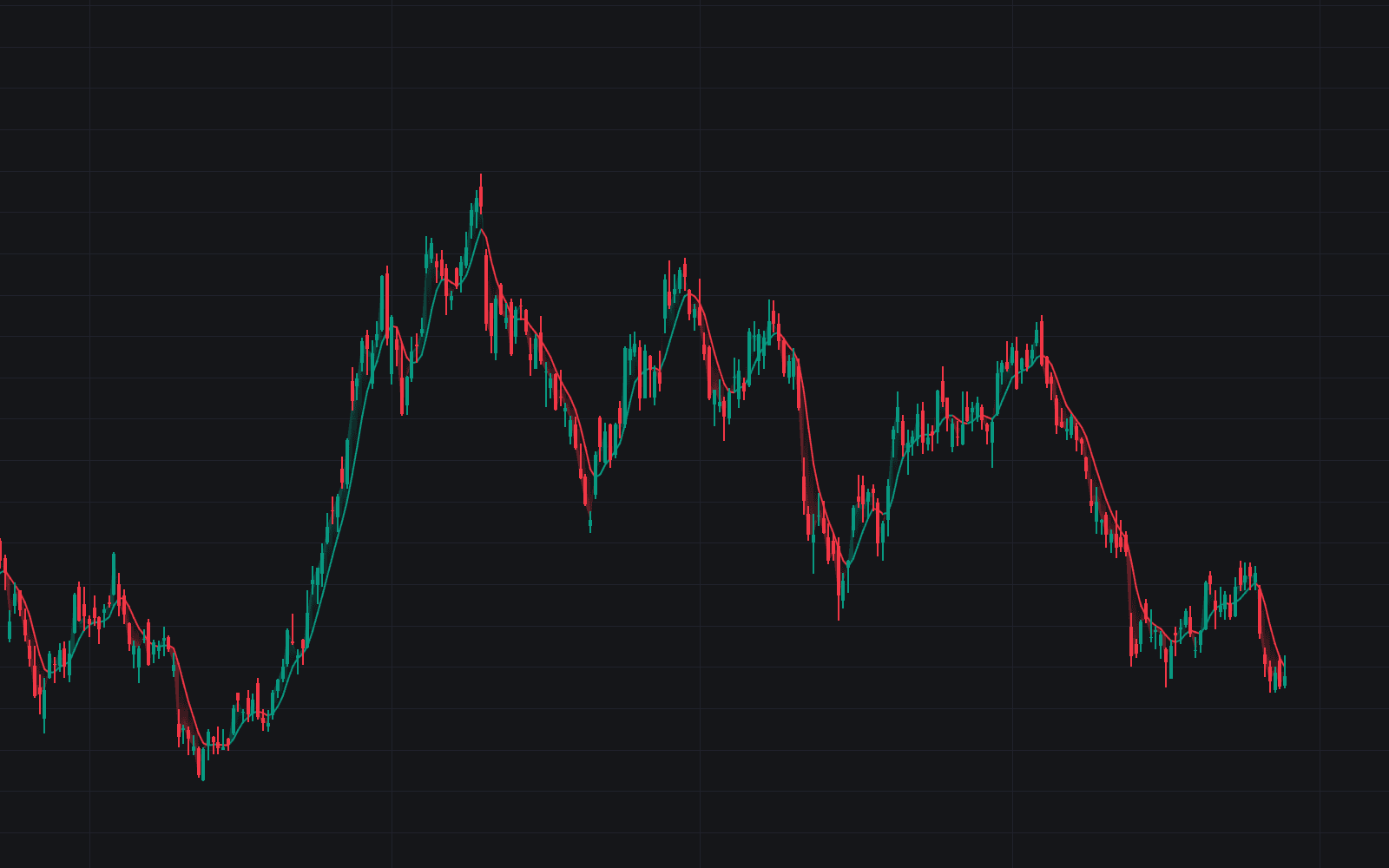
Ehlers SuperSmoother brings filter engineering to the price panel: a low-pass recursion John Ehlers derived from Butterworth design, specified by a cutoff wavelength instead of a lookback length. Swings slower than the 10-bar Cutoff Period keep their shape; faster fluctuations are sharply rejected rather than merely dampened. The case the SuperSmoother makes against a conventional average is more noise removed for the same delay. The line colors bullish while rising and bearish while falling, with a gradient fill showing which side of the filter price holds.
How to Trade the Ehlers SuperSmoother?
- Slope color: a rising filter is the trend-up read, a falling filter trend-down; slope reversals carry alerts.
- Price crossings: read them exactly as you would a moving-average cross (alertable, with optional triangle markers).
- Fill direction: the gradient runs bullish while price holds above the filter and bearish below, a one-glance bias check.
Like the other engineered smoothers in the library's trend family, it earns its place wherever stacking conventional averages would stack lag: one pass of this filter substitutes for several of the usual kind.
Ehlers SuperSmoother Settings
- Source (default close): the price series the filter smooths.
- Cutoff Period (default 10): the cutoff wavelength in bars, effectively the shortest swing you choose to keep; everything faster is declared noise.
- Poles (default 2): the filter order. Two poles give the best lag-to-smoothness balance; three reject noise more steeply for a little more lag.
- Style toggles: Slope Trend Coloring and Price / Filter Gradient Fill default on; Price Crossing Markers default off, with the crossing alerts active regardless.
Frequently Asked Questions
Free to use
Run it on Vela. Go further with a paid plan.
- Up to 500 Custom Alerts, with webhook automation
- Up to 10× the chart history of Free
- Orderflow lookback up to full history
- More Quant usage to customize it, plus extra usage when you need it
- Futures data alongside crypto, stocks, forex and commodities

Related indicators
Run it on Vela. Make it yours with Quant.
Open this indicator free on Vela, our next-generation charting platform. Then ask Quant, our coding agent built into Vela, to retune it or turn it into a backtested strategy of your own.