Fibonacci Confluence Toolkit
 By LuxAlgoDec 11, 2024
Fibonacci Confluence Toolkit is an indicator on Vela, our next-generation charting platform, written in Pine Script®.
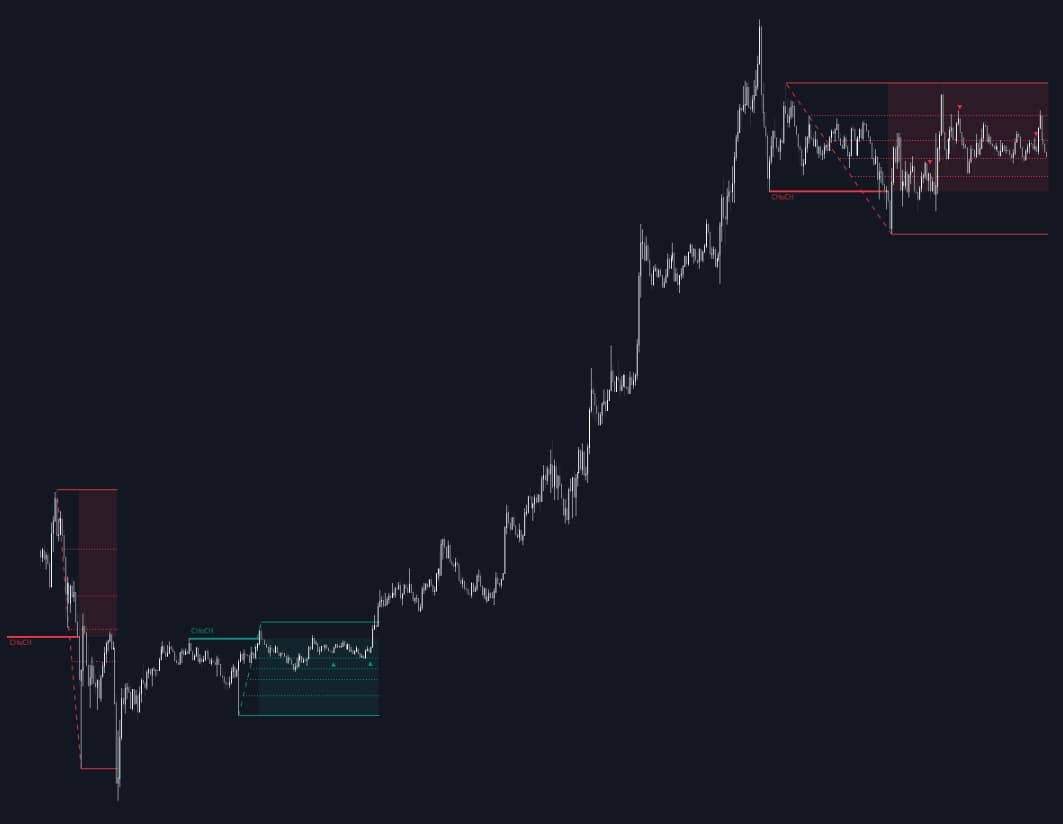

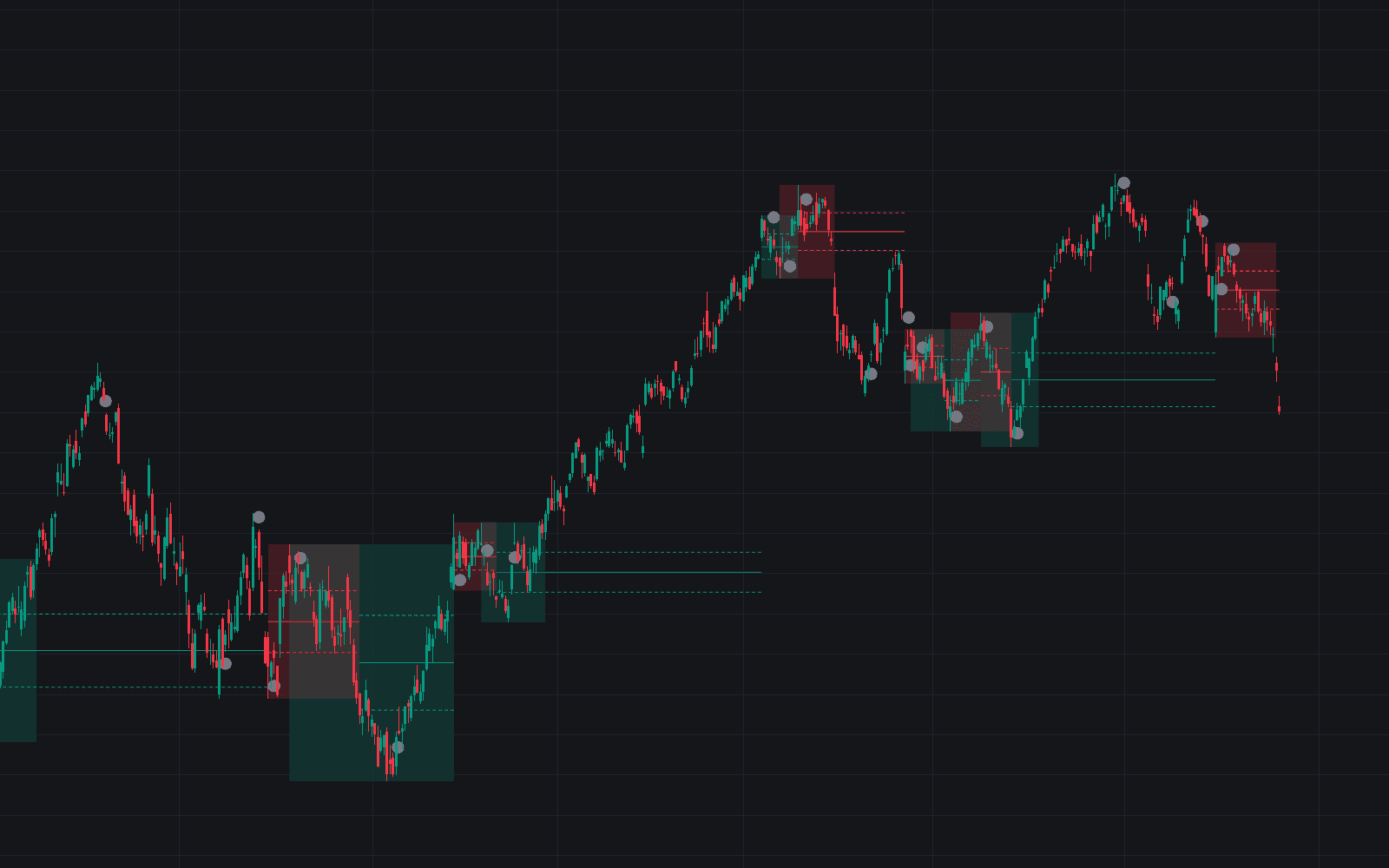
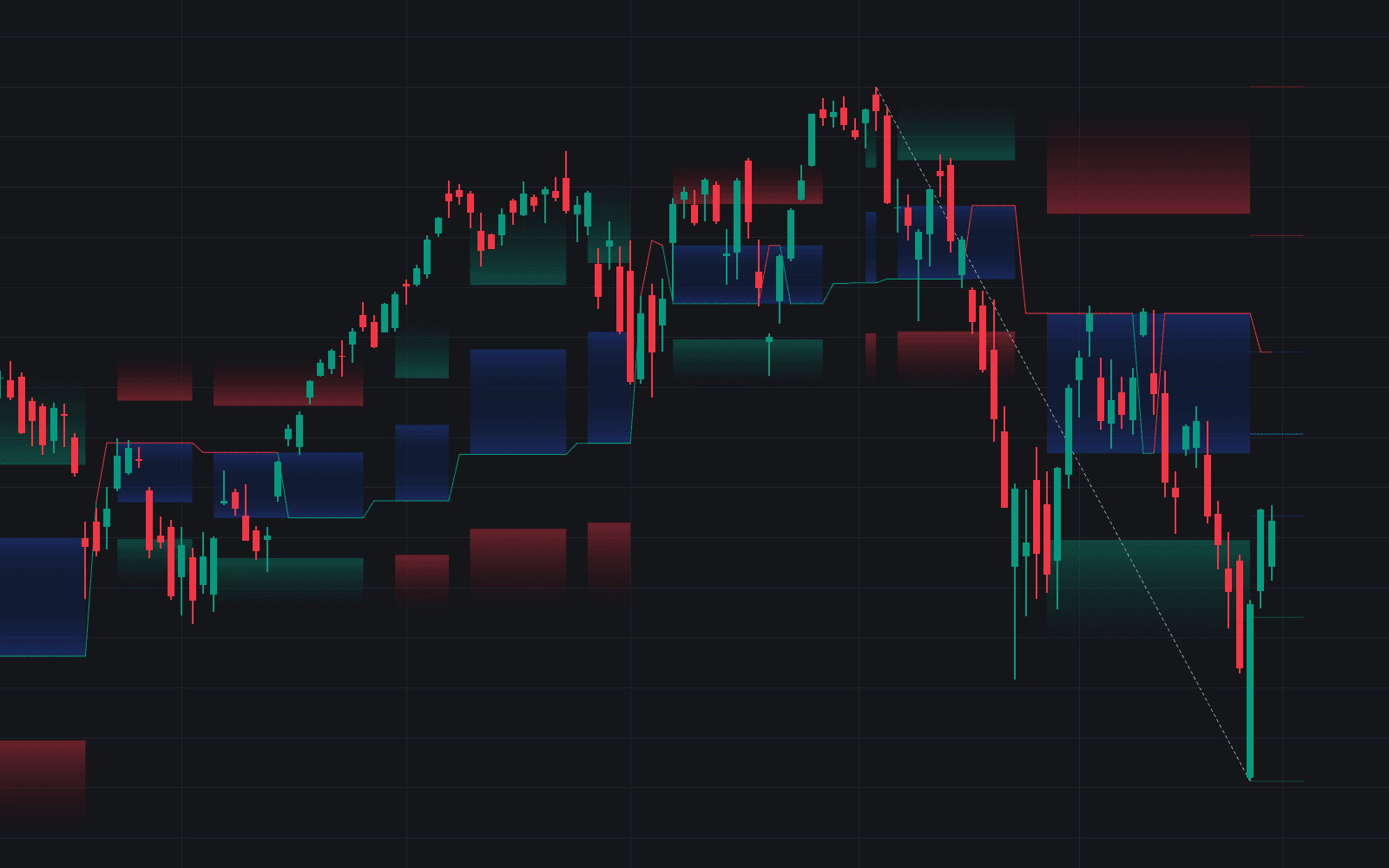
Fibonacci Confluence Toolkit automates the routine reversal traders normally draw by hand. It locates Change of Character (CHoCH) points, converts each into an Area of Interest, and anchors Fibonacci retracement levels to new swings inside that zone: no manual anchor points anywhere, so the analysis stays objective bar after bar. Engulfing candles are then marked where they form within the retracement zone, stacking confluence behind potential entries.
How to Trade the Fibonacci Confluence Toolkit?
- CHoCH prints: market direction may be changing; the toolkit establishes an Area of Interest where notable price reactions are expected.
- Retracement levels populate: as new swing highs or lows form inside the AOI, Fibonacci levels apply automatically. Watch how price treats them for pullback entries.
- Engulfing marker inside the zone: a bullish or bearish engulfing at a retracement level is the toolkit's strongest alignment: structure, level, and candle agreeing at once.
Because every step derives purely from price patterns, two traders running the toolkit on the same chart see the same zones. There is no discretionary anchoring to quibble over, and that is precisely what keeps the confluence readings comparable across markets.
Fibonacci Confluence Toolkit Settings
- Bullish Structures / Bearish Structures: enable or disable each side's detections.
- Highlight Area of Interest: shades the active AOI on the chart.
- CHoCH Line / Width: line style (Solid, Dashed, or Dotted) and thickness.
- Retracement Levels: choose which ratios display (0, 0.236, 0.382, and so on).
- Swing Levels: pick the swing marker style (◉, △▽, or H/L).
- Engulfing Candle Patterns: detect all patterns, structure-based ones only, or none.
Frequently Asked Questions
Free to use
Run it on Vela. Go further with a paid plan.
- Up to 500 Custom Alerts, with webhook automation
- Up to 10× the chart history of Free
- Orderflow lookback up to full history
- More Quant usage to customize it, plus extra usage when you need it
- Futures data alongside crypto, stocks, forex and commodities
Also works on

Related indicators
All 8 Fib Retracement indicators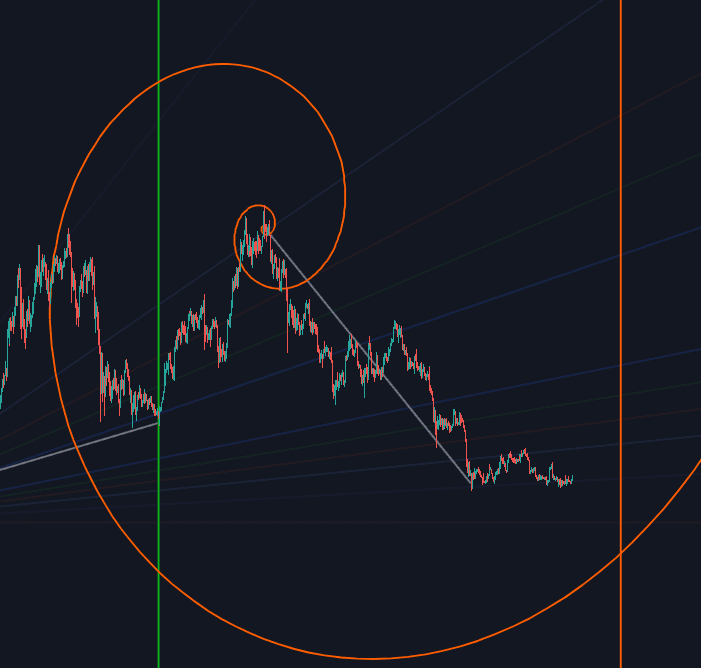
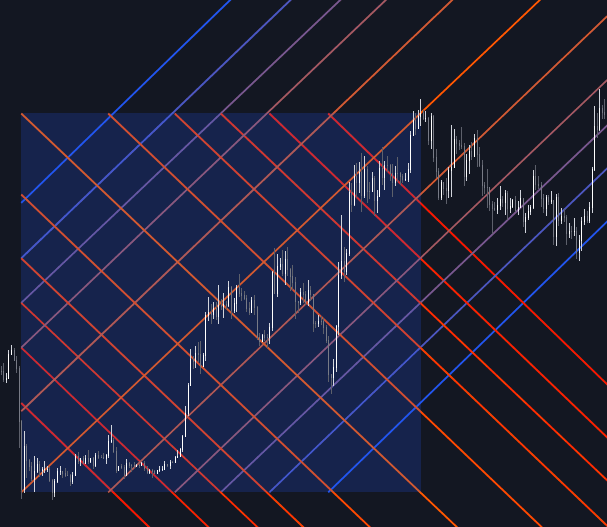
Run it on Vela. Make it yours with Quant.
Open this indicator free on Vela, our next-generation charting platform. Then ask Quant, our coding agent built into Vela, to retune it or turn it into a backtested strategy of your own.