ICT Killzones Toolkit
 By LuxAlgoFeb 29, 2024
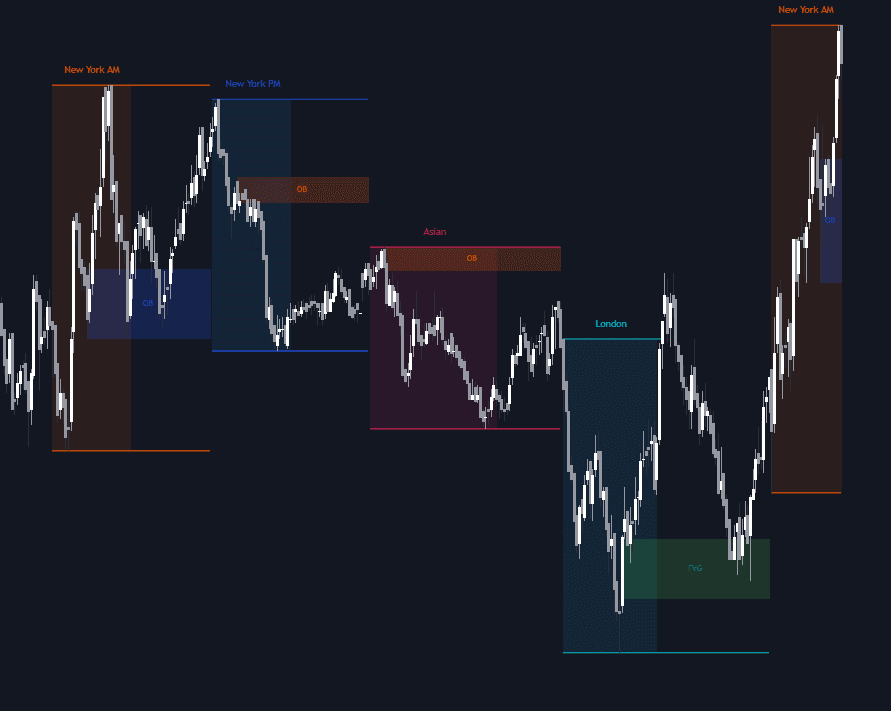
ICT Killzones Toolkit joins the timing side and the structure side of ICT trading on one chart. It highlights the killzone windows where institutional participation concentrates (Asian, London, New York and London Close) then detects the price action forming inside them: order blocks, breaker blocks, fair value gaps and market structure shifts. Killzone extremes and mean lines, plus daily, weekly or monthly opens, round out a workflow anchored to periods of heightened session liquidity.
How to Trade the ICT Killzones Toolkit?
- Retests of killzone setups: when price returns to an order block or fair value gap from a previous window, that retest is a popular entry, with profits taken as the next killzone begins.
- Breaker blocks: once a previously active order block fails and gets mitigated, the toolkit re-plots it as a breaker, a decision point where continuation and reversal often get settled.
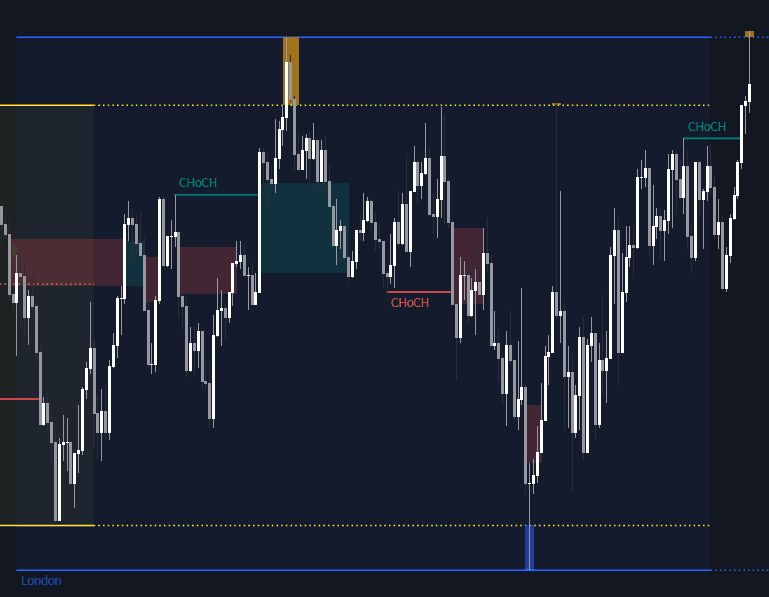
- Market structure shifts: labeled breaks of prior highs or lows confirm a sentiment change inside the window before you act on a zone.
Rather than scanning the entire day, the toolkit concentrates analysis on the hours where institutional behavior is most visible.
ICT Killzones Toolkit Settings
- Killzone Lines: plot each window's pivot high/low and mean, and extend the boundaries forward.
- Display Killzones up to Timeframe: caps the timeframe on which windows render.
- Swing Detection Length: the lookback for swing points that qualify order and breaker blocks.
- Mitigation Price: candle close or wick, which defines when a zone counts as mitigated.
- Width Filter: a minimum size for fair value gaps that screens out marginal imbalances.
- Remove Mitigated Zones: hides spent blocks and filled gaps automatically.
- Display Options: first, last or all occurrences of each element, with colors and labels per type.
Frequently Asked Questions
Free on Vela
Run it on Vela. Go further with a paid plan.
- Up to 500 strategy alerts, with webhook automation
- Up to 10× the chart history of Free
- Orderflow lookback up to full history
- More Quant usage to customize it, plus extra usage when you need it
- Futures data alongside crypto, stocks, forex and commodities
Also works on

Related indicators
.png&w=3840&q=75)
.png&w=3840&q=75)
Run it on Vela. Make it yours with Quant.
Open this indicator free on Vela, our next-generation charting platform. Then ask Quant, our coding agent built into Vela, to retune it or turn it into a backtested strategy of your own.