KNN Supertrend Horizon
 By LuxAlgoMar 23, 2026
KNN Supertrend Horizon is an indicator on Vela, our next-generation charting platform, written in Pine Script®.
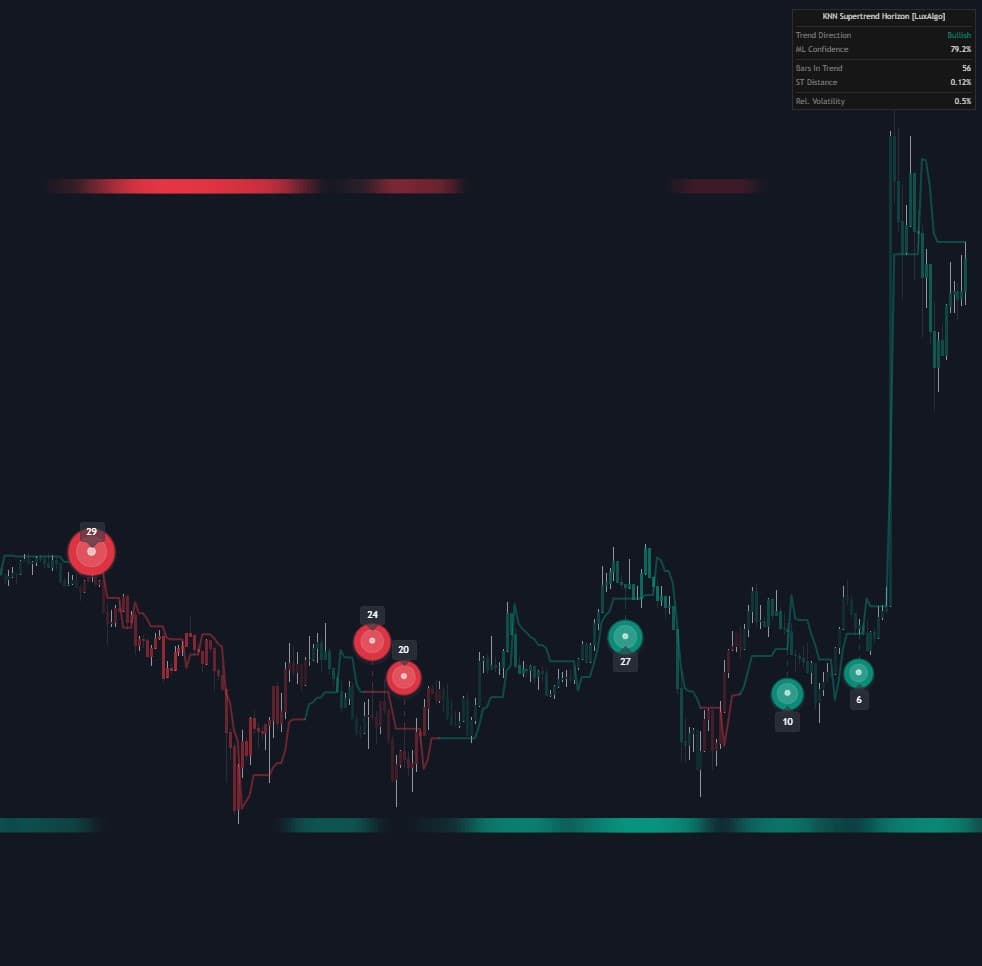

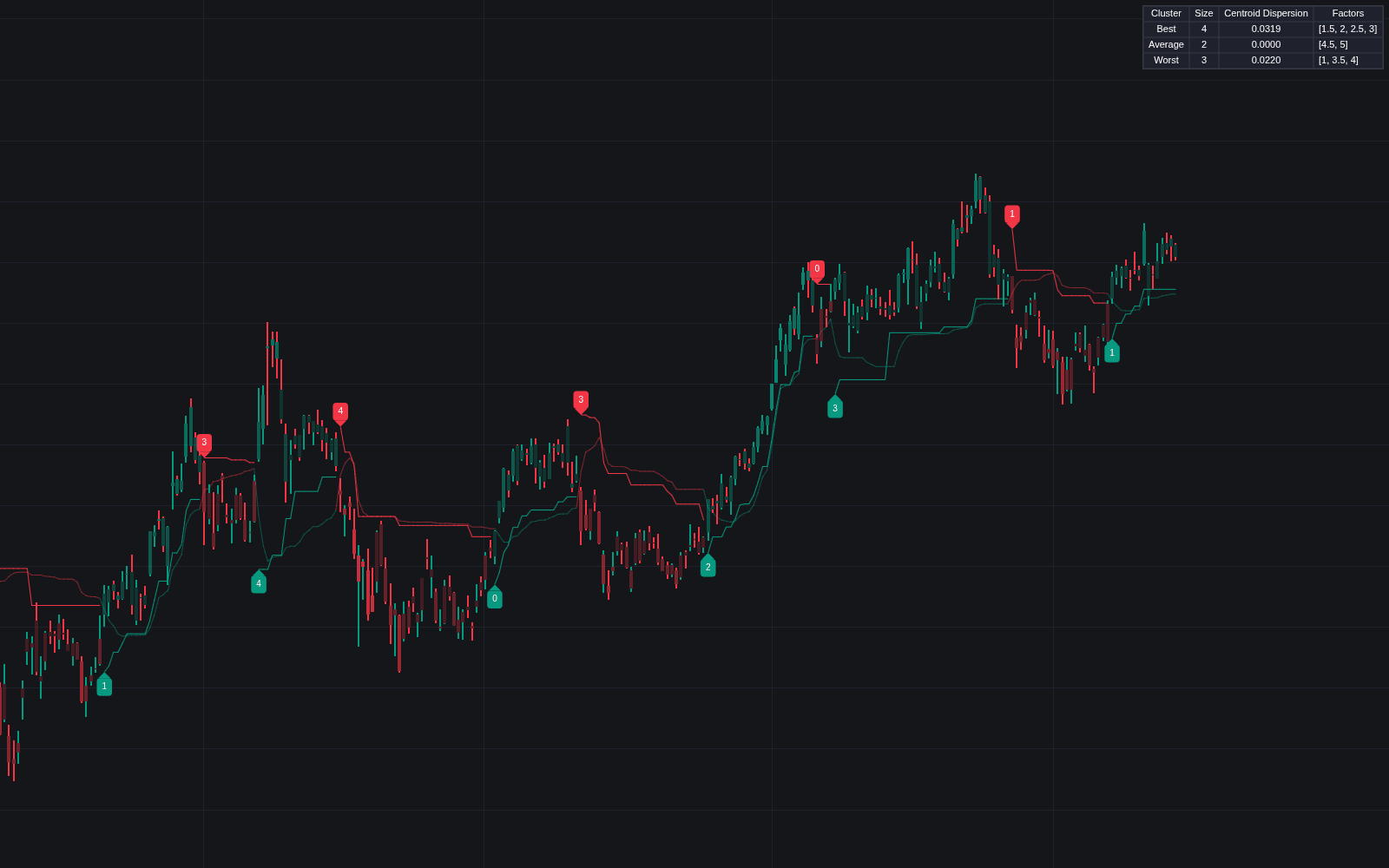
KNN Supertrend Horizon wraps a Supertrend baseline in a machine-learning filter. A k-nearest-neighbors model encodes RSI and ATR-based volatility, finds the most similar bars inside the Search Window, the logic of kNN analog forecasting, and classifies conditions as bullish or bearish. The colored horizon, the candle colors and the Supertrend line color follow that vote, smoothed and held by the ML Confidence Buffer, rather than the raw Supertrend flip.
How to Trade the KNN Supertrend Horizon?
- Bullish horizon: the classifier's vote is bullish: context for trend entries and pullbacks toward the trend level.
- Bearish horizon: the vote is bearish, the mirror case.
- Fading gradient colors: the Liquid Smooth candle coloring mutes as model confidence drops: fatigue, indecision, or consolidation worth sitting out.
- 3D Rejection Orbs: printed when a candle rejects the trend level with a meaningful wick; size scales with relative volume and a label reports the candle's volume.
- Dashboard: direction, model confidence, and relative volatility in one panel.
The ML Confidence Buffer holds flips back until the classification moves decisively past the midpoint, keeping the horizon steadier than stop-and-reverse logic alone.
KNN Supertrend Horizon Settings
- K-Neighbors and Search Window: neighbors per classification and how much history is scanned.
- ATR Length and Factor: the Supertrend baseline's volatility lookback and multiplier.
- Smooth Price Input: HMA smoothing of the price feeding the model's features.
- ML Confidence Buffer (%): how far past the midpoint probability the signal must move before a flip is accepted.
- Show 3D Rejection Orbs, Min Wick-to-Body Multiplier, and Min Bubble Gap: rejection toggle, wick requirement, and orb spacing.
- Liquid Smoothness, Vibrancy, Show Dashboard: smoothing of the classifier probability that drives both flips and the gradient, gradient intensity, and the stats panel.
Frequently Asked Questions
Free to use
Run it on Vela. Go further with a paid plan.
- Up to 500 strategy alerts, with webhook automation
- Up to 10× the chart history of Free
- Orderflow lookback up to full history
- More Quant usage to customize it, plus extra usage when you need it
- Futures data alongside crypto, stocks, forex and commodities
Also works on

Related indicators
All 11 Supertrend indicators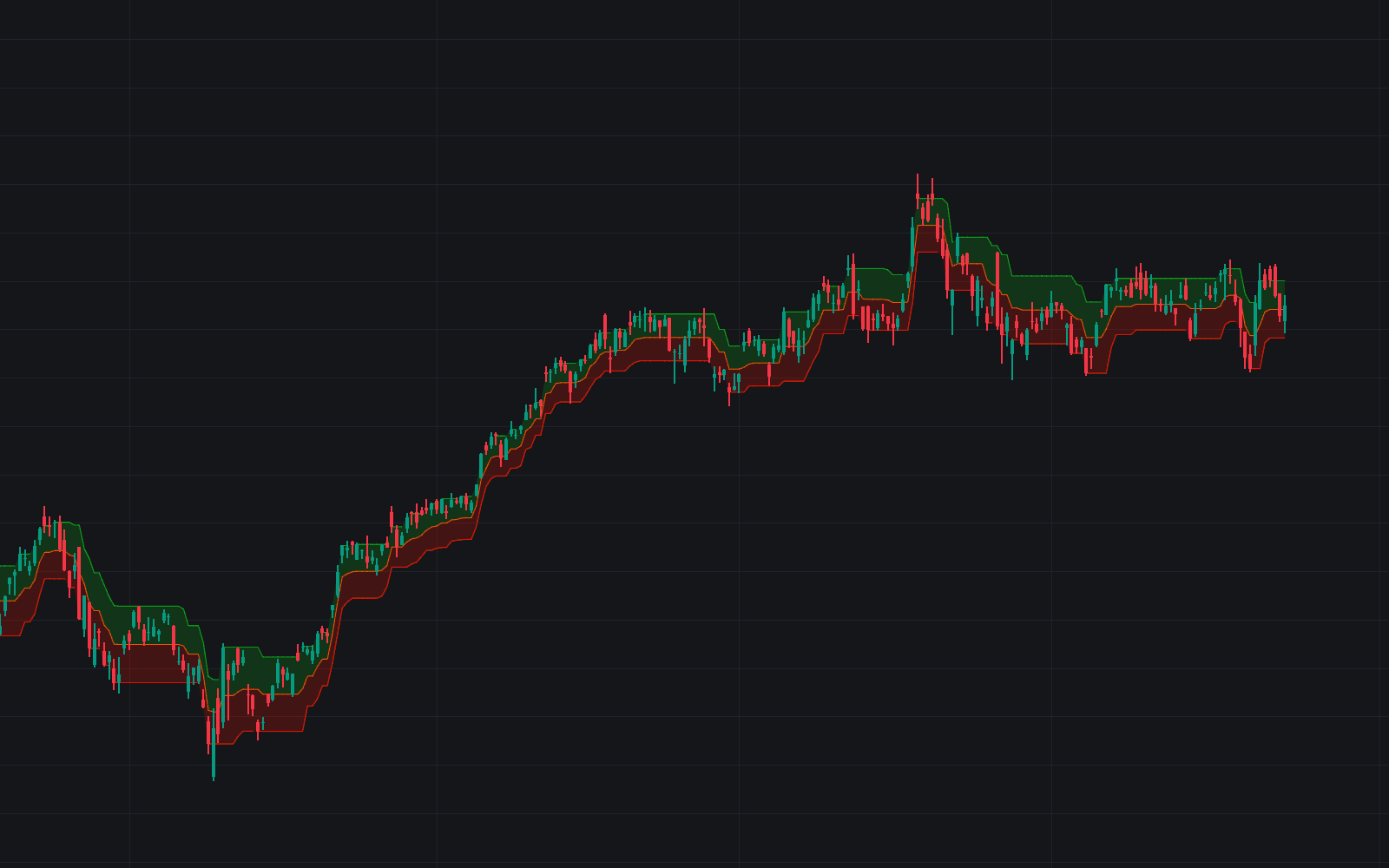
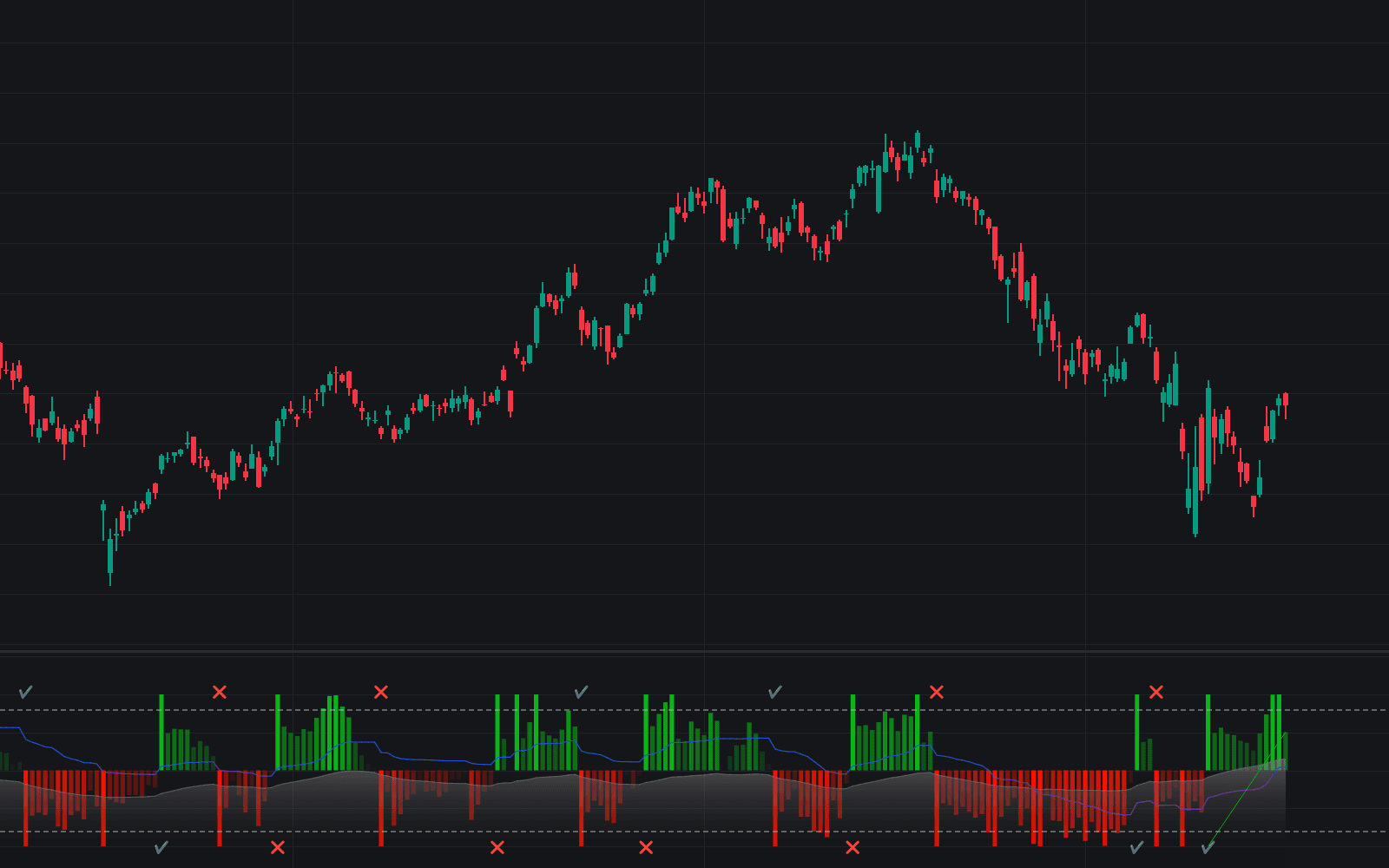
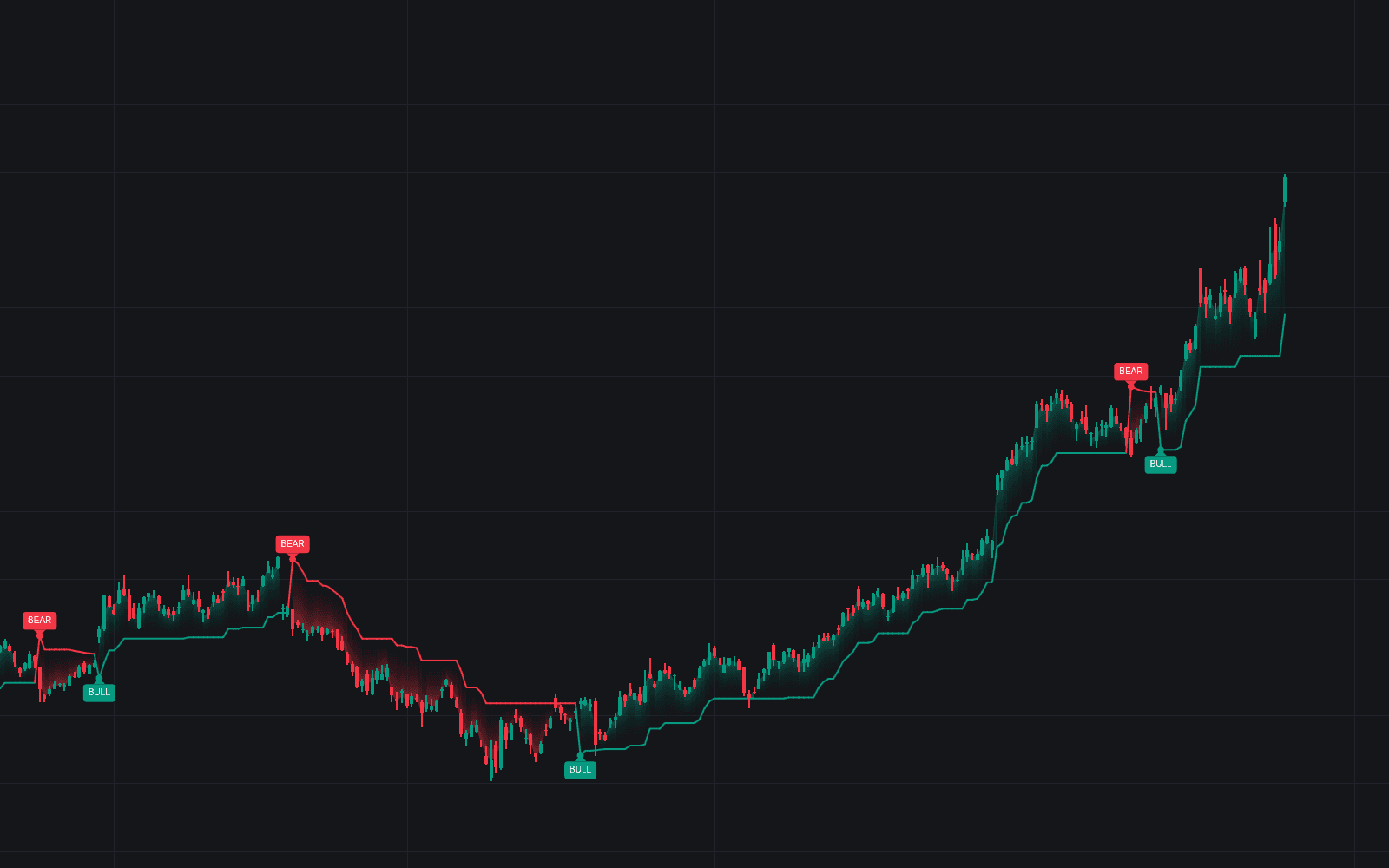
Run it on Vela. Make it yours with Quant.
Open this indicator free on Vela, our next-generation charting platform. Then ask Quant, our coding agent built into Vela, to retune it or turn it into a backtested strategy of your own.