Machine Learning Moving Average
 By LuxAlgoJan 22, 2025
Machine Learning Moving Average is an indicator on Vela, our next-generation charting platform, written in Pine Script®.
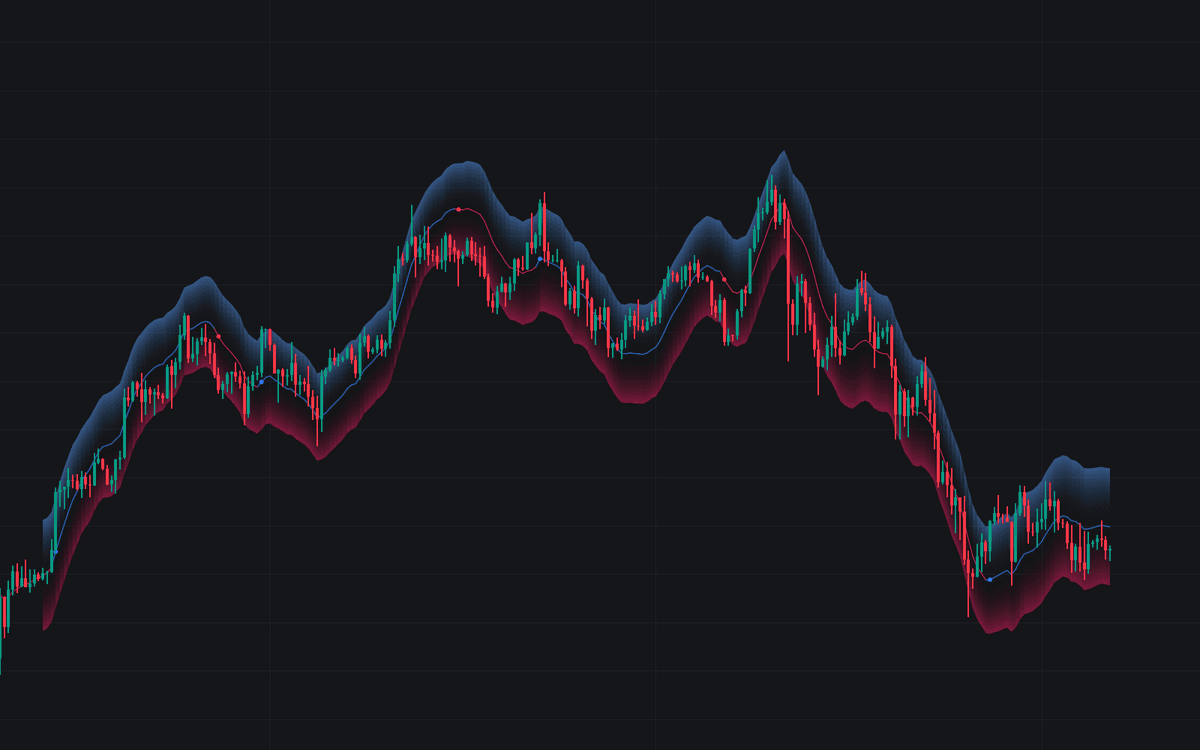

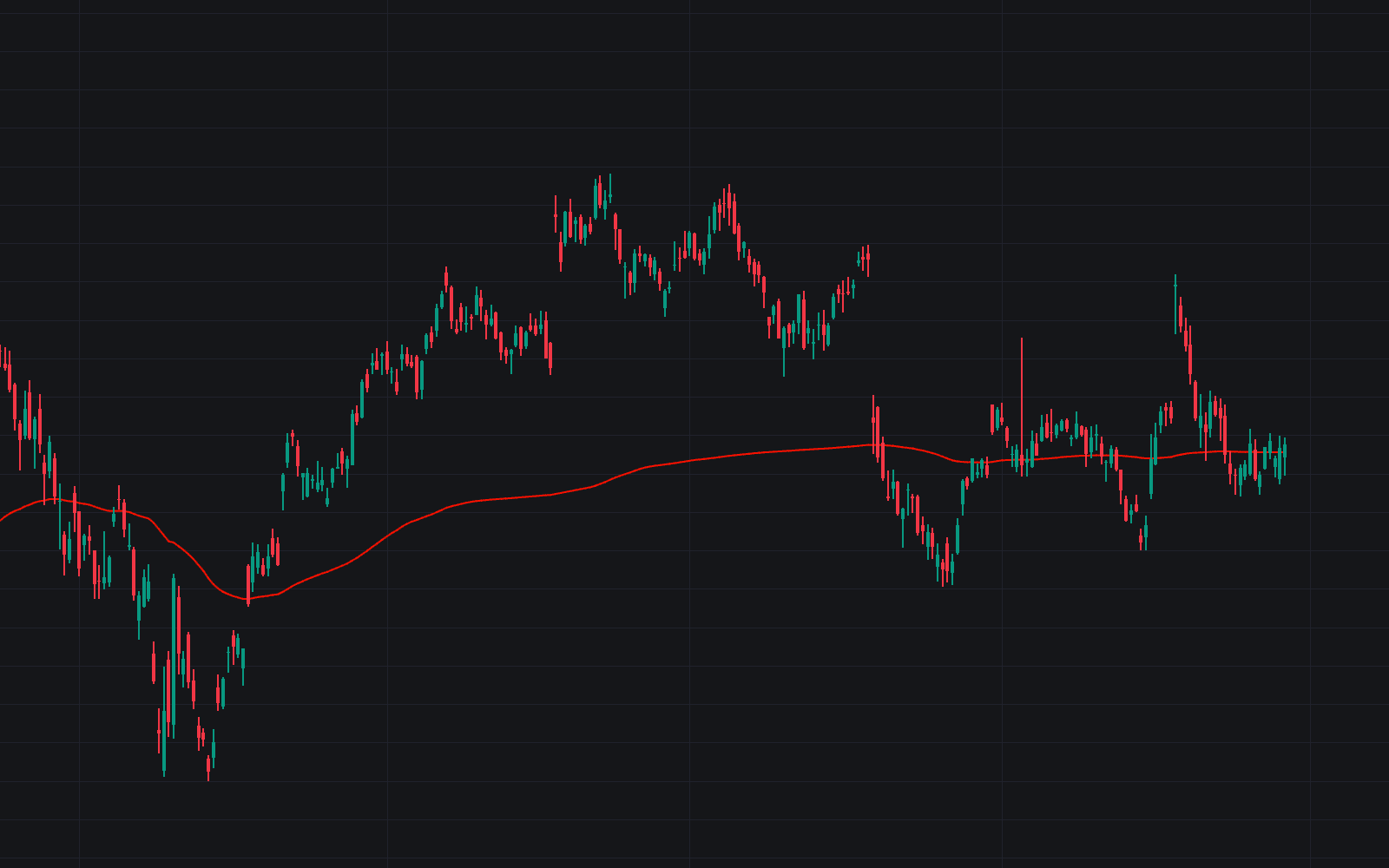
Machine Learning Moving Average behaves like an adaptive moving average you tune by intent: built on Gaussian process regression, it smooths erratic price action into a trend line whose responsiveness you set directly. Bands around the average frame the range prices are likely to oscillate within, and the plot recolors as the trend estimate changes: blue for uptrends, fuchsia for downtrends by default.
How to Trade the Machine Learning Moving Average?
- Line color flips: the recolor is the trend read, an immediate cue that the estimated direction has changed.
- Price beyond the bands: an escape from the expected range; turning points print as colored circles, highlighting potential entries and exits.
- Wide Window: filters short-term fluctuation for a long-term trend view.
- High Forecast: makes the average more responsive, but pushed too far it can overshoot, undermining the fit with actual price.
Machine Learning Moving Average Settings
- Window: the calculation period; higher values smooth away short-term noise and emphasize the long-term trend.
- Forecast: the regression's projection horizon; high settings yield a reactive average, negative ones a smoother though possibly less precise line.
- Sigma: the noise level the regression assumes (the kernel's width follows Window); raising it shifts the average toward a longer-term view.
- Multiplicative Factor: band width; higher values widen the bands and thin out turning-point signals.
Frequently Asked Questions
Free to use
Run it on Vela. Go further with a paid plan.
- Up to 500 strategy alerts, with webhook automation
- Up to 10× the chart history of Free
- Orderflow lookback up to full history
- More Quant usage to customize it, plus extra usage when you need it
- Futures data alongside crypto, stocks, forex and commodities
Also works on

Related indicators
Run it on Vela. Make it yours with Quant.
Open this indicator free on Vela, our next-generation charting platform. Then ask Quant, our coding agent built into Vela, to retune it or turn it into a backtested strategy of your own.