Normalized Resonator
 By LuxAlgoFeb 15, 2026
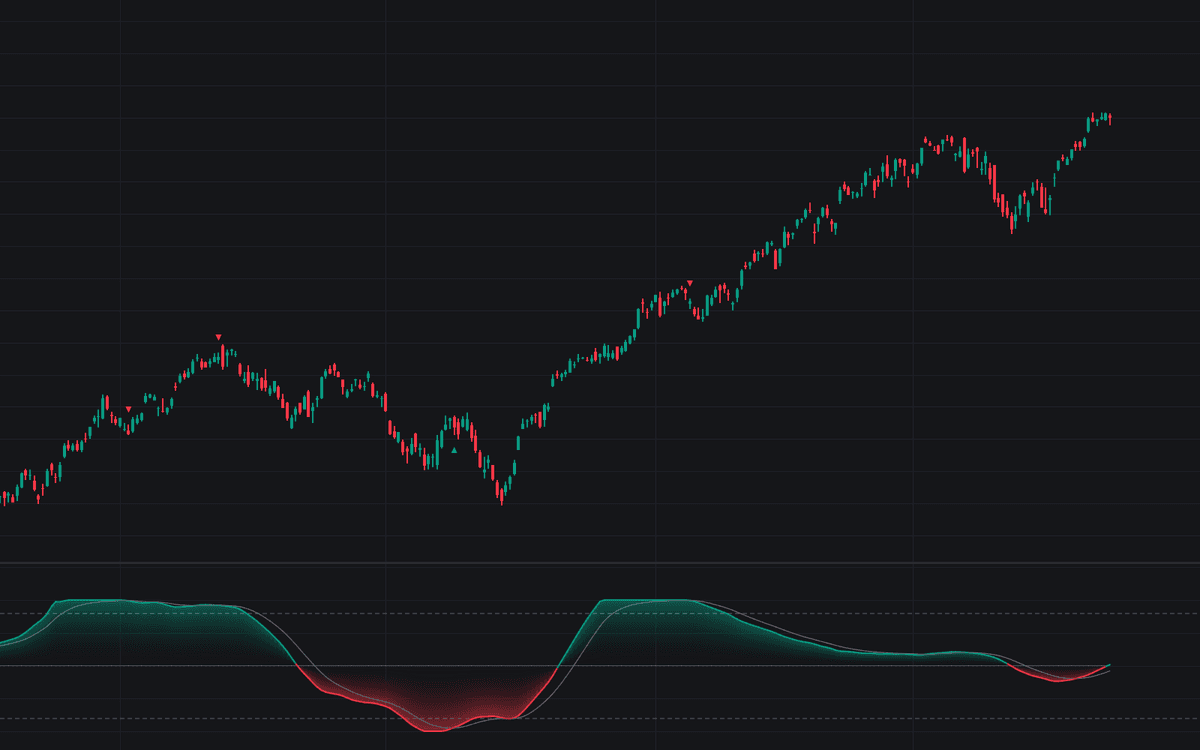

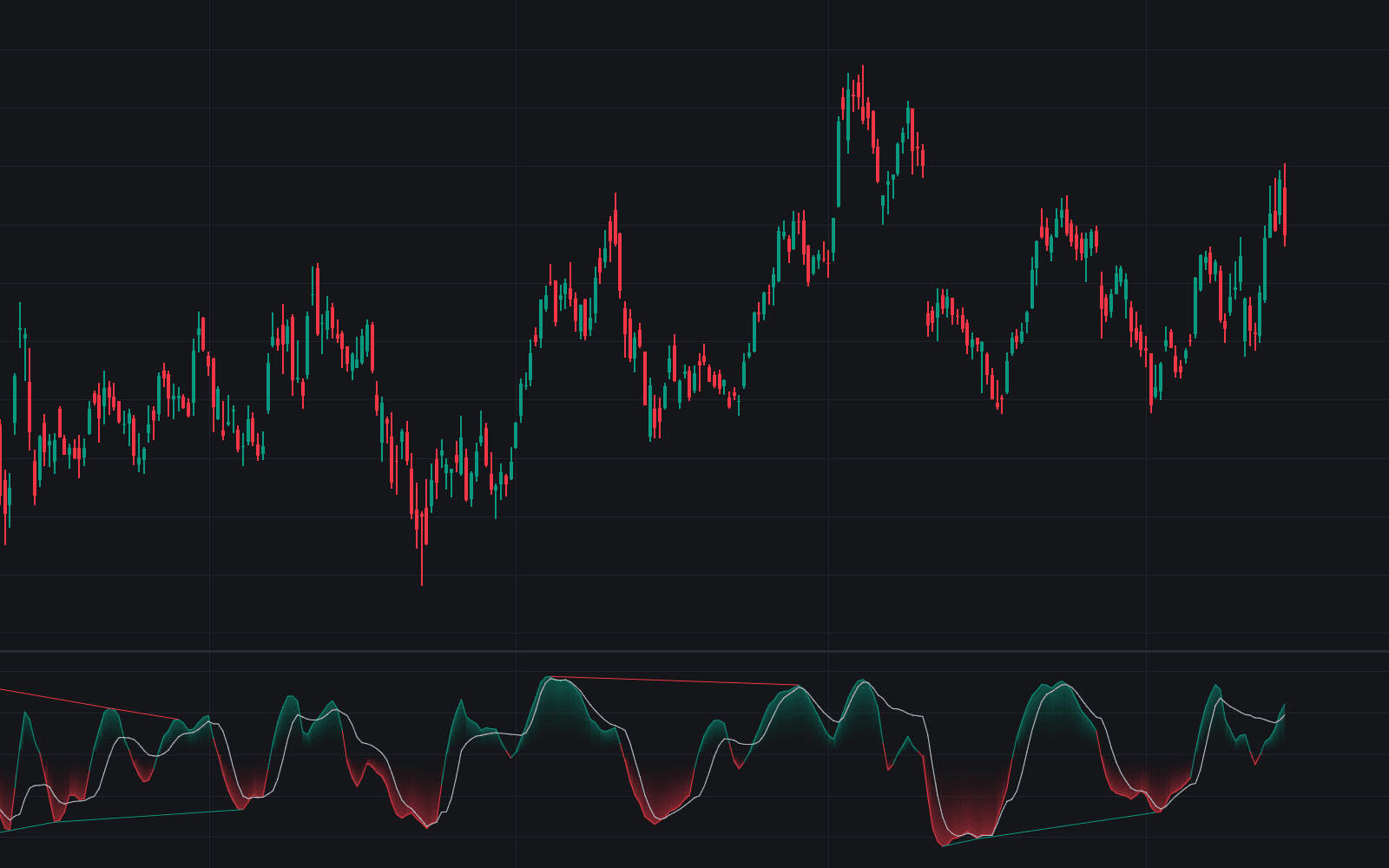
Normalized Resonator tunes a second-order digital resonator (a bandpass filter) to one cycle length and plots how that cycle swings, normalized against its own rolling peak so the oscillator keeps a consistent range. It borrows the central premise of dominant cycle measurement: price carries identifiable rhythms, and a filter aimed at one of them can read cleaner than aggregate momentum.
How to Trade the Normalized Resonator?
- Bullish label (▲): the oscillator crosses above its signal line while below the oversold threshold, a stretched cycle turning up.
- Bearish label (▼): a cross below the signal line while above overbought marks cyclical exhaustion at the highs.
- Zero line bias: sustained readings above zero define a bullish cycle phase, below zero a bearish one, with distance from zero gauging cyclical momentum.
- With the trend: in an uptrend, favor bullish crossovers near oversold; in a downtrend, take the mirror-image setups.
Normalization is what keeps those thresholds honest. Raw bandpass output swells and shrinks with volatility, so the indicator divides by the highest absolute peak over a rolling window, compressing the line into a stable band whose scale holds steady across markets.
Normalized Resonator Settings
- Center Period: the cycle length, in bars, that the filter isolates.
- Bandwidth: filter selectivity: low values (0.1–0.3) isolate one narrow cycle with cleaner but slower output; higher values (0.5–0.8) admit nearby frequencies and react faster.
- Lookback Multiplier: sizes the normalization window relative to the Center Period.
- Signal Line Period: EMA length for the crossover line.
- Overbought / Oversold Levels: the extremes a reversal label requires.
- Signal Size: visual size of the ▲ and ▼ labels.
Frequently Asked Questions
Free on Vela
Run it on Vela. Go further with a paid plan.
- Up to 500 strategy alerts, with webhook automation
- Up to 10× the chart history of Free
- Orderflow lookback up to full history
- More Quant usage to customize it, plus extra usage when you need it
- Futures data alongside crypto, stocks, forex and commodities
Also works on

Related indicators
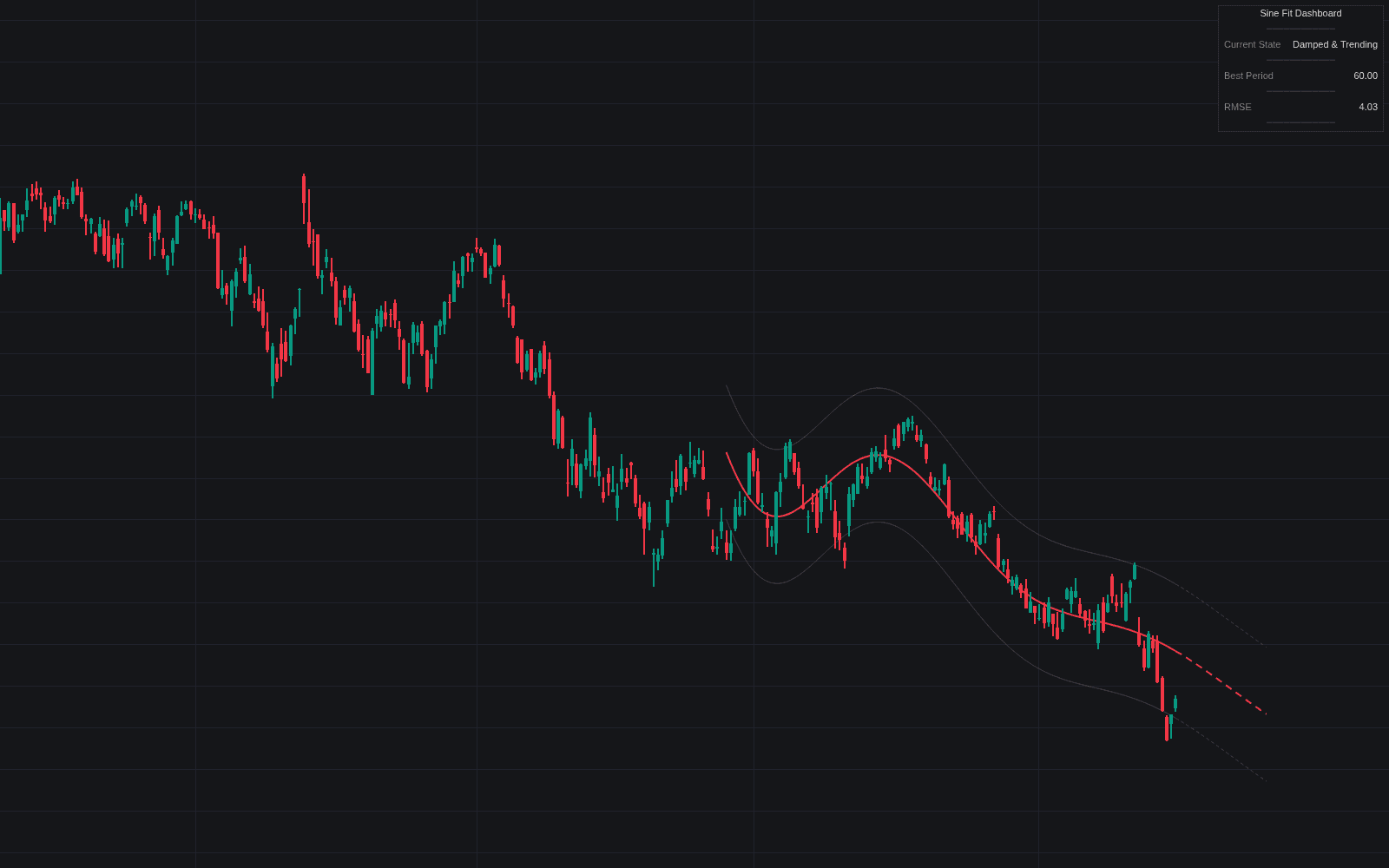
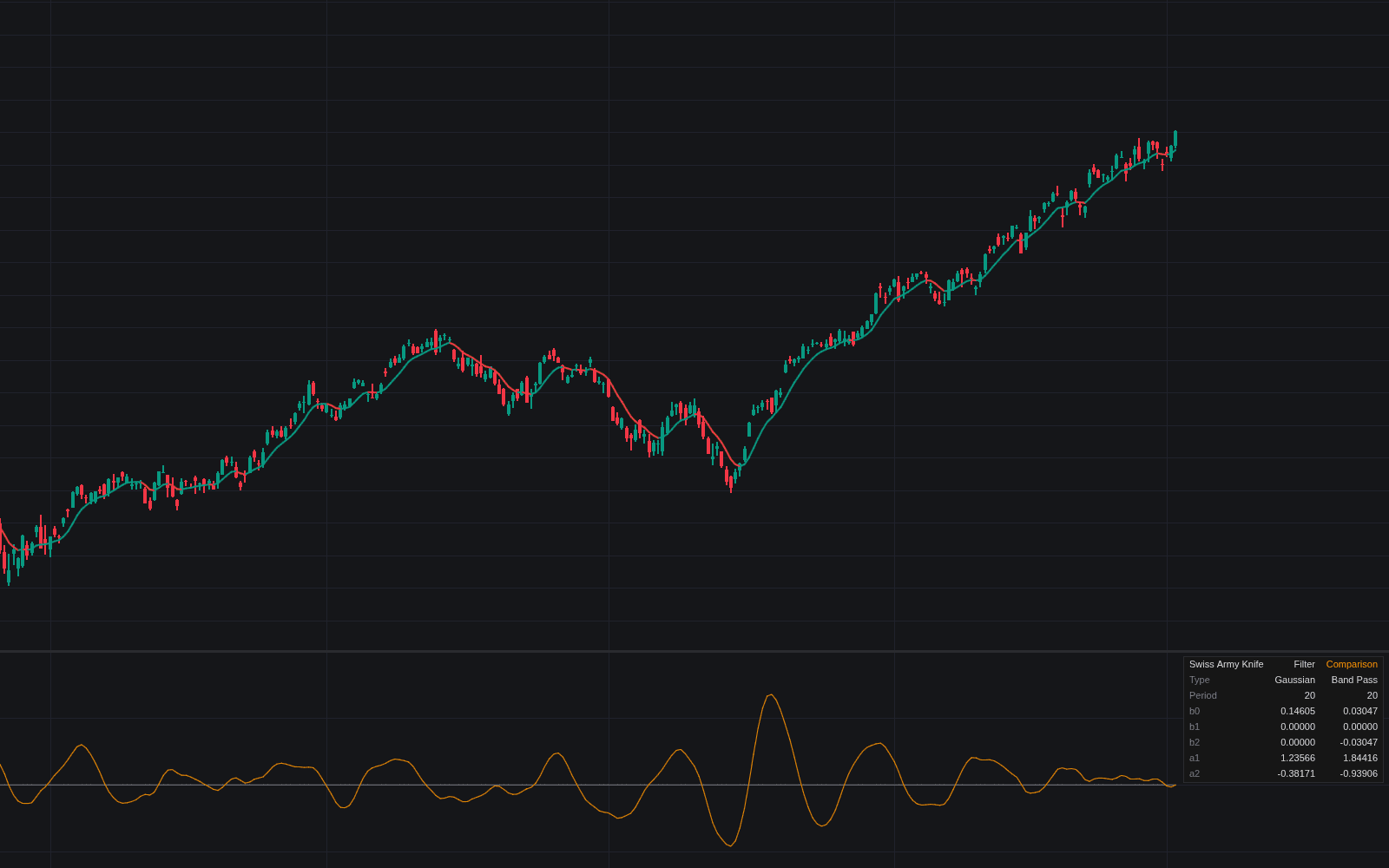
All 3 Dominant Cycle Measurement indicators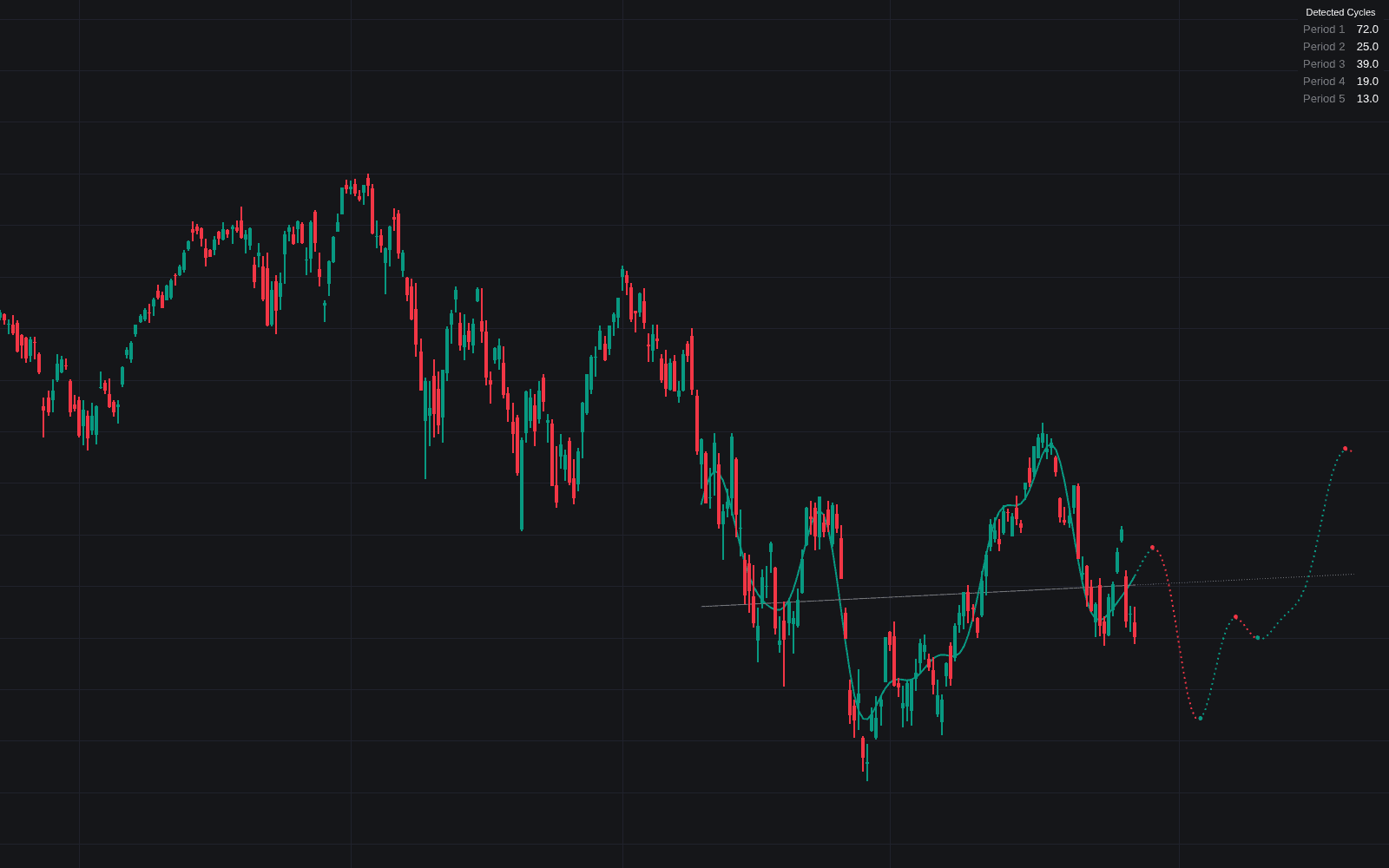
Run it on Vela. Make it yours with Quant.
Open this indicator free on Vela, our next-generation charting platform. Then ask Quant, our coding agent built into Vela, to retune it or turn it into a backtested strategy of your own.