Vela Now Speaks 21 Languages
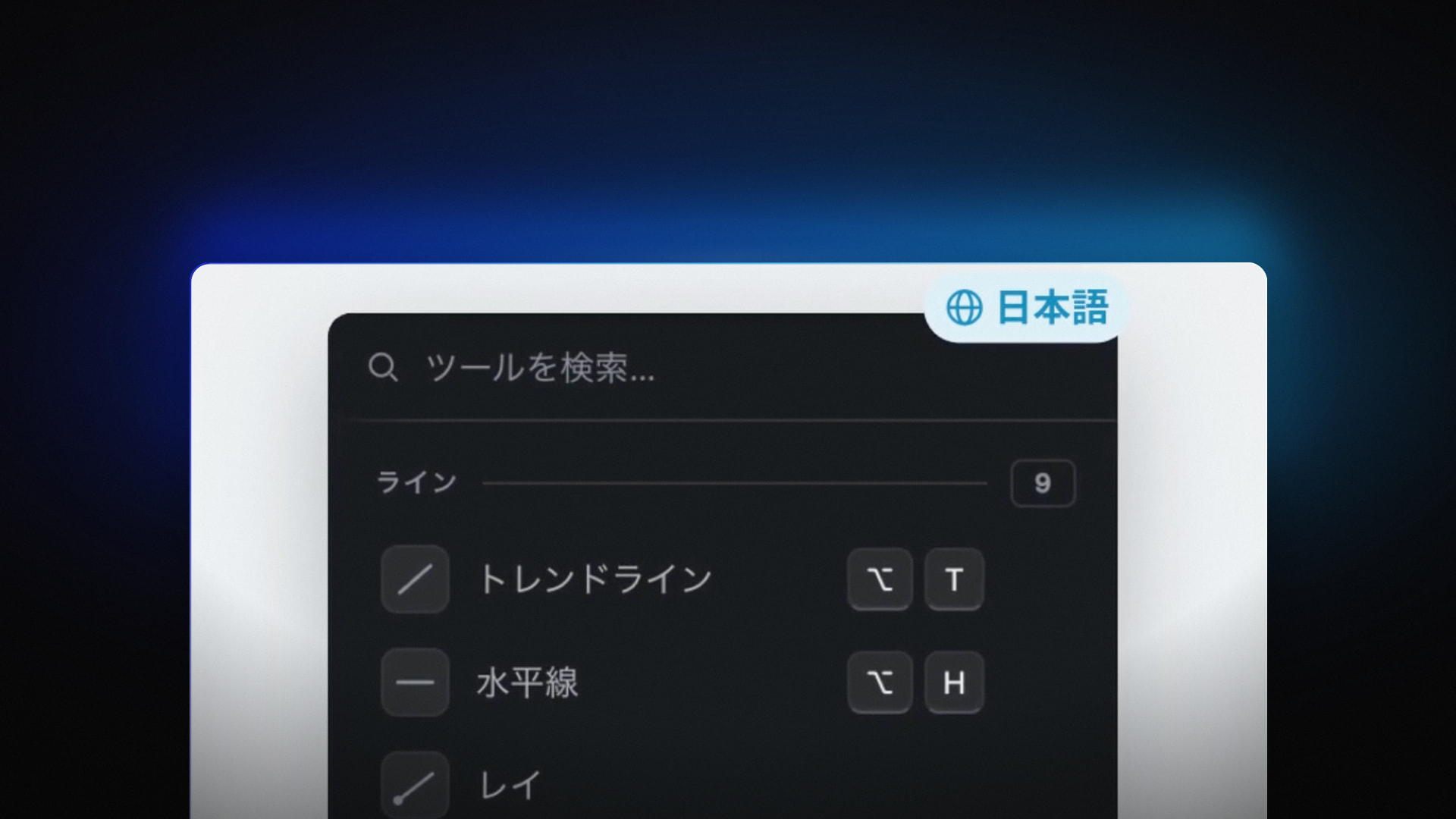
Vela, our next-generation charting platform, is live in 21 languages today: 19 translated languages, plus English and English (India). It is on for everyone, on every plan, including Free. There is nothing to install and nothing to enable.
Most traders in the world don't trade in English. Until today, a trader in Tokyo, São Paulo or Istanbul opened Vela and read their charts, their orders and their journal in a second language. That is friction on every decision, and the words that carry the most weight in trading are the ones where a misread costs the most. We built this so your charts read as naturally as your own language.
This is a platform-wide change, not a translated landing page. It covers the whole working environment, from the first click to the trade journal: the charts, Quant, our coding agent, the watchlist, the order panel, the Screener and your account.
Twenty-One Languages, on Every Plan
Alongside English and English (India), Vela now ships in these 19 languages:
- Español
- Deutsch
- Français
- Italiano
- Polski
- Português (Brasil)
- Русский
- Türkçe
- العربية
- עברית
- हिन्दी
- 简体中文
- 繁體中文
- 日本語
- 한국어
- Bahasa Indonesia
- Bahasa Melayu
- ไทย
- Tiếng Việt
Language is not a plan feature. Every language is available on Free, Essential, Premium, Ultimate and AI Ultra, with the same coverage on each. A trader on Free in Jakarta gets the same Bahasa Indonesia platform as a trader on AI Ultra.
Vela was built for every market. With this release it speaks for the traders in them: a trader in Seoul reads Korean, a trader in Warsaw reads Polish, and a trader in Mumbai can pick Hindi or English (India) with the number grouping they already use.
From the Chart to the Trade Journal
The translation starts where you spend most of your time. On the charts, the drawing tools, toolbars and timeframes are in your language, along with chart types and their settings, Symbol Search, the dates on the time axis, and multi-chart layouts. When you search for a symbol, split the screen into a multi-chart workspace and adjust a chart's settings, every label along the way reads in the language you chose.
Quant, our coding agent, speaks your language too. Its welcome, the suggestions in its message box, its plans, and its cards for orders, alerts and backtests are all translated. When you ask Quant to build and backtest a strategy, the plan it proposes and the backtest card it returns read in the same language as the rest of the platform. Greetings feel local: Quant says good morning in your language, and names the right market holidays the way your market names them.
The rest of the platform follows:
- The watchlist and its research views
- The trade journal, calendar, boards and stats
- The order panel and positions
- The Screener
- Account, plans and sign-in
- The switching flow for traders moving their setup over from TradingView
- The vendor console for script authors
That last item matters for builders. Script authors who publish and manage their work through the vendor console now do it in their own language, from the same account they chart with.
Trading Words That Mean Exactly One Thing
Trading terms are precise. Stop loss, take profit, immediate or cancel and working orders each describe one specific thing. If a translation blurs the difference between them, a trader makes the wrong call. We held every money and order message to that standard: the order panel, positions, and Quant's order and alert cards say exactly what they will do, in every language.
We also kept one word for one thing across the whole platform. Working orders, funded account and the trading journal mean the same thing everywhere they appear, in every language. If you see a term in the order panel, it is the same term in the journal, in Quant's cards and in your account. You learn the vocabulary once.
Some things don't translate, by design. Names stay names: LuxAlgo, Vela, Quant, PineTS and Pine Script® never change, and neither do plan names. And the 30-day money-back guarantee reads as a guarantee in every language, never as risk-free trading.
It Opens in Your Language
Vela opens in your browser's language automatically. There's nothing to set up, and it never guesses from your country. A Japanese trader working from Singapore sees Japanese, because that is what their browser asks for, not what their location suggests.
You can change the language at any time:
- Open the profile menu, or go to Account > Profile.
- Pick a language from the list.
- The platform switches, and the choice is saved to your account.
Because the setting follows your account, it follows you to any device. Set Türkçe on your desktop in Istanbul, sign in on a laptop somewhere else, and Vela opens in Türkçe there too.
Right to Left, and Numbers You Read at a Glance
Arabic and Hebrew are written right to left, and Vela's pages read that way. Menus, panels and text flip to match. The chart stays left to right, the way traders read price everywhere: time runs left to right on the axis, the latest candle sits on the right, and your drawings stay where you placed them. Switch from English to العربية and the page around the chart mirrors while the chart itself stays put.
Numbers are formatted for your language without changing what they mean:
- Prices use Western digits (0–9) in every language.
- Decimals and thousands separators follow your language: 81.100,00 in German, 81,100.00 in English.
- English (India) uses Indian grouping, as in 12,34,567.
Dates and times follow the same rule. They are written the way your language writes them, and they always point to the same moment. A price level, a fill time or a date on the time axis reads differently in Deutsch and in English, but it is the same number and the same moment in both.
Open Vela
State-of-the-art charts, now in your language. Free to start.
Open a chart, and Vela will greet you in your browser's language. To pick a different one, use the profile menu or Account > Profile.
Read next