Trading & investing are risky and many will lose money in connection with trading and investing activities. All content on this site is not intended to, and should not be, construed as financial advice. Decisions to buy, sell, hold or trade in securities, commodities and other investments involve risk and are best made based on the advice of qualified financial professionals. Past performance does not guarantee future results.
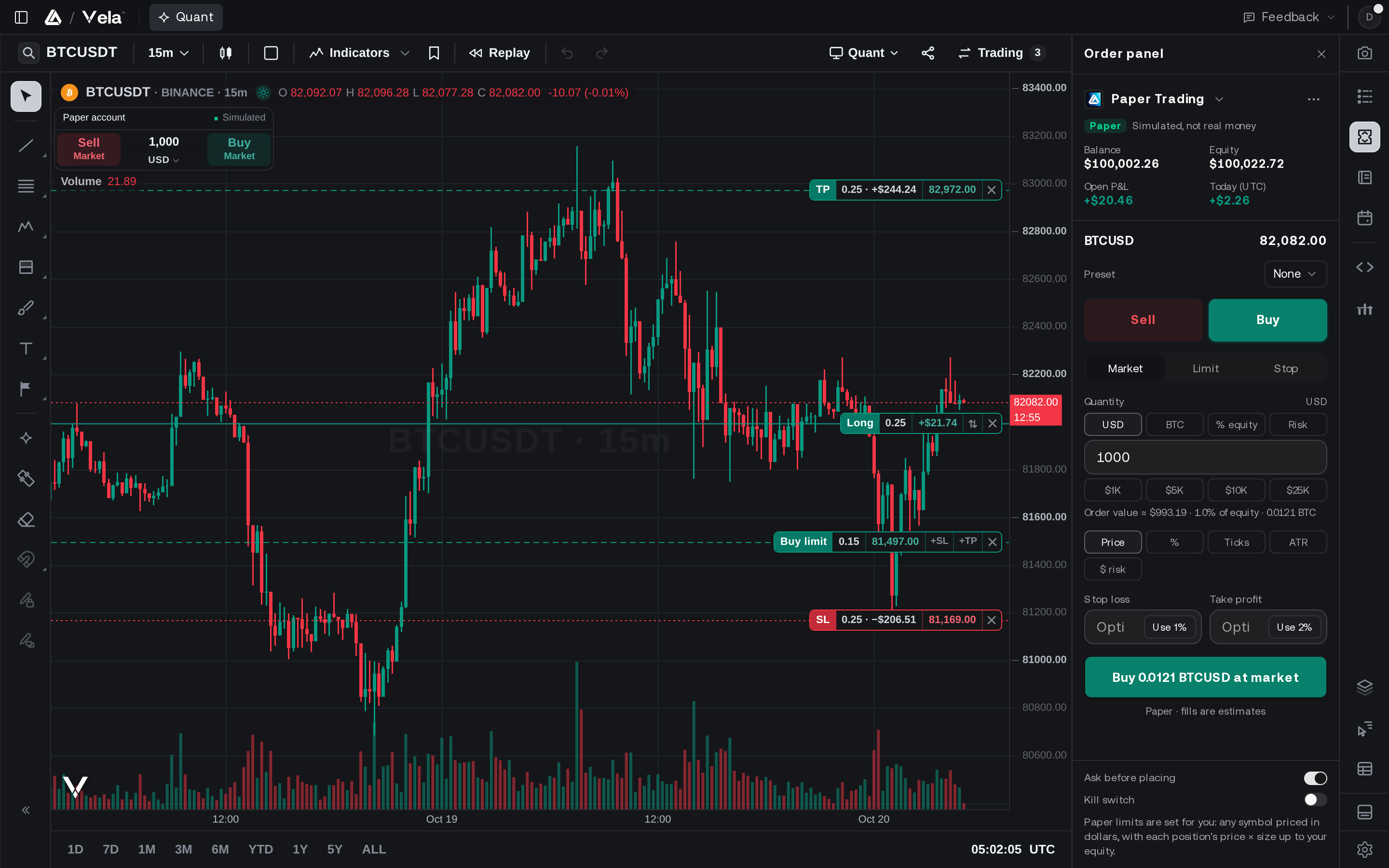
Hypothetical or Simulated performance results have certain limitations. Unlike an actual performance record, simulated results do not represent actual trading. Also, since the trades have not been executed, the results may have under-or-over compensated for the impact, if any, of certain market factors, including, but not limited to, lack of liquidity. Simulated trading programs in general are designed with the benefit of hindsight, and are based on historical information. No representation is being made that any account will or is likely to achieve profit or losses similar to those shown. This includes any strategies, optimizations, or backtests generated with our AI tools, including Quant; such outputs are produced from criteria and inputs you control and are provided for informational and educational purposes only.
Testimonials appearing on this website may not be representative of other clients or customers and is not a guarantee of future performance or success.
As a provider of charting software, analytical tools, and strategy research technology, we do not have access to the personal trading accounts or brokerage statements of our customers. As a result, we have no reason to believe our customers perform better or worse than traders as a whole based on any content, tool, or platform feature we provide. LuxAlgo does not execute trades and does not provide personalized investment advice.
Charts on this site and within our platform are rendered by LuxAlgo's own charting engine. Certain LuxAlgo tools are also published for use on TradingView®. “TradingView” and “Pine Script” are trademarks or registered trademarks of TradingView, Inc. www.TradingView.com TradingView, Inc. is not affiliated with, and does not sponsor or endorse, the owner, developer, or provider of the Services described herein.
Market data on this site and within our products includes data licensed from third parties. In Vela, U.S. equities data is real-time from the Cboe EDGX exchange and futures data is real-time from CME Group, both licensed through Databento. Cboe EDGX data reflects trading on that exchange only and does not represent consolidated U.S. market volume. Cryptocurrency data is sourced from the exchange shown on each symbol. Forex and commodities data is provided by Financial Modeling Prep. Market pages on luxalgo.com use data from providers including Financial Modeling Prep and Massive, and may be delayed. Order flow analytics are derived from exchange trade data. All data is provided “as is” without warranty from LuxAlgo, its data providers or the exchanges, should be verified independently before trading, and may not be redistributed.
This does not represent our full Disclaimer. Please read our full disclaimer.