FVG Instantaneous Mitigation Signals
 By LuxAlgoJul 16, 2024
FVG Instantaneous Mitigation Signals is an indicator on Vela, our next-generation charting platform, written in Pine Script®.
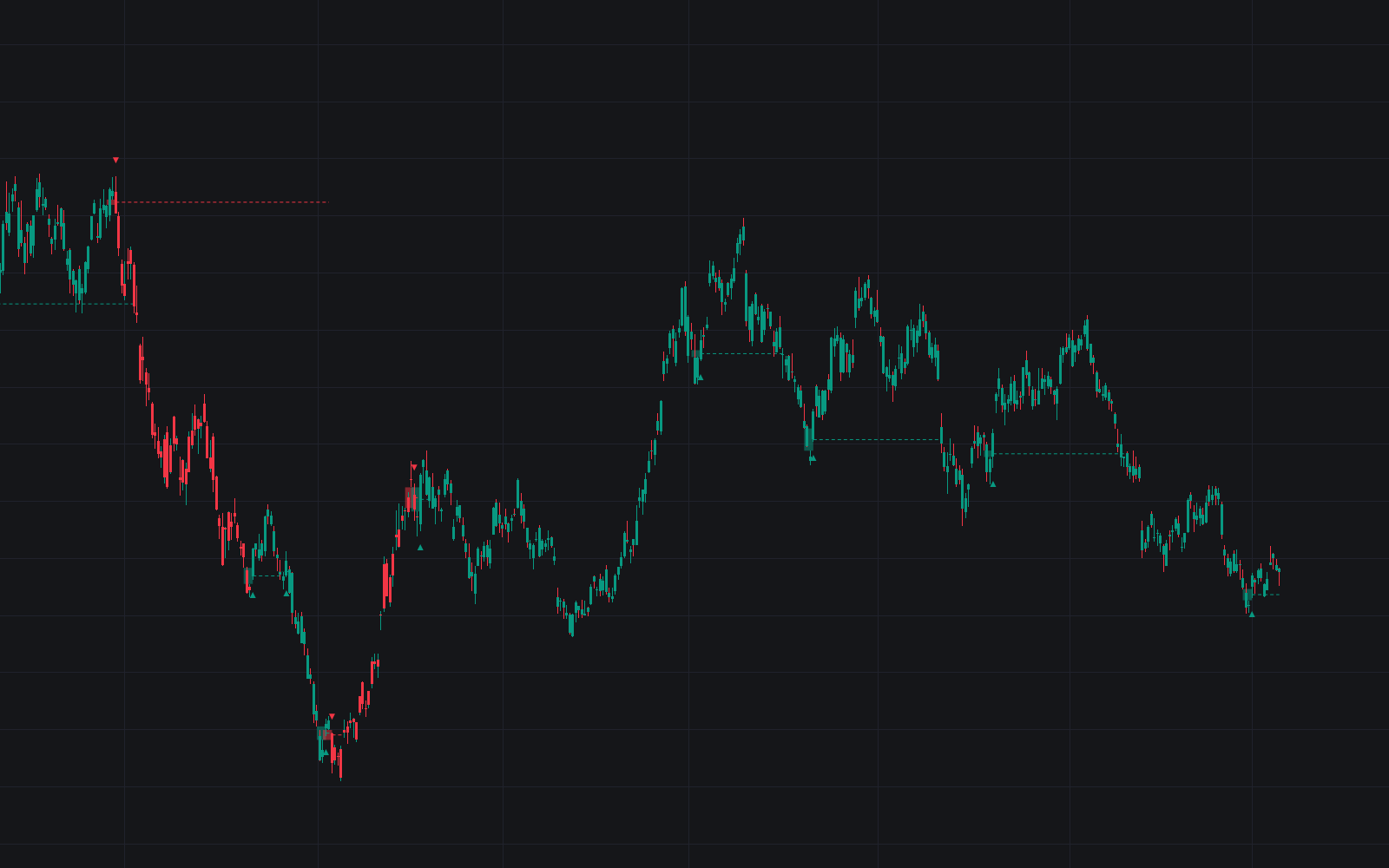

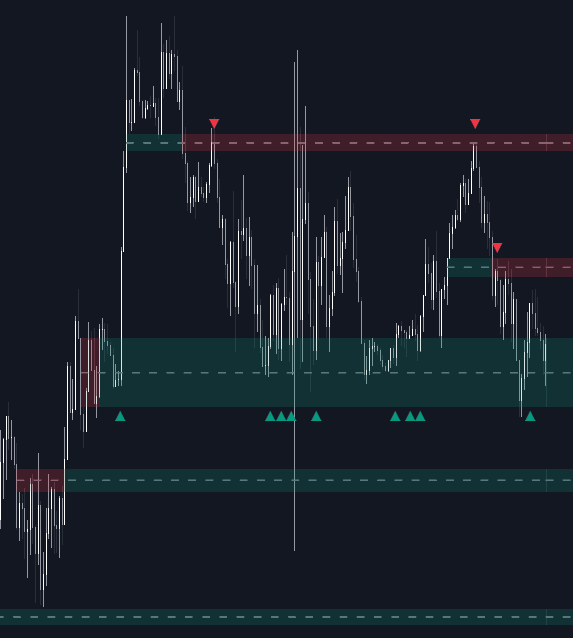
The FVG Instantaneous Mitigation Signals indicator isolates one specific event: a fair value gap that price fills just one bar after it forms. That immediate fill flips the read (a bearish gap mitigated instantly produces a bullish signal, and a bullish gap mitigated instantly produces a bearish one), and every signal can be framed with take-profit, stop-loss, and trailing-stop levels.
How to Trade the FVG Instantaneous Mitigation Signals?
- Bullish signal: a bearish gap is mitigated on the bar after it forms; sentiment is read as flipping upward.
- Bearish signal: a bullish gap is mitigated one bar after forming, flipping the read downward.
- Highlighted gap and average level: each area is shaded and its average level extends until price reaches it from the side opposite the gap's bias, a ready support or resistance reference.
- TP/SL areas: zones begin at the mitigated gap's average level and extend by a user-set number of ATRs; larger multipliers suit longer-horizon moves.
Rapid fills suggest a market intent on resolving imbalances, often overcorrecting into new ones, the feedback loop these signals lean on. A trailing stop loss rounds out the toolkit: it advances as price makes new highs or lows and can restart on every signal or only when an opposite-bias signal appears, so an aligned signal keeps the existing stop.
FVG Instantaneous Mitigation Signals Settings
- FVG Width Filter: sets a minimum gap width; higher values keep only the more volatile gaps and thin out signals.
- TP Area / SL Area: toggle the take-profit and stop-loss zones drawn on new signals.
- Multiplier: one per zone (TP, SL, and trailing stop), controlling distance in ATR units. Higher pushes the level further from price.
- Reset Trailing Stop: choose "Every Signals" or "Inverse Signals" to control when the trailing level restarts.
Frequently Asked Questions
Free to use
Run it on Vela. Go further with a paid plan.
- Up to 500 Custom Alerts, with webhook automation
- Up to 10× the chart history of Free
- Orderflow lookback up to full history
- More Quant usage to customize it, plus extra usage when you need it
- Futures data alongside crypto, stocks, forex and commodities
Also works on

Related indicators
All 39 Fair Value Gap indicators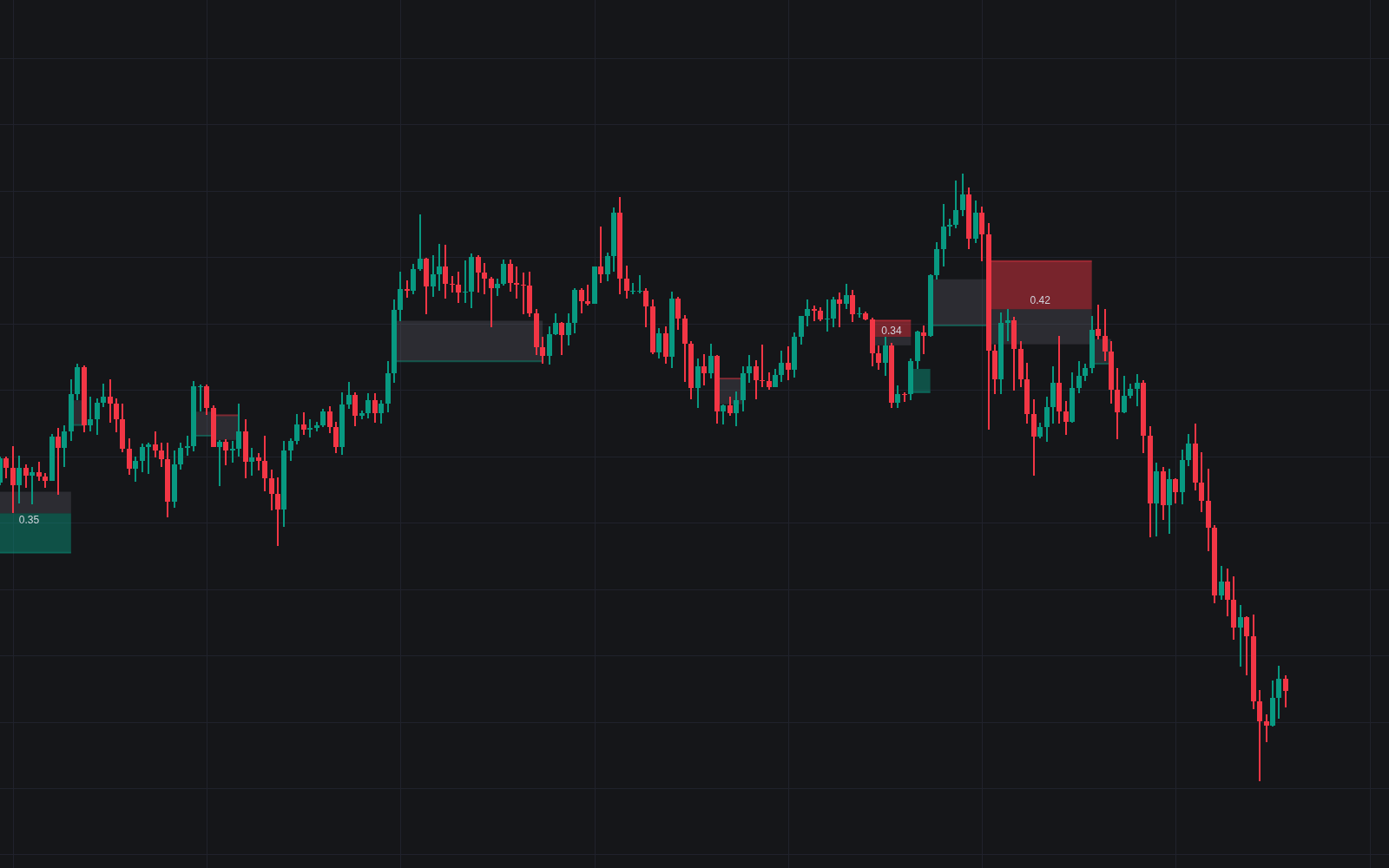
Run it on Vela. Make it yours with Quant.
Open this indicator free on Vela, our next-generation charting platform. Then ask Quant, our coding agent built into Vela, to retune it or turn it into a backtested strategy of your own.