Linear Regression Histogram
 By LuxAlgoOct 25, 2021
Linear Regression Histogram is an indicator on Vela, our next-generation charting platform, written in Pine Script®.
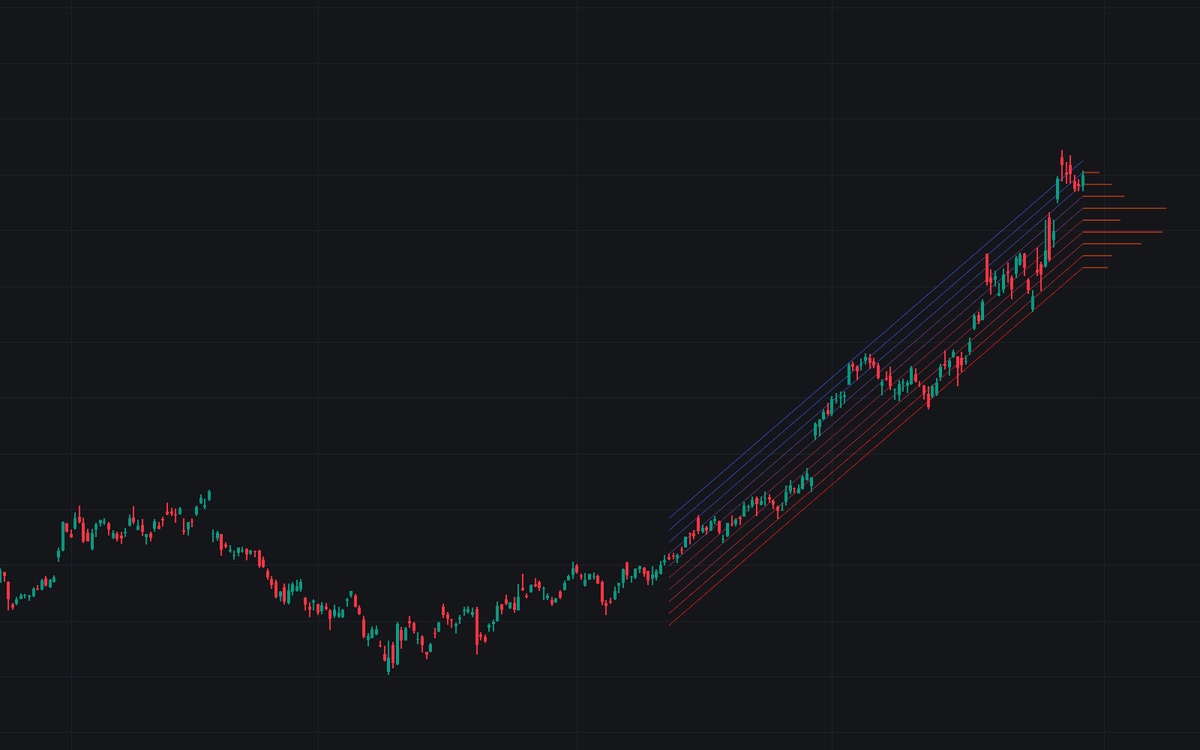

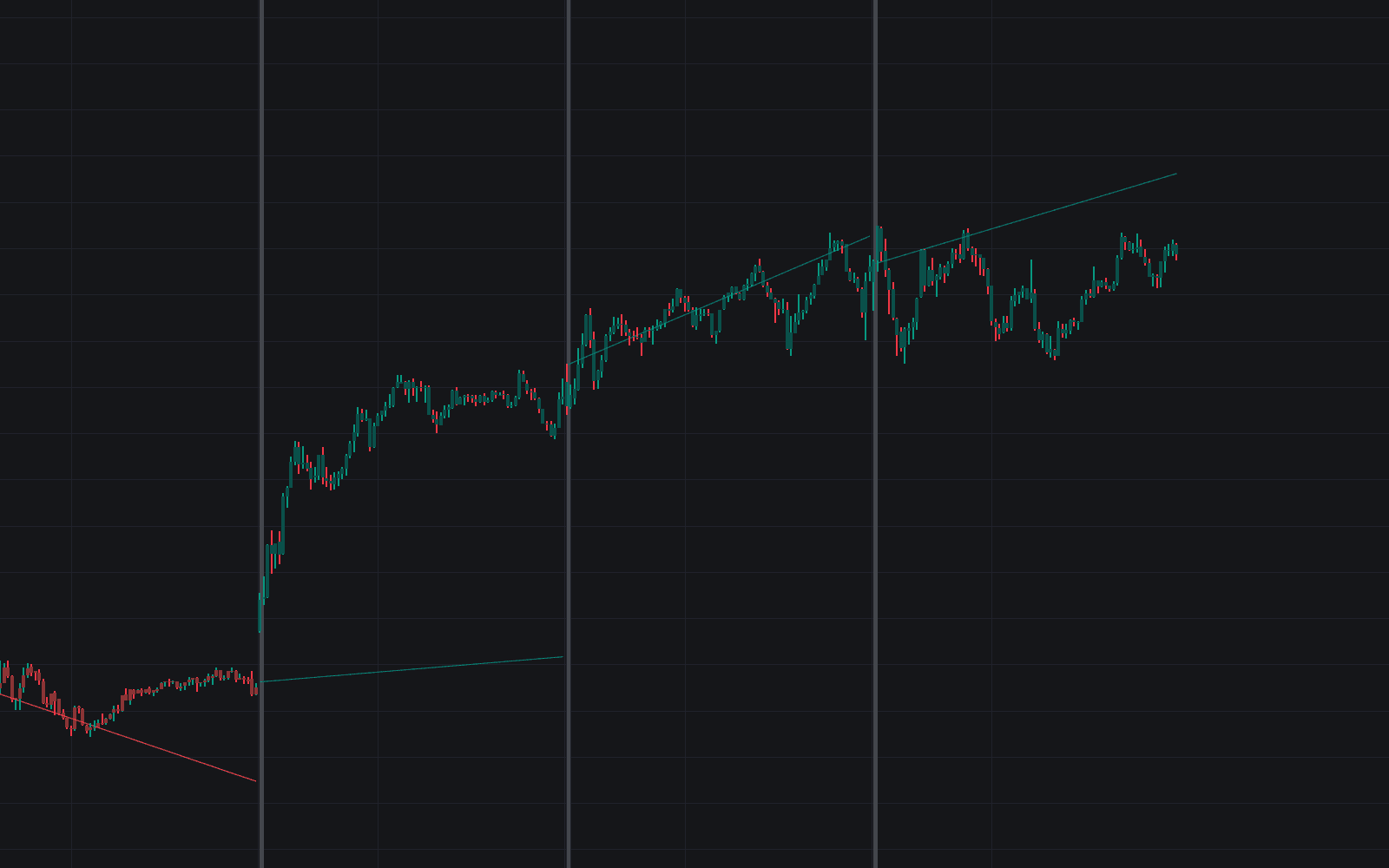
Linear Regression Histogram treats a trend the way a statistician treats a dataset. It fits a least-squares regression through recent closes, wraps the fit in a regression channel sized by a multiple of the RMSE, slices that channel into equal-width bins, and counts how many price values land in each one. Each bin's count is drawn as a histogram bar to the right of the latest bar, so the bins collecting the most hits show the longest bars: the zones this trend keeps coming back to.
How to Trade the Linear Regression Histogram?
- Longest histogram bars: prices cluster there more than anywhere else in the channel, marking zones of interest inside the prevailing trend.
- Revisit behavior: because these intervals have absorbed price repeatedly, they can act like support or resistance that follows the trend rather than sitting at a fixed level.
- Granularity control: more bins carve the channel into finer zones, fewer bins merge activity into broader areas. Match the resolution to how precise your entries need to be.
As the regression rolls forward, the channel and its bins update with it, so the highlighted zones always describe the current fit rather than stale structure.
Linear Regression Histogram Settings
- Length: how many past closing prices feed the regression. Longer settings describe the broader trend, shorter ones hug recent action.
- Bins Number: the number of channel lines drawn; the channel is divided into one fewer interval than this (9 at the default of 10), controlling how granular the frequency map is.
- Mult: multiplies the RMSE to set channel width. Raise it to capture more of the price action, lower it to focus on the trend's core.
- Src: the price source used for the analysis.
Frequently Asked Questions
Free to use
Run it on Vela. Go further with a paid plan.
- Up to 500 strategy alerts, with webhook automation
- Up to 10× the chart history of Free
- Orderflow lookback up to full history
- More Quant usage to customize it, plus extra usage when you need it
- Futures data alongside crypto, stocks, forex and commodities
Also works on

Related indicators
All 8 Linear Regression indicators
Run it on Vela. Make it yours with Quant.
Open this indicator free on Vela, our next-generation charting platform. Then ask Quant, our coding agent built into Vela, to retune it or turn it into a backtested strategy of your own.