Best AI Agent for Trading Strategy Creation: LuxAlgo

The best AI agent for trading strategy creation is the one that fits the research you need to do. LuxAlgo is built for traders who want charts, a coding agent, and strategy testing in one workspace. Quant turns plain-English instructions into Pine Script® code that you can inspect, run, and refine on LuxAlgo charts.
That workflow reduces the steps between an idea and a testable implementation. It still requires clear instructions, realistic assumptions, and a review of the resulting trades. AI-generated code is not evidence of a profitable strategy, and backtesting does not establish how a broker will execute live orders.
Key Features of LuxAlgo
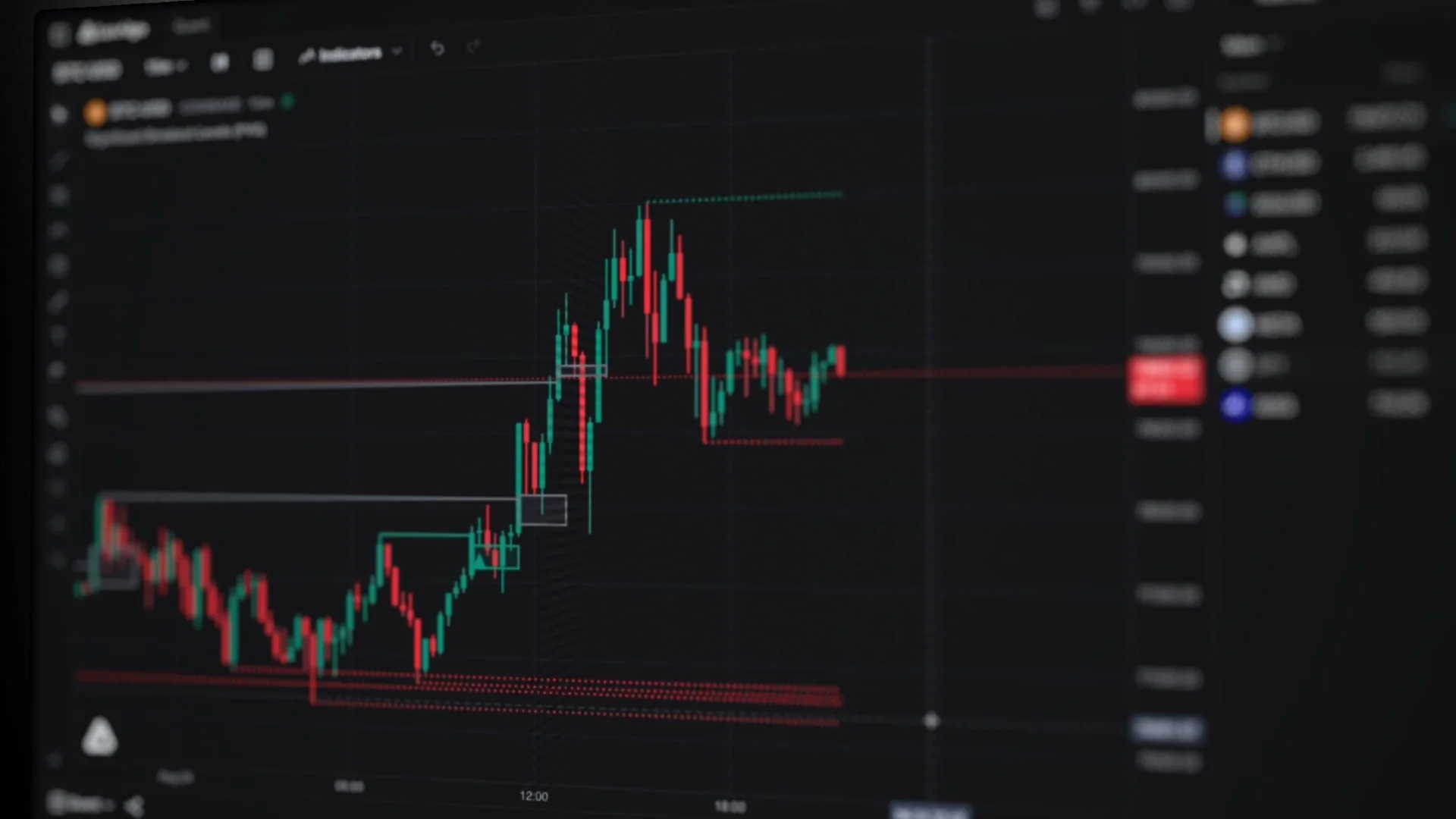
- Quant: describe indicator or strategy logic, review the generated code, and run it on the chart.
- Native backtesting: inspect performance, trade details, inputs, and properties; star a run to preserve its configuration.
- Charts and Library: combine market context with built-in indicators and the LuxAlgo Library.
Benefits for Strategy Research
Quant helps make rules explicit, supports revisions without starting from a blank editor, and keeps the result close to the chart used to inspect it. Saved runs help separate the original test from later changes. These features support a more consistent research process; they do not remove the trader’s responsibility for assumptions or decisions.
| Research need | LuxAlgo workflow | What to verify |
|---|---|---|
| Translate an idea into rules | Describe the logic to Quant and review its code | The implementation matches the intended timing and conditions |
| Test a custom strategy | Run it on native charts and inspect backtest results | Data coverage, order assumptions, costs, and individual trades |
| Start from an existing indicator | Ask Quant to turn a Library indicator into a strategy and backtest it | The strategy rules match what the indicator plots |
Common Trading Strategy Problems
Managing Market Data Volume
More indicators and data do not automatically produce a clearer decision. A useful starting point is to define the market, interval, and information a strategy is allowed to use. Quant can help turn that specification into code, while charts help you check whether the output behaves as intended.
Keep the question small enough to test. For example, “Does this moving-average rule behave differently during high volatility?” is more actionable than asking an AI to find the best trade across every market. The first request identifies a comparison; the second leaves the selection process and success criteria unclear.
| Challenge | Practical response | Remaining check |
|---|---|---|
| Too many signals | Specify one entry trigger and a small number of filters | Each condition has a defined purpose |
| Ambiguous pattern recognition | Translate the pattern into explicit, observable conditions | Signals use information available at the decision time |
| Several markets to compare | Use consistent rules and saved test configurations | Differences in data, sessions, and costs are accounted for |
Human Limitations in Trading
Fear, greed, fatigue, and selective attention can affect how traders interpret results. Writing rules down helps expose inconsistencies, but AI does not eliminate emotional bias. A trader can still cherry-pick a favorable backtest, change rules after a loss, or accept generated code without inspection.
- Emotional decisions: decide how the strategy will be evaluated before viewing its results.
- Limited time: use a repeatable review sequence and preserve tested configurations.
- Limited attention: inspect representative trades, unusual outcomes, and errors instead of relying only on headline metrics.
An agent can make a process easier to repeat, yet its output can also contain mistakes. Keep a written record of the question, code revision, assumptions, and reason for each change. This creates a useful research history when an attractive result fails to repeat.
LuxAlgo: AI-Powered Trading Tools
LuxAlgo Platform Overview
LuxAlgo combines Quant Charts with Quant, our coding agent, and a Library of hundreds of LuxAlgo tools, one click from a chart. Pine Script® runs on LuxAlgo through PineTS, so the code Quant writes runs natively on the chart.
| Component | What it offers |
|---|---|
| Quant | Code generation and revision from a strategy or indicator specification |
| Native charts | Visual analysis, indicators, and supported custom strategy testing |
| Saved backtest runs | A retained script, symbol, interval, inputs, and properties for comparison |
| Library | Hundreds of LuxAlgo tools, one click from a chart |
Quant and Backtesting
Open Quant, describe the idea, and inspect the result in Code before selecting Run. If it produces an indicator when you need a strategy, use the Backtest workflow and specify the entry, exit, and risk rules. Resolving a compilation error is a separate check from proving the trading logic is correct.
The native strategy results and controls include summary metrics and detailed trade analysis. Inputs adjust parameters exposed by the script; Properties cover assumptions such as capital, sizing, commission, and slippage. Use Quant to revise logic that is not represented by an input.
Quant can also start from an existing indicator: turn a Library indicator into a strategy and backtest it against years of history, then review the trades before treating the result as evidence.
Using LuxAlgo for Trading Strategy Research
Platform Setup Guide
Create a free LuxAlgo account and open a chart. Select the symbol and interval, then use Quant to describe the first version of your idea. The Free plan includes 500 monthly Quant credits; check current plans for allowances, chart limits, and other access requirements.
Strategy Development Steps
| Phase | Action |
|---|---|
| Specify | Define the symbol, interval, conditions, order timing, exits, and sizing |
| Implement and inspect | Review Quant’s code, run it, and reconcile selected trades with the chart |
| Evaluate | Review costs, drawdown, trade count, and a reserved evaluation period |
| Revise and preserve | Change one hypothesis at a time and star the relevant backtest runs |
| Consider execution | Separately verify alerts, any external bridge, broker permissions, and actual order behavior |
Improving the same historical score repeatedly can overfit the sample. Decide which data will be used for development and which will be reserved for evaluation, and record when a later decision uses information from that reserved period. The in-sample and out-of-sample guide explains this distinction.
Trading Examples
Start with a transparent baseline. For example, ask Quant for a long-only strategy that enters on the next bar’s open after the 20-period simple moving average crosses above the 50-period average on a completed bar, and exits on the opposite crossover. Specify one unit, no pyramiding, and the intended chart interval. These are illustrative rules, not recommended settings.
Check several crossover events against the trade list before changing the parameters. Add realistic cost assumptions, save the run, and state a specific reason for the next modification. This makes it easier to determine what changed and whether the implementation followed the request.
- Trend following: test explicit trend and exit rules rather than describing an entry as “precise.”
- Mean reversion: define an observable deviation and re-entry condition; an overbought or oversold reading alone does not prove a reversal.
- Volatility-based rules: specify how a measure such as ATR affects a filter, stop, or position size, and test that behavior separately.
Native strategy alerts and paid-plan webhooks can connect signals to another workflow. An alert is not an executed order. Any external execution service or broker connection needs its own setup and validation; Quant does not continuously rewrite and deploy a live strategy on your behalf.
Comparing AI Trading Platforms
Choose by Workflow, Not an Unnamed Ranking
“Traditional AI platforms” is too broad a category for a meaningful feature ranking. Compare the actual products you are considering against the same tasks. LuxAlgo’s appeal is the connection between its charts, Quant, and native backtesting; another workflow may prioritize a different programming environment, dataset, or broker integration.
| Selection criterion | Question to ask | LuxAlgo context |
|---|---|---|
| Code transparency | Can you inspect and revise what the agent creates? | Quant provides code review and iteration |
| Testing assumptions | Can you inspect trades and configure relevant costs? | Native strategy results, Inputs, and Properties support review |
| Reproducibility | Can you preserve a result with its configuration? | Starred runs retain the script and associated settings |
| Data and compatibility | Does it support the required market, history, and script behavior? | Check native coverage and validate any exported implementation |
| Execution | How does a signal become a broker order? | Alerts and external execution are separate from code generation and backtesting |
Use a small, identical strategy specification to compare outputs. Evaluate correctness, clarity of assumptions, reproducibility, and the work needed to investigate an error. An agent that produces an attractive equity curve without an understandable implementation has not answered those questions.
Conclusion
LuxAlgo is a strong fit for traders who want to develop and inspect strategies directly alongside their charts. Quant helps turn an idea into code, native backtesting makes the behavior reviewable, and saved runs support deliberate comparison.
Start with one explicit rule set, verify what the code does, and preserve the result before revising it. Select a plan based on the chart, data, and research capacity you need. A more capable workflow can improve the quality of your evaluation; it cannot guarantee a trading edge.
FAQs
Can AI create a trading strategy?
Yes. Quant can translate a trading specification into code and help revise it. You still need to inspect the rules, verify order timing, test realistic assumptions, and evaluate results beyond the data used for development. Generated code and a successful backtest do not establish future profitability.
Can you use AI for trading?
AI can assist with research, coding, and analysis. In LuxAlgo, Quant writes indicators and strategies on Quant Charts and backtests them against years of history. Live execution is a separate workflow with its own service, broker, and order-handling requirements.
Can I use AI in TradingView?
Quant is built into LuxAlgo’s own charts, where Pine Script® runs through PineTS. If you export a script to TradingView, check compatibility, data, and alert behavior there separately rather than assuming identical results.
Read next