Buy to Open vs Close — Avoid Option Order Errors
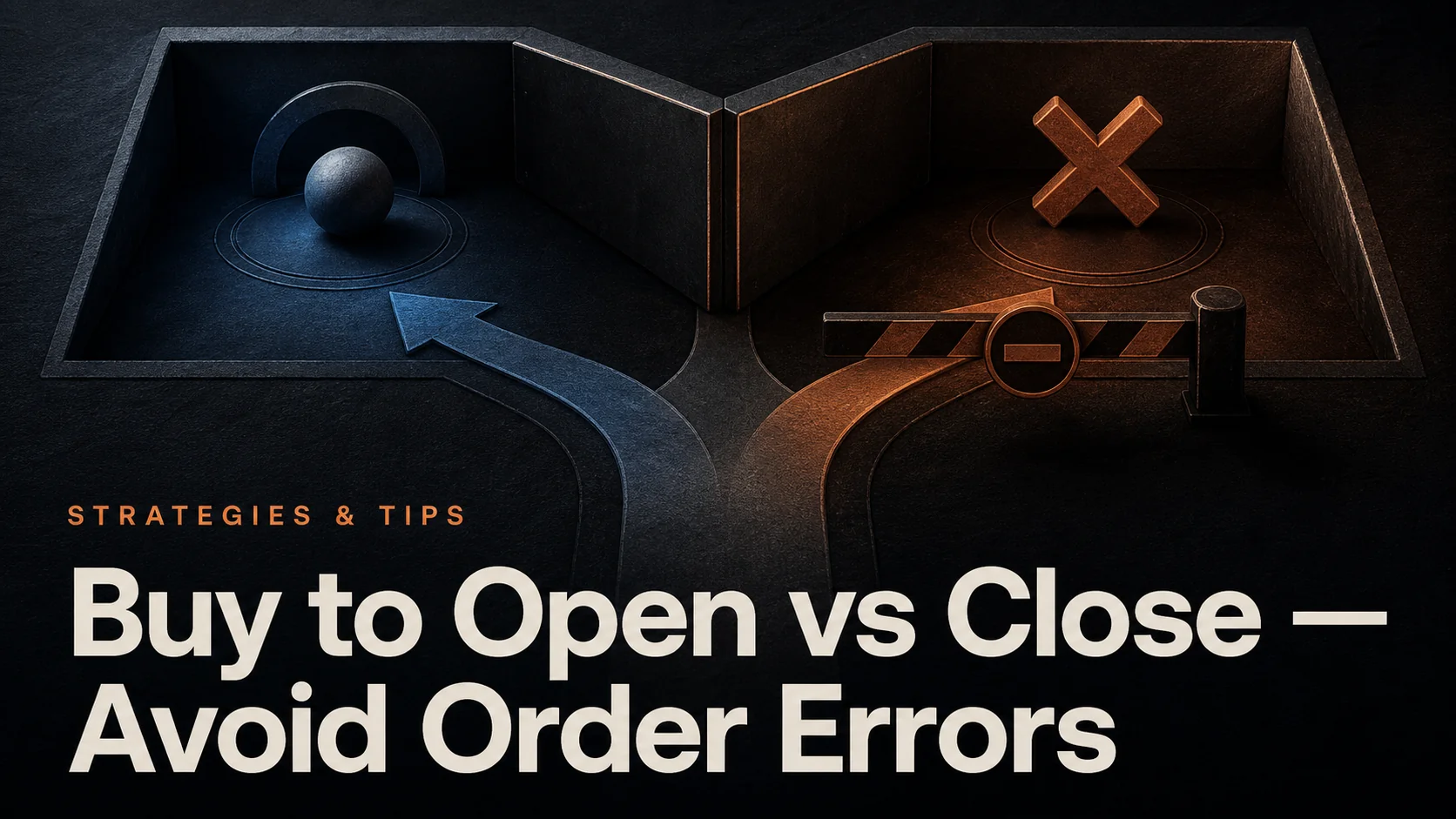
Buy to Open (BTO) establishes or increases a long option position. Buy to Close (BTC) reduces or eliminates an existing short position in the same option series. Both are purchases, but they have different effects on your account. To sell an option you already own, the corresponding action is Sell to Close—not Buy to Close.
Use Vela, our state-of-the-art charts, to analyze the underlying market and Quant to help define repeatable signal rules. Then verify the actual option contract and opening or closing action in your broker’s order ticket. A chart setup describes a trading idea; it does not identify the correct contract, guarantee an option’s return, or submit the broker order.
Quick Comparison: The Four Option Actions
| Action | Purpose | Example position change |
|---|---|---|
| Buy to Open (BTO) | Establish or add to a long option | No position → long 1 call |
| Sell to Close (STC) | Reduce or exit a long option | Long 1 call → no position |
| Sell to Open (STO) | Establish or add to a short option | No position → short 1 put |
| Buy to Close (BTC) | Reduce or exit a short option | Short 1 put → no position |
These examples assume the order fills for the stated quantity. “Long” means you own the option; “short” means you have written it. Buying a put is a long put position even though it can express a bearish outlook on the underlying stock.
Opening or closing is also separate from market versus limit pricing and Day versus GTC duration. A BTC limit order can be working without having closed anything. Confirm the resulting position after execution.
1. Buy to Open Orders
When to Use Buy to Open
A BTO purchase can establish a long call for upside exposure or a long put for downside exposure or protection. The effect of a hedge depends on its size, strike, expiration, and relationship to the position being hedged. Buying an option does not automatically protect an entire portfolio.
Check the underlying, call or put, expiration, strike, quantity, multiplier, and deliverable. Standard U.S. equity option contracts generally represent 100 shares, but corporate-action adjustments and other products can differ. The Options Industry Council’s options basics explains the standard contract terms.
Price Direction Is Only Part of the Outcome
For a standalone purchased option, the premium paid plus transaction costs is the amount at risk in the option itself. Exercise or settlement may create stock positions, cash requirements, and further exposure. Include those consequences in your plan, especially near expiration.
A call does not necessarily become profitable just because the stock rises. The premium paid, time remaining, implied volatility, and other pricing inputs matter. The OIC’s long-call explanation describes why timing and volatility affect the result.
Consider a hypothetical call with a $120 strike, a $4.00 premium, and a 100-share multiplier. One contract costs $400 before fees. At expiration:
| Underlying price | Call value | Profit or loss before fees |
|---|---|---|
| $118 | $0 | −$400 |
| $122 | $200 | −$200 |
| $124 | $400 | $0 |
| $126 | $600 | +$200 |
The $124 break-even is an expiration calculation, not a universal exit threshold before expiration. To exit the long call through a trade, sell the same option to close. Exercising the call is a different instruction that involves the underlying shares.
Order-Entry Checks for BTO
- Confirm the correct account and any existing position in that series.
- Read the full contract description, including adjusted deliverables where applicable.
- Calculate the total debit using premium × multiplier × contracts, then add fees.
- Check bid, ask, spread, quote time, and displayed size rather than relying only on the last trade.
- Review the action, quantity, price instruction, duration, and expiration plan before submitting.
2. Buy to Close Orders
Close the Same Series in the Same Account
A BTC purchase offsets an existing short option. Match the underlying, option type, expiration, strike, and any adjusted contract terms. Buying a different strike or expiration creates a different position; it does not close the original short contract. The OIC’s general options FAQ defines closing purchases in terms of reducing or eliminating a short position in a given series.
If you are short three contracts and buy two to close, one remains short. If only one contract fills, two remain. Review filled quantity, remaining orders, and the updated position together. A submitted, rejected, canceled, or unfilled order is not a completed exit.
Profit and Loss Examples
Suppose you sold one standard 100-share put for a $5.00 premium and later buy it to close for $2.00. The gross result is ($5.00 − $2.00) × 100 = $300 per contract, before entry and exit costs. The $3.00 difference is per share, not the total contract profit.
If the closing purchase instead costs $7.00, the gross loss is ($5.00 − $7.00) × 100 = $200. Buying back a short option can realize either a gain or a loss. Time decay alone does not ensure a profitable exit; changes in the underlying and implied volatility can outweigh it.
Assignment and Remaining Exposure
American-style short options can be assigned before expiration. According to the OIC assignment FAQ, a closing purchase completed during that day’s trading hours removes assignment exposure for the closed position, but you should first confirm that assignment has not already occurred. Merely placing a closing order does not have that effect.
A trading halt can prevent an exit while assignment obligations remain. Check your broker’s deadlines and current position status rather than assuming a closing trade is always available.
The risk being removed depends on the position. An uncovered short call can have theoretically unlimited loss; a short put has substantial but finite downside for a nonnegative stock price. Closing the call in a covered-call position leaves the stock holding. Closing one leg of a spread changes the remaining position and may remove its protection. Review the whole strategy, not just the option you bought back.
Video: Buy to Open and Buy to Close Terminology
Preventing Order-Entry Mistakes
Check the Position Before the Ticket
Start from the broker’s current position record. Identify whether it is long or short, the remaining quantity, pending orders, and any assignment or exercise activity. If the interface offers a close-position action, inspect the resulting ticket rather than assuming every field is correct.
A mismatched opening or closing instruction may be rejected or handled according to the broker’s position-netting rules. Do not assume the system will always create a separate opposite position—or always correct your mistake. Resolve a warning before resubmitting.
| Potential error | Useful check |
|---|---|
| Wrong contract | Compare the full series with the position, not just the ticker |
| Wrong quantity | Use remaining contracts after fills or assignment |
| Wrong premium units | Convert quoted price to total debit or credit |
| Unexpected execution price | Review current bid/ask and the chosen price instruction |
| Duplicate exit | Confirm prior order and cancellation status before replacing |
| Unintended spread exposure | Review all legs and the resulting risk after the proposed fill |
Use Price Controls and Confirmations Appropriately
A limit order controls the worst acceptable execution price, but it can remain unfilled. A stop-market order does not guarantee the trigger price, while a stop-limit can fail to execute. Availability and trigger rules for options depend on the broker and product. These tradeoffs matter when closing exposure as well as opening it.
Enable useful confirmation dialogs and review any saved order template before reuse. At the start of a session, reconcile open positions and working orders with the plan. Cancel only orders you no longer intend to keep, and verify cancellation; an indiscriminate cleanup can remove a planned exit.
Use LuxAlgo for the Underlying-Market Research
Open the underlying instrument in LuxAlgo and compare the relevant timeframes. Draw support, resistance, and invalidation levels, then choose indicators that answer a specific question. RSI or MACD can describe momentum; moving averages can provide trend context. Adding more indicators does not resolve option pricing or contract-selection risk.
Use the multi-chart layout to compare context and entry timing. Quant can help express an underlying-price setup as explicit, reviewable strategy rules. Inspect the generated code and test its assumptions before relying on the result.
Example research prompt: “Help define and test my underlying-price entry and exit rules using only information available at the signal time. Explain the data and cost assumptions. Keep the results separate from an options payoff calculation and identify what additional options data a complete evaluation would require.”
An underlying backtest is not an options backtest. A complete options evaluation needs contract selection, historical option quotes, spreads, volatility, expiration, and exercise or assignment treatment. Do not infer those capabilities from an ordinary price-chart strategy report or assume Quant submits BTO or BTC orders to a broker.
After a trade, keep the thesis, contract details, intended action, actual fills, costs, and any execution mistakes together. The LuxAlgo Journal supports trade records and notes, but confirm whether your broker or import format provides the required options fields. Supplement missing contract or multi-leg details rather than treating an incomplete import as a complete options record.
Plan Risk for the Actual Position
Set a position size that fits the strategy’s loss potential, liquidity, account resources, and other open exposures. There is no universal 1–3% allocation that makes an option trade safe. Premium paid, underlying notional value, margin required, and possible loss are different quantities.
Practice the order workflow in a broker’s simulated environment where available, then review what its fills assume. Keep an expiration and exercise plan alongside the price-based exit plan. Our trade-risk guide provides additional context for sizing and consecutive losses.
Option Order Checklist
- Identify the current long or short position and the exact option series.
- Choose the action that produces the intended remaining position.
- Verify quantity, multiplier, premium, total debit or credit, and fees.
- Review price instructions, duration, liquidity, and expiration consequences.
- After submission, confirm actual fills, remaining contracts, and any working orders.
Use the chart to develop the idea, the broker ticket to specify the transaction, and the position record to confirm what actually happened.
FAQs
What is the difference between 'Buy to Open' and 'Buy to Close' in options trading?
Buy to Open establishes or increases a long option position. Buy to Close reduces or eliminates an existing short position in the same option series. Sell to Close is the corresponding action for exiting an option you own. The position changes only for the quantity that actually fills.
What are the best ways to avoid mistakes when using 'Buy to Open' or 'Buy to Close' orders in options trading?
Check the current account position, full contract description, quantity, opening or closing action, premium multiplier, total cost, and pending orders. A limit order can control price but does not guarantee execution. After submitting, verify fills and the remaining position rather than treating the order confirmation as proof of an exit.
How can I manage risk effectively when using 'Buy to Open' and 'Buy to Close' orders in options trading?
Size the actual strategy for its possible loss and account exposure, plan for expiration and exercise, and monitor open orders and fills. A standalone long option can lose its premium plus costs, while exercise can create further obligations. Closing part of a short position or one spread leg leaves residual risk. Stops and unfilled closing orders do not guarantee a loss cap.
Read next