Quant writes it. Your chart runs it.
Ask Quant, our coding agent, for an indicator. It writes the Pine Script®, and the indicator runs on your chart through PineTS, our open-source runtime.


 Vela for desktopVersion 1.0.4
Our next-generation charting platform, as an app for macOS, Windows and Linux. State-of-the-art charts in windows of their own, your watchlist in the menu bar, and Quant, our coding agent, a keystroke away.

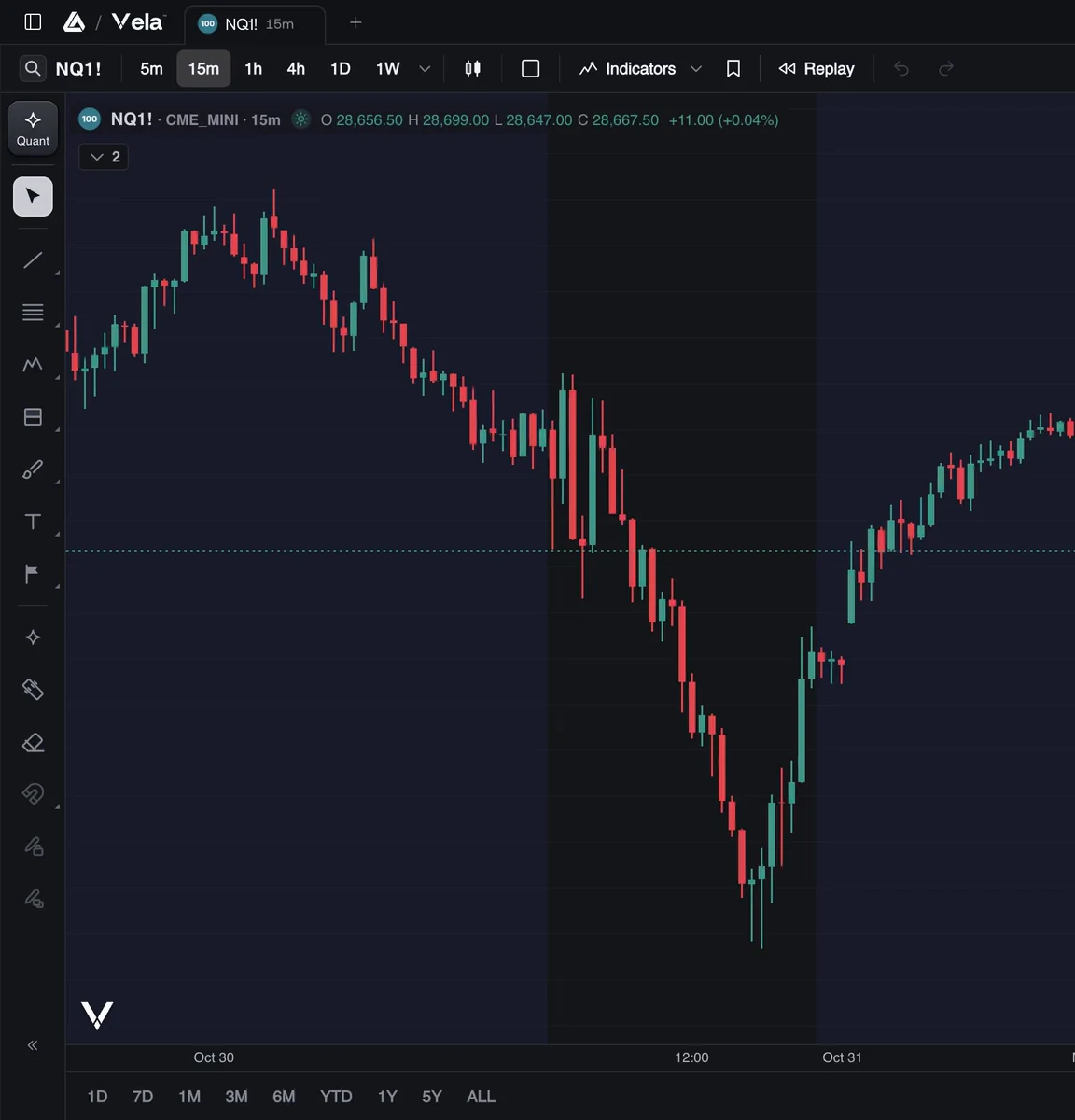
Multi-chart
Split a window into as many as 16 charts and link them. Move the crosshair, change the symbol or the interval, or draw a line, and every linked chart follows.
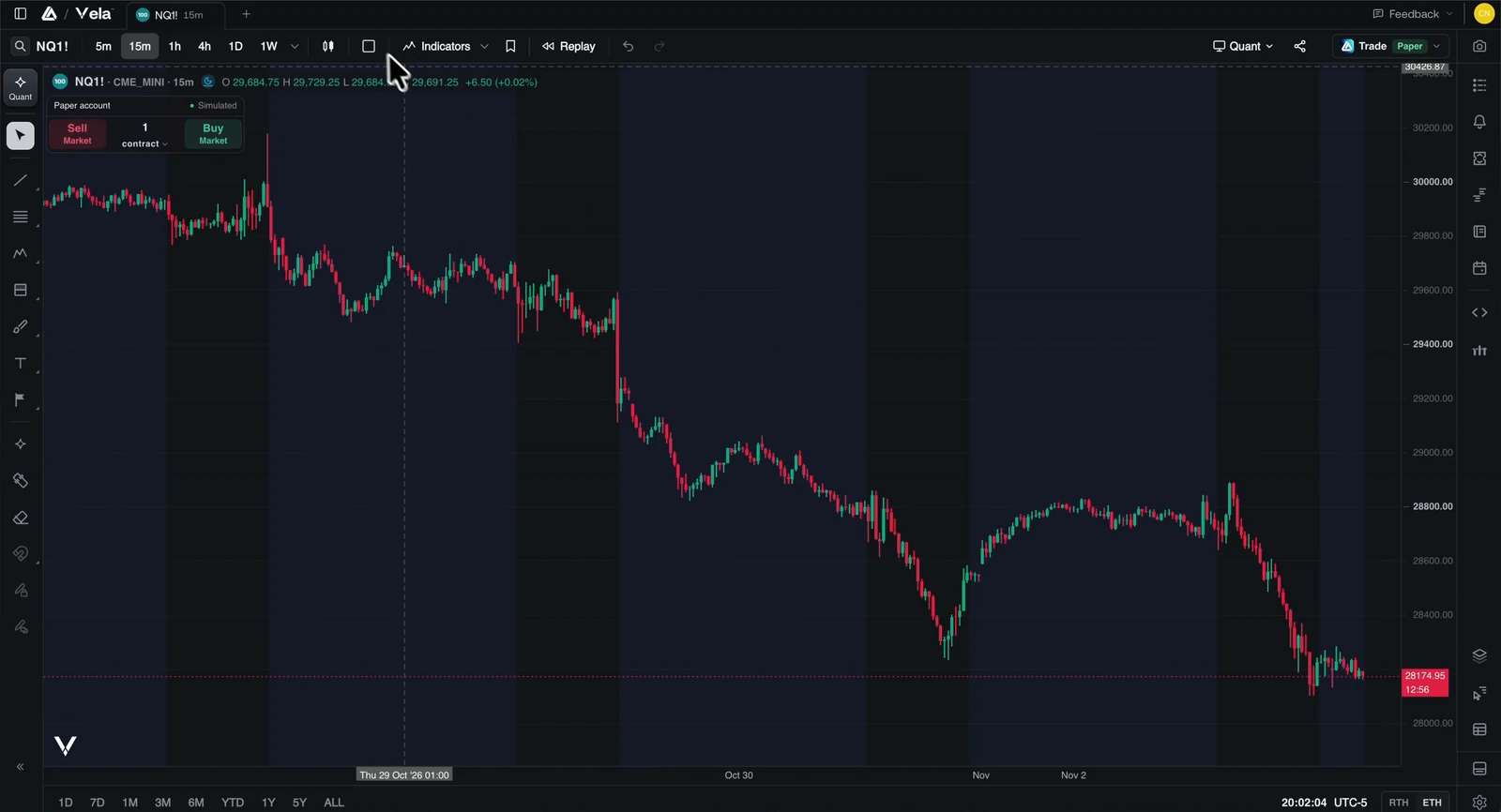
Free with a LuxAlgo account. Without one, Vela opens a single chart.
Signed in, each saved workspace opens in its own window, and when Vela opens again, your windows come back where they were. Every window holds all of Vela, Quant and the Library included.
Ask Quant, our coding agent, for an indicator. It writes the Pine Script®, and the indicator runs on your chart through PineTS, our open-source runtime.
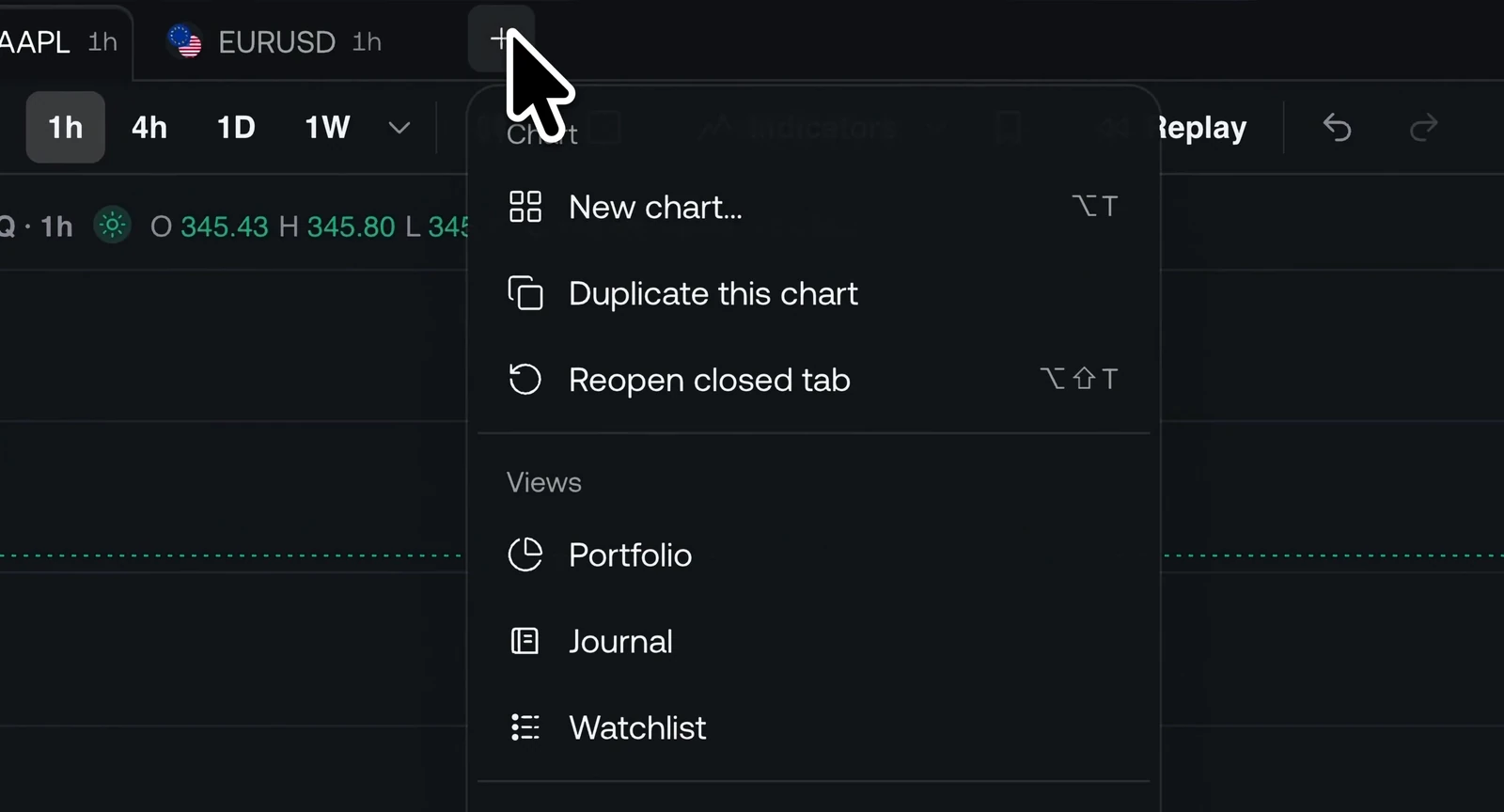
Open your watchlist in a tab of its own from the +: how many of your markets are up today, how they’ve moved over time, and each one at a glance. Right-click a chart’s tab and choose Split with current tab to keep the two side by side, then swap sides from the same menu.
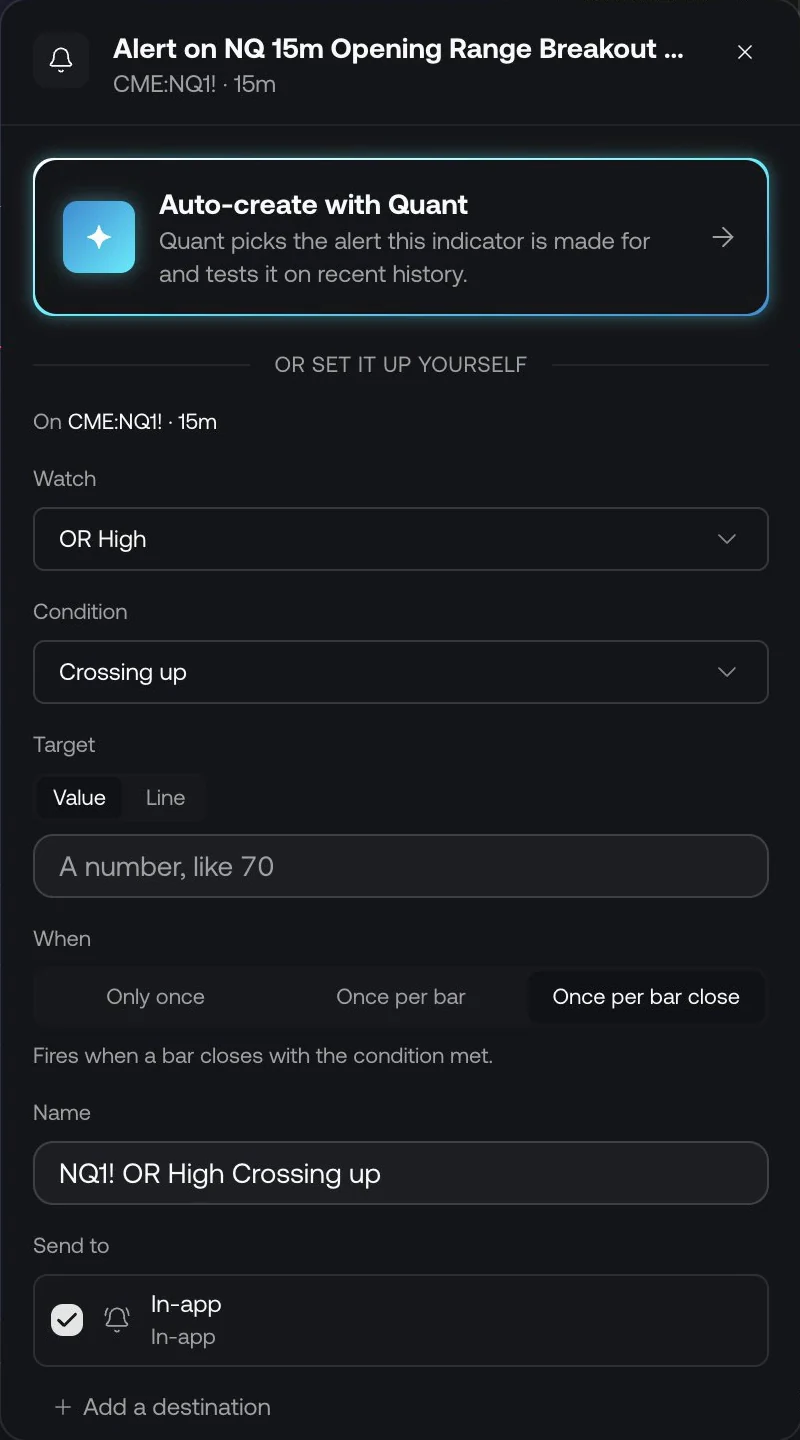
When a Price Alert or Custom Alert that notifies you in-app fires, your computer shows it as a notification, with the alert’s name, the market and the price. Click it, and the chart opens on that market and interval at the moment it fired.
While Vela is running and you’re signed in.
The largest indicator library in trading lives inside Vela. Search it by name, concept or alias, read what each tool does, and put it on your chart.
Charting a Library tool takes a free account.
Your watchlist, with live prices, opens from the menu bar on a Mac and from the tray on Windows and Linux. Pin up to three markets to keep their prices in view, and click a row to open that market on your chart.
Every Vela shortcut works, and so do the keys a browser keeps for itself. Press ? on any chart for the full list.
Version 1.0.4, released October 28, 2026. Free to start.
macOS 13 or later · Signed and notarized
b2f380d8949e64ac3e067ce6238247dfaa7dd0bd6c8e5281643c30db365aa01a0cb689df2c881b9905d8446edf2f21a3e56e9b446f8567995871d2ae4fb3c94b70c98b47958c540862c28d7f0b90f18d830e8bd69534079e854081e78c1d9f0affeb37cabc604590c18d79f7b5a5392b1c705025788b928cd5cb8260fb8ef0d637e22bedd668b80a55b4e02ebfe22b9d3a329fc5610a132dbc09394c4c13de0a1af2dbbc475cf74a222d89052d2cda1c130e19118bccd8a0ec4ed647ea2dee5c6d0aad70ef5133670accb7fe46c7a1e034fbaf8b2961a1b858097ba03535c43b5fa4fead94a54e8b9283789888d7cf0f332e58e245199ac1d8c1e1151e3bc88fOpen the .dmg and drag Vela to Applications. The .zip holds the same app.
Windows 10 or later · Signed installers
0a5b1bcb5392ed91fbb6964085ed59ae7f36bec3d0a0a54b5e36a230c4541287e64c1b8be4aa4bb307010dfa74d858ad45a92459e18cb357a66d74614e49ba09b8b6e5c9a98ae4fb166d176ca5c4dfbae52ff9574c18f9d44ac3adfb5314c3e40ccf165fc571258b861aec53c2c10ef0525c6a67f1665999bba291c3a6b4b4ecd963d3c1c48a9b9018ddb8a486894c9c15a1cc05f2c8c4253b06a3b160f379285e5d3dad182ccc9c27122b9436d4d248429e54ba93d3f3bbbc638a158288aa7cThe installer for x64 and Arm64 installs the build that fits your PC. Vela installs for your account, with no administrator prompt.
AppImage, .deb and .rpm
88f2feecb66603200eec2c4be5e4b42eead54f6611d7c8bacd318702212f775cfa67ca6014ccbcac78536a6a0d39ceb07b2a78d36bf7c3a6595d062c8a003a1b64f4246f403b86f05a2c111f73a92a49abe69be9477ddbd604f58119b72053b9a193c3478d0730d25359210bcadc94d2fe0f17318bae19d6f8fa7efcb6980eb0bb27993d0b3b52bdde8ea5919e6845a7a461a6495a092ff07f2e95138e6a8ba9d64a41015df932f0317b4f647d336d7b01d79dfc550bc5c77c582dc4b11293f45b4f03f5db6a4a545049ddbb882b3d09460474a3a67e9b01bda1b0fa5573933a564cfb111130727ed0383d809d47c5a520fefd13c57b3e8f334c6d993a4092e2db414fef516eedf245b6fbba3df9dc5b9acf99995e6d2326faad40531e5ed55ff9ba796687d88d1e89c9dafab40e52c5e6e88273bb82834d1e94c53e1e451de47218040231c041d2f3009f83d154657af3a982f57088a691b18a2253b37fcd60c6ab5952a8a69592d98a167cde9c50ff5f58a9a3e1701e0681a4f5ec9ca575e3The AppImage needs no install: make it executable, then open it. The packages install Vela with your package manager.
To check a download, compare its SHA-512 with the output of shasum -a 512 <file> on macOS and Linux, or certutil -hashfile <file> SHA512 on Windows.
Yes. Vela is free to start, in the app and in your browser, and your LuxAlgo account and plan are the same in both.
No. Without one, Vela opens in a single chart window, with a default watchlist in the menu bar. Sign in, and each of your saved workspaces can open in its own window, with your own watchlists.
Yes. The Mac app is signed with the Apple Developer ID of LuxAlgo Global, LLC and notarized by Apple, and the Windows installers are signed by LuxAlgo Global, LLC. Every file’s SHA-512 is listed with the downloads.
By itself. New versions download in the background and install when you restart or quit Vela, never in the middle of your session, and Vela checks every update’s signature before it installs it. On Linux, the AppImage replaces itself, and the .deb and .rpm ask for your password first.
The AppImage runs on most distributions without installing anything. The .deb is for Debian, Ubuntu and their relatives, and the .rpm for Fedora, openSUSE and theirs. Each comes for x64 and Arm64, and all three keep themselves up to date.
Apple silicon for a Mac with an M-series chip, Intel for older Macs. In the Apple menu, About This Mac lists a Chip for Apple silicon and a Processor for Intel.
Only if you ask it to. Turn on Open at login in Vela’s settings, and Vela opens with your windows when you log in.
Download Vela for desktop, or open it in your browser. Free to start.
Version 1.0.4, released October 28, 2026 · All downloads