Fair Value Gap Absorption Indicator
 By LuxAlgoJan 17, 2024
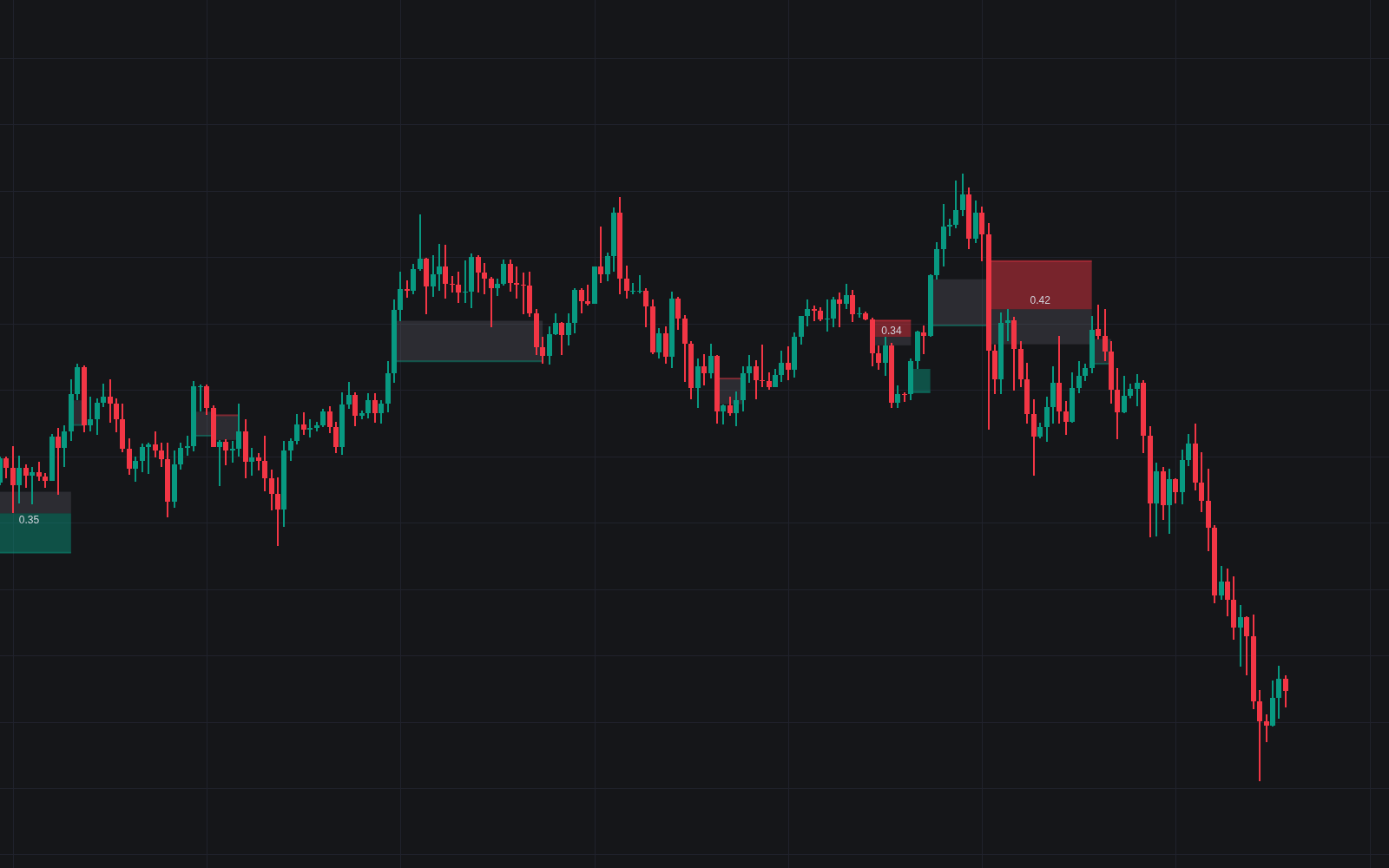

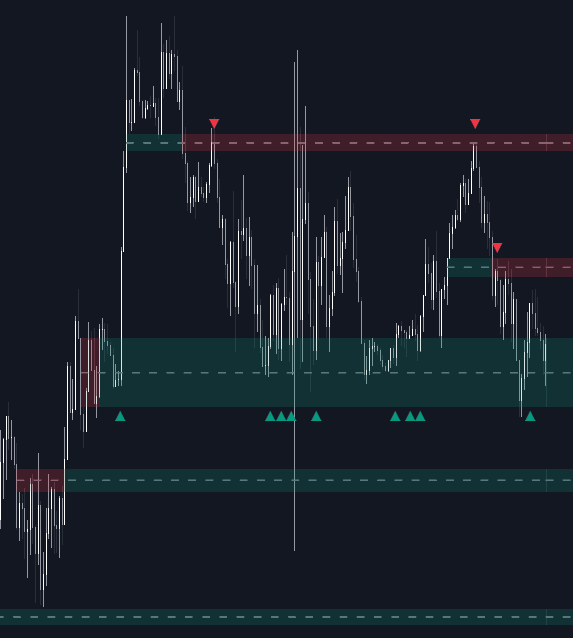
Fair Value Gap Absorption Indicator watches each fair value gap after it forms, not just when it prints. Detection uses the classic three-candle pattern (a large central candle whose neighbors' wicks fail to overlap it), and the tool then keeps that imbalance highlighted until a new gap surfaces, measuring how much of the void price has worked back through along the way.
How to Trade the Fair Value Gap Absorption Indicator?
- New imbalance appears: a displacement candle has left untraded space; expect price to be drawn back toward it before the move resumes.
- Mitigation percentage climbs: the gap is being repaired bar by bar. The overlay shows exactly how much absorption has occurred, a process that often spans several candles.
- Gap fully absorbed: with the inefficiency repaired, continuation in the original trend direction becomes the working scenario.
- Historical gaps on: keep prior imbalances visible to study how the instrument you trade typically treats them.
Fair Value Gap Absorption Indicator Settings
- Fair Value Gap Width Filter: a multiplier that filters detections by gap size, tuning sensitivity up or down.
- Percentage Display of Mitigation: overlays the percent of each imbalance already absorbed directly on the chart.
- Visibility of Historical Fair Value Gaps: keeps past gaps on display for review.
- Color options cover bullish and bearish imbalances and their mitigation states.
Frequently Asked Questions
Free on Vela
Run it on Vela. Go further with a paid plan.
- Up to 500 strategy alerts, with webhook automation
- Up to 10× the chart history of Free
- Orderflow lookback up to full history
- More Quant usage to customize it, plus extra usage when you need it
- Futures data alongside crypto, stocks, forex and commodities
Also works on
TradingView
NinjaTrader
MetaTrader 4/5

Original indicatorBuilt in-house by LuxAlgo
Related indicators
All 39 Fair Value Gap indicators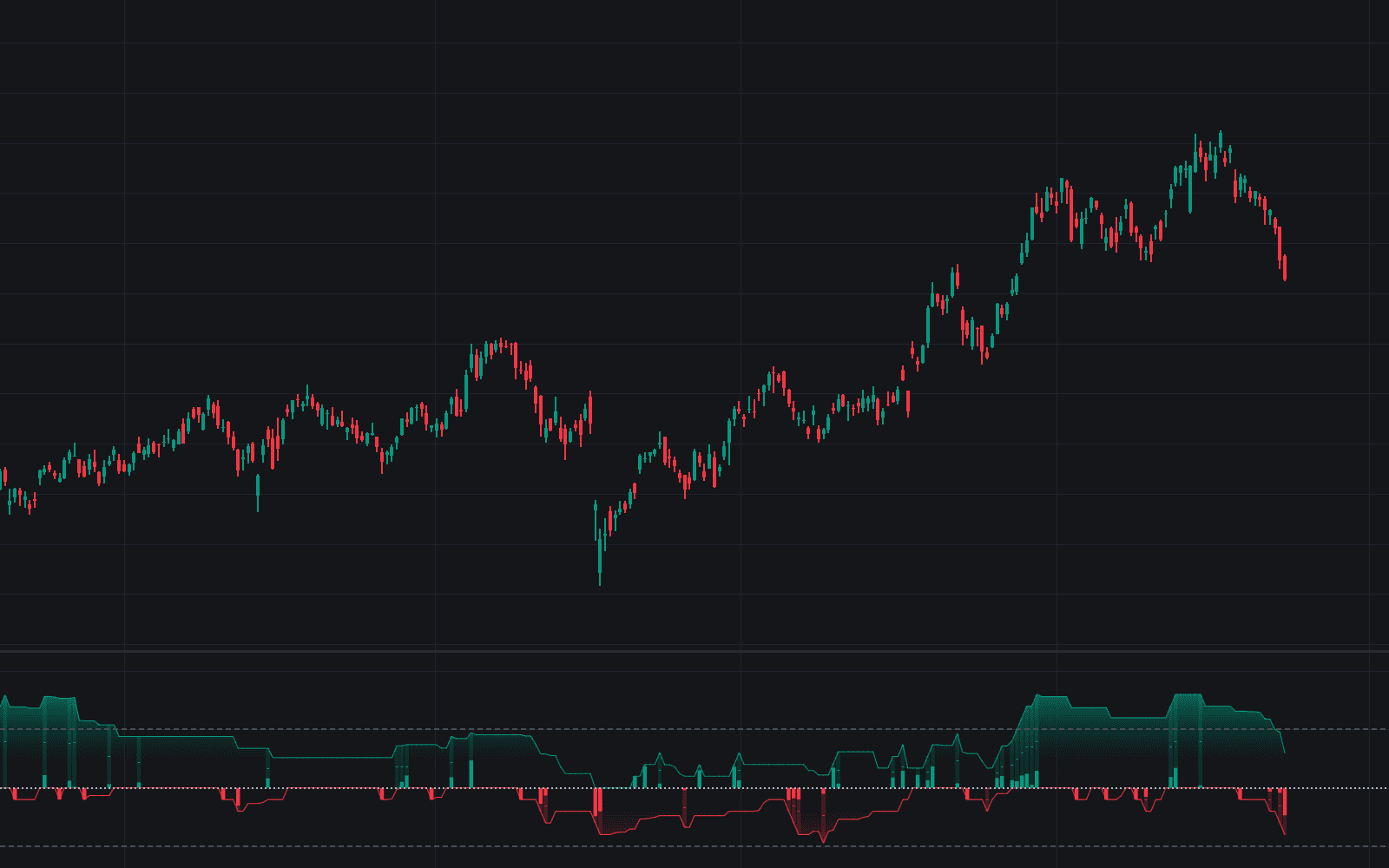
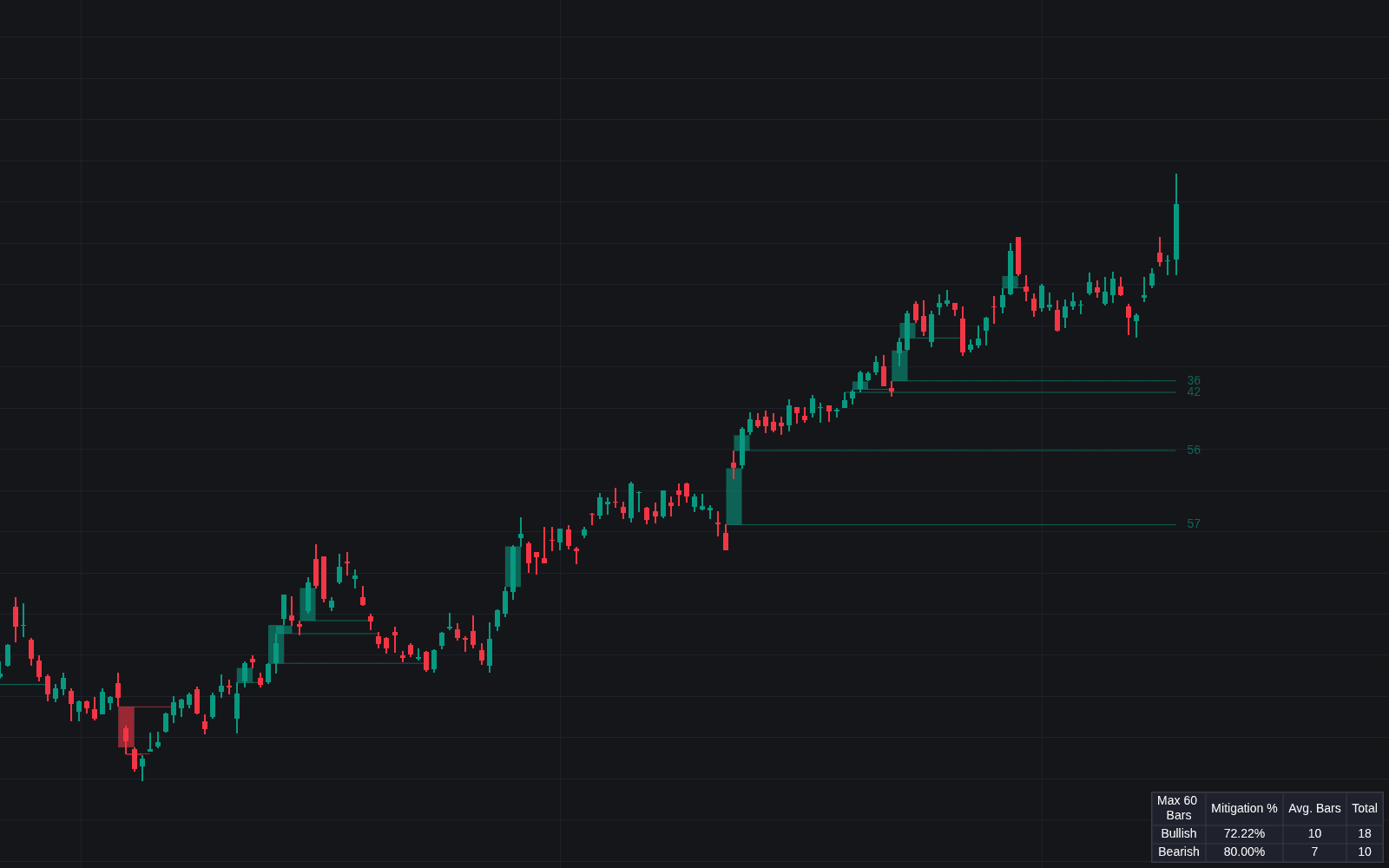
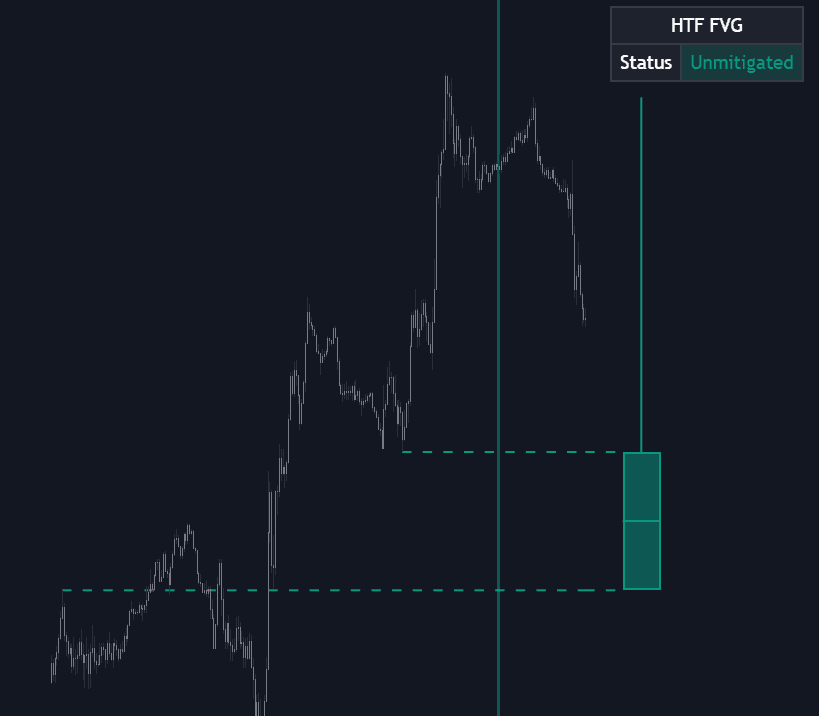
Run it on Vela. Make it yours with Quant.
Open this indicator free on Vela, our next-generation charting platform. Then ask Quant, our coding agent built into Vela, to retune it or turn it into a backtested strategy of your own.