Sequencer
 By LuxAlgoApr 4, 2024
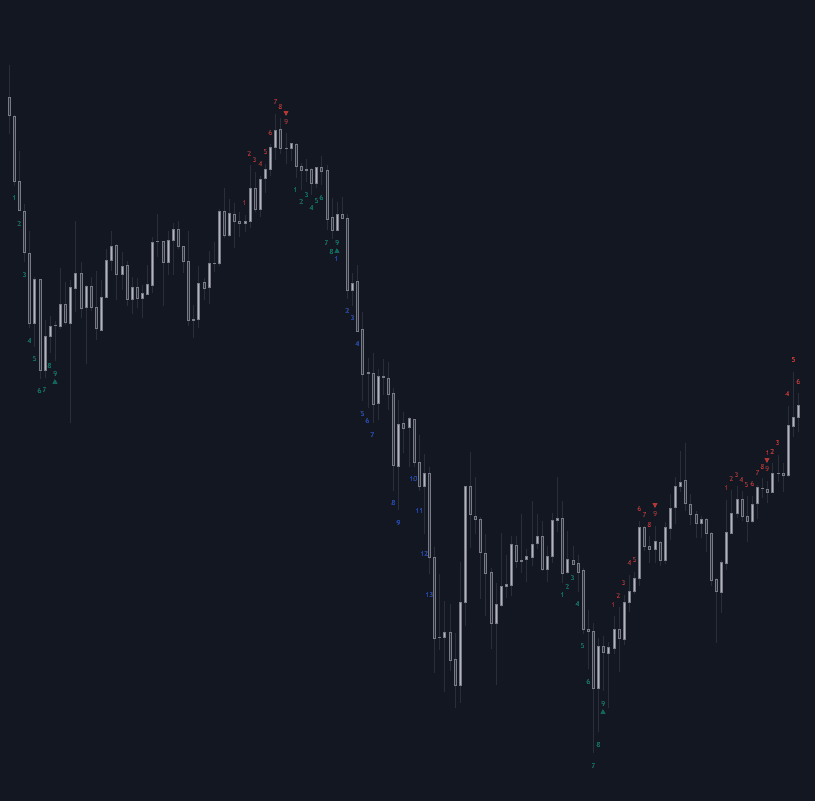
Sequencer organizes price action into counted sequences: it tallies how many times price closes beyond the close of a set number of bars ago, and arranges those counts into two phases. The Preparation phase completes when N consecutive closes print below (bullish) or above (bearish) the close from the Comparison Period; that arms the Lead-Up phase, whose counts - not necessarily consecutive - must clear the corresponding prior lows or highs to finish the sequence.
How to Trade the Sequencer?
- Completed preparations (green/red): green highlights mark bullish preparations, red bearish. Completion stages the Lead-Up, though a reversal directly off a finished preparation is not uncommon.
- Completed lead-ups (blue/orange): a finished bullish Lead-Up (blue) points to a potential reversal higher; a bearish one (orange) hints at a turn lower. The counts exist to flag trend exhaustion, not to confirm trends.
- Completion levels: the Preparation/Lead-Up Completion Levels setting plots the final step's price as a reference level, with Show Last capping how many stay visible.
Longer phase lengths target larger, more sustained reversals.
Sequencer Settings
- Preparation Phase Length / Lead-Up Phase Length: how many qualifying closes each phase requires.
- Comparison Period: how many bars back each close is measured against.
- Preparation Type: Standard or Refined, with Refined Preparations Steps choosing the steps checked in refined mode.
- Suspension / Suspension Steps: require designated lead-up steps to surpass the last step's price before completion is allowed.
- Apply Cancellation: removes lead-ups invalidated by an opposing preparation.
- Bullish / Bearish Preparations Levels + Show Last: display completed preparation levels and cap how many appear.
Frequently Asked Questions
Free on Vela
Run it on Vela. Go further with a paid plan.
- Up to 500 strategy alerts, with webhook automation
- Up to 10× the chart history of Free
- Orderflow lookback up to full history
- More Quant usage to customize it, plus extra usage when you need it
- Futures data alongside crypto, stocks, forex and commodities
Also works on

Related indicators
.png&w=3840&q=75)
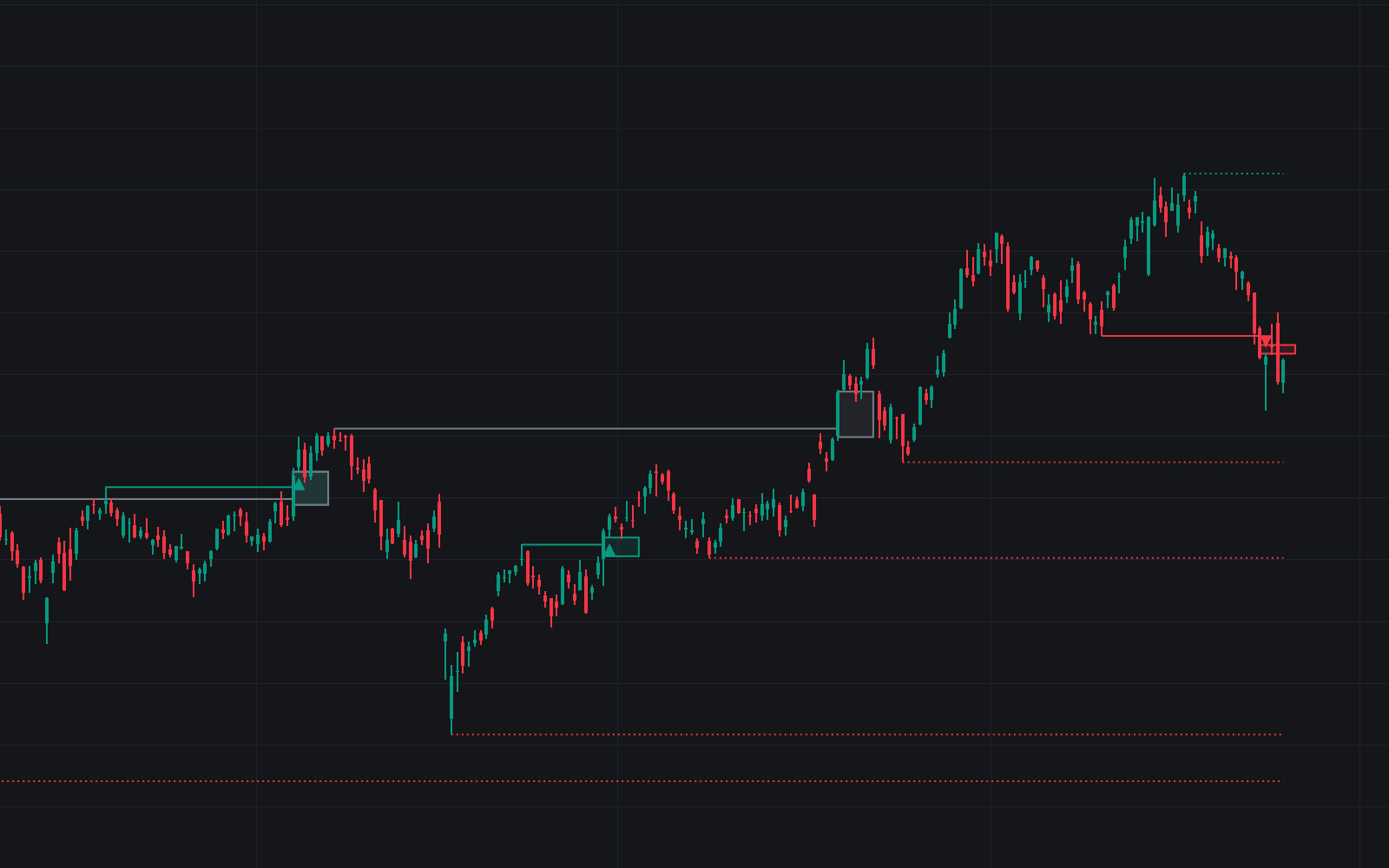
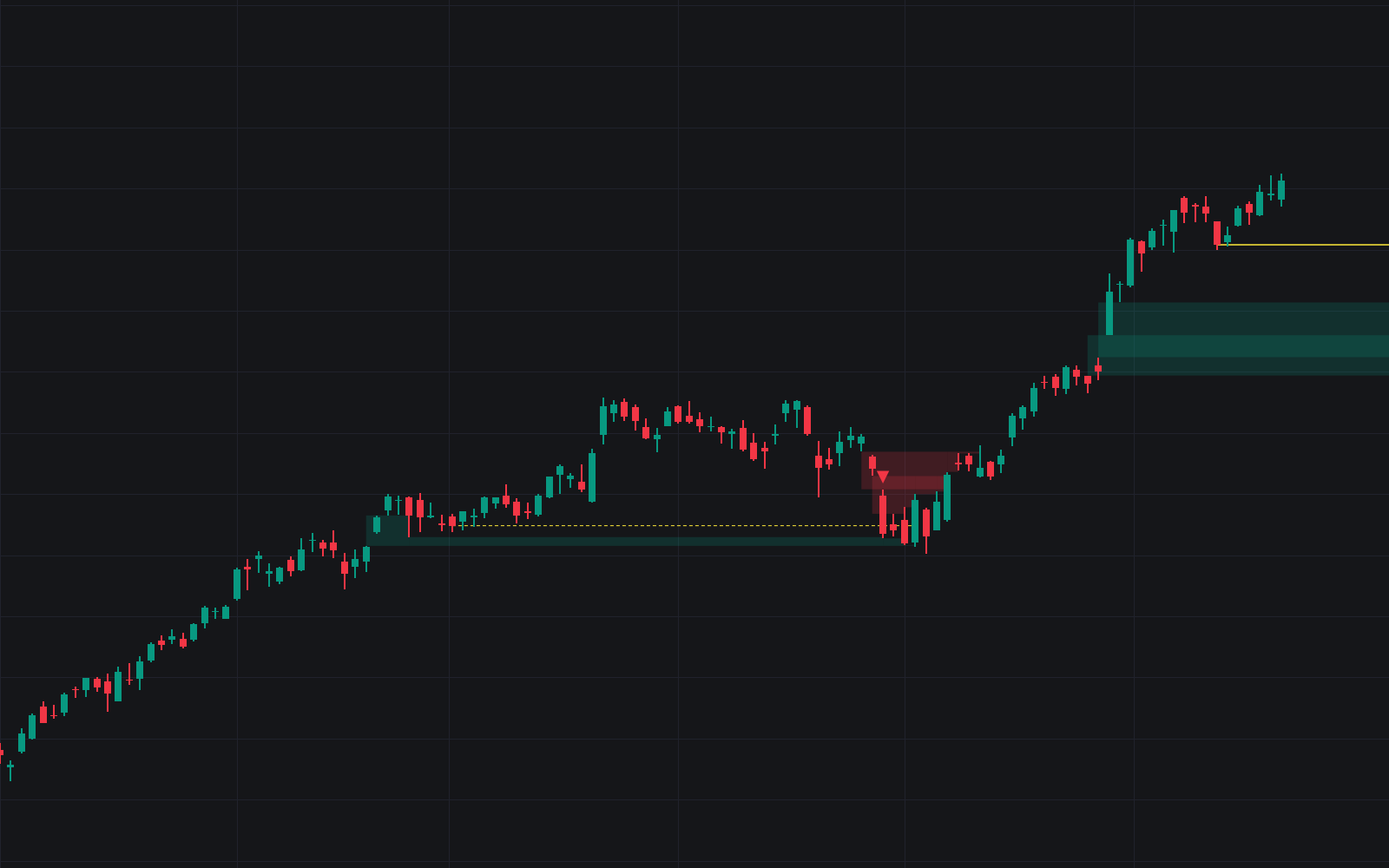
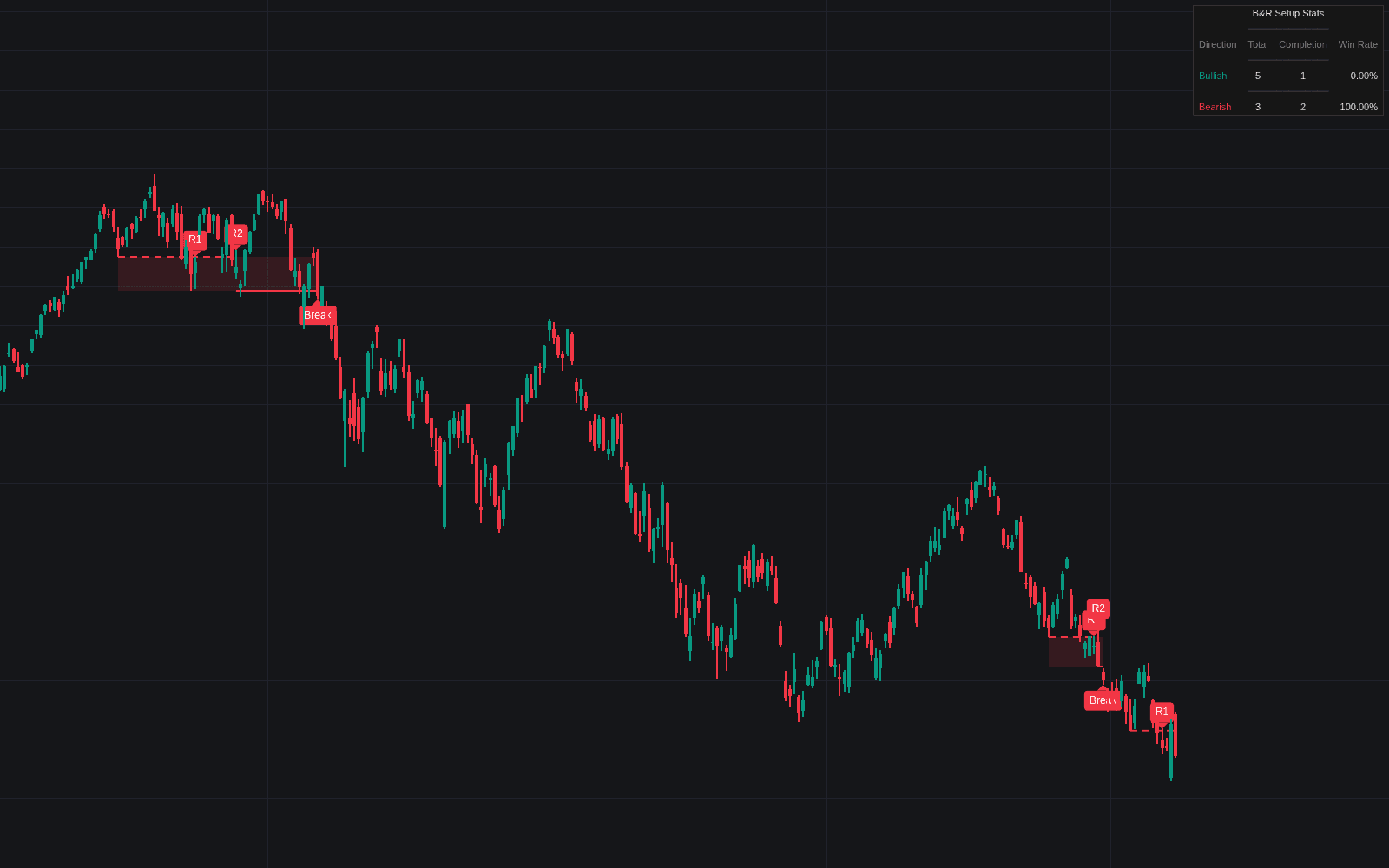
Run it on Vela. Make it yours with Quant.
Open this indicator free on Vela, our next-generation charting platform. Then ask Quant, our coding agent built into Vela, to retune it or turn it into a backtested strategy of your own.