Perl in Finance: Coding Guide for Traders

Perl can handle useful financial workflows: parsing exports, validating market data, calculating indicators and producing repeatable research reports. It is particularly relevant when an existing system or team already uses Perl. Brokerage automation adds separate requirements for authentication, order state, risk limits and monitoring.
This guide covers environment setup, data processing, a runnable indicator example, a small simulated ledger and performance work. The two complete programs below use synthetic data and core Perl modules; they were compiled and exercised locally with Perl 5.34.1. They do not connect to a broker or establish a profitable trading strategy.
Set Up a Reproducible Perl Environment
Use a maintained Perl installation appropriate for the operating system, and record its version and architecture. Install additional modules into the same interpreter’s environment. Keep project dependencies separate from an operating system’s managed Perl where possible, and retain the dependency versions needed to reproduce a run.
Start with use strict; and use warnings;. Check a program with perl -c script.pl, then run meaningful tests: a successful syntax check alone does not validate calculations, input handling or API behavior. Use an editor with Perl syntax support and a terminal workflow you can maintain; a trading framework is not an IDE.
Modules with compiled components may need a compiler and native libraries. Match those dependencies to the selected Perl architecture. Do not paste a universal macOS ARCHFLAGS list covering several incompatible targets or add a guessed library path to every shell session. Diagnose the actual installation error and use the module’s installation instructions.
| Module | Useful role | What to verify |
|---|---|---|
| Text::CSV_XS | Read and write CSV records, including quoted fields | Encoding, delimiter, headers, diagnostics and record boundaries |
| JSON::PP | Decode and encode JSON with core Perl | Byte encoding, schema, missing values and numeric bounds |
| Finance::Quote | Retrieve quotes from supported internet sources | Provider availability, success, timestamp, currency and data delay |
| Finance::TA | Access TA-Lib technical-analysis functions | Native dependencies, documented function signatures and output alignment |
| PDL::Finance::TA | TA-Lib operations using PDL arrays | PDL conventions, required inputs and warm-up behavior |
| Finance::Alpaca | Third-party Alpaca API wrapper | Maintenance, current API compatibility and explicit paper configuration |
| Devel::NYTProf | Profile application runtime | Representative workload, profiler overhead and equivalent outputs |
Import and Validate Market Data
Parse CSV Records, Not Individual Lines
The Text::CSV_XS documentation covers quoted separators and embedded newlines. Use its record-reading interface, such as getline, instead of splitting on commas. One CSV record can span several physical lines, so reading one physical line at a time is not a general CSV parser.
Set decoding on the input handle for the known file encoding, configure the parser’s documented options and make parse failures visible. An unsupported constructor option is not a substitute for decoding. Validate the header, column count and values after parsing; syntactically valid CSV can still contain invalid market data.
Preserve timestamps and their timezone, instrument identifiers, price units and adjustment conventions. Investigate gaps and duplicates rather than silently sorting prices or filling missing observations with future values. A thousands separator and a decimal separator depend on the declared input format; deleting every comma can corrupt some prices.
Understand Quote-Provider Limits
Finance::Quote fetches data from supported internet sources. It is not a universal exchange streaming feed. Check the provider’s requirements and the returned success status before using a quote, then inspect the available timestamp, currency and price labels. A successful response does not prove the observation is current enough for an execution decision.
Treat provider names and ticker examples in documentation as examples to validate, not permanent availability guarantees. Handle an empty response, a missing field and an explicitly reported error separately from a valid numeric zero. Record both the market timestamp and retrieval time when available.
Runnable Example: Validate JSON Lines and Calculate a Moving Average
Save the following program as stream_sma.pl. It accepts one JSON object per line for a single synthetic DEMO instrument, using increasing integer UTC epoch seconds and positive open/close values no greater than 1,000,000. These are example schema limits, not universal market rules. The first two three-observation averages are unavailable and appear as JSON null.
The program uses JSON::PP’s documented UTF-8 mode with raw input and output handles. It keeps only a three-observation window. A rolling sum uses ordinary floating-point arithmetic, so accounting that requires exact decimal money should use an explicit fixed-point or decimal policy.
use strict;
use warnings;
use JSON::PP;
use Scalar::Util qw(looks_like_number);
use POSIX qw(isfinite);

# One DEMO instrument; integer UTC epoch seconds, oldest first.
binmode STDIN, ':raw';
binmode STDOUT, ':raw';
my $json = JSON::PP->new->utf8->canonical;
my ($last_ts, @window);
my $sum = 0;
my $line_number = 0;
while (my $line = <STDIN>) {
    ++$line_number;
    my $bar = eval { $json->decode($line) };
    die "Invalid JSON object at line $line_number\n"
        if $@ || ref($bar) ne 'HASH';
    die "Expected DEMO symbol\n"
        unless defined($bar->{symbol}) && !ref($bar->{symbol})
        && $bar->{symbol} eq 'DEMO';
    my $ts = $bar->{ts};
    die "Invalid or unordered timestamp\n"
        unless defined($ts) && !ref($ts) && $ts =~ /\A[0-9]{1,10}\z/
        && (!defined($last_ts) || $ts > $last_ts);
    for my $field (qw(open close)) {
        my $value = $bar->{$field};
        die "Invalid $field at line $line_number\n"
            unless defined($value) && !ref($value)
            && looks_like_number($value) && isfinite($value)
            && $value > 0 && $value <= 1_000_000;
    }
    $last_ts = 0 + $ts;
    push @window, 0 + $bar->{close};
    $sum += $bar->{close};
    $sum -= shift @window if @window > 3;
    print $json->encode({
        ts => $last_ts, open => 0 + $bar->{open},
        close => 0 + $bar->{close},
        sma3 => @window == 3 ? $sum / 3 : undef,
    }), "\n";
}
For a small input file named demo.jsonl, use these records:
{"symbol":"DEMO","ts":1,"open":10,"close":10}
{"symbol":"DEMO","ts":2,"open":11,"close":11}
{"symbol":"DEMO","ts":3,"open":12,"close":12}
Run perl stream_sma.pl < demo.jsonl. The third output record has sma3: 11. The timestamps are synthetic sequence examples, not actual trading sessions. The program rejects malformed JSON, wrong symbols, missing or invalid prices, and duplicate or decreasing timestamps.
A later failure can occur after earlier output records have been written. For an all-or-nothing batch, write to a temporary result and promote it only after successful completion. For untrusted or very large inputs, also enforce record-size limits and define how rejected records are recorded. This example does not validate an exchange calendar or detect a missing scheduled bar.
Calculate Indicators with the Correct Interface
Finance::TA documents functions such as TA_SMA and TA_RSI, including start/end indices, input arrays, parameters and returned status and output information. Do not assume that lowercase methods such as Finance::TA::rsi exist because another library uses that spelling.
Check the return code, lookback and beginning index before mapping an output to its input timestamp. An indicator with a 14-period setting may have different initialization requirements from another 14-period indicator. Verify known values and the first valid output rather than padding missing history with zero.
PDL::Finance::TA is a separate binding with PDL array conventions. Its functions and return structures should not be mixed with the Finance::TA interface. Money-flow calculations also need the documented high, low, close and volume inputs; an undefined variable is not a usable data series.
For a first implementation, the small rolling-average example above makes the calculation inspectable. For more complex indicators, compare the chosen library against a small independent fixture and the intended chart settings. Matching a name such as RSI or MACD does not guarantee matching source, smoothing, initialization or timing.
Build a Small, Auditable Backtest
A backtest needs an explicit event sequence, cash, positions, orders, costs and valuation. A class with an undefined signal-processing method is only a sketch. Test the ledger independently before relying on its strategy metrics, and preserve zero-valued configuration settings instead of accidentally replacing them with defaults.
The next complete program, saved as toy_backtest.pl, illustrates a long-only one-share rule: after each close, target one share when the close exceeds its available three-observation average; otherwise target zero. Fill the target at the following bar’s open, charge $0.10 per filled side, and refuse an unaffordable purchase. This is a price-versus-average rule, not a two-average crossover.
use strict;
use warnings;
use JSON::PP;

# Synthetic observations only: [open, close].
my @bars = ([10,10], [11,11], [12,12], [13,11], [12,10], [11,12]);
my ($cash, $shares, $fee) = (1000, 0, 0.10);
my ($next_target, $sum) = (0, 0);
my (@window, @orders);
for my $i (0 .. $#bars) {
    my ($open, $close) = @{$bars[$i]};
    # Execute only the target calculated after the previous close.
    if ($next_target > $shares && $cash >= $open + $fee) {
        $cash -= $open + $fee;
        $shares = 1;
        push @orders, {bar => $i + 1, side => 'buy', price => $open};
    } elsif ($next_target < $shares) {
        $cash += $open - $fee;
        $shares = 0;
        push @orders, {bar => $i + 1, side => 'sell', price => $open};
    }
    push @window, $close;
    $sum += $close;
    $sum -= shift @window if @window > 3;
    $next_target = @window == 3 && $close > $sum / 3 ? 1 : 0;
}
# Any final close signal remains unexecuted: there is no next bar.
my $equity = $cash + $shares * $bars[-1][1];
print JSON::PP->new->canonical->encode({
    cash => 0 + sprintf('%.2f', $cash), shares => $shares,
    equity => 0 + sprintf('%.2f', $equity), orders => \@orders,
}), "\n";
Run perl toy_backtest.pl. It buys on bar 4 at $13, sells on bar 5 at $12 and finishes with $998.80 cash and equity after $0.20 total fees. The signal from the final close is not executed because no subsequent bar exists. A future closing-price change must not alter an earlier opening fill.
This is a teaching ledger, not a production simulator. It assumes exact next-open fills, fixed per-side fees and no spread, slippage, financing, partial fills, corporate actions or market-calendar checks. It marks any remaining shares at the last close without charging a hypothetical closing fee. Add the assumptions your instrument requires before interpreting a return.
- Test no-trade periods, warm-up, insufficient cash, entry/exit accounting and open-position valuation.
- Separate earlier development data from later evaluation data and retain all tested settings.
- Stress realistic fees, spread and slippage rather than reporting only gross returns.
- Compare the same dates and exposure assumptions with a relevant baseline.
- Record drawdown, trade count and uncertainty alongside returns; a short favorable sample does not establish robustness.
Treat Brokerage Automation as a Separate System
The Finance::Alpaca documentation identifies the package as an unaffiliated wrapper. Its documented interface uses keys and create_order; the original combination of separate key_id/secret_key fields and submit_order did not match that interface. Verify any wrapper against the current broker API before relying on it.
The documented wrapper defaults its paper flag to false. Explicitly select the paper environment and matching paper credentials during integration work, and verify the destination before sending an order. Keep credentials outside source files and redact them from logs. A paper flag is not a substitute for checking account identity and endpoint configuration.
Alpaca’s paper-trading documentation describes simulation limitations and separate paper credentials. A passing local example does not verify a broker integration, and simulated execution does not establish the fills available live. No brokerage request is made by either example in this guide.
| Area | Implementation requirement | Failure to test |
|---|---|---|
| Order state | Track a stable client identifier and broker response | A timeout followed by a blind retry creates a duplicate |
| Reconciliation | Compare open orders and positions with broker records | Local state differs after a restart or rejected order |
| Data freshness | Validate timestamp and expected instrument/session | A valid but stale response triggers a trade |
| Risk limits | Bound order size, exposure and new-order activity | Several individually valid orders exceed the portfolio limit |
| Shutdown | Define cancellation and open-position behavior | Stopping the process leaves broker orders active |
Use bounded retries where appropriate, but reconcile an uncertain submission before trying again. Distinguish connection failures, rate limits, rejected orders and business-rule errors. Request speed is less important than knowing whether an order already exists and what exposure remains.
Profile Before Optimizing
Use Devel::NYTProf to locate expensive work in a representative run. After installing it in the project environment, the documented workflow includes perl -d:NYTProf script.pl and nytprofhtml --open. Keep the same inputs and compare equivalent outputs when measuring a change.
Separate CPU work from disk and network waits. Review repeated parsing, unnecessary copies, repeated indicator calculations and retained data. Measure throughput and peak memory on a stated machine and dataset; unsupported “2× faster” statements or a table of unexplained 3GB-file timings do not establish a useful benchmark.
Perl’s default sort compares strings. Numeric sorting requires a numeric comparison, but market observations normally need chronological ordering rather than ordering by price. Preserve the record’s timestamp and instrument relationship when sorting or joining data.
Cache keys must identify the calculation: instrument, timeframe, data version, parameters and observation boundary as needed. A permanent cache keyed only by symbol can return stale indicators. Define invalidation and capacity limits, and verify cached results against uncached calculations.
Video: Performance Profiling with Devel::NYTProf
The profiler’s documentation links to Tim Bunce’s June 25, 2014 conference talk. It explains profiling principles, report interpretation and a staged optimization process. The demonstration covers version 5, so use the current module documentation for installation and version-specific options.
Handle Large Datasets Without Breaking Records
Stream complete records when the task permits, and retain only the state needed for the calculation. Reading arbitrary byte chunks with sysread does not preserve CSV records, JSON objects or UTF-8 character boundaries. A chunked parser needs carry-over buffers and explicit handling of end-of-file and read errors.
For persistent lookup storage, DB_File’s documentation explains that complex Perl structures are not stored directly as nested objects. Serialize a record deliberately or use a suitable structured store; assigning a hash reference does not by itself create a recoverable nested database record. Define schema, decoding, locking and failure recovery.
Use a database or external sorting process when joins and ordering exceed memory. Document duplicate handling and index keys. Neither a large buffer nor a particular scripting language establishes suitability for high-frequency execution; benchmark the complete process against its actual latency and reliability requirements.
Connect the Research to LuxAlgo Charts
Begin visual investigation with LuxAlgo’s native charts and documented data coverage. Match instrument, source, timeframe and price conventions when comparing a locally calculated indicator with a chart. A mismatch may come from data or initialization rather than a coding error.
Ask Quant, our coding agent to implement a clearly specified chart strategy. Inspect the generated code and run it yourself. Describe the intended formula and timing explicitly; this workflow does not mean the native platform executes an arbitrary Perl program.
Example prompt: “Implement a long-only close-versus-three-period-SMA research strategy. Explain warm-up, signal timing, sizing and fill assumptions. Keep the code inspectable so I can review it, run it and compare the logic with my separate Perl experiment.”
Use native strategy testing with documented costs and evaluation periods. Preserve the original specification when comparing implementations so a convenient platform default does not silently change the experiment.
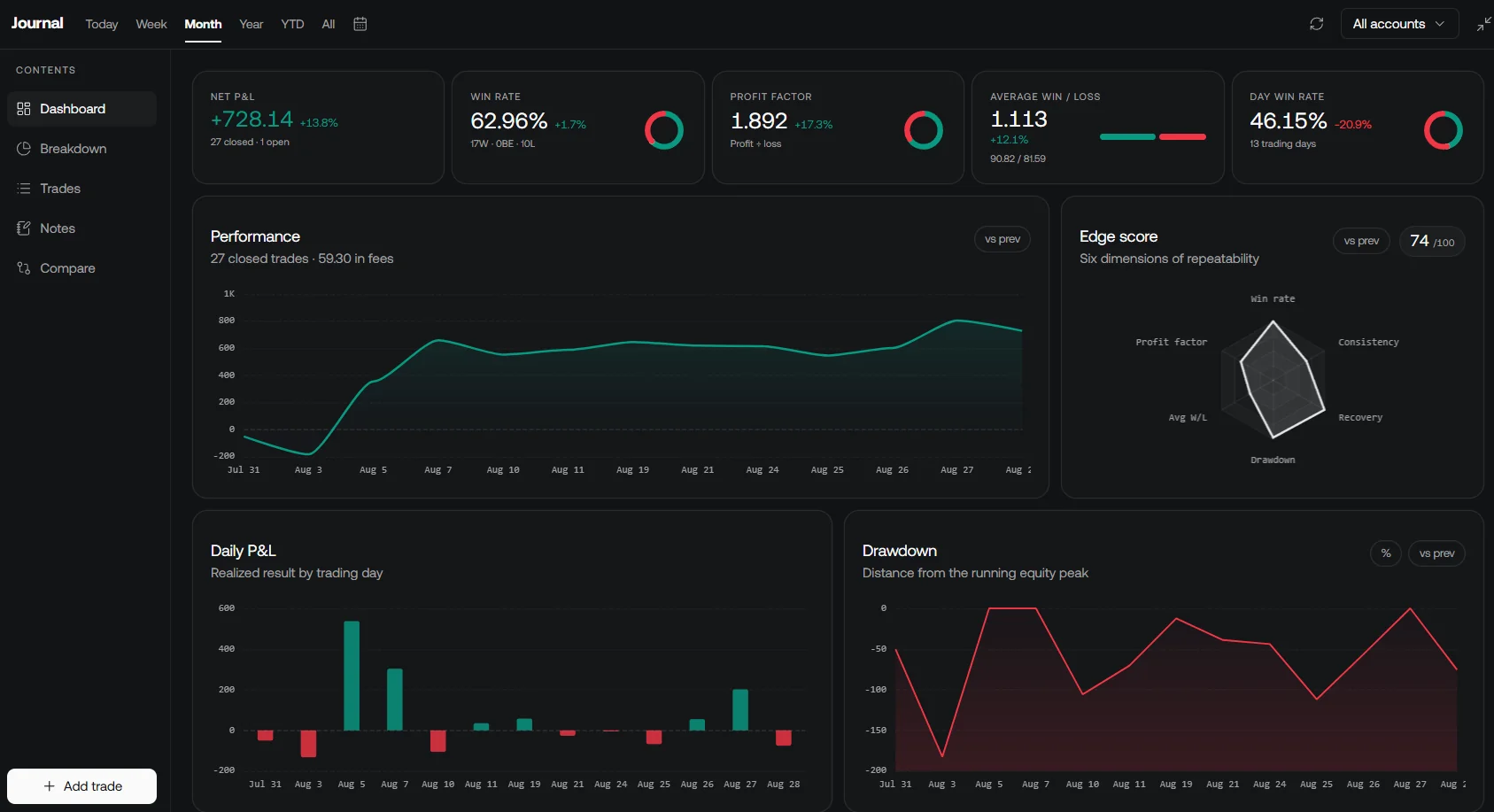
Review compatible recorded trades in the native journal. Confirm the supported import format rather than assuming that a custom JSON Lines stream is accepted. Keep local diagnostics and broker reconciliation records alongside the research.
A Practical Next Step
Start with a small data fixture, a written schema and a calculation whose answer can be checked independently. Test invalid inputs and timing before enlarging the dataset. Add profiling once the result is correct, and treat any external execution integration as a separately verified stage.
Frequently Asked Questions
Is Perl suitable for financial data processing?
It can be useful for parsing, validation, indicators and reports, especially in an existing Perl environment. Suitability depends on maintained dependencies and tested requirements, not the language alone.
Does Finance::Quote guarantee real-time exchange data?
No. Availability, timestamps and delay depend on the source. Check success, required fields and freshness before using a quote.
Can I copy Finance::TA calls from another indicator library?
No. Function names, argument types and output alignment differ. Use the selected binding’s documentation and verify known values and warm-up behavior.
Are the example programs production trading systems?
No. They are locally tested synthetic examples for data validation and ledger timing. They do not submit orders and omit production data, execution and risk requirements.
Can DB_File directly preserve a nested Perl hash reference?
Not as a recoverable nested object by simple assignment. Use deliberate serialization or an appropriate structured storage layer and test decoding and recovery.
Read next