Luminance Breakout Engine
 By LuxAlgoFeb 19, 2026
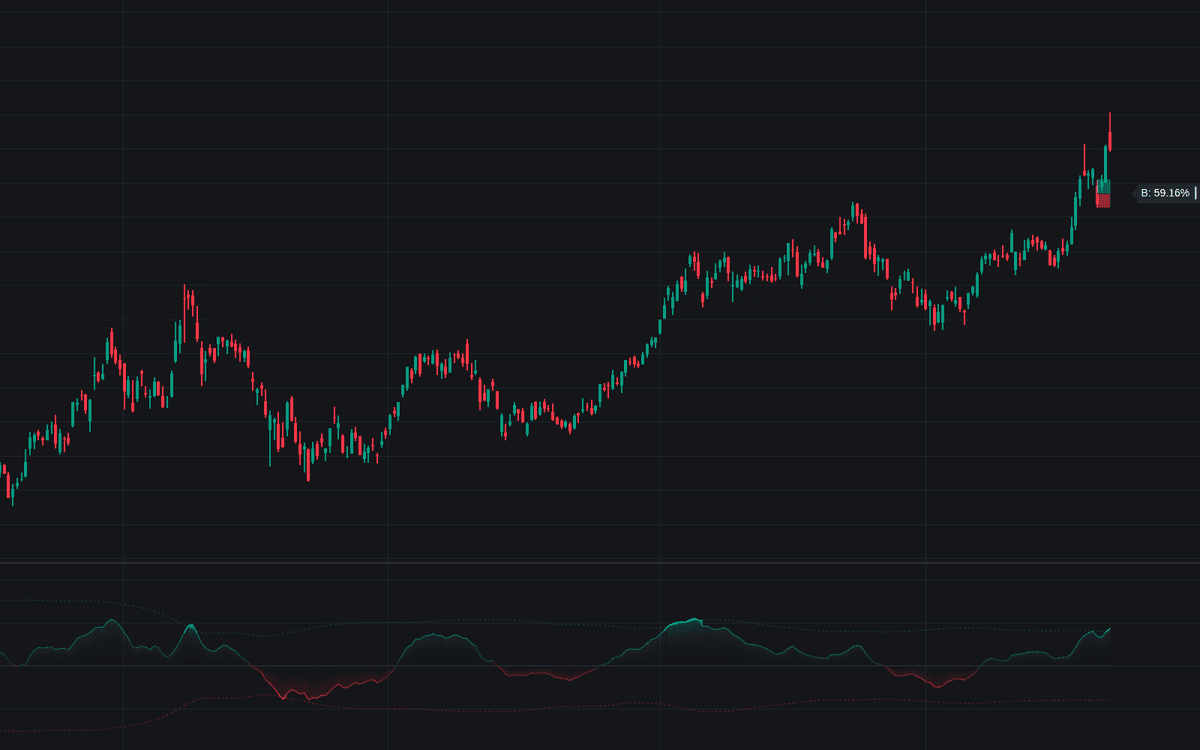

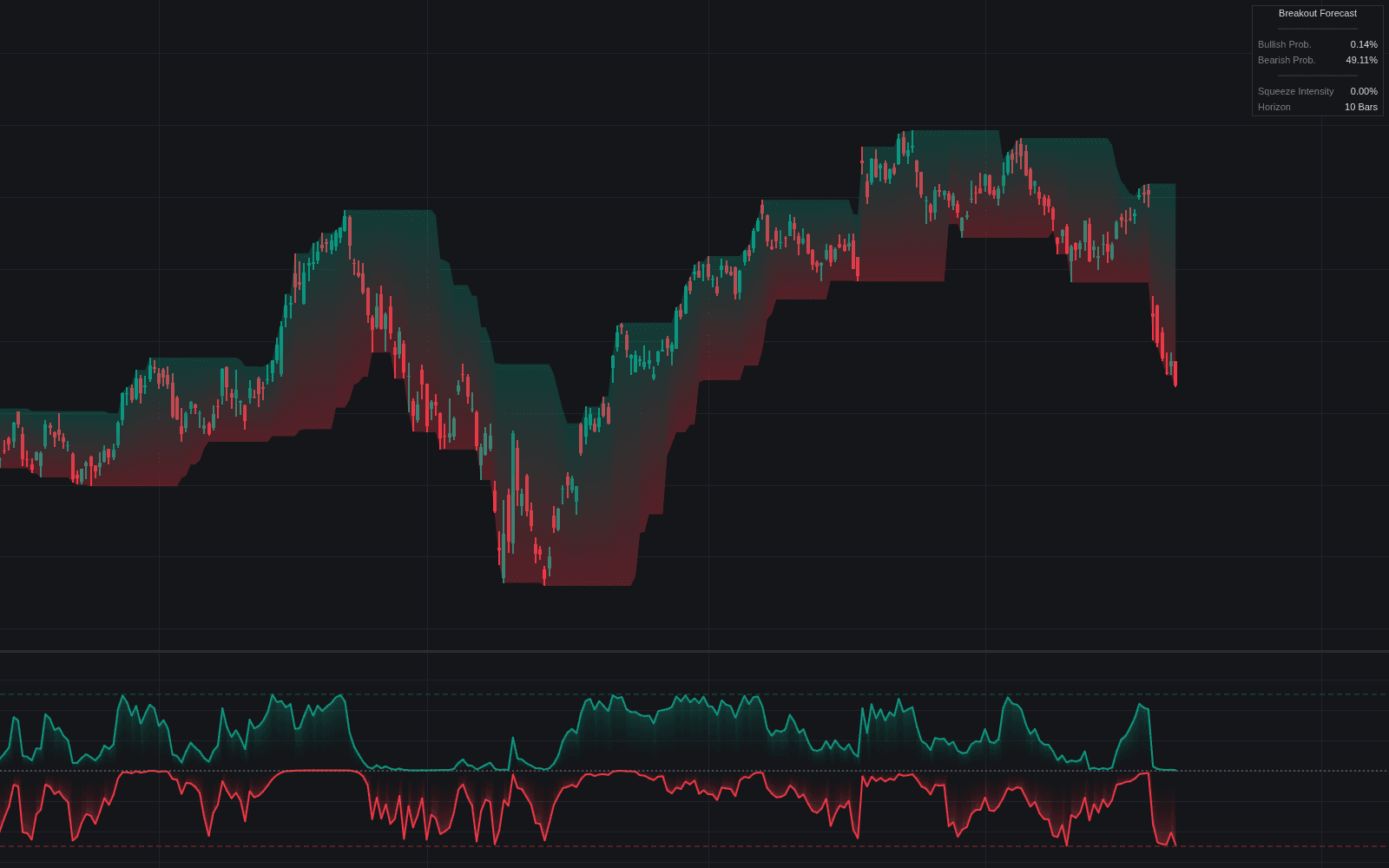
Luminance Breakout Engine condenses four momentum horizons (Fast, Medium, Slow, and Macro rate-of-change) into one composite oscillator and measures it against volatility bands derived from its own standard deviation. When every horizon accelerates together, the oscillator pushes past the dotted thresholds into a Glow zone: the engine's breakout signal, and the moment it stamps a Luminance Order Block at the candle that launched the move.
How to Trade the Luminance Breakout Engine?
- Glow zone breach: momentum is synchronized across all four horizons, conditions that often precede sustained trends or strong impulsive legs.
- Luminance Order Block: the breakout's origin zone; watch it as pullback support after bullish Glows, resistance after bearish ones, and a reference for risk-defined stops.
- Mitigated zone: once price closes through an order block it becomes a dotted historical reference for tracking past reactions.
- Volume Split label: each zone reports the bullish-versus-bearish share of the five pre-breakout bars; lopsided volume behind the breakout signals conviction, while a near-even split warns of weak participation.
Because the thresholds adapt (tightening in quiet regimes, widening in volatile ones), sensitivity stays consistent across assets and timeframes.
Luminance Breakout Engine Settings
- Fast / Medium / Slow / Macro Period: the lookbacks feeding the composite rate-of-change.
- Smoothing: EMA length applied to the final oscillator output.
- Threshold Multiplier: breakout sensitivity. Higher values demand more extreme momentum alignment before a Glow triggers.
- Show Luminance OBs / Max OBs per Side: enables order-block plotting and caps how many zones stay active per side.
- Show Base Heatmap / Show Threshold Glow / Show Volume Stats / Label Offset / Label Size: visual layers and label styling.
Frequently Asked Questions
Free on Vela
Run it on Vela. Go further with a paid plan.
- Up to 500 strategy alerts, with webhook automation
- Up to 10× the chart history of Free
- Orderflow lookback up to full history
- More Quant usage to customize it, plus extra usage when you need it
- Futures data alongside crypto, stocks, forex and commodities
Also works on

Related indicators
All 29 Breakout indicators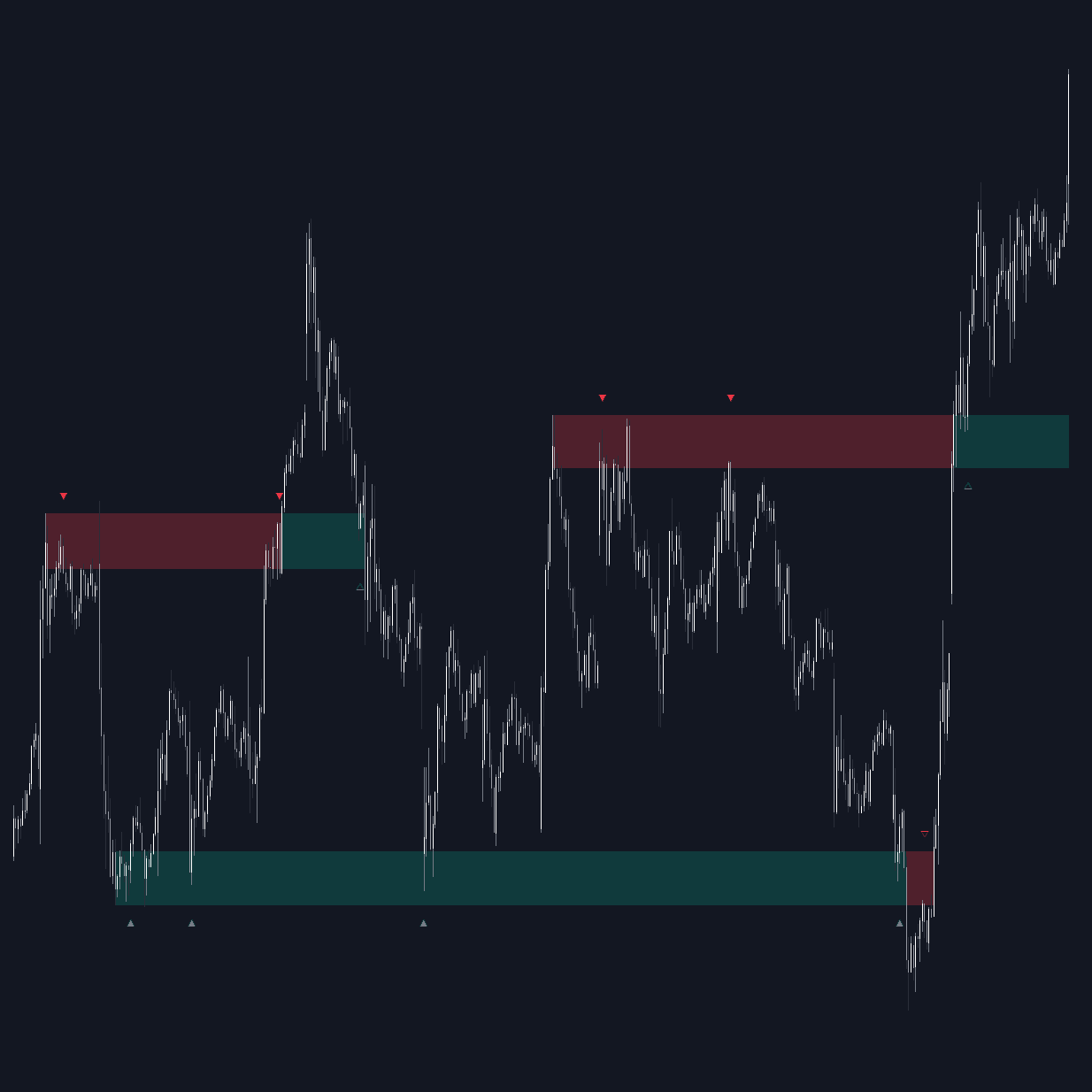
Run it on Vela. Make it yours with Quant.
Open this indicator free on Vela, our next-generation charting platform. Then ask Quant, our coding agent built into Vela, to retune it or turn it into a backtested strategy of your own.