MSS Sweep Fib Retrace
 By LuxAlgoJul 9, 2026
MSS Sweep Fib Retrace is an indicator on Vela, our next-generation charting platform, written in Pine Script®.
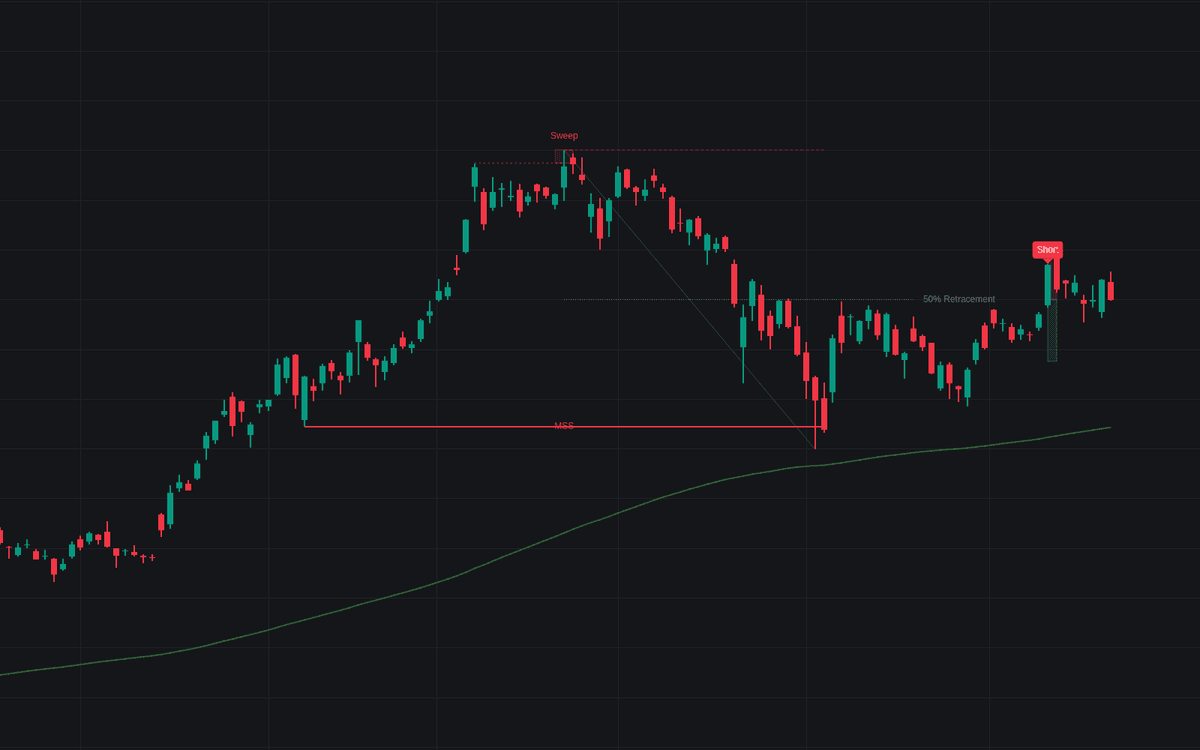

MSS Sweep Fib Retrace hunts the sequence reversal traders prize: liquidity taken, structure broken, price returning to a discount. It first tracks a Sweep (price running a previous swing high or low without holding beyond it) then waits for a market structure shift, the change of character (CHoCH) confirmed by a user-set count of consecutive momentum candles. Only then does it measure the leg from sweep extreme to MSS point and project the Fib retracement at 50%, plotting that level as the entry zone alongside volatility-based stop-loss and take-profit areas.
How to Trade the MSS Sweep Fib Retrace?
- Sweep label: a prior swing level was run and rejected, the raid that fuels the setup; it is drawn back on the sweep bar together with the MSS label once the shift confirms, so sweeps that never produce an MSS are not shown.
- MSS label: structure has shifted with the required momentum behind it; the 50% level of the sweep leg becomes the live area of interest.
- 50% tap: entry labels print as price returns to the zone, and ATR-scaled stop and target areas draw automatically.
- Macro Trend filter on: setups only start against the 200-period EMA (a long setup needs its sweep bar to close below the EMA, a short setup above it), so each one is a counter-trend reversal; disable it to allow setups on either side of the EMA.
MSS Sweep Fib Retrace Settings
- Pivot Left Bars / Pivot Right Bars: bars required on each side of a swing point; larger values build structure from more significant pivots.
- Required Momentum Candles for MSS: consecutive bullish or bearish candles needed to validate the shift and reject false moves.
- Use Overall Macro Trend Filter and Macro Trend EMA Period: toggle the higher-trend filter and set its EMA length.
- ATR Period, Stop Loss ATR Multiplier, Take Profit ATR Multiplier: the volatility lookback and how far stops and targets sit from entry.
- Show Drawings and Labels: one switch for all lines, boxes, and labels.
Frequently Asked Questions
Free to use
Run it on Vela. Go further with a paid plan.
- Up to 500 strategy alerts, with webhook automation
- Up to 10× the chart history of Free
- Orderflow lookback up to full history
- More Quant usage to customize it, plus extra usage when you need it
- Futures data alongside crypto, stocks, forex and commodities
Also works on

Related indicators
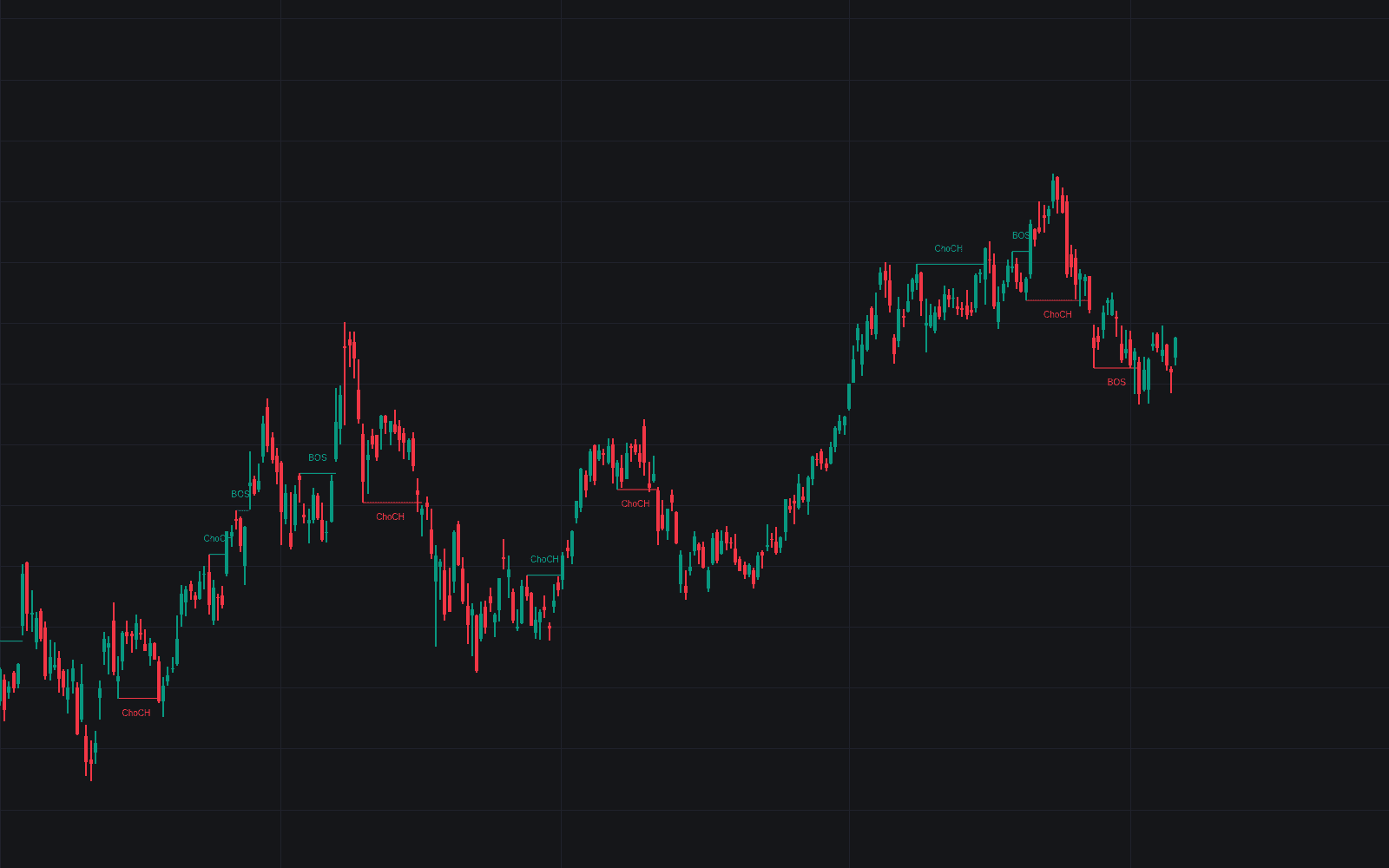
All 16 Change of Character indicators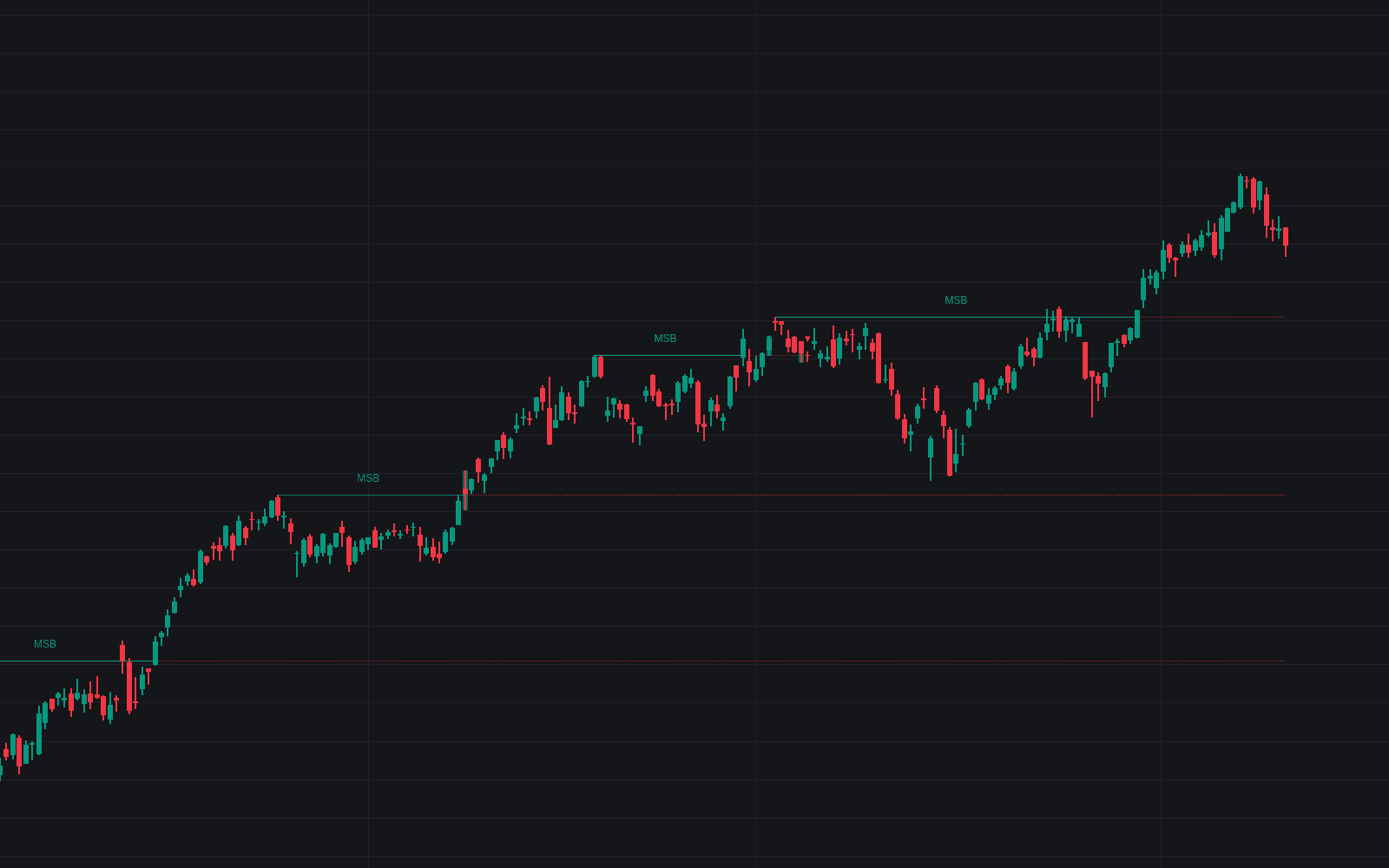
.png&w=3840&q=75)
Run it on Vela. Make it yours with Quant.
Open this indicator free on Vela, our next-generation charting platform. Then ask Quant, our coding agent built into Vela, to retune it or turn it into a backtested strategy of your own.