ZigZag
 By LuxAlgoApr 13, 2020
ZigZag is an indicator on Vela, our next-generation charting platform, written in Pine Script®.
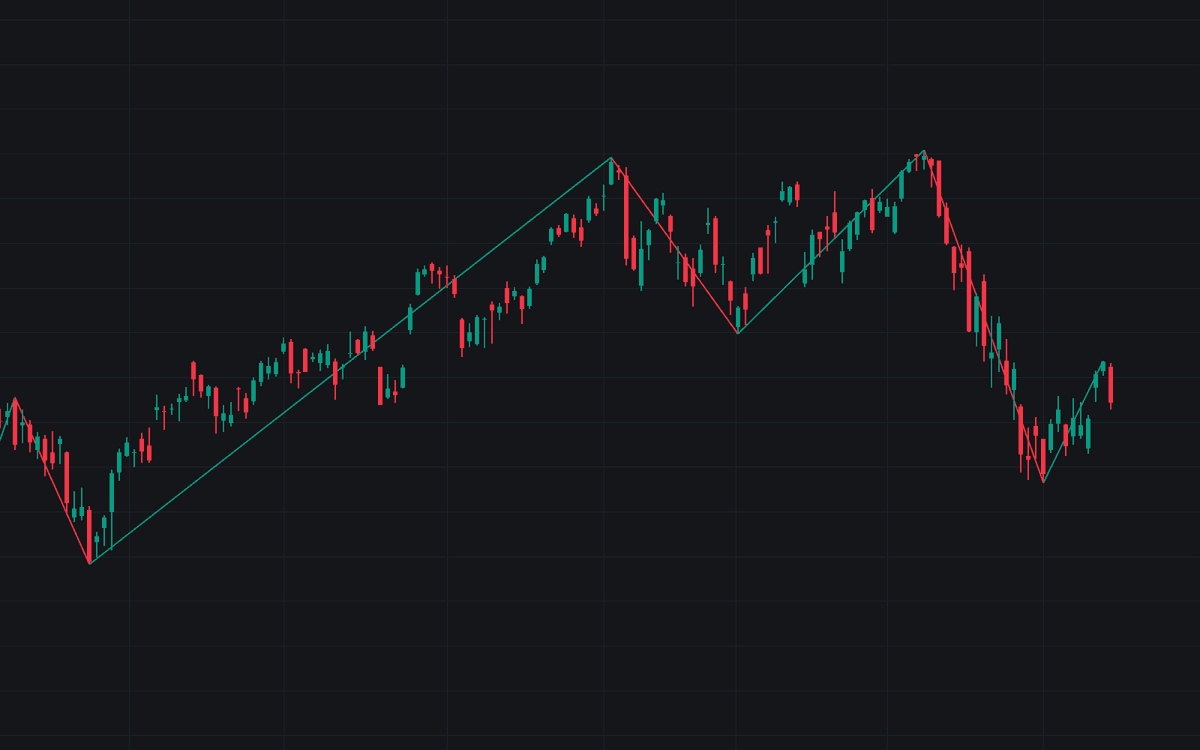

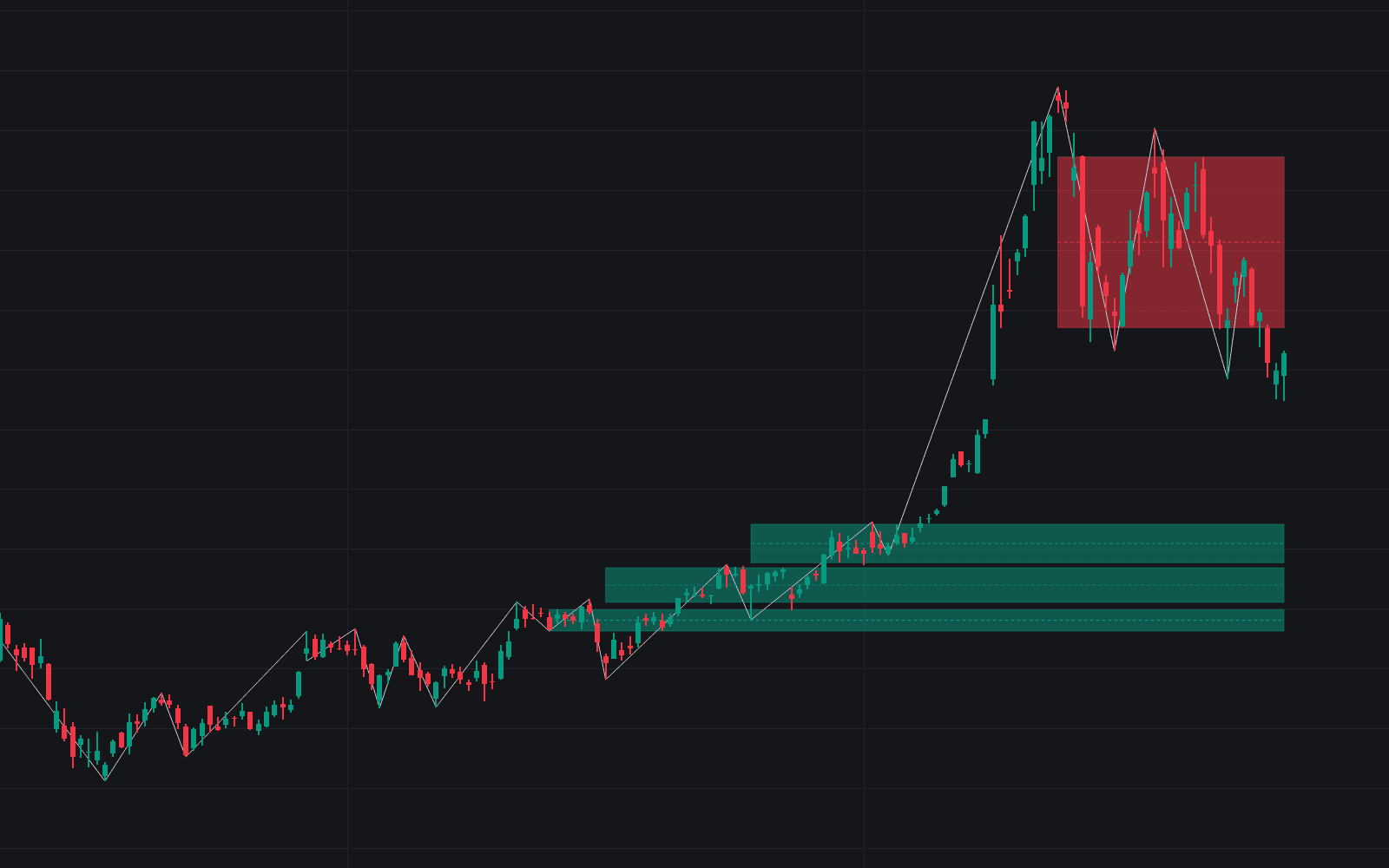
The ZigZag connects successive swing highs and swing lows with straight line segments, discarding every countermove smaller than a set threshold so only the larger swings in price remain visible. Defaults are a 5% deviation filter with a pivot depth of 10 bars, and, as in any faithful zigzag, the most recent leg stays provisional, extending to each new extreme until the next pivot is confirmed. This is the standard raw construction: no labels, no ratios, just the chart reduced to alternating legs.
Once candles collapse into legs, structure that hides in bar noise (trend sequence, swing levels, pattern shapes) becomes explicit and measurable.
How to Trade the ZigZag?
- Rising pivots: successive higher swing highs and higher swing lows define an uptrend; the read holds until a confirmed pivot breaks the sequence.
- Falling pivots: lower highs and lower lows mark the downtrend; the first pivot violating the sequence is an early structural warning.
- Confirmed pivot levels: support and resistance references, stop placements behind structure, and anchors for measuring a completed leg.
- The live leg: treat the newest segment as unfinished. Its endpoint follows price until the reversal criteria are met.
The tool draws structure rather than entries: it decides which swings count at your chosen scale.
ZigZag Settings
- Deviation (%) (default 5): the minimum reversal from the running leg extreme, as a percentage of that extreme, required to confirm a pivot. Raise it to keep only major swings; lower it to expose finer structure.
- Depth (default 10): the minimum number of bars required between two consecutive pivots, blocking rapid pivot alternation even when the percentage threshold is met.
- Up Leg / Down Leg / Width (default width 2): purely visual, the colors of rising and falling segments and their thickness.
Frequently Asked Questions
Free to use
Run it on Vela. Go further with a paid plan.
- Up to 500 Custom Alerts, with webhook automation
- Up to 10× the chart history of Free
- Orderflow lookback up to full history
- More Quant usage to customize it, plus extra usage when you need it
- Futures data alongside crypto, stocks, forex and commodities

Related indicators
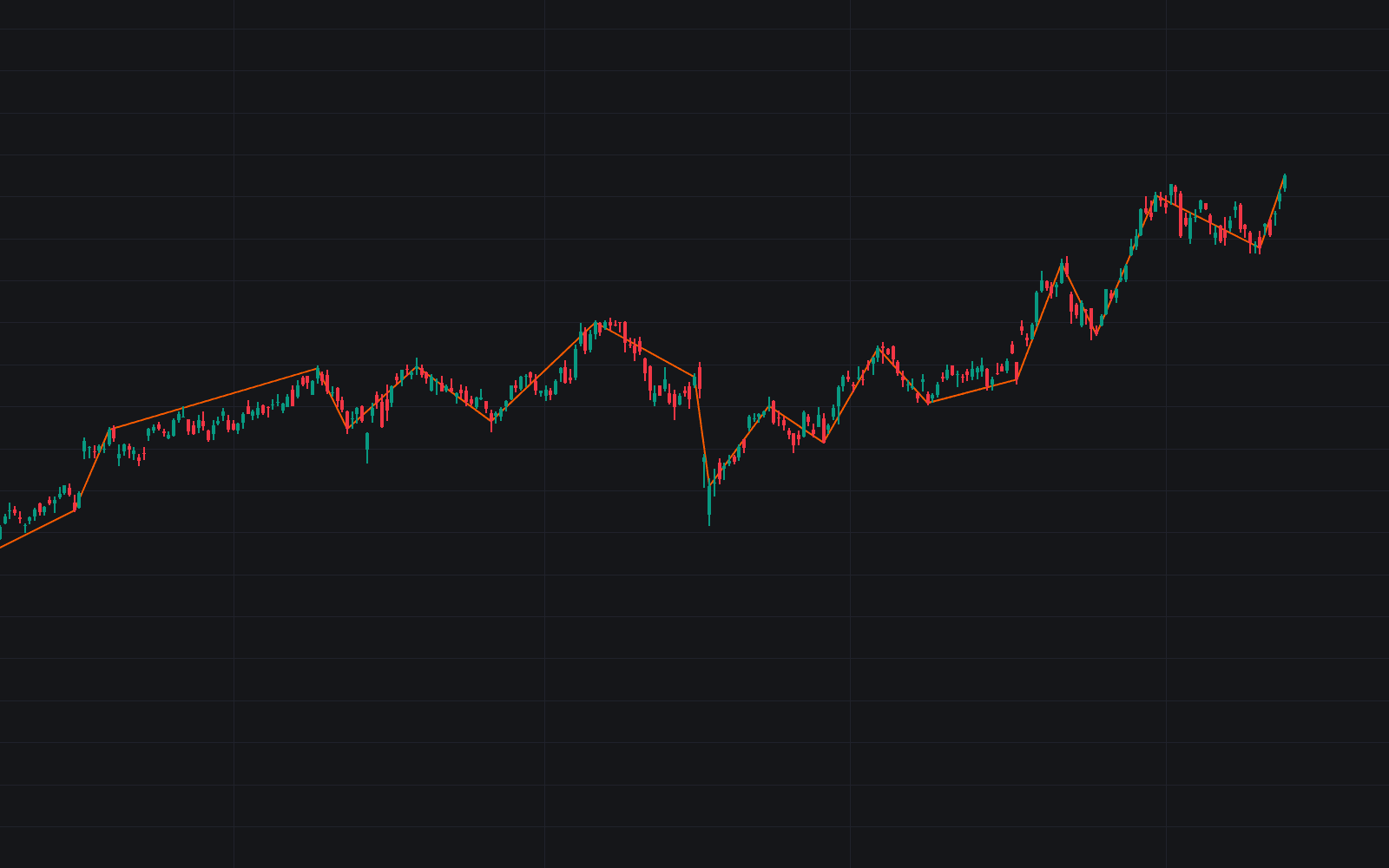
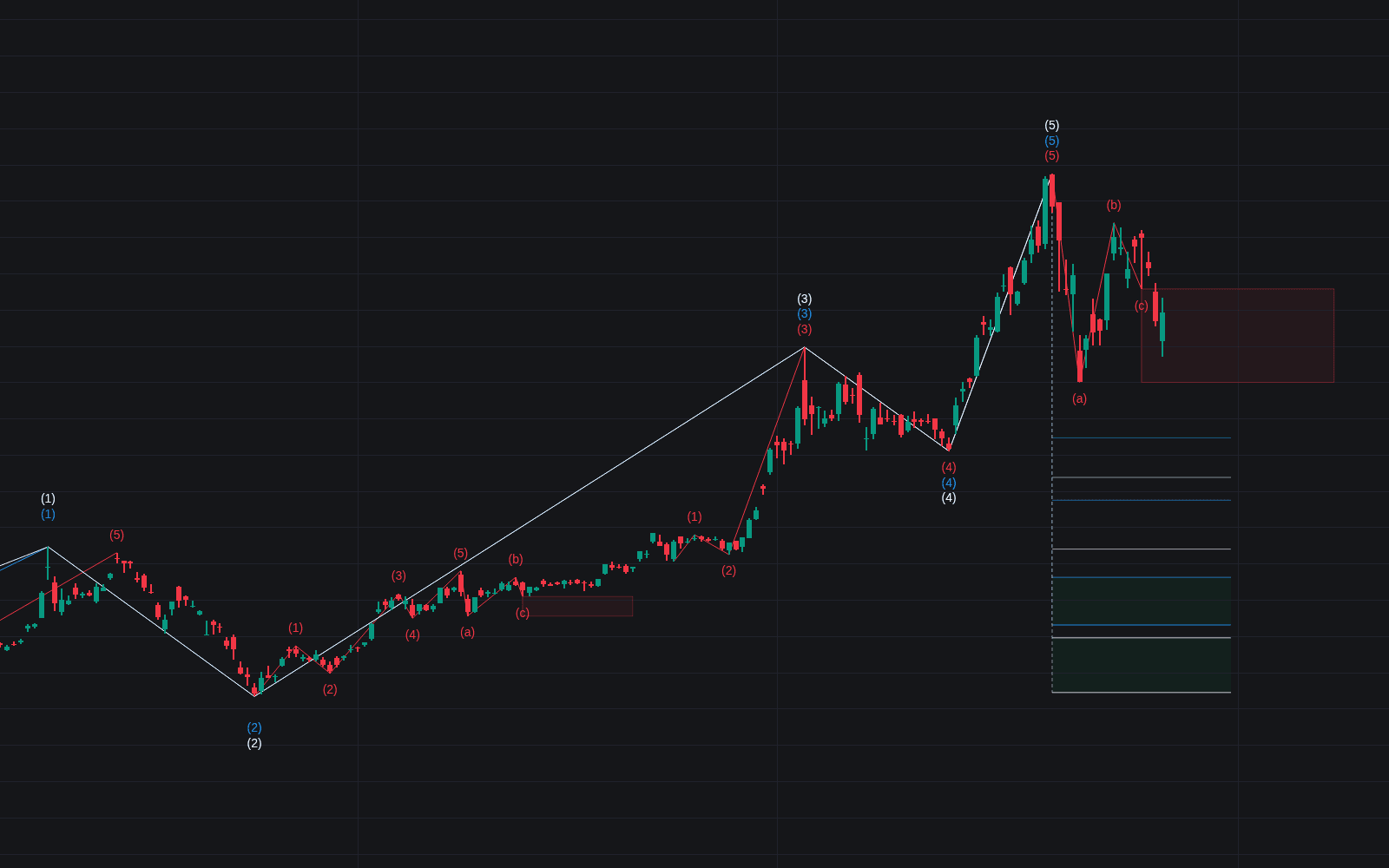
All 9 Zigzag Structure indicators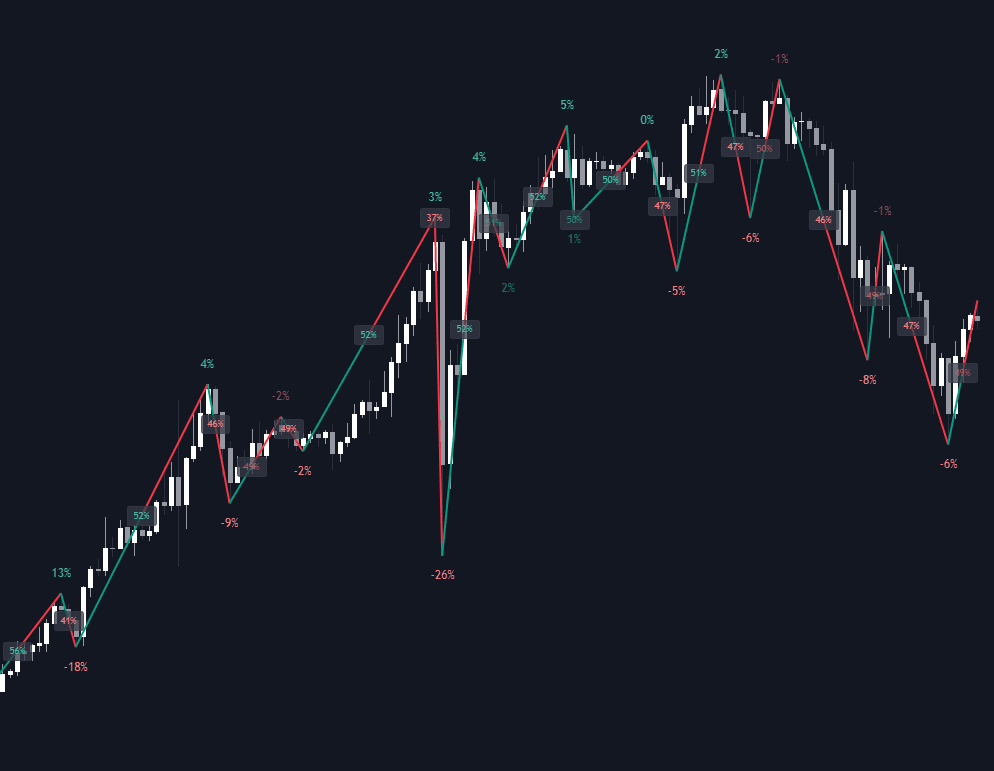
Run it on Vela. Make it yours with Quant.
Open this indicator free on Vela, our next-generation charting platform. Then ask Quant, our coding agent built into Vela, to retune it or turn it into a backtested strategy of your own.