Elliott Wave
 By LuxAlgoMar 6, 2023
Elliott Wave is an indicator on Vela, our next-generation charting platform, written in Pine Script®.
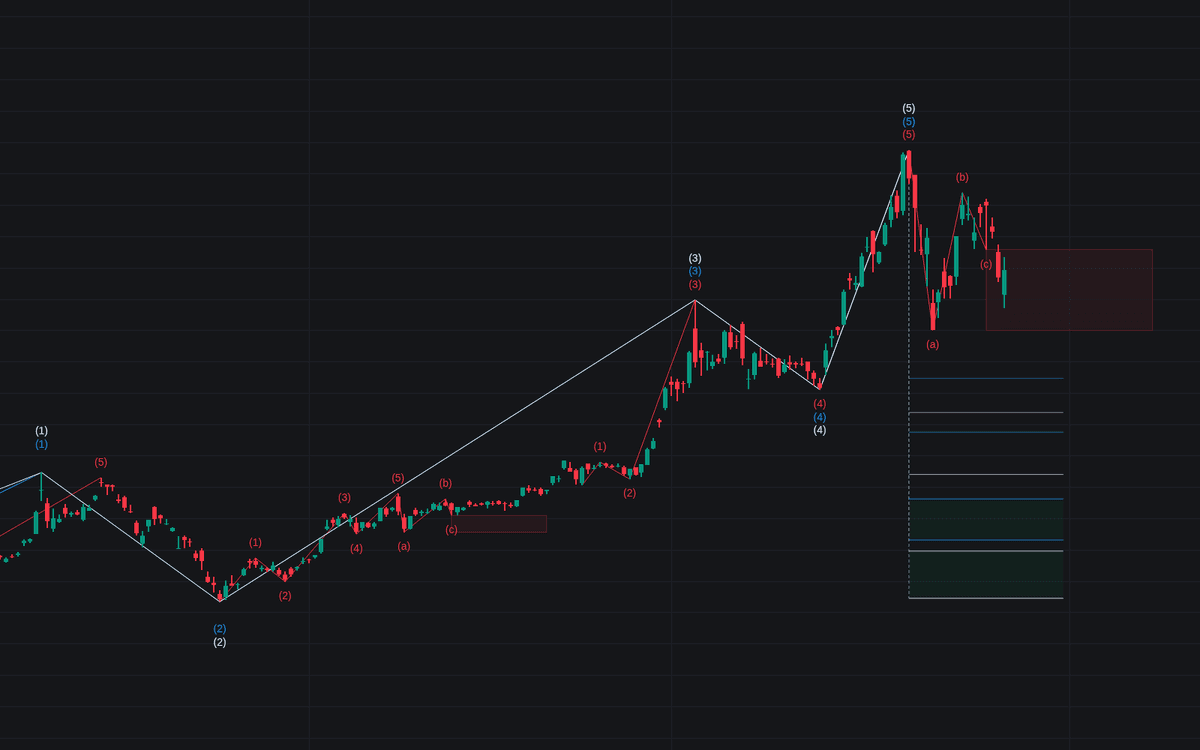

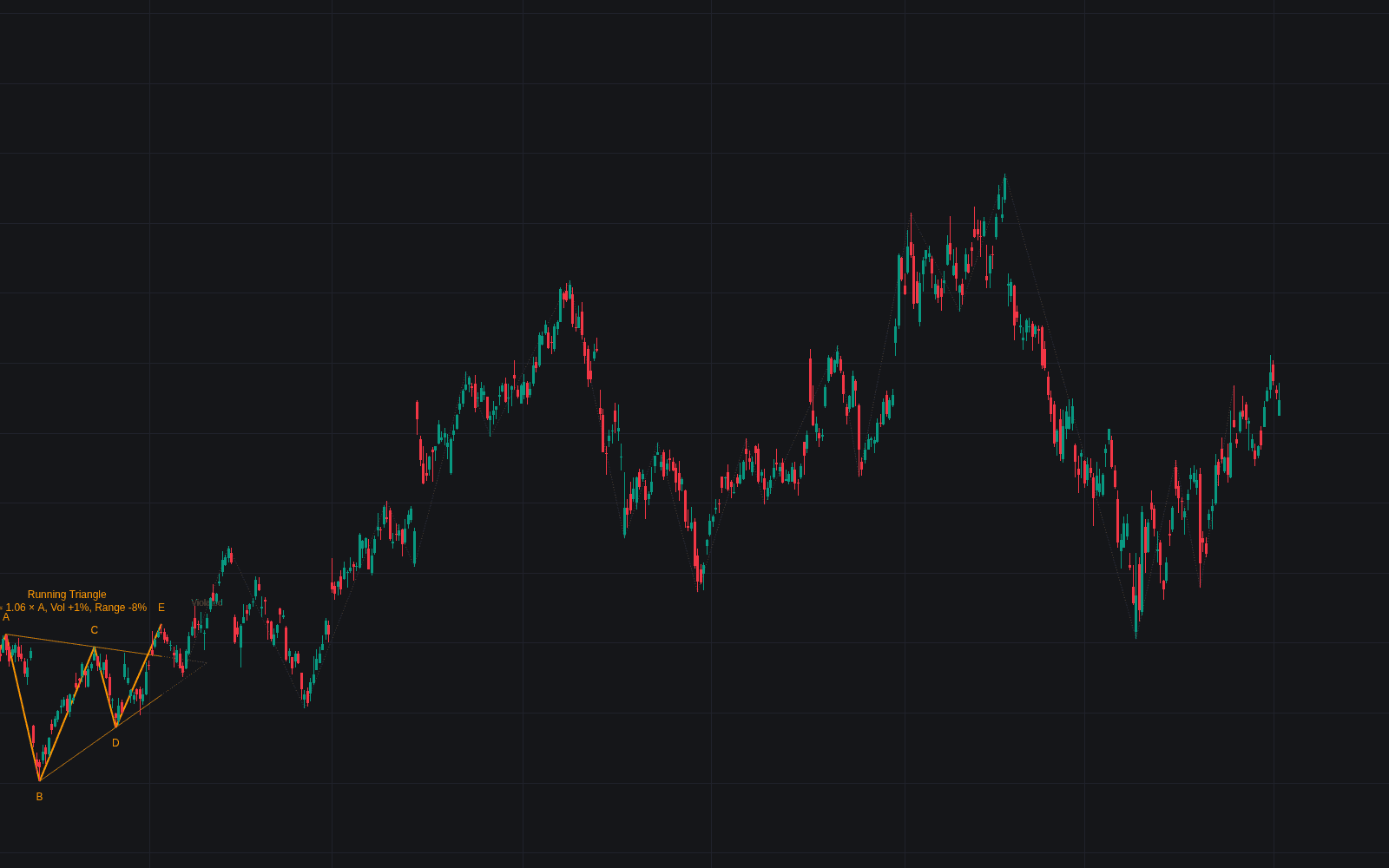
Elliott Wave detects and labels wave counts automatically, marking five-wave impulses (1–5) and three-wave corrections (A–C) as they develop from zigzag pivots, then drawing Fibonacci retracements where a correction may rebound. The counts stay honest: patterns that break the rules are visibly struck. Invalidated motive counts turn dotted, corrective ones dashed, and a red cross prints when price breaks out of the corrective box while it is still projected: downward after a bullish count, upward after a bearish one.
How to Trade the Elliott Wave?
- Confirmed 5-wave pattern (1 → 5): a completed motive sequence, which can itself be read as a larger Wave 1 in the next degree.
- Fibonacci zones after the count: the script's retracement lines mark areas where the corrective phase might turn.
- Rule violations: Wave 2 retracing past Wave 1's origin or Wave 4 overlapping Wave 1's territory invalidates the count. A struck pattern is information, not noise.
- New extremes: while Wave 5 keeps extending, the count's end point moves with it; after a completed (a)(b)(c) correction, a small circle marks the next swing if it clears the Wave (5) extreme, flagging a possible new Wave 1.
Pivots come from the ZigZag engine, so the source and length settings decide how much movement earns a label. The result is a running count under Elliott Wave theory without hand-labeling a single swing.
Elliott Wave Settings
- High: uses the high, the close, or the maximum of open/close as the upper pivot source.
- Low: uses the low; with either other option the lower source follows the High setting, reading the close when High is set to close and the minimum of open/close otherwise.
- ZigZag 1 / 2 / 3 Length (defaults 4, 8 and 16): three wave degrees counted side by side, each with its own toggle and color. Each length is how many preceding bars must confirm a pivot: with length 8, a pivot high requires the eight preceding highs to sit lower, plus a lower high on the next bar. Larger values yield fewer, larger waves.
Frequently Asked Questions
Free to use
Run it on Vela. Go further with a paid plan.
- Up to 500 Custom Alerts, with webhook automation
- Up to 10× the chart history of Free
- Orderflow lookback up to full history
- More Quant usage to customize it, plus extra usage when you need it
- Futures data alongside crypto, stocks, forex and commodities
Also works on

Related indicators
Run it on Vela. Make it yours with Quant.
Open this indicator free on Vela, our next-generation charting platform. Then ask Quant, our coding agent built into Vela, to retune it or turn it into a backtested strategy of your own.