Damiani Volatmeter
 By LuxAlgoMay 2, 2026
Damiani Volatmeter is an indicator on Vela, our next-generation charting platform, written in Pine Script®.
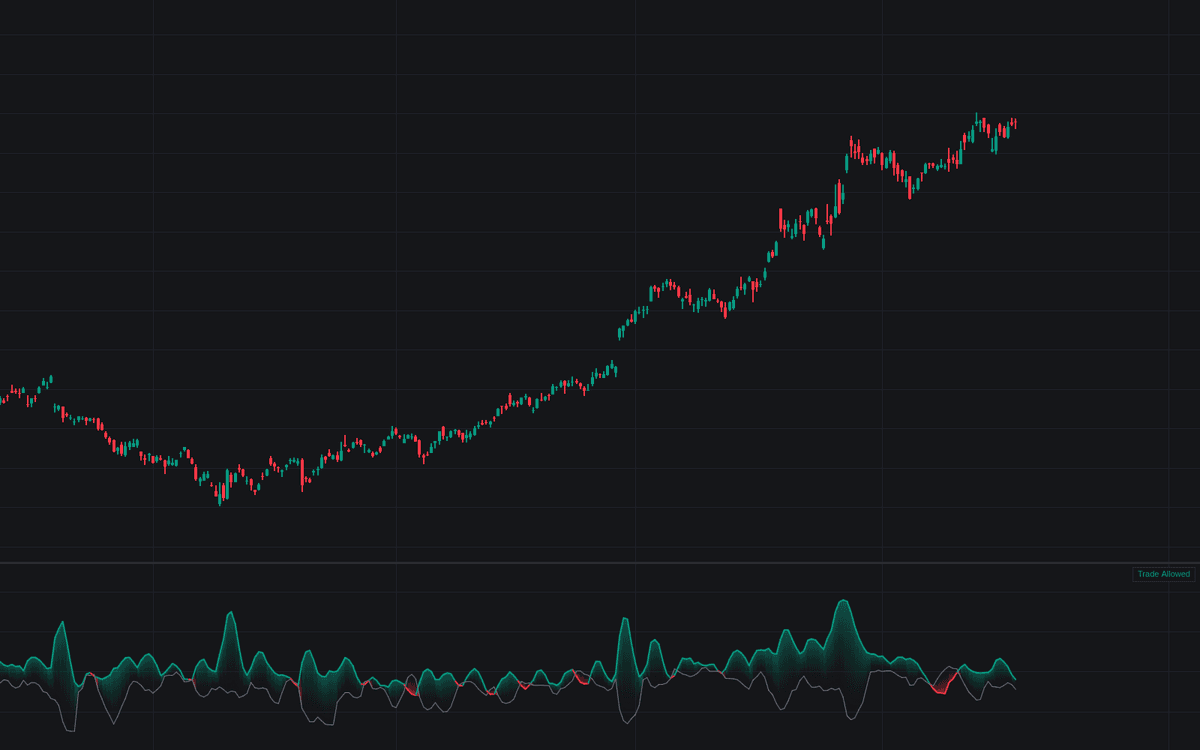

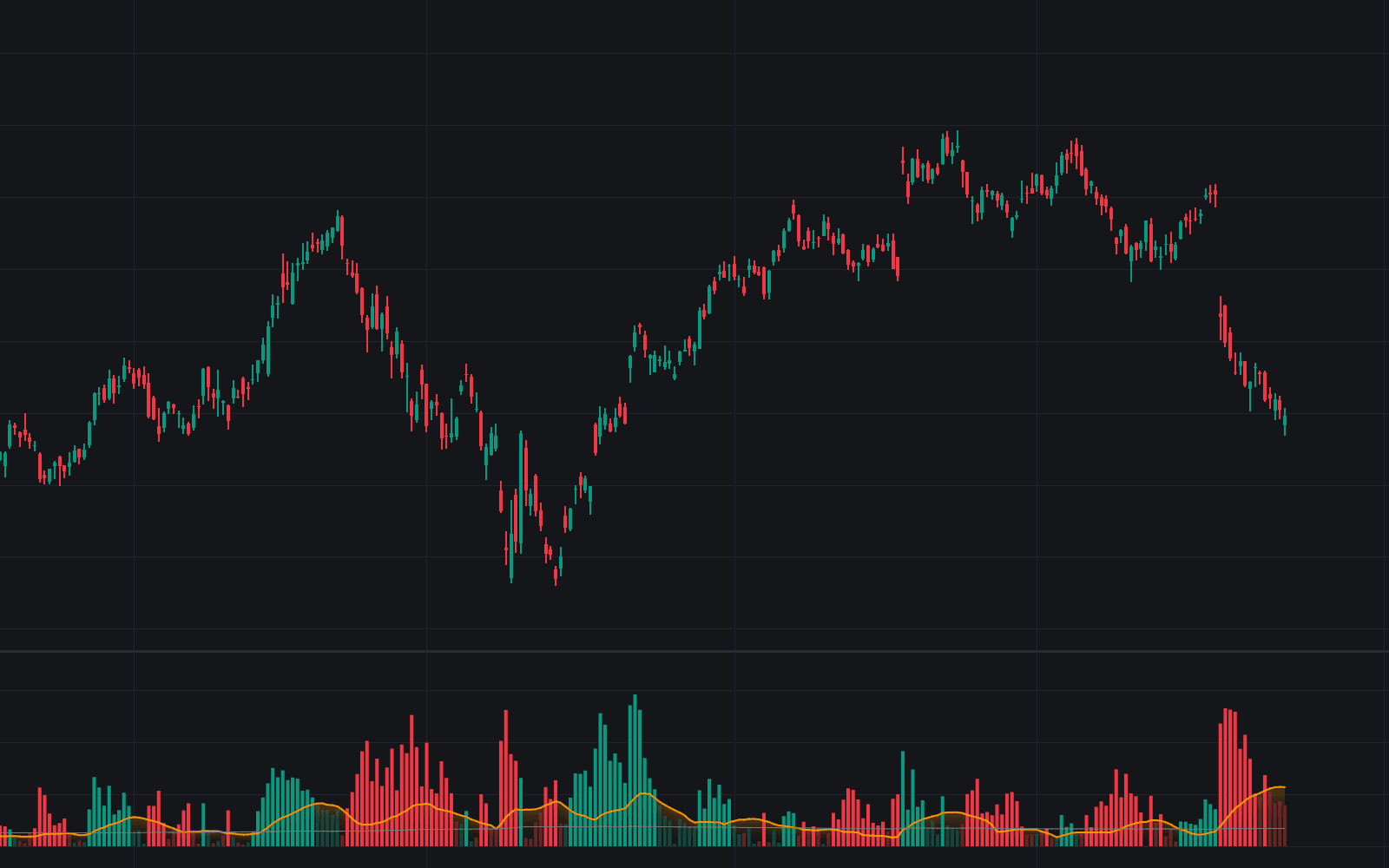
Damiani Volatmeter is the first faithful build of the Damiani Volatmeter in the Library, reproducing the widely shared formulation input for input. The pane plots two lines: Volatility, the fast/slow ATR ratio with the recursive lag-suppression term k × (V[1] − V[3]) added, and Threshold, the constant c minus the fast/slow standard-deviation ratio. A gradient fill turns green while trading is allowed and red while it is not, and a compact dashboard states the current regime in plain text.
How to Trade the Damiani Volatmeter?
- Volatility above Threshold: directional activity is sufficient. Breakout and trend entries from your actual system may be taken.
- Volatility below Threshold: conditions too quiet and erratic to trust a directional signal; stand aside.
- Regime flips: optional circle markers highlight each switch, and the Trade Allowed / No-Trade Zone alerts fire whether or not markers are shown.
The Volatmeter carries no directional opinion. Its double-ratio design exists to reject the churn that pure ATR filters mistake for opportunity: the standard-deviation term adapts the bar expanding range has to clear.
Damiani Volatmeter Settings
- Fast Length (Viscosity) (default 7): fast window shared by the ATR and standard-deviation ratios.
- Slow Length (Sedimentation) (default 50): slow baseline window for both ratios.
- Lag Suppressor (k) (default 0.5): coefficient of the recursive term; 0 disables it, as some circulating versions do.
- Threshold Constant (c) (default 1.1): the constant the standard-deviation ratio is subtracted from.
- StdDev Source (default close): source series for the threshold's deviation ratio.
- Style: Show State Dashboard (default on), Show Regime Change Markers (default off), Highlight No-Trade Zones (default off), plus line and state colors.
Frequently Asked Questions
Free to use
Run it on Vela. Go further with a paid plan.
- Up to 500 Custom Alerts, with webhook automation
- Up to 10× the chart history of Free
- Orderflow lookback up to full history
- More Quant usage to customize it, plus extra usage when you need it
- Futures data alongside crypto, stocks, forex and commodities

Related indicators
Run it on Vela. Make it yours with Quant.
Open this indicator free on Vela, our next-generation charting platform. Then ask Quant, our coding agent built into Vela, to retune it or turn it into a backtested strategy of your own.