Sweeps & IFVGs
 By LuxAlgoJun 4, 2026
Sweeps & IFVGs is an indicator on Vela, our next-generation charting platform, written in Pine Script®.
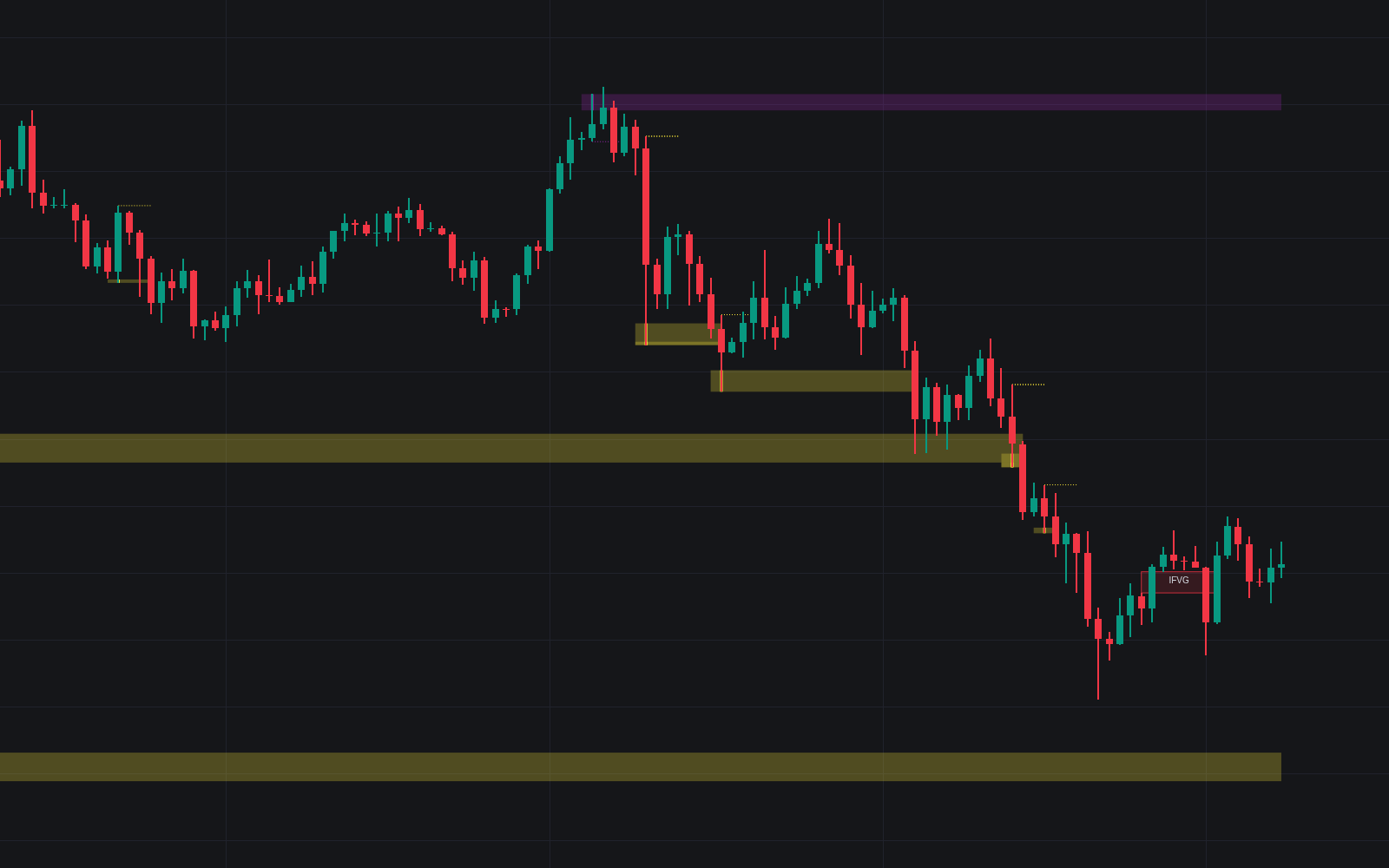
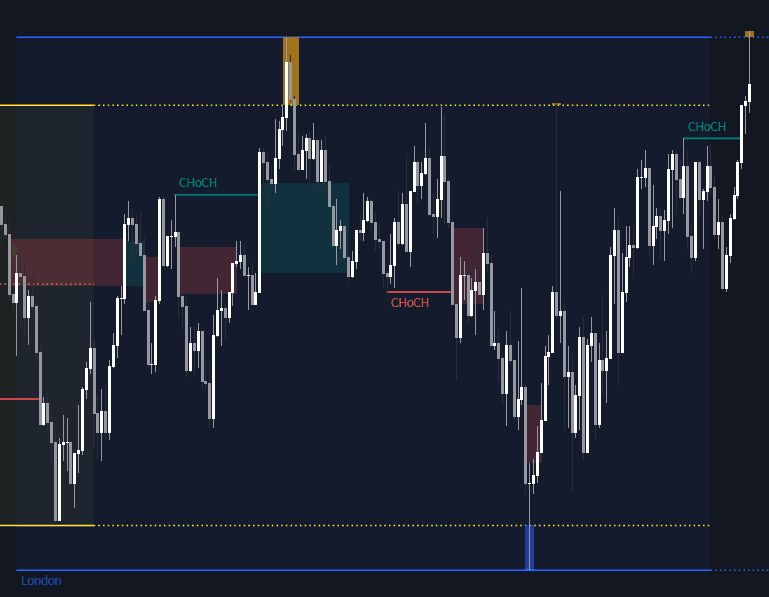
Sweeps & IFVGs watches the two reversal events price action traders prize most. It flags every liquidity sweep (price pushing past a prior swing high or low before turning back) and tracks fair value gaps until one fails, at which point it becomes an inverse fair value gap: a zone now watched for the opposite role. Sweep areas can extend across the chart, an ATR-scaled filter admits only meaningful gaps, and alerts fire on both event types.
How to Trade the Sweeps & IFVGs?
- Sweep zones: a marked sweep shows where stops were likely collected; the highlighted area can extend rightward as a reference for later reactions.
- IFVG retests: once a close through the gap confirms the inversion, watch for a reaction when price returns. Support-side interest becomes resistance-side interest, and vice versa.
- Choose your sweep definition: focus strictly on wicks, include break-and-retrace cases, or take both, via the Sweep Options input.
- Size matters: only gaps exceeding the volatility filter, a multiple of ATR, are processed. Minor gaps never reach the chart.
A cap on displayed IFVGs keeps the workspace clean even on gap-prone markets.
Sweeps & IFVGs Settings
- Swings: lookback for the swing highs and lows used in sweep detection.
- Sweep Options: wicks only, outbreaks and retests, or both, with bullish and bearish sweep colors.
- Extend Sweep Areas / Max Bars to Extend: project sweep zones to the right and cap how long they persist.
- Show Inverse FVGs / Volatility Filter Multiplier / Max Displayed IFVGs: toggle IFVG zones, set the ATR-based size filter, and limit active boxes.
- Alert on Liquidity Sweeps / Alert on IFVG Inversions: notifications for each event type.
Frequently Asked Questions
Free to use
Run it on Vela. Go further with a paid plan.
- Up to 500 Custom Alerts, with webhook automation
- Up to 10× the chart history of Free
- Orderflow lookback up to full history
- More Quant usage to customize it, plus extra usage when you need it
- Futures data alongside crypto, stocks, forex and commodities
Also works on

Related indicators
All 27 Liquidity Sweep indicators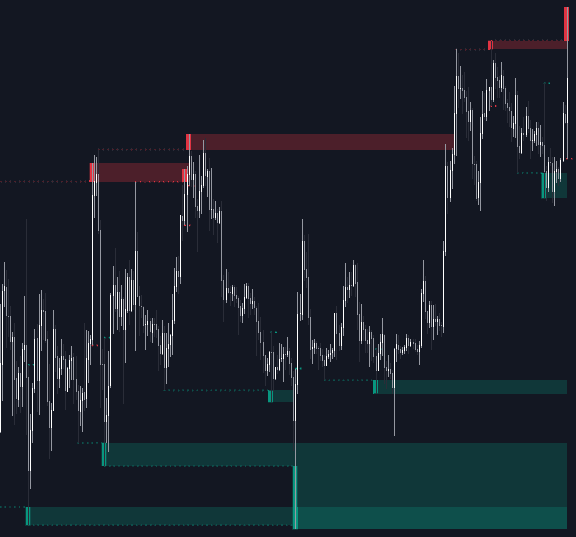
Run it on Vela. Make it yours with Quant.
Open this indicator free on Vela, our next-generation charting platform. Then ask Quant, our coding agent built into Vela, to retune it or turn it into a backtested strategy of your own.