Unlimited Alerts Are Live on Vela
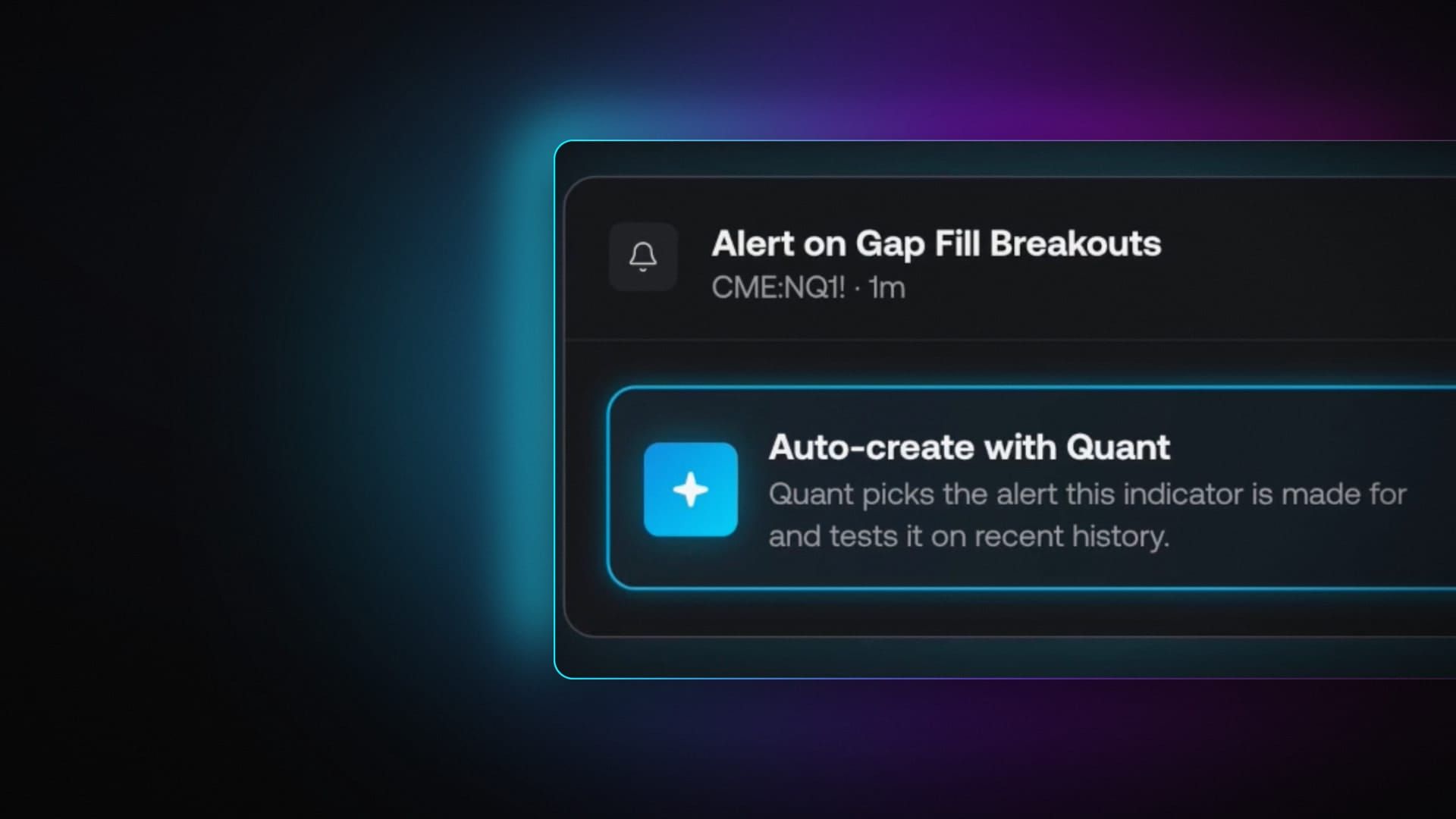
Today we’re launching Alerts on Vela, our next-generation charting platform. Set a price level, turn an indicator into a notification, or ask Quant, our coding agent, to build the condition you have in mind.
Price Alerts and Custom Alerts are unlimited on every plan, including Free. They run on our servers around the clock, so they keep watching even when your browser is closed.
Mark what matters. Choose where the notification goes. Let Vela watch for it.
Meet Alerts on Vela: set a price level or let Quant build a Custom Alert.
Price Alerts: set a level and step away
A Price Alert watches for price to cross a level. Set one straight from your Vela chart, and it appears as a line alongside your candles. When the level stops mattering, cancel it from the line’s handle.
Use it for a prior high, a range boundary, or a price you want to revisit. You can mark several levels and leave them running without keeping the chart open.
If you’re still mapping out the setup, Quant can help draw the levels on your chart before you decide which ones deserve an alert.
Custom Alerts: watch the condition, not just the price
Custom Alerts work with any indicator or strategy on your chart, on one market or an entire watchlist. Start with a built-in study, a tool from the LuxAlgo Library, or your own script saved in the Pine editor.
Click the bell on an indicator’s legend to build an alert. Choose the output and the condition you want to watch: a cross, a move above or below a level, or an entry into or exit from a channel.
For example, watch for RSI to cross 70, a moving average crossover, or a signal from your strategy. The preview marks where the condition would have fired on history, so you can check the frequency before turning it on.
Free includes firing at bar close. Paid plans also let alerts fire while the bar is still forming, so you can choose the timing that fits the setup.
Describe it to Quant. Review it. Arm it.
You don’t have to build every condition by hand. Choose Auto-create with Quant from the alerts menu, or describe the alert in chat:
“Alert me when RSI crosses above 70 on BTC and send it to Telegram.”
Quant builds the alert, explains the condition, and previews where it would have fired on historical bars. Review the proposal, make any changes, and approve it when you’re ready. Nothing is armed until you approve.
Need a condition that your current tools don’t cover? Quant can write a custom indicator or help you build a strategy, then turn that logic into an alert. You can go from an idea in plain language to a condition you can inspect on the chart.
The historical preview helps you spot alerts that fire too often or barely at all. It shows when the rule matched in the past; it doesn’t predict what happens after the next notification.
Send it where you’ll see it
Choose email, Telegram through our Vela Alerts bot, push notifications, or in-app notifications. Every destination has a Send test button, so you can check the connection before relying on it.
Paid plans add webhooks, with messages ready as JSON or in the format your trading bot expects. You can compare the available features on the plans page.
Set your first alert
Pick a level you’re watching, choose a destination, and send a test. Or open the bell on an indicator and let Quant build a Custom Alert for you. Both are unlimited, including on Free, and both keep running after you close the browser.
Read next