ultrapremiumultimate
Oscillator Matrix
 By LuxAlgoMay 23, 2020
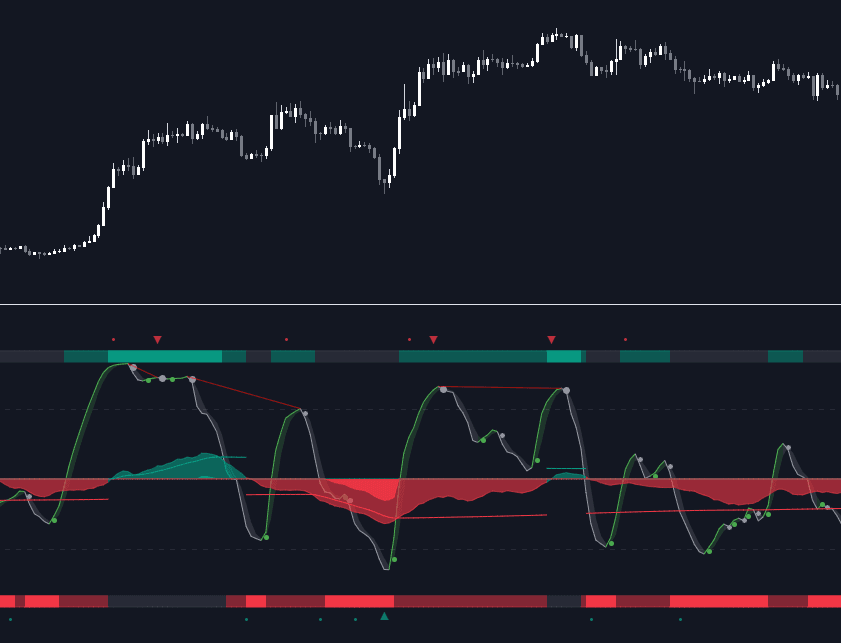
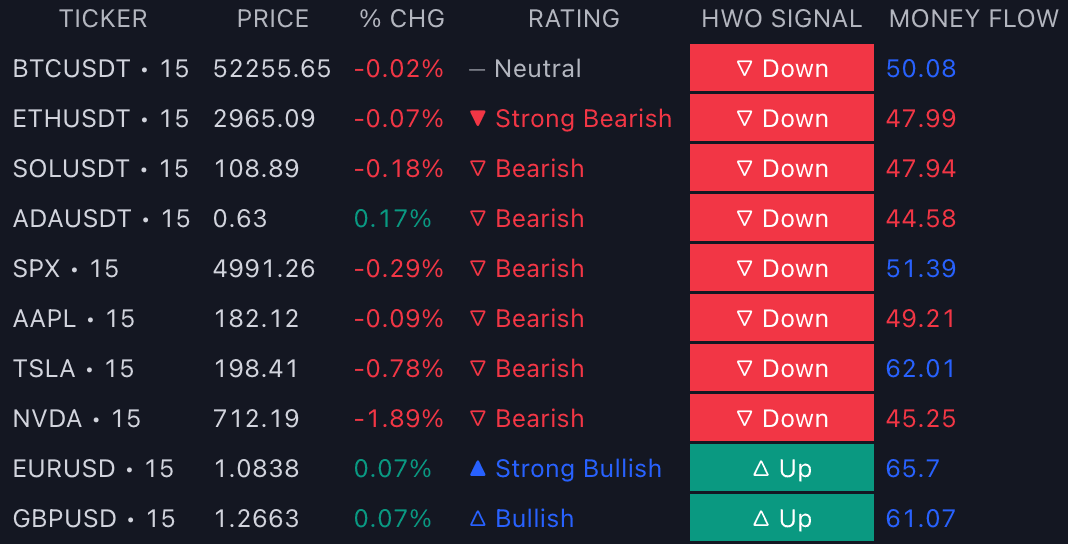
Oscillator Matrix™ is the LuxAlgo oscillator toolkit: six-plus components engineered for interoperability inside one pane, so trend following, money flow analysis, and reversal detection cross-check each other instead of living on separate indicators. It suits traders who want a systematic momentum read alongside their price chart, whether as a standalone framework or as the confirming layer under another analysis. The Screener (OSC) carries its readings across a watchlist, and the Backtester (OSC) turns its components into testable strategy conditions.
What's Inside the Oscillator Matrix™ Toolkit?
- HyperWave: a normalized adaptive oscillator built to reflect price trends without excess noise, controlled by a Main Length setting, and the primary trend/reversal engine of the pane.
- Signal Line: an SMA or Trailing Stop (TS) signal line over the HyperWave with a filled area whose color shows which side the oscillator is on; the TS algorithm resists noisy variations.
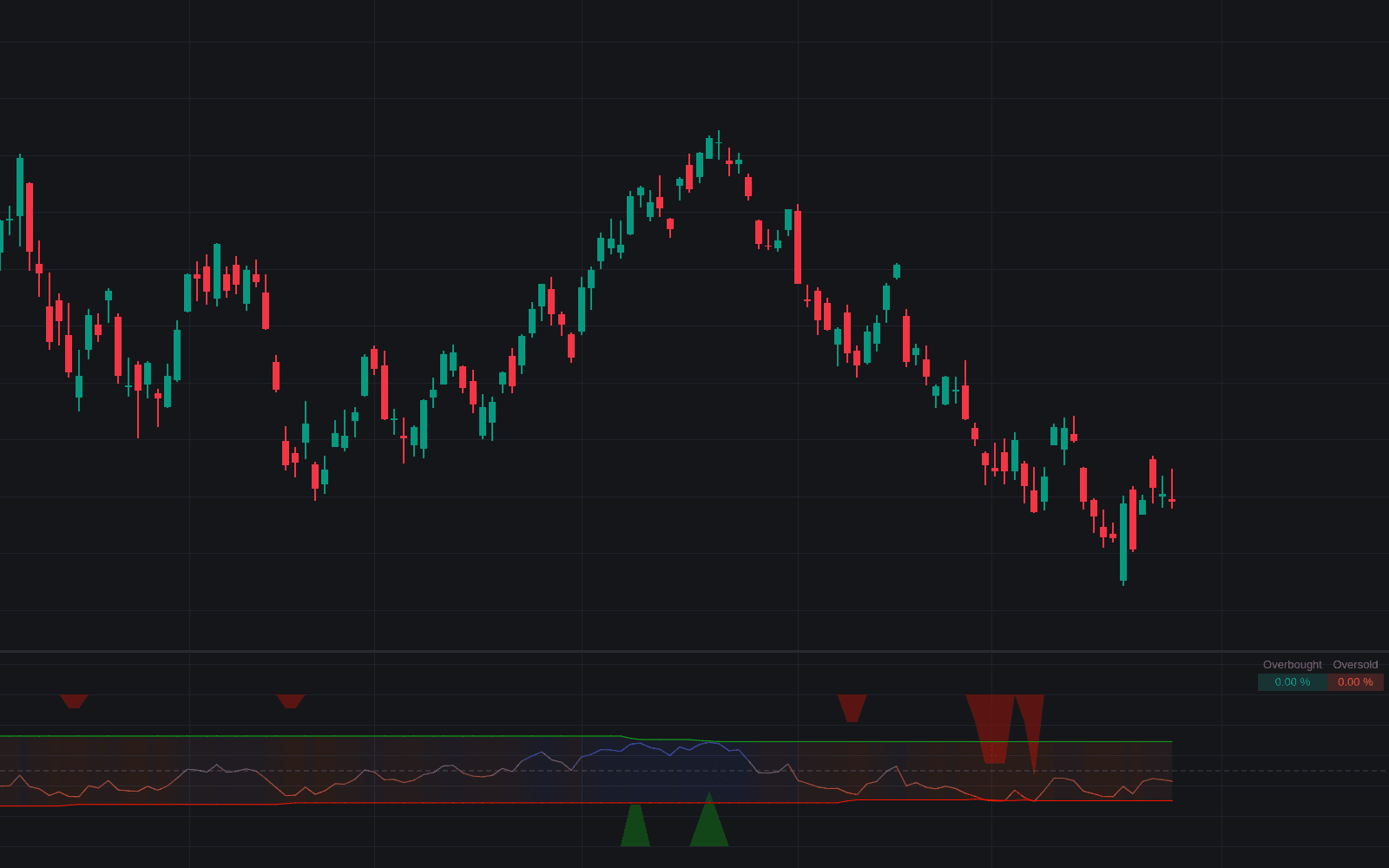
- Turning Points: dots marking HyperWave/signal line crosses, drawn larger when the cross happens oversold (HyperWave under 20) or overbought (over 80).
- Real-Time Divergences: bullish and bearish divergences between price and the HyperWave detected as they form, with a Divergence Sensitivity % control and optional projection of the divergence lines onto the price chart.
- Money Flow: the Smart Money Flow oscillator estimating trends from participant activity, a longer-term read that contextualizes the faster HyperWave.
- Overflow: lighter waves inside the Money Flow that flag excess liquidity relative to the trend's length, exposing late participants and potential reversals.
- Money Flow Thresholds: dynamic extremities above and below the 50 line; Money Flow beyond a threshold marks significant one-sided activity, while fluctuation between them marks balance.
- Reversal Signals: minor (−) circles for frequent short-term turns and major (+) triangles for potentially more significant reversals, paced by the Reversal Factor setting.
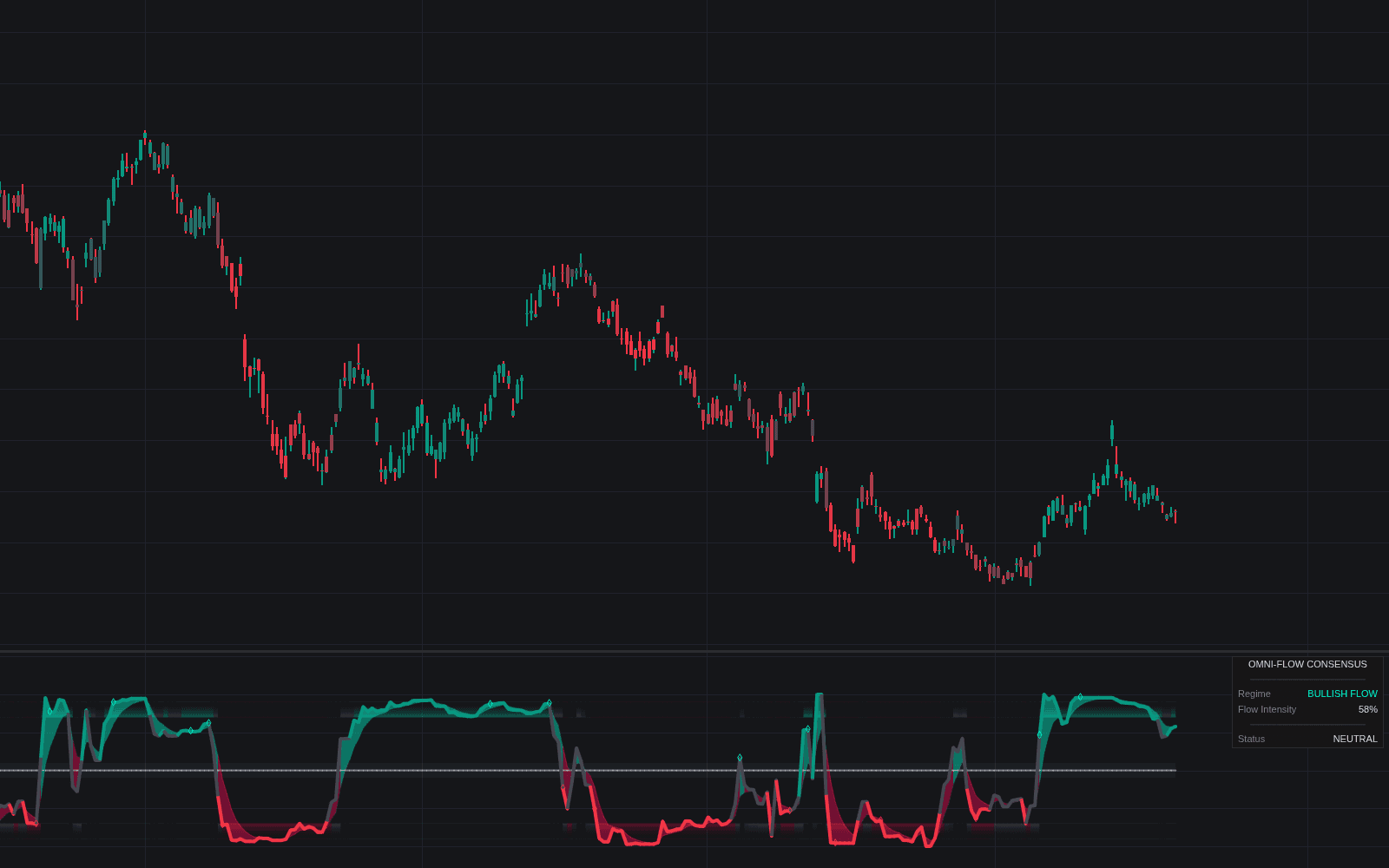
- Confluence Zones: shaded strips above 100 and below 0 grading agreement between the HyperWave and Money Flow, darker when both align, with numerical outputs usable by external scripts.
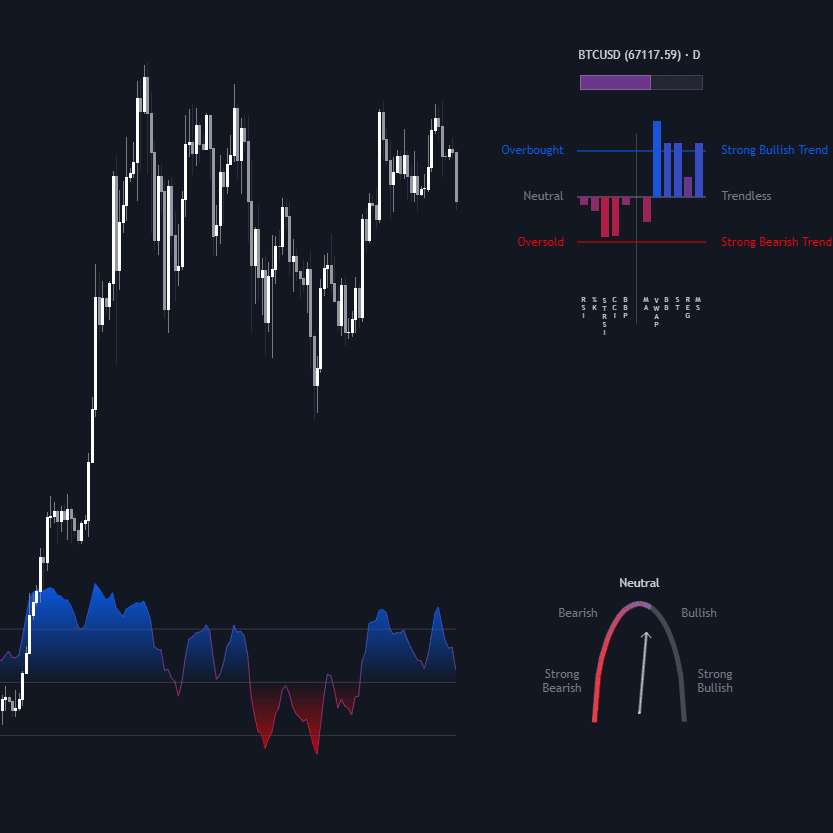
- Confluence Meter: an optional at-price gauge aggregating the HyperWave versus its signal line, HyperWave trend, Money Flow, Overflow, and divergences into one bullish/bearish measurement.
- Alerts: pre-set conditions for HyperWave signals, reversals, divergences, overflow, and confluence states, any alert() function call conditions with value placeholders, a step-based Custom Alert Creator, and Alert Scripting.
How to Trade with Oscillator Matrix™?
- Start with Money Flow: a signal against Money Flow pressing its threshold is fighting real participation, while a reversal signal printed on weak Money Flow (far from its threshold) faces little genuine pressure and carries more weight.
- Treat Overflow as the exhaustion tell: a significant Overflow wave turning over late in a trend is the toolkit's cue that the move may be ending; LuxAlgo's recommended reading order runs Smart Money Flow first, signals last.
- Time entries on Turning Points: HyperWave/signal line crosses inside overbought or oversold territory are the higher-conviction dots, especially when a real-time divergence formed just before.
- Gate everything through confluence: bright Confluence Zones or a stretched Confluence Meter reading confirm that multiple components agree, filtering signals during trending conditions that punish naked reversal-taking.
- Sequence conditions instead of eyeballing: the Custom Alert Creator chains steps (for example any bearish reversal, then HyperWave crossing under 80) with invalidation rules and a Maximum Step Interval.
Key Settings & Modes
- Money Flow length (default 35) with Smooth (default 6) and Show Money Flow.
- HyperWave Length (default 7) with Signal type (SMA default, Trailing Stop) and signal length (default 3).
- Divergences Sensitivity % (default 10), where lower values return fewer, longer-term divergences, plus Show Divergences and Show Divergences On Chart.
- Reversal Factor (default 5) and Show Reversals.
- Upper / Lower Confluence toggles, Show Confluence Meter (off by default), Meter Width (default 3).
- Calculated Bars (default 10000) to trade history depth for computation speed.