kNN Market Architecture
 By LuxAlgoMar 16, 2026
kNN Market Architecture is an indicator on Vela, our next-generation charting platform, written in Pine Script®.
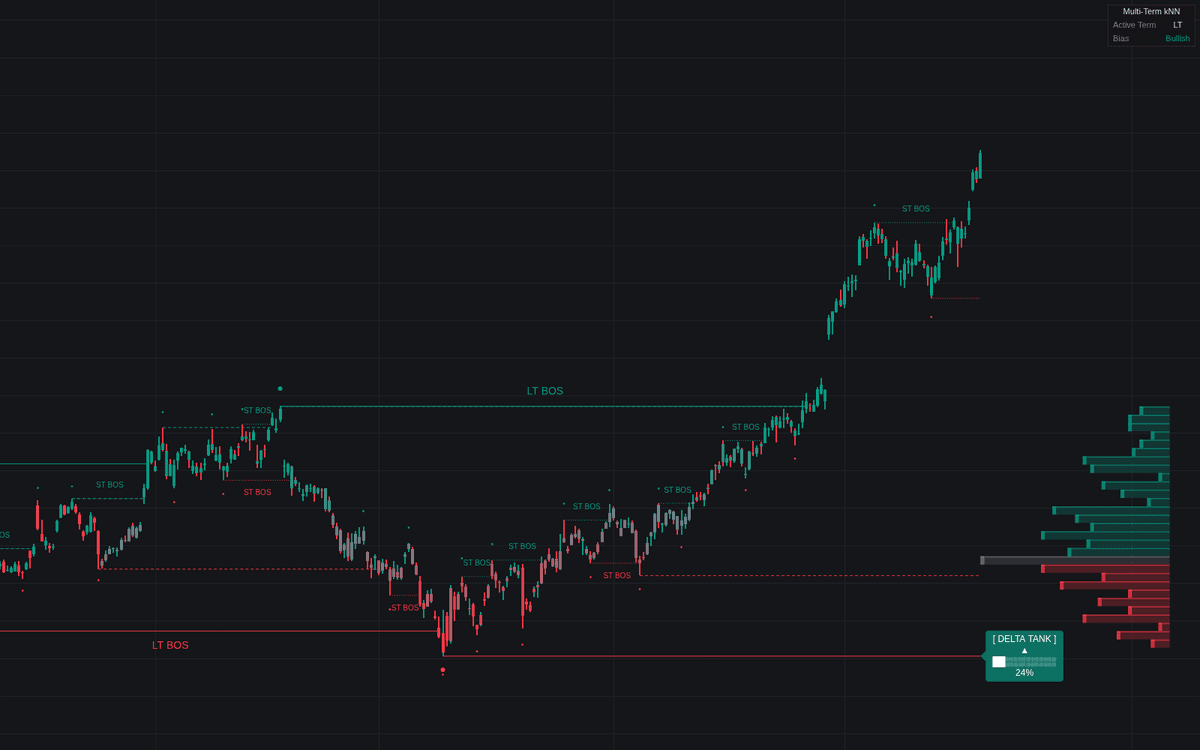

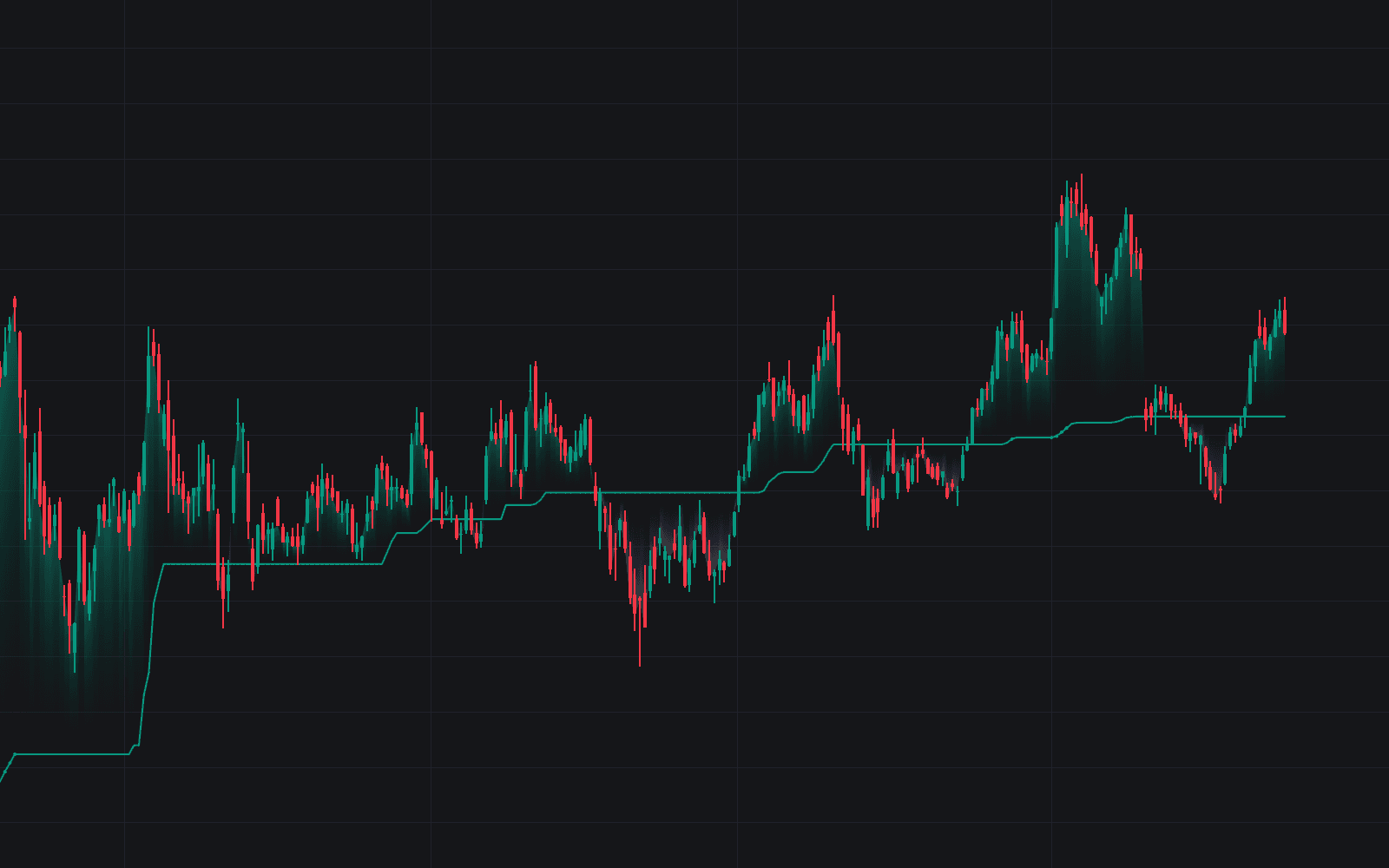
kNN Market Architecture draws a three-layer map of market structure (short, medium, and long-term) and lets a k-nearest neighbors model decide which pivots earn a place on it. Each candidate pivot is described by features such as relative ATR and volume, compared with a record of historical pivots, and plotted only when its nearest neighbors clear the Confidence Threshold. In the current version every stored pivot carries the same score, so the check rarely rejects anything and the map is shaped mainly by the three pivot lookbacks.
How to Trade the kNN Market Architecture?
- Bias by layer: pick ST, MT, or LT as the Bias Source. Above the layer's most recent pivot high the read is bullish, below its most recent pivot low bearish.
- Breaks of structure: a validated level giving way signals continuation; keeping all three layers visible gives top-down alignment on one chart.
- Delta Tank: labels at unbroken levels accumulate total volume, delta, and the delta-to-volume ratio. A filling green tank shows buyers active at the level, a red one warns it may break.
- Anchored volume profile: spans the active range between the bias layer's most recent pivot high and low, exposing where volume concentrated inside the current structure.
With Auto-Adjust Sensitivity enabled, the detection window scales with an ATR ratio, expanding in hot volatility so only larger moves qualify, contracting in quiet tape.
kNN Market Architecture Settings
- Structure Sensitivity: sets the base pivot lookback inversely (11 minus the setting, at least 3 bars), so higher values mean shorter lookbacks and more pivots.
- Auto-Adjust Sensitivity: volatility-based scaling of the detection window.
- k-Nearest Neighbors: how many of the closest stored pivots (up to 100 kept per side and layer) are averaged to score each candidate.
- Confidence Threshold: minimum average neighbor score a pivot needs to plot; because stored pivots all score 1.0, it only holds back each layer's warm-up pivots, and only when set above 0.5.
- ST / MT / LT Toggles, Bias Source, and Color Candles by Bias: layer visibility, the bias driver, and gradient candle coloring.
- Show Volume Profile, Profile Rows, and Profile Width (%): the anchored profile and its resolution.
Frequently Asked Questions
Free to use
Run it on Vela. Go further with a paid plan.
- Up to 500 strategy alerts, with webhook automation
- Up to 10× the chart history of Free
- Orderflow lookback up to full history
- More Quant usage to customize it, plus extra usage when you need it
- Futures data alongside crypto, stocks, forex and commodities
Also works on

Related indicators
All 7 kNN Analog Forecasting indicators
Run it on Vela. Make it yours with Quant.
Open this indicator free on Vela, our next-generation charting platform. Then ask Quant, our coding agent built into Vela, to retune it or turn it into a backtested strategy of your own.