Monday Range
 By LuxAlgoJun 16, 2026
Monday Range is an indicator on Vela, our next-generation charting platform, written in Pine Script®.
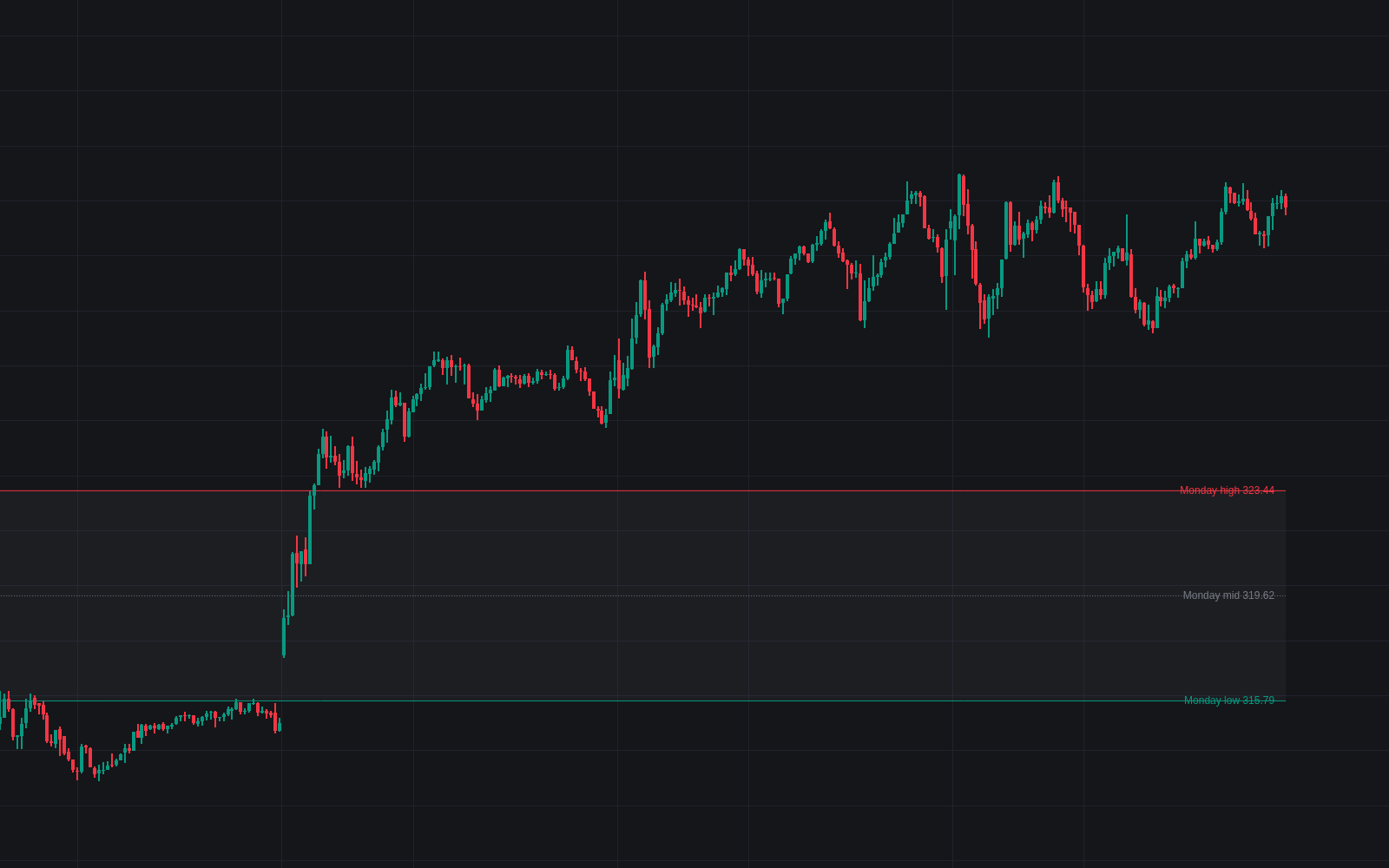

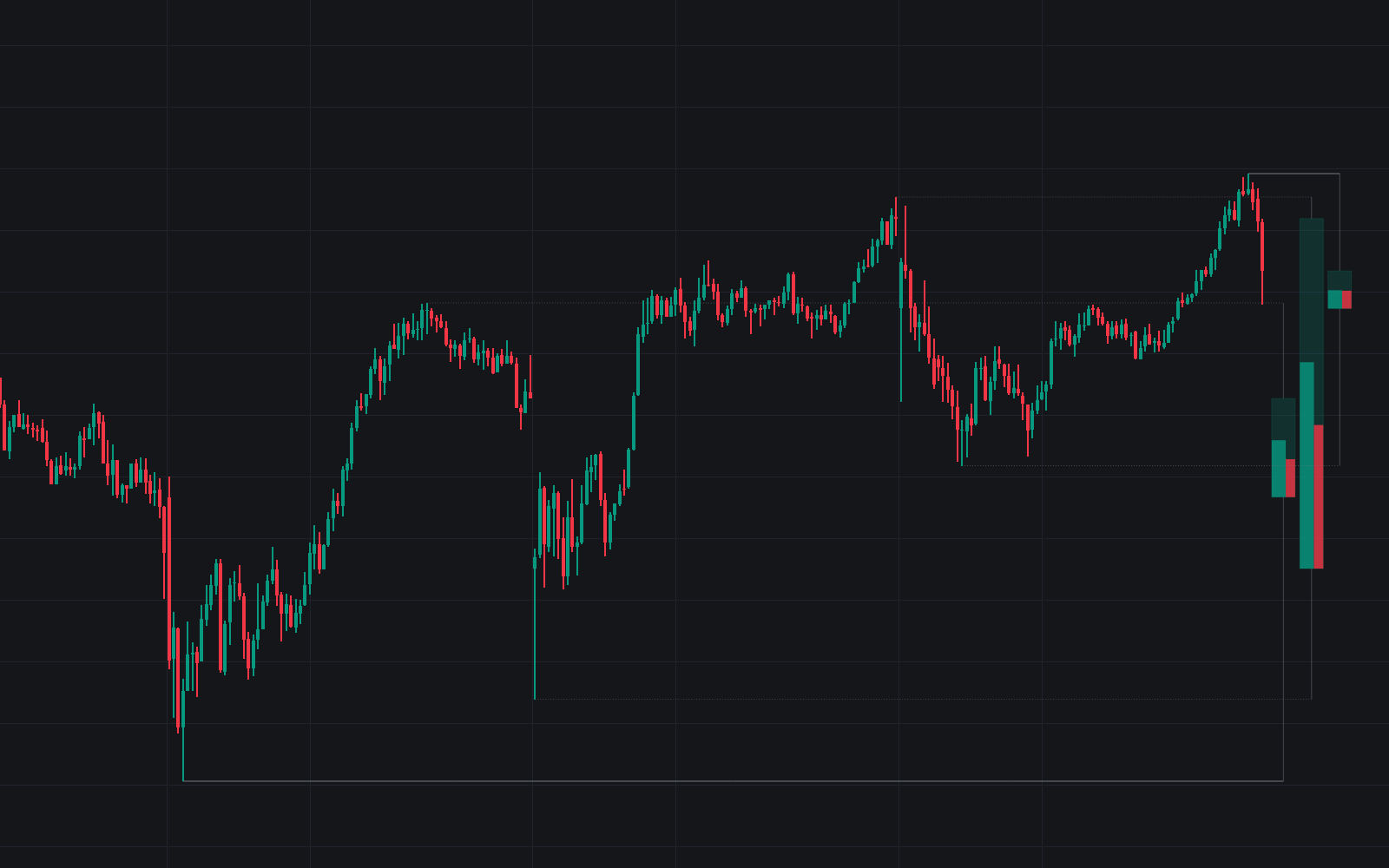
Monday Range holds the week's opening frame on the chart without any manual marking. Once the anchor session completes, its high and low extend to the week's end (the Monday range read as the week's initial balance) with an optional dotted midpoint, a shaded fill and price labels at the right edge. What counts as Monday is explicit: the symbol's exchange session or a fixed timezone's calendar day, with holiday weeks anchoring on the first trading day or skipped entirely. Completed frames archive frozen at their week's end for review.
How to Trade the Monday Range?
- Break above / below: a close through a Monday extreme suggests weekly range extension in that direction; both events carry alerts and optional triangle markers.
- Failed break: a sweep beyond an extreme that finishes back inside the frame prints an x-cross and reads rotational: the level rejected the test.
- Midpoint cross: the dotted mid acts as the week's balance point, much as a half-back does within a session; crosses are alerted for bias flips inside the range.
The frame is fixed by Monday's close, so the remaining four sessions trade against levels everyone marking them shares.
Monday Range Settings
- Day Boundary (default Exchange session): groups bars by the symbol's trading day, or by the calendar day in UTC, New York or London time, the common convention on 24-hour markets.
- When Monday Is Missing (default Use the first trading day): holiday handling; Skip the week only ever marks an actual Monday.
- Range Midpoint (default on): plots the equilibrium line.
- Historical Ranges (default 5): completed weekly frames kept on the chart; 0 shows the current week only.
- Style: Line Width (default 1), Range Fill (on), Level Labels (on), Highlight Monday Session (off) and Break Markers (off).
Frequently Asked Questions
Free to use
Run it on Vela. Go further with a paid plan.
- Up to 500 Custom Alerts, with webhook automation
- Up to 10× the chart history of Free
- Orderflow lookback up to full history
- More Quant usage to customize it, plus extra usage when you need it
- Futures data alongside crypto, stocks, forex and commodities

Related indicators
Run it on Vela. Make it yours with Quant.
Open this indicator free on Vela, our next-generation charting platform. Then ask Quant, our coding agent built into Vela, to retune it or turn it into a backtested strategy of your own.