Universal Signal Backtester
 By LuxAlgoAug 6, 2026
Universal Signal Backtester is an indicator on Vela, our next-generation charting platform, written in Pine Script®.
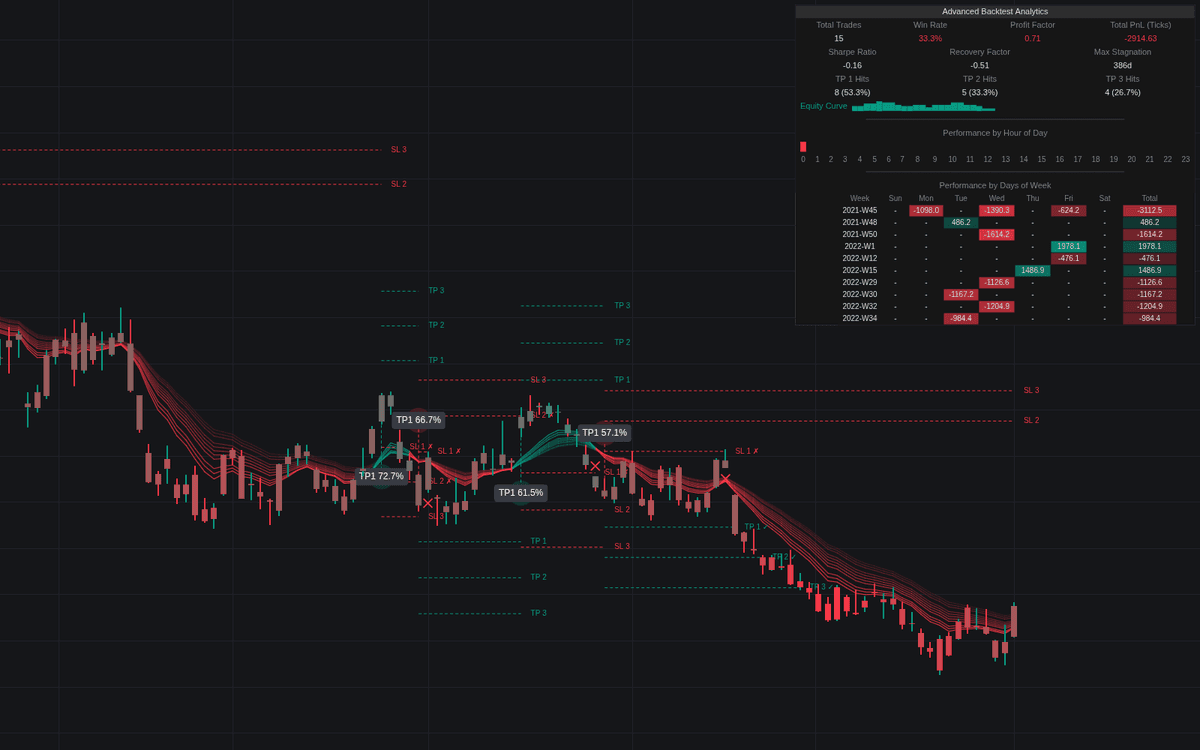

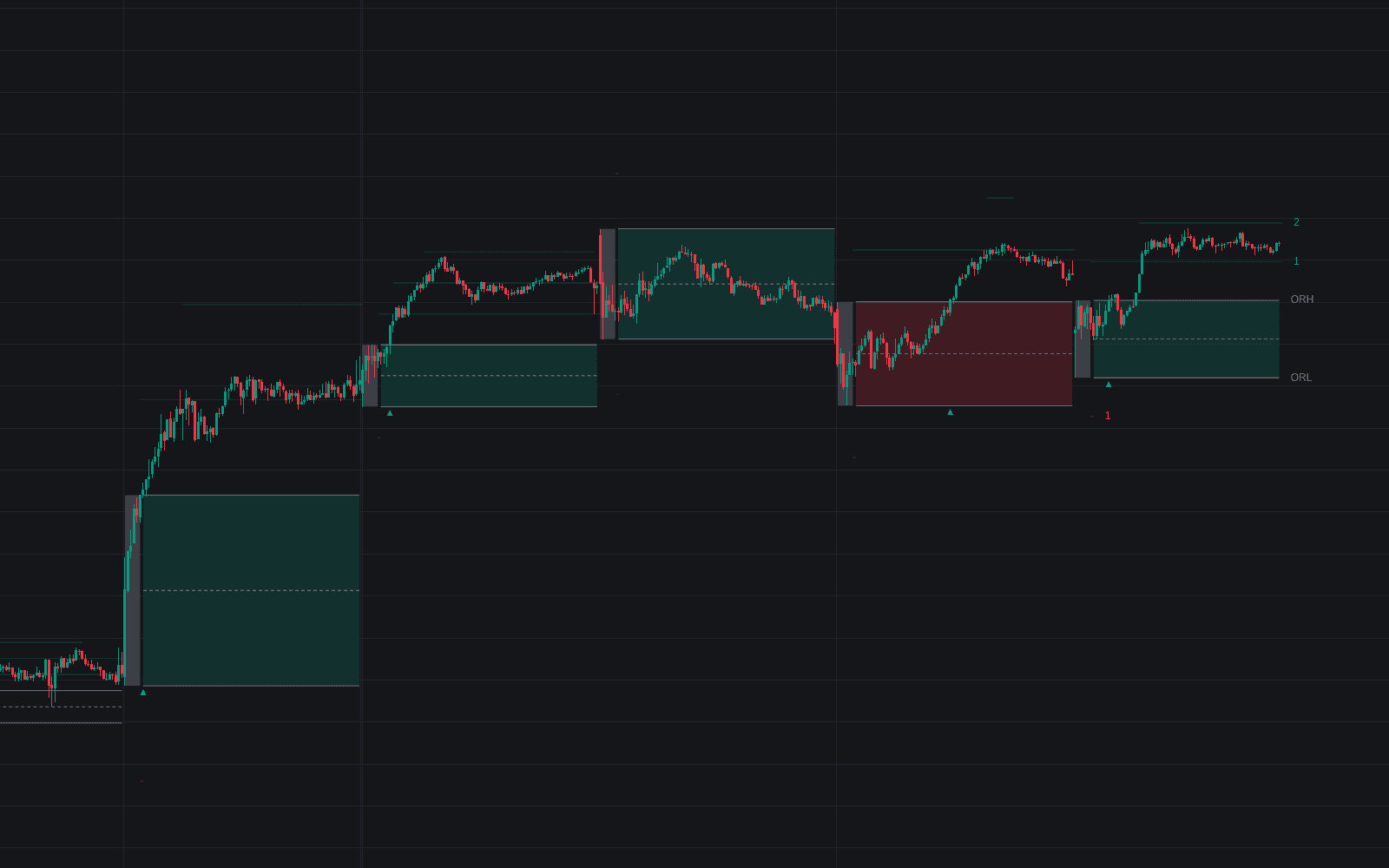
The Universal Signal Backtester is LuxAlgo's on-chart framework for signal validation: feed it almost any entry logic (a predefined moving average cross, a crossover of two external sources, or trigger events from another script) and it simulates the trades, draws every entry and exit, and grades the outcome. Its dashboard reports PnL, win rate, Sharpe ratio, profit factor, recovery factor, and max stagnation, plus a performance heatmap by day of week or by month.
How to Trade the Universal Signal Backtester?
- Predefined Crosses: quick tests of standard setups such as the 9/21 EMA or Golden/Death Cross.
- External Sources: select two plotted series and backtest their crossovers.
- External Signals: connect triggers from your own indicators, with logic like "Not NA" or "Crosses Over 0" initiating trades.
- TP/SL ladder: enable up to three take-profits that scale out in equal parts and up to three stop-losses, where the first stop hit closes the remaining position; all are measured in ATR, ticks, or price points.
- Heatmap read: weak days or months expose time-based inefficiencies to filter out.
The tool simulates spread and commission through Forex, Crypto, and Stocks profiles or manual values, and an ATR choppiness filter ignores signals during low-volatility chop.
Universal Signal Backtester Settings
- Source Mode: the entry logic (Predefined, External Sources, or External Signals).
- Signal Logic: how external signals are interpreted (e.g. Value Changes, Greater Than 0).
- Distance Type / ATR Length: the unit for targets and stops (ATR, Ticks, or Points) and the ATR lookback; Trade Direction filters long only, short only, or both.
- TP/SL 1, 2, 3: toggles each exit level and sets its multiplier.
- Simulate Spread & Commission / Cost Profile: applies realistic trading expenses (off by default).
- Show Dashboard / Heatmap Period / Suggested TP Metric: dashboard layout, day-or-month heatmapping, and the suggested-TP logic.
Frequently Asked Questions
Free to use
Run it on Vela. Go further with a paid plan.
- Up to 500 Custom Alerts, with webhook automation
- Up to 10× the chart history of Free
- Orderflow lookback up to full history
- More Quant usage to customize it, plus extra usage when you need it
- Futures data alongside crypto, stocks, forex and commodities
Also works on

Related indicators
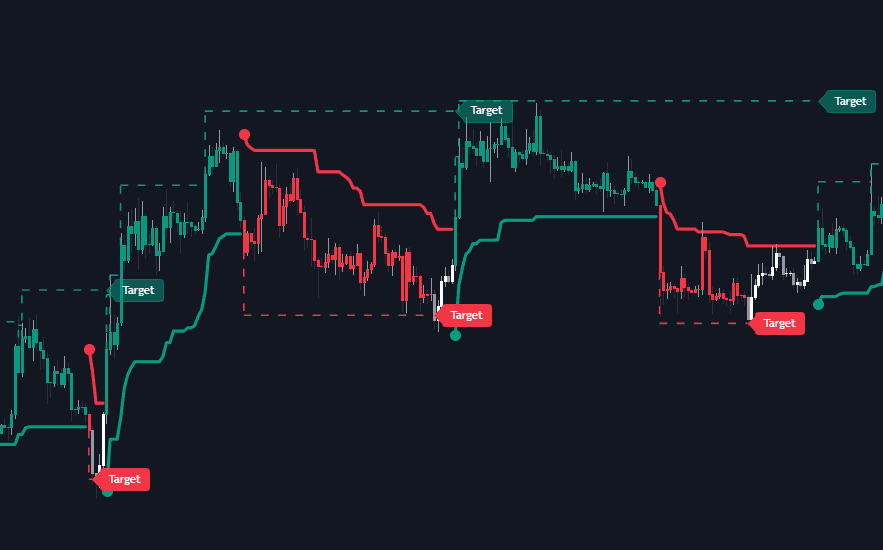
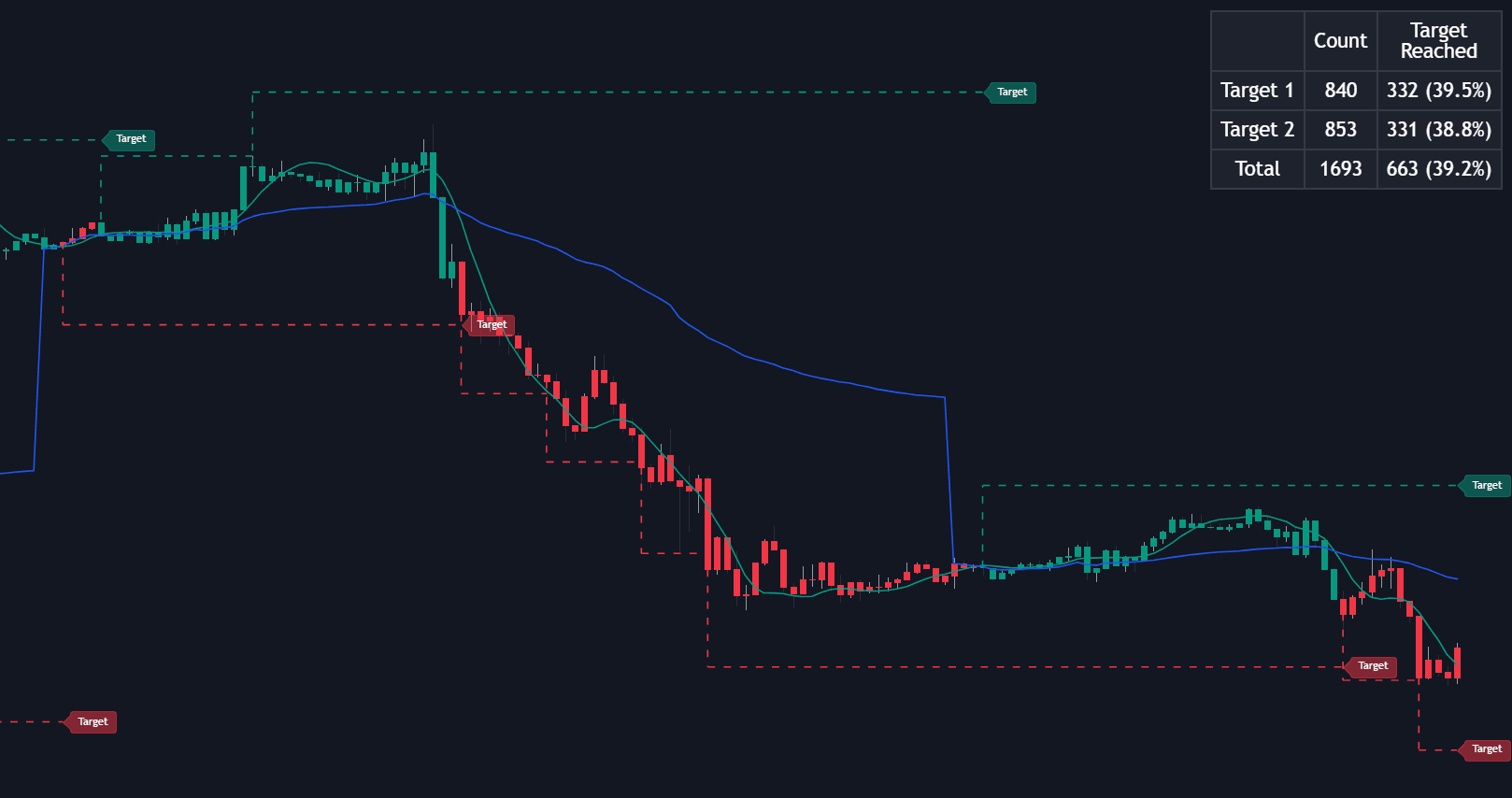
All 5 Profit Target Taxonomy indicators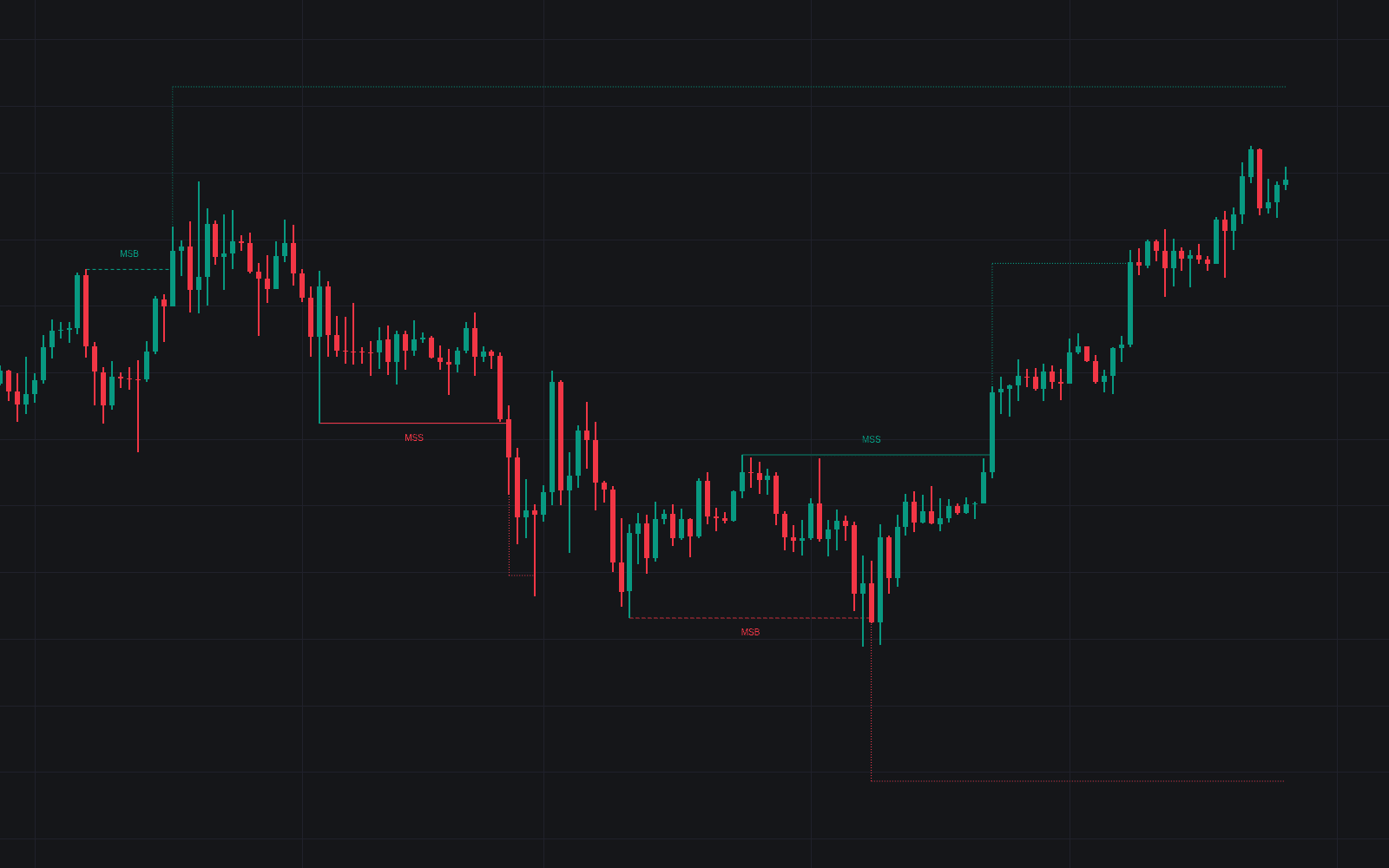
Run it on Vela. Make it yours with Quant.
Open this indicator free on Vela, our next-generation charting platform. Then ask Quant, our coding agent built into Vela, to retune it or turn it into a backtested strategy of your own.