Elder Impulse System
 By LuxAlgoApr 13, 2020
Elder Impulse System is an indicator on Vela, our next-generation charting platform, written in Pine Script®.
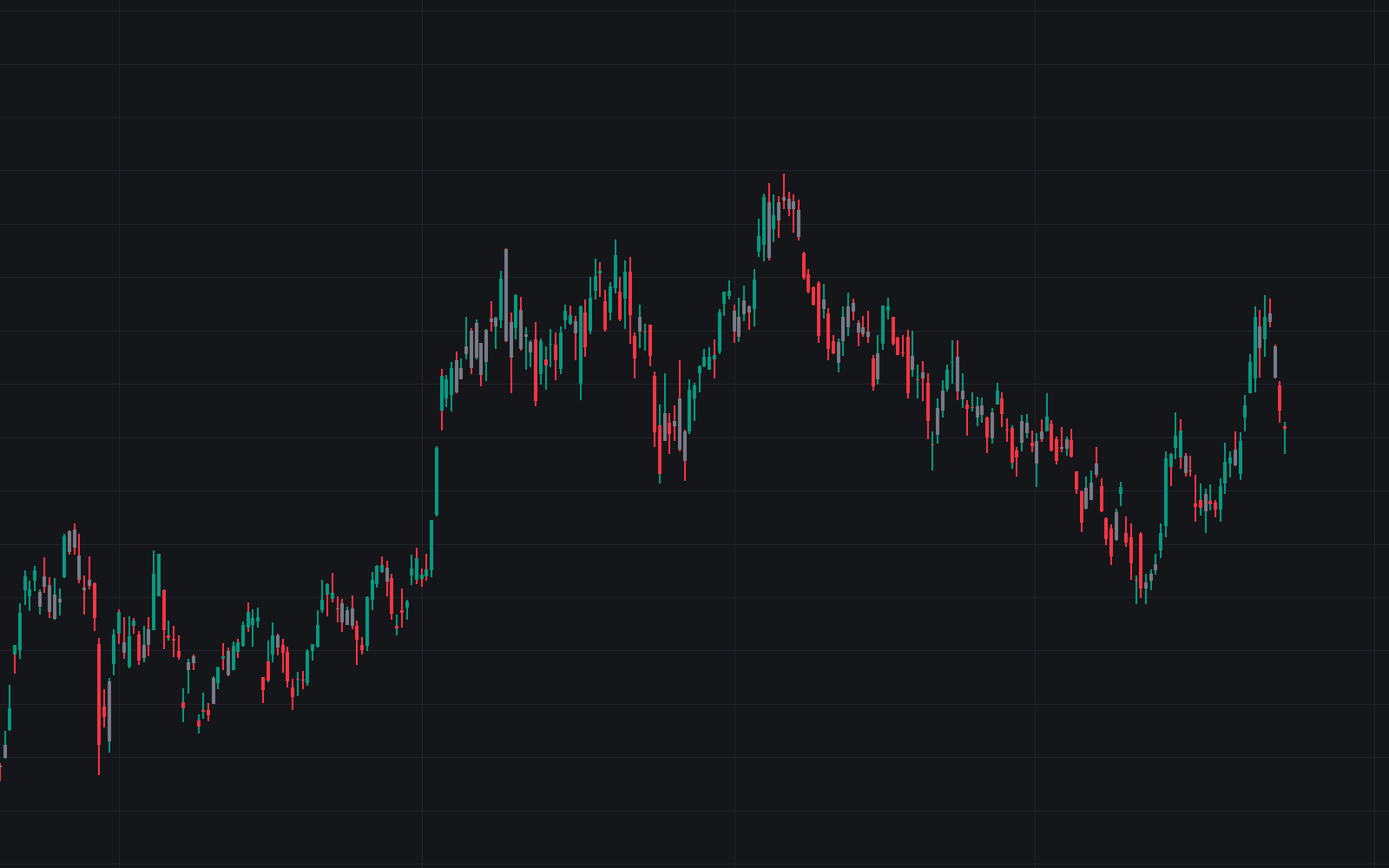

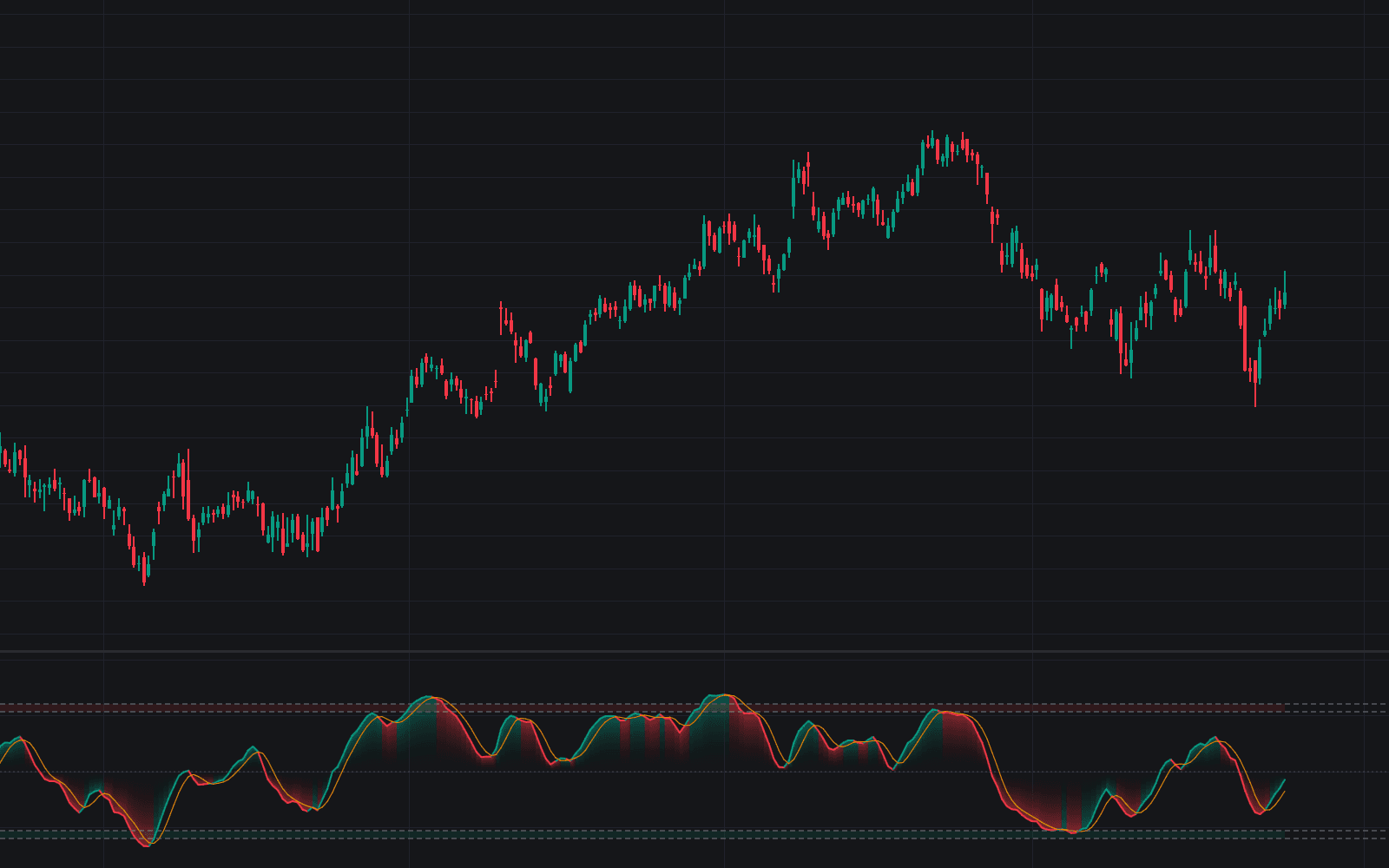
The Elder Impulse System colors every price bar by the agreement between trend and momentum: green when both a 13-period EMA and the MACD histogram are rising, red when both are falling, and a neutral color when they disagree. Alexander Elder's design is a veto rather than a trade call: each color rules out one side of the market, keeping entries aligned with pressure that is actually building.
This build is the plain, unmodified system: the trend component is the slope of an EMA of closes, the momentum component the slope of the standard MACD histogram (12, 26, 9), applied as a bar-color overlay (no separate pane, no extra logic).
How to Trade the Elder Impulse System?
- Green bars: EMA and histogram both rising: longs permitted, shorts off the menu.
- Red bars: both falling: shorts permitted, buying off the menu.
- Neutral bars: the two disagree; either side is allowed, or stand aside.
- Flip to green after red or neutral: upward pressure has re-aligned, a continuation prompt that still needs its own entry trigger.
- Green degrading to neutral: agreement behind a long is dissolving. Many plans tighten stops or take partials.
It also works as a higher-timeframe gate: weekly color restricting daily trades. Alert conditions fire on each state change: turned green, turned red, turned neutral.
Elder Impulse System Settings
- EMA Length (default 13): the trend EMA on closes whose bar-to-bar slope supplies the trend component; longer is stickier, shorter flips states more often.
- MACD Fast Length (default 12) / MACD Slow Length (default 26): the fast and slow EMAs of the MACD line; widening the gap emphasizes slower momentum swings.
- MACD Signal Length (default 9): the EMA of the MACD line that defines the signal line (histogram = MACD minus signal); longer smooths the histogram.
- Bullish/Bearish/Neutral Bars: the three style inputs set each state's color.
Frequently Asked Questions
Free to use
Run it on Vela. Go further with a paid plan.
- Up to 500 Custom Alerts, with webhook automation
- Up to 10× the chart history of Free
- Orderflow lookback up to full history
- More Quant usage to customize it, plus extra usage when you need it
- Futures data alongside crypto, stocks, forex and commodities

Related indicators
Run it on Vela. Make it yours with Quant.
Open this indicator free on Vela, our next-generation charting platform. Then ask Quant, our coding agent built into Vela, to retune it or turn it into a backtested strategy of your own.