Proximal Range Filter
 By LuxAlgoFeb 13, 2026
Proximal Range Filter is an indicator on Vela, our next-generation charting platform, written in Pine Script®.
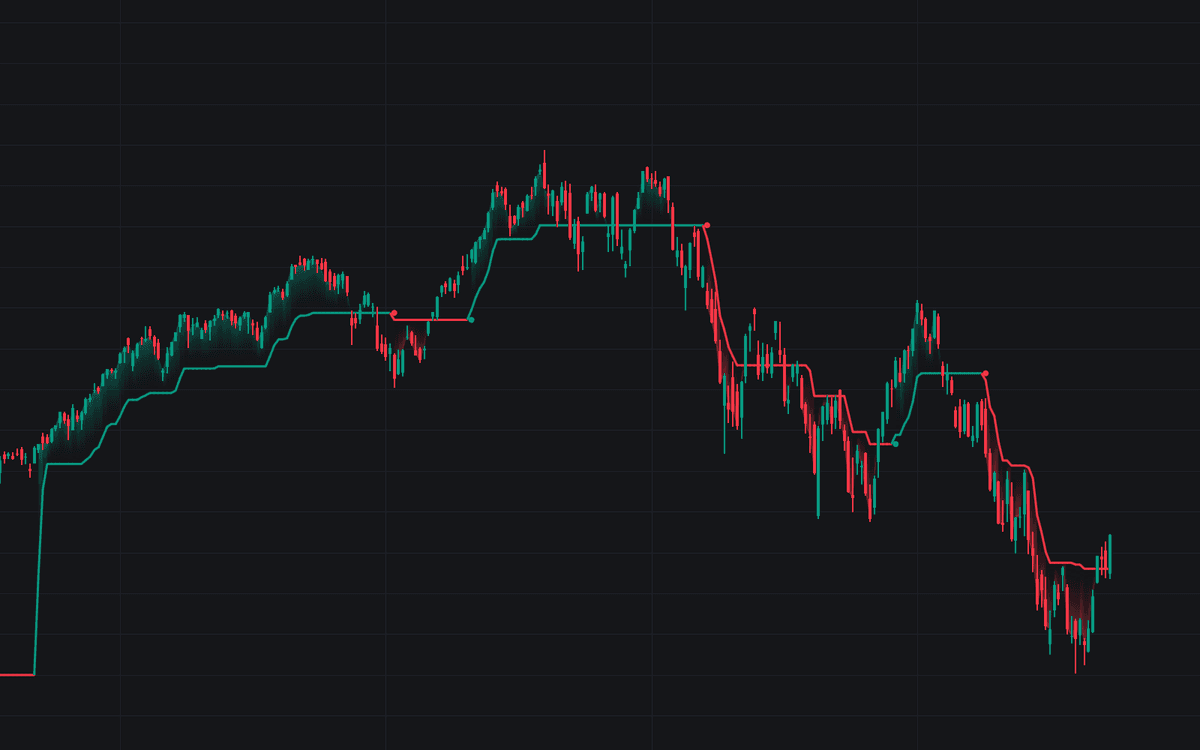

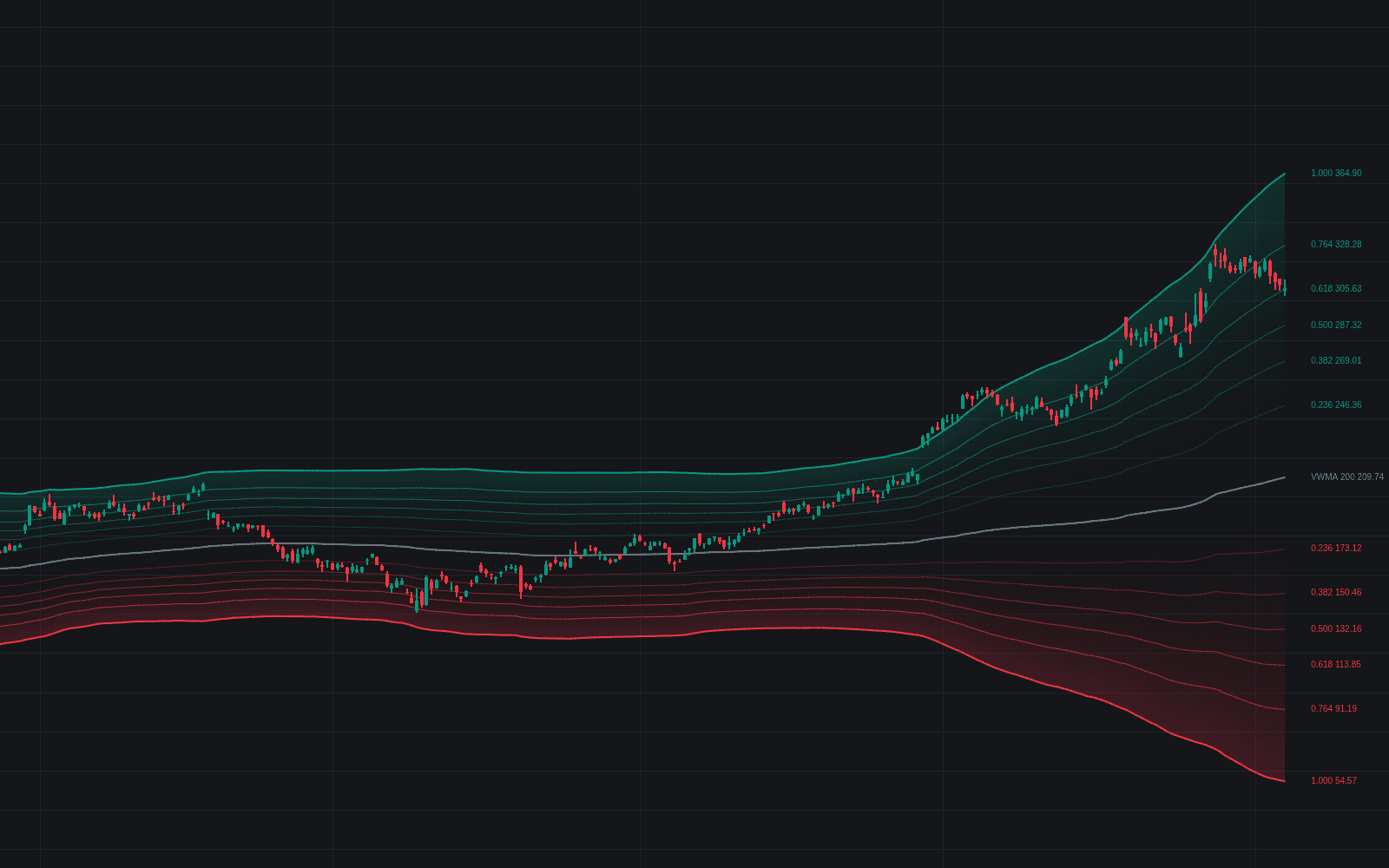
Proximal Range Filter plots a trend line that refuses to move until price earns it. Around its current state it maintains a noise threshold scaled from a 200-period average true range, a volatility-aware relative of the fixed-percentage envelope, and applies L1 soft-thresholding: fluctuations inside the threshold leave the line flat, and only the excess beyond it updates the state. The result steps like a staircase through quiet stretches and tracks decisively once a genuine move begins.
How to Trade the Proximal Range Filter?
- Green line and fill: price has exceeded the upper threshold, a confirmed bullish regime for trend-following entries.
- Red line and fill: the lower threshold has given way, confirming downside pressure.
- Trend Switch Dots: printed at the previous filter level once a flip confirms (dots carry a one-bar offset), marking the breakout that ended the prior regime.
- Flat segments: consolidations leave step-like levels that behave as support and resistance.
In behavior it reads like an ATR trailing regime line, but the update comes from a prediction–adaptation cycle rather than a ratchet. Tune it to the market: raise the ATR Multiplier on volatile assets to suppress fake breakouts, raise the Adaptation Rate in strong trends to cut lag, and lower both in ranges to emphasize the stepped structure.
Proximal Range Filter Settings
- Source: the price series used in calculations, typically Close.
- ATR Multiplier: sets the noise threshold. Higher values give a smoother line and stronger breakout confirmation, lower values earlier trend detection.
- Adaptation Rate (μ): how much of the gap between price and the predicted level the filter takes before the noise threshold is applied; 1.0 reacts hardest, while lower values need a larger move to shift the line and then step more gradually.
Frequently Asked Questions
Free to use
Run it on Vela. Go further with a paid plan.
- Up to 500 strategy alerts, with webhook automation
- Up to 10× the chart history of Free
- Orderflow lookback up to full history
- More Quant usage to customize it, plus extra usage when you need it
- Futures data alongside crypto, stocks, forex and commodities
Also works on

Related indicators
All 3 Envelope indicators
Run it on Vela. Make it yours with Quant.
Open this indicator free on Vela, our next-generation charting platform. Then ask Quant, our coding agent built into Vela, to retune it or turn it into a backtested strategy of your own.