Speed Resistance Lines
 By LuxAlgoMay 28, 2026
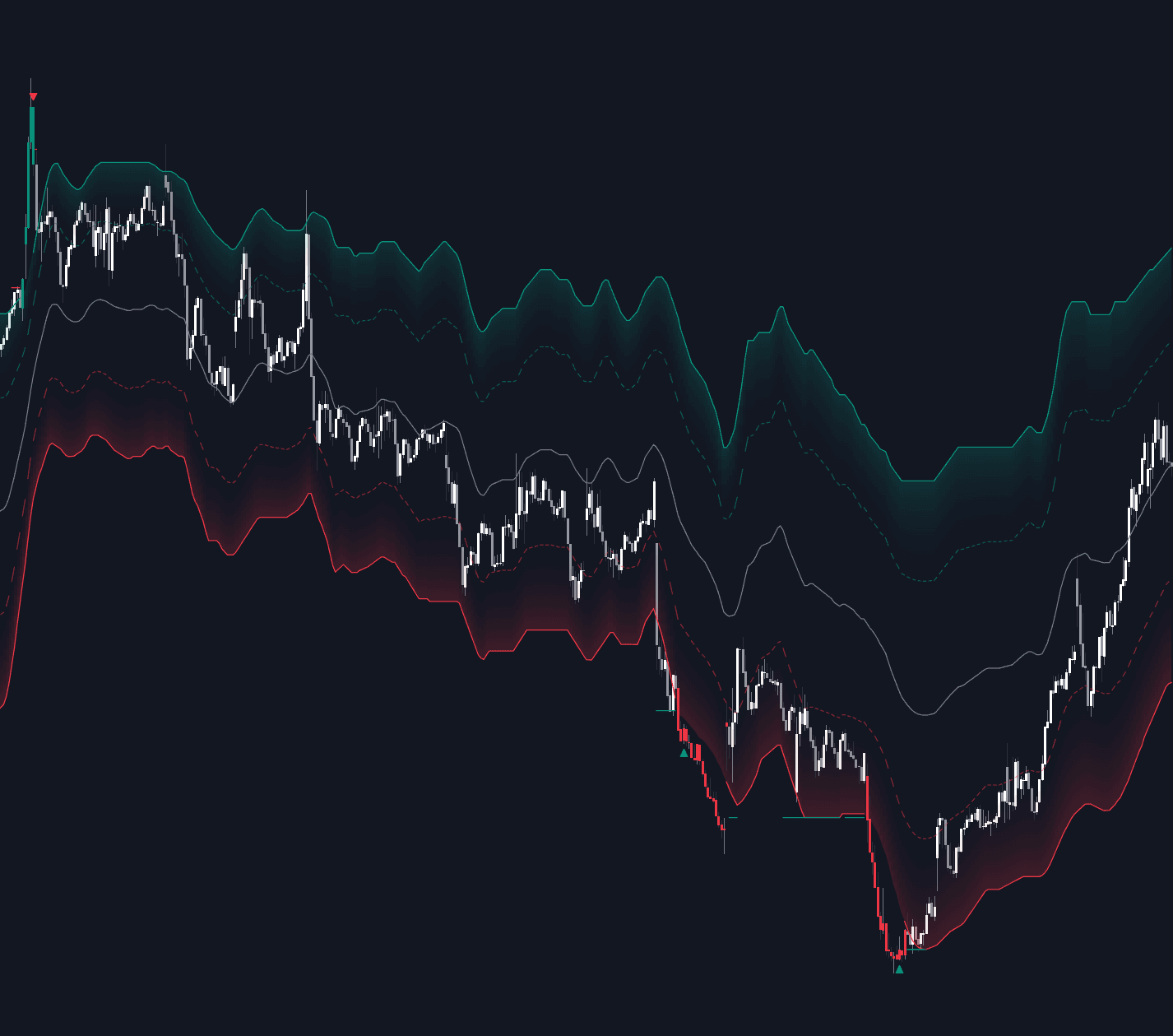
Speed Resistance Lines is an indicator on Vela, our next-generation charting platform, written in Pine Script®.
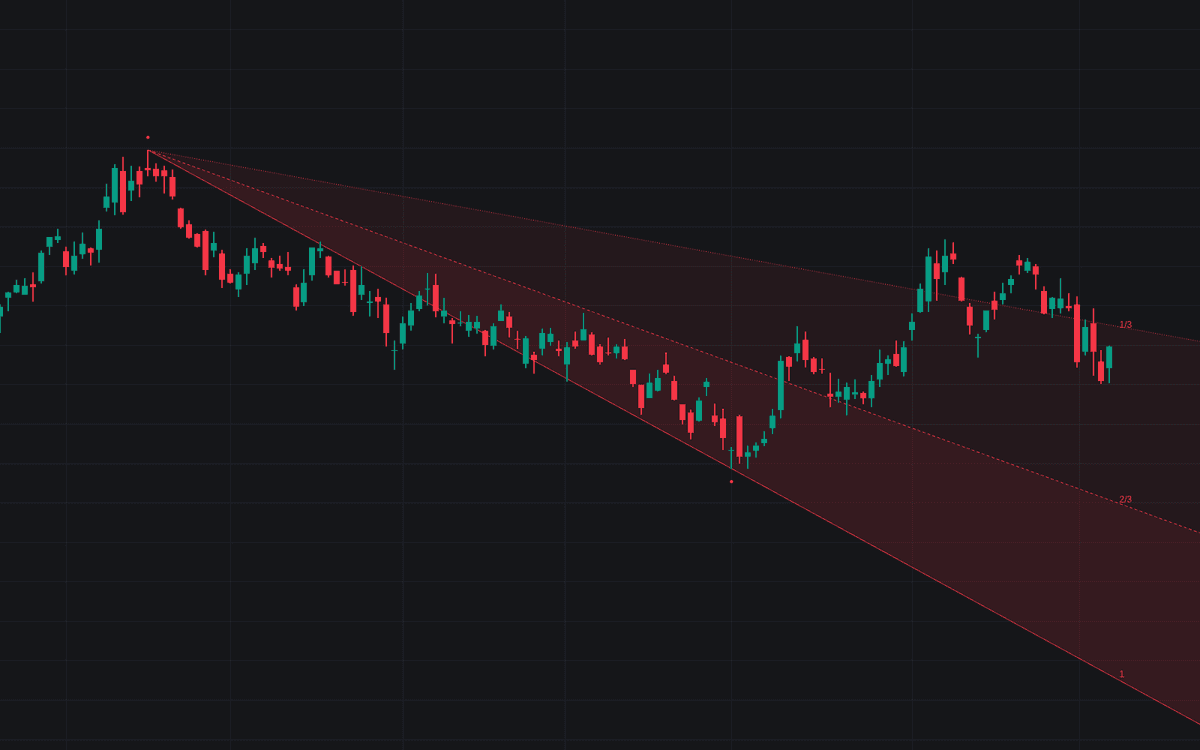

Speed Resistance Lines measures a swing and fans three rays of falling slope from its origin, the definitive clean implementation of speed resistance lines with automatic anchoring. In Auto mode the fan redraws whenever a swing leg completes, its end pivot confirming Swing Length bars after the extreme; Manual mode measures between Point A and Point B instead, optionally snapped to bar wicks.
How to Trade the Speed Resistance Lines?
- 2/3 speedline holds: a correction defended there preserves most of the trend's tempo, the cascade's primary line.
- Cascade breaks: losing the full line, then the 2/3, then the 1/3 downgrades the trend's rate step by step; the 1/3 giving way marks the pace as broken even while the swing extreme holds.
- Intrabar holds: a speedline tested within the bar closing back on the trend side shows the correction respecting the fan.
- Role-reversal retests: price returning to a broken ray and getting rejected at the close plays support-turned-resistance logic in fan form.
The fan is no better than the swing it measures; the markers show which leg was used.
Speed Resistance Lines Settings
- Anchor Mode (default Auto (Swings)): swing-detected or manual anchoring.
- Swing Length (default 25): bars each side confirming pivots in Auto mode; larger values anchor to bigger legs and re-anchor less often.
- Fan Direction (default Latest Swing): redraw on every completed leg, or keep Rising Only / Falling Only fans.
- Point A Time / Point A Price and Point B Time / Point B Price: the manual swing, set by clicking the chart.
- Snap to High/Low (default on): uses the anchor bars' wicks instead of the exact selected prices.
- Style: Speed Labels (default on), Fan Fill (default on), Anchor Markers (default on), Break Markers (default off), Line Width (default 1).
Frequently Asked Questions
Free to use
Run it on Vela. Go further with a paid plan.
- Up to 500 Custom Alerts, with webhook automation
- Up to 10× the chart history of Free
- Orderflow lookback up to full history
- More Quant usage to customize it, plus extra usage when you need it
- Futures data alongside crypto, stocks, forex and commodities

Related indicators
Run it on Vela. Make it yours with Quant.
Open this indicator free on Vela, our next-generation charting platform. Then ask Quant, our coding agent built into Vela, to retune it or turn it into a backtested strategy of your own.