Gann Fan & Angles
 By LuxAlgoMay 10, 2026
Gann Fan & Angles is an indicator on Vela, our next-generation charting platform, written in Pine Script®.
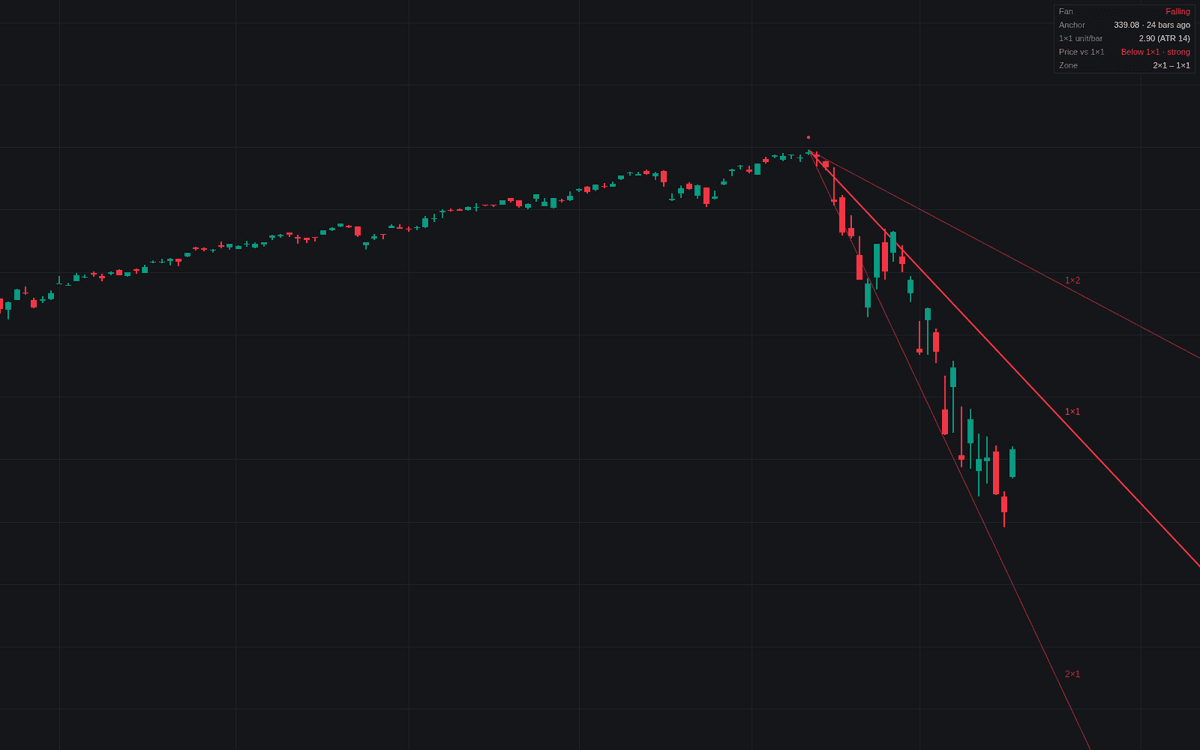

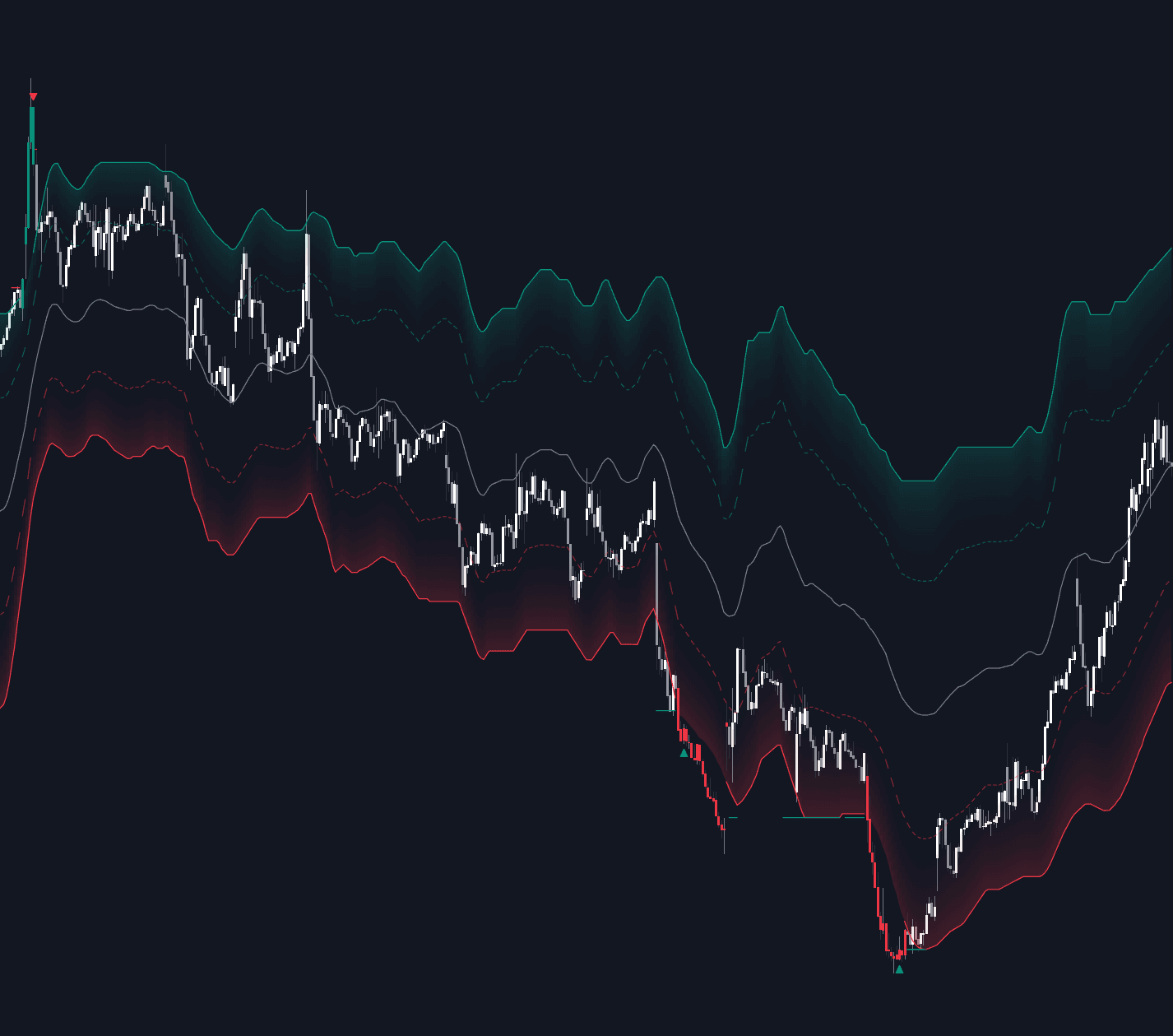
Gann Fan & Angles projects the classical fan (8×1 down to 1×8 around the 1×1 balance line) from a swing anchor, and makes explicit the decision every fan needs: scale. Slopes here are defined as price units per bar, not screen degrees, so levels and alerts are identical however the chart is zoomed. The build implements Gann angles with an ATR-derived unit by default, sampled at the anchor bar so the fan never drifts as volatility changes.
How to Trade the Gann Fan & Angles?
- Price versus the 1×1: holding above the balance line reads as strength in a rising fan, below as weakness. The panel states the side and alerts catch each crossing.
- Angle-to-angle progression: when a fan line breaks, the next angle out becomes the working reference; the any-angle crossing alerts track the hand-off across enabled lines.
- Zone read: the panel names the pair of angles bracketing price, a quick strength gauge.
Gann Fan & Angles Settings
- Anchor Mode (default Auto): the dominant swing in the lookback, or a chart-placed point; Auto Swing Lookback (default 200) sets the window.
- Fan Direction (default Auto): rising from a low, falling from a high, or inferred.
- Manual Anchor Time / Manual Anchor Price (defaults 01 Jan 2024 / 0.0): the manual pivot, editable after placement.
- Scale Mode (default Auto (ATR)) with ATR Length (14) and ATR Multiplier (1.0): how many price units the 1×1 advances per bar. Raise the multiplier to steepen the whole fan.
- Manual Units per Bar (default 1.0): a fixed rate for reproducible cross-chart geometry.
- Angles: 1×1 (balance line) (on), 2×1 & 1×2 (on), 3×1 & 1×3 (off), 4×1 & 1×4 (off), 8×1 & 1×8 (off).
- Angle Labels, Anchor Marker and Info Panel (all on, panel Position Top Right) round out the display.
Frequently Asked Questions
Free to use
Run it on Vela. Go further with a paid plan.
- Up to 500 Custom Alerts, with webhook automation
- Up to 10× the chart history of Free
- Orderflow lookback up to full history
- More Quant usage to customize it, plus extra usage when you need it
- Futures data alongside crypto, stocks, forex and commodities

Related indicators
Run it on Vela. Make it yours with Quant.
Open this indicator free on Vela, our next-generation charting platform. Then ask Quant, our coding agent built into Vela, to retune it or turn it into a backtested strategy of your own.