Ultimate Oscillator
 By LuxAlgoApr 13, 2020
Ultimate Oscillator is an indicator on Vela, our next-generation charting platform, written in Pine Script®.
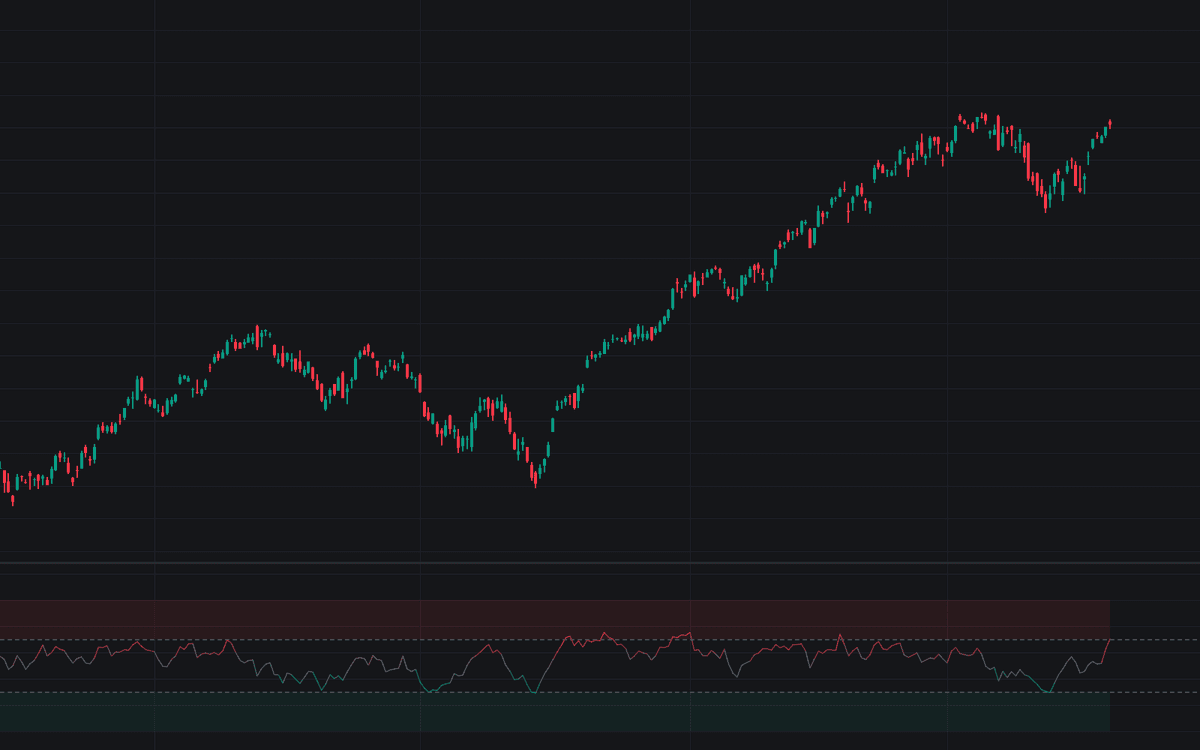

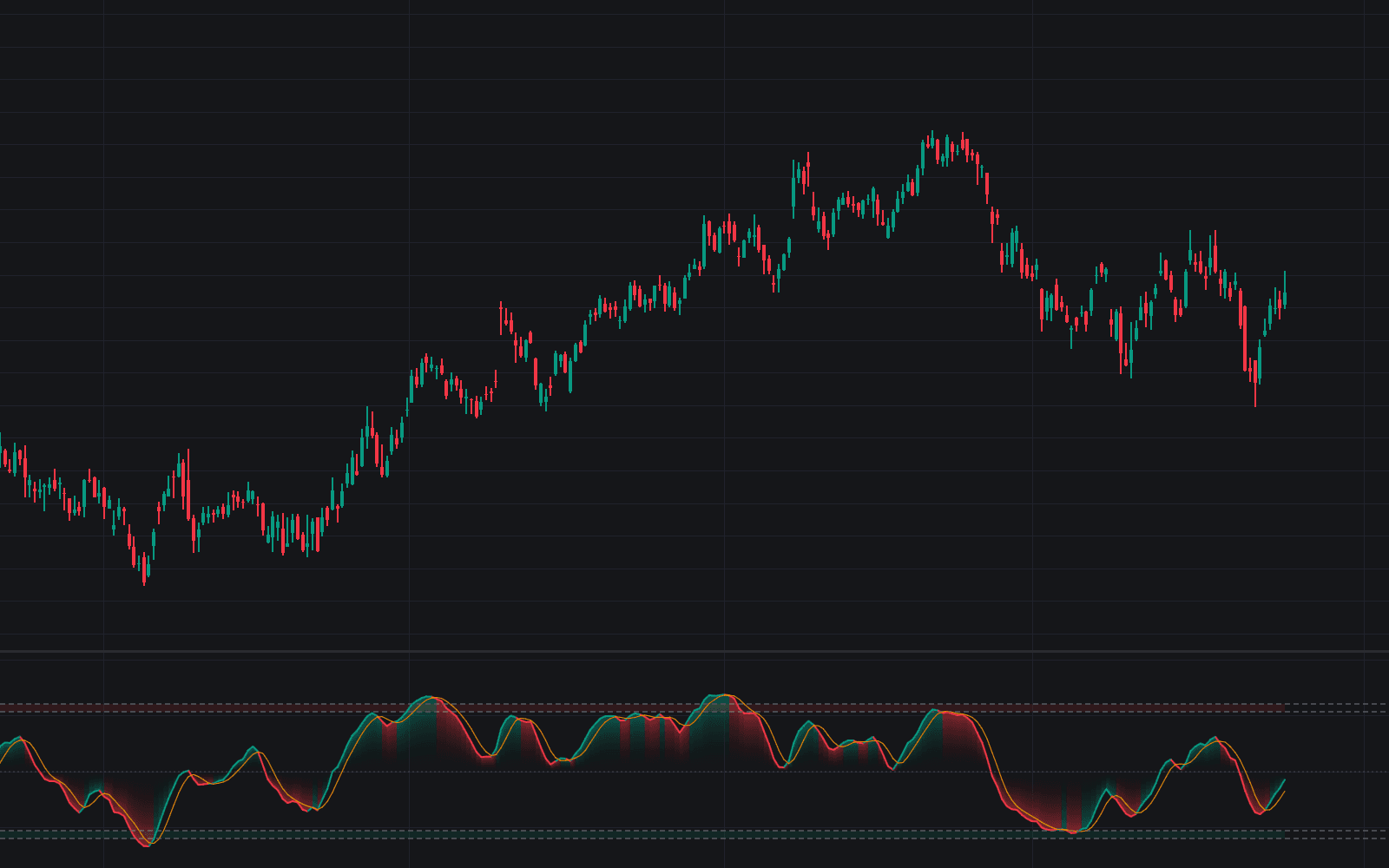
The Ultimate Oscillator blends buying pressure relative to true range across three timeframes into a single weighted momentum reading bounded between 0 and 100. Larry Williams built it to fix single-window oscillators, which throw extremes and divergences at different times depending on length: a fast 7-bar window carries most weight, anchored by 14- and 28-bar sums. This is the standard implementation of Williams' formula: buying pressure (how far the close finishes above the true low) summed against true range over each window, blended with the classic 4/2/1 weighting, and plotted as the UO line against dashed levels at 70 and 30.
How to Trade the Ultimate Oscillator?
- UO below 30: selling pressure dominant across all three windows, the oversold zone where Williams' buy setup begins.
- UO above 70: buying pressure stretched across the blend, the overbought zone for the mirrored sell setup.
- Bullish divergence from the oversold zone: the original signal. Price presses to a fresh low the oscillator refuses to match, its first trough under 30; the trigger is the oscillator clearing the high between its troughs.
- Crosses back through the levels: zone exits give a simpler mean-reversion timing read.
Extremes arrive less often than on single-window tools, and a middling reading can hide a hot short window cooled by a soft long one.
Ultimate Oscillator Settings
- Fast Length (default 7): the shortest window, weighted 4, so it dominates the oscillator's movement.
- Middle Length (default 14): the intermediate window, weighted 2.
- Slow Length (default 28): the slowest window, weighted 1; lengthening steadies readings at the cost of response.
- Overbought (default 70) and Oversold (default 30): the reference levels bounding the extreme zones.
The 4/2/1 weights are fixed constants of the published formula; tuning happens through the lengths.
Frequently Asked Questions
Free to use
Run it on Vela. Go further with a paid plan.
- Up to 500 Custom Alerts, with webhook automation
- Up to 10× the chart history of Free
- Orderflow lookback up to full history
- More Quant usage to customize it, plus extra usage when you need it
- Futures data alongside crypto, stocks, forex and commodities

Related indicators
Run it on Vela. Make it yours with Quant.
Open this indicator free on Vela, our next-generation charting platform. Then ask Quant, our coding agent built into Vela, to retune it or turn it into a backtested strategy of your own.