Open Types
 By LuxAlgoMar 25, 2026
Open Types is an indicator on Vela, our next-generation charting platform, written in Pine Script®.
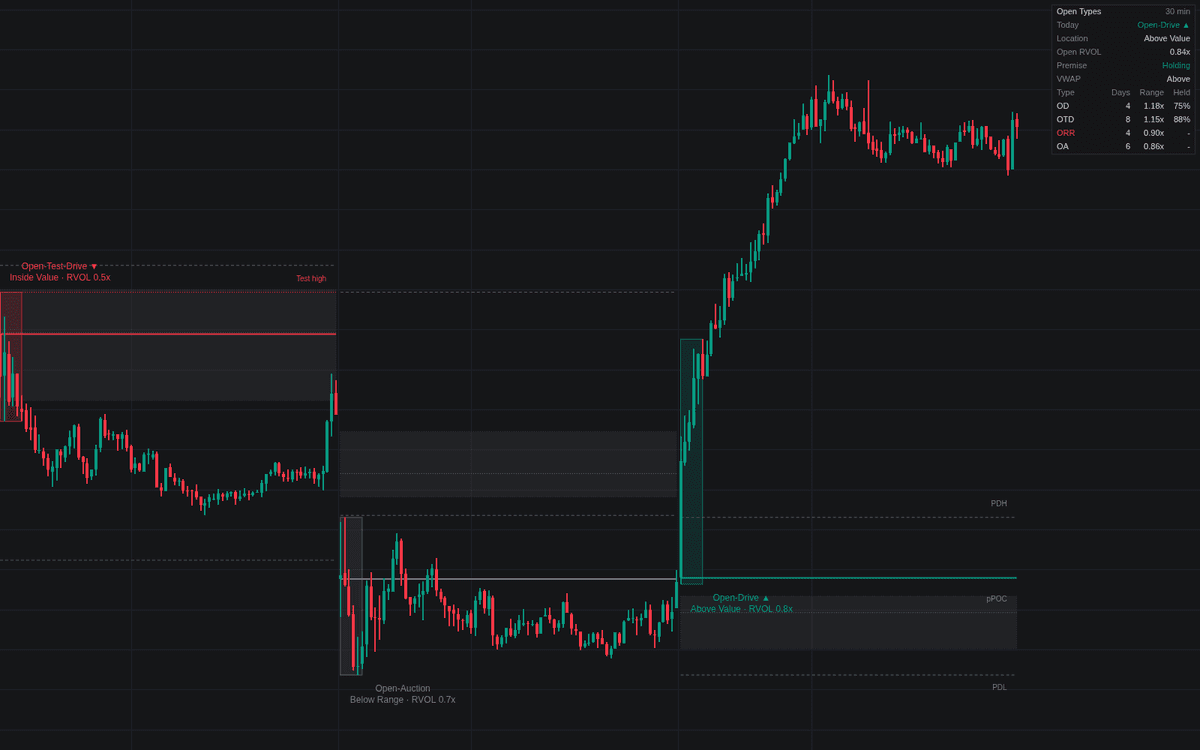

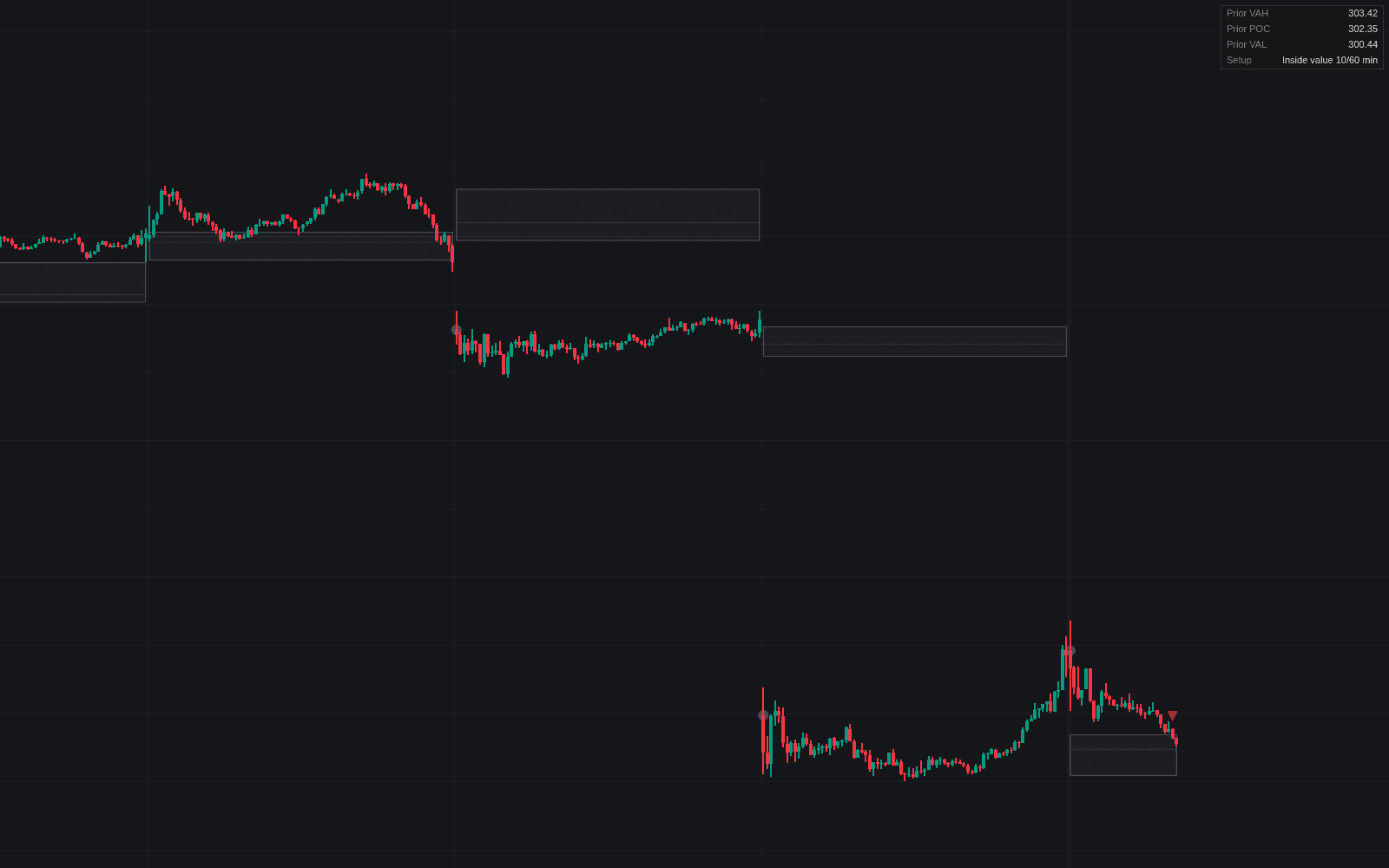
Open Types is a comprehensive market analysis tool designed to classify the initial phase of a trading session based on established institutional frameworks. By analyzing price action during a specific window immediately following the market open, it categorizes sessions into four distinct types: Open Drive, Open Test Drive, Open Rejection Reverse, and Open Auction. This indicator enables traders to identify whether the market is exhibiting strong directional conviction or rotational behavior early in the day, providing context for the sessions expected range and sentiment.
How to Trade the Open Types?
Trading the open effectively requires understanding the strength and sustainability of the initial price move. The indicator provides a clear visual breakdown of the opening session to help you gauge market intent.
- Open Drive (OD) and Open Test Drive (OTD) indicate high levels of conviction. In these scenarios, the market moves away from the opening print with intent. You can look for follow through in the direction of the move while the price remains on the breakout side of the open.
- Open Rejection Reverse (ORR) and Open Auction (OA) suggest a lack of immediate directional conviction. These sessions often lead to rotational price action. In an ORR, the market tests a level but fails, suggesting a reversal toward the other side of the opening range. In an OA, price tends to rotate around the opening print, indicating the market is still searching for fair value.
- Watch for the void signal. For conviction opens, if price closes back through the opening print beyond the defined tolerance, the initial premise is considered voided. This is marked on the chart to warn you that the directional strength has failed.
- Use prior session references. The indicator plots the prior session High, Low, and Value Area. Comparing the current open location to these levels helps determine if the market is attempting to break into new territory or if it is likely to remain contained within established boundaries.
Open Types Settings
Session
- Regular Session: Defines the time window to be analyzed, such as the standard equities opening.
- Timezone: Sets the timezone for the session, ensuring the market open is accurately captured relative to the exchange.
Classification
- Classification Window (minutes): Determines how long the indicator waits after the open to classify the session type.
- Open Tolerance (x ADR): Sets the buffer for price movement before a conviction open is considered voided.
- Probe Threshold (x ADR): The minimum excursion required to count as a directional attempt or test.
- Drive Threshold (x ADR): The minimum progress needed for a session to be classified as a drive.
- Test-Drive Dominance: Controls the sensitivity of the test-drive logic.
- Baseline Sessions: The number of previous sessions used to calculate the Average Daily Range (ADR) and volume baselines.
Prior Session References
- Prior Value Area & POC: Toggles the display of the previous day's Value Area and Point of Control.
- Profile Rows: Sets the granularity of the volume profile for the prior session.
- Value Area (%): Adjusts the percentage of volume included in the value area calculation.
- Prior High & Low: Toggles the display of the previous session's extreme price levels.
- Overnight High & Low: Displays the high and low traded outside of the main session.
Display
- Open Price Line: Draws the opening price, which changes style if a conviction open is voided.
- Classification Window Box: Highlights the range of the classification window.
- Test & Rejection Levels: Shows the specific levels involved in test or rejection-based opens.
- Session VWAP: Toggles the display of the Volume Weighted Average Price for the current session.
- Sessions Kept: Determines how many historical sessions remain visible on the chart.
Dashboard
- Show Dashboard: Toggles a table providing real-time data, including current type, open location, and session statistics.
- Position & Size: Allows customization of the dashboard layout and scale.
Style
- Upward/Downward: Sets colors for directional conviction opens.
- Rejection-Reverse / Open-Auction: Sets colors for neutral or reversal-based sessions.
- References / VWAP: Configures the aesthetic for reference levels and the VWAP line.
Frequently Asked Questions
Free to use
Run it on Vela. Go further with a paid plan.
- Up to 500 Custom Alerts, with webhook automation
- Up to 10× the chart history of Free
- Orderflow lookback up to full history
- More Quant usage to customize it, plus extra usage when you need it
- Futures data alongside crypto, stocks, forex and commodities

Related indicators
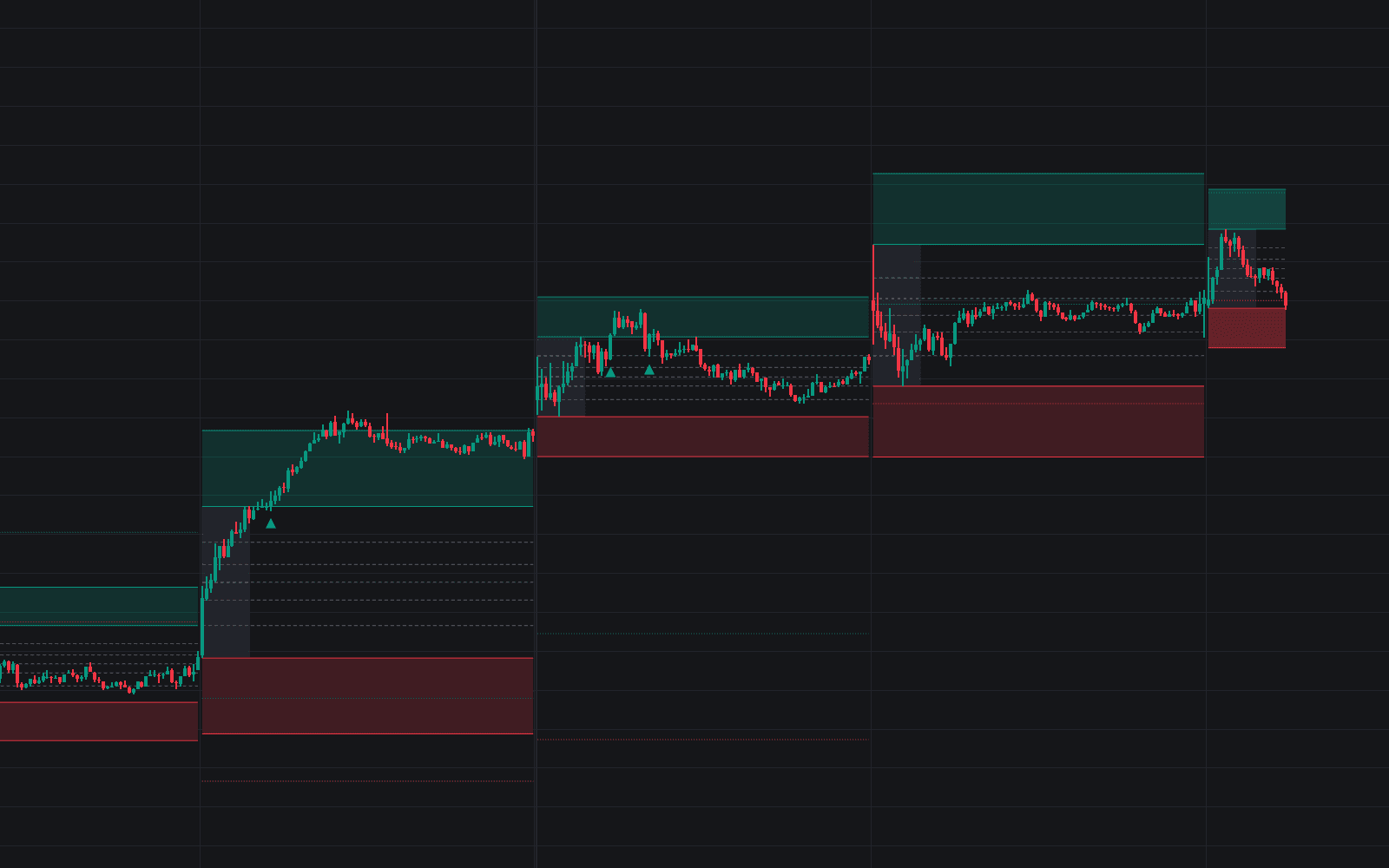
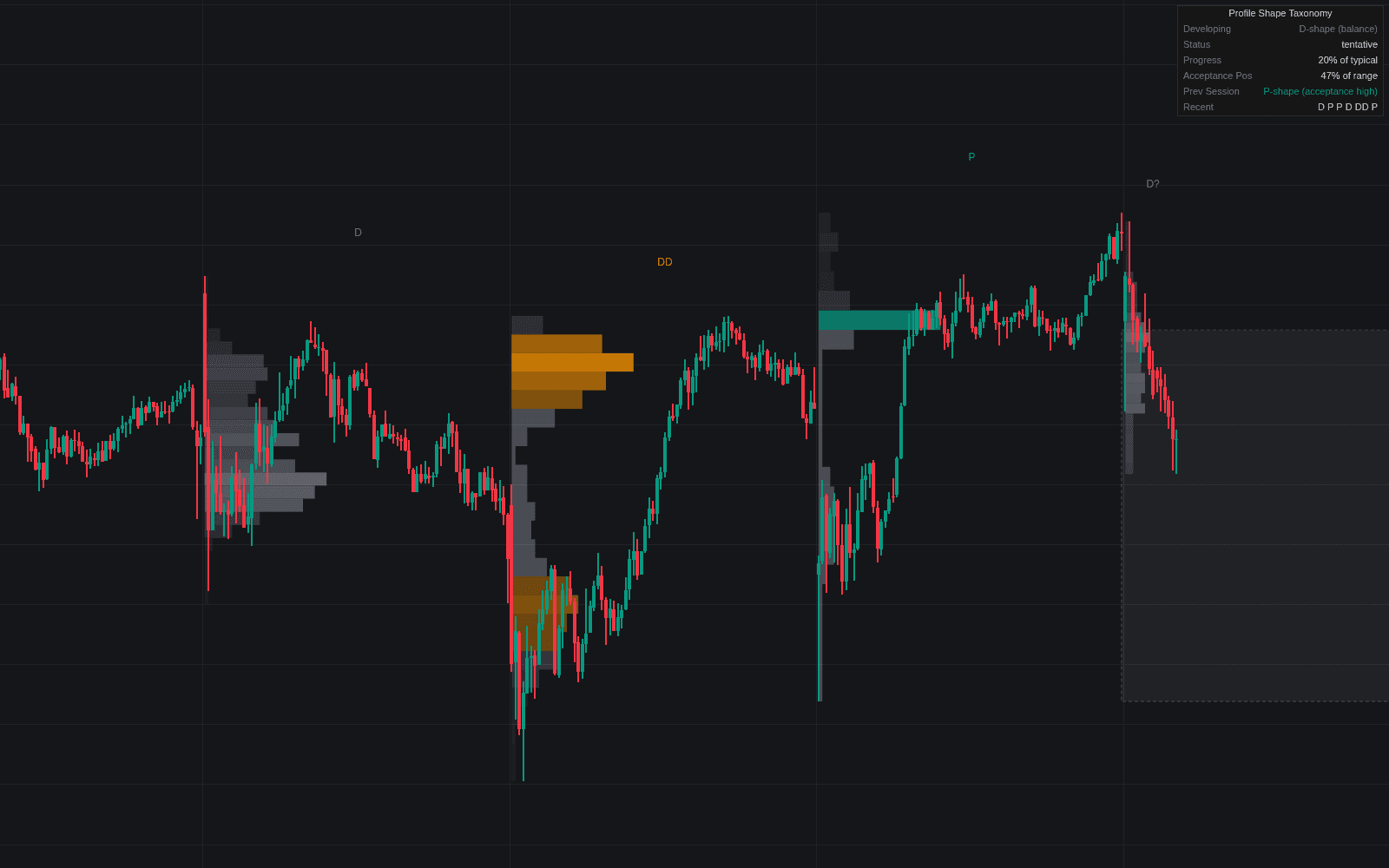
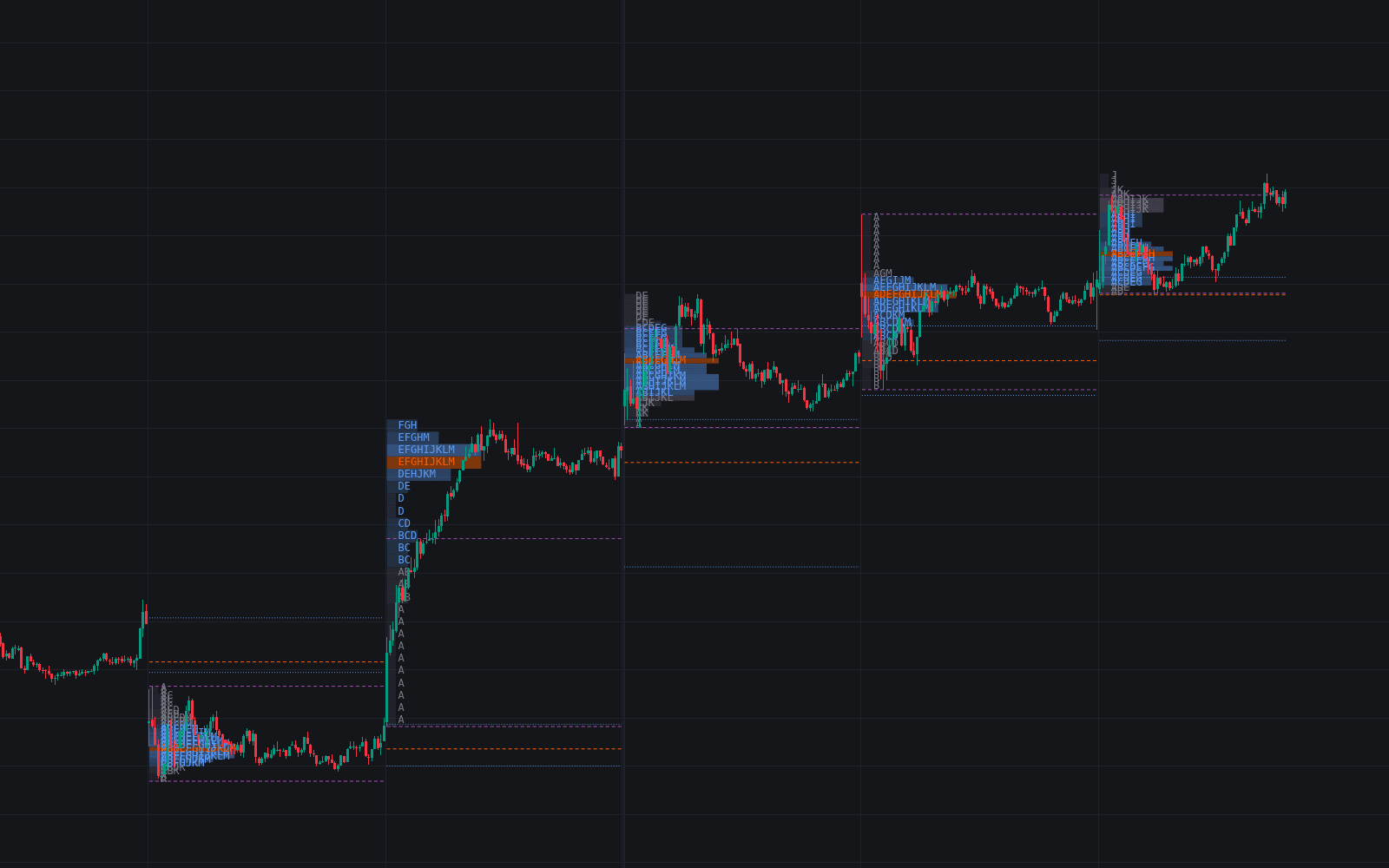
Run it on Vela. Make it yours with Quant.
Open this indicator free on Vela, our next-generation charting platform. Then ask Quant, our coding agent built into Vela, to retune it or turn it into a backtested strategy of your own.