80% Rule
 By LuxAlgoMar 26, 2026
80% Rule is an indicator on Vela, our next-generation charting platform, written in Pine Script®.
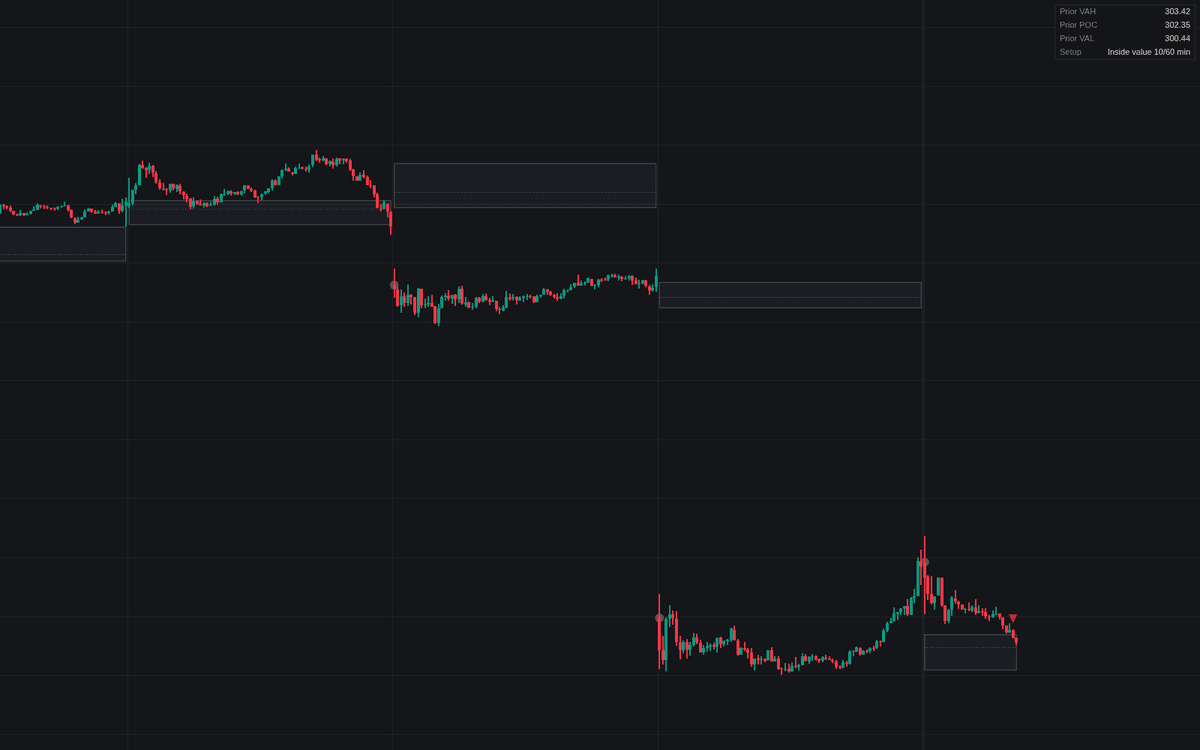

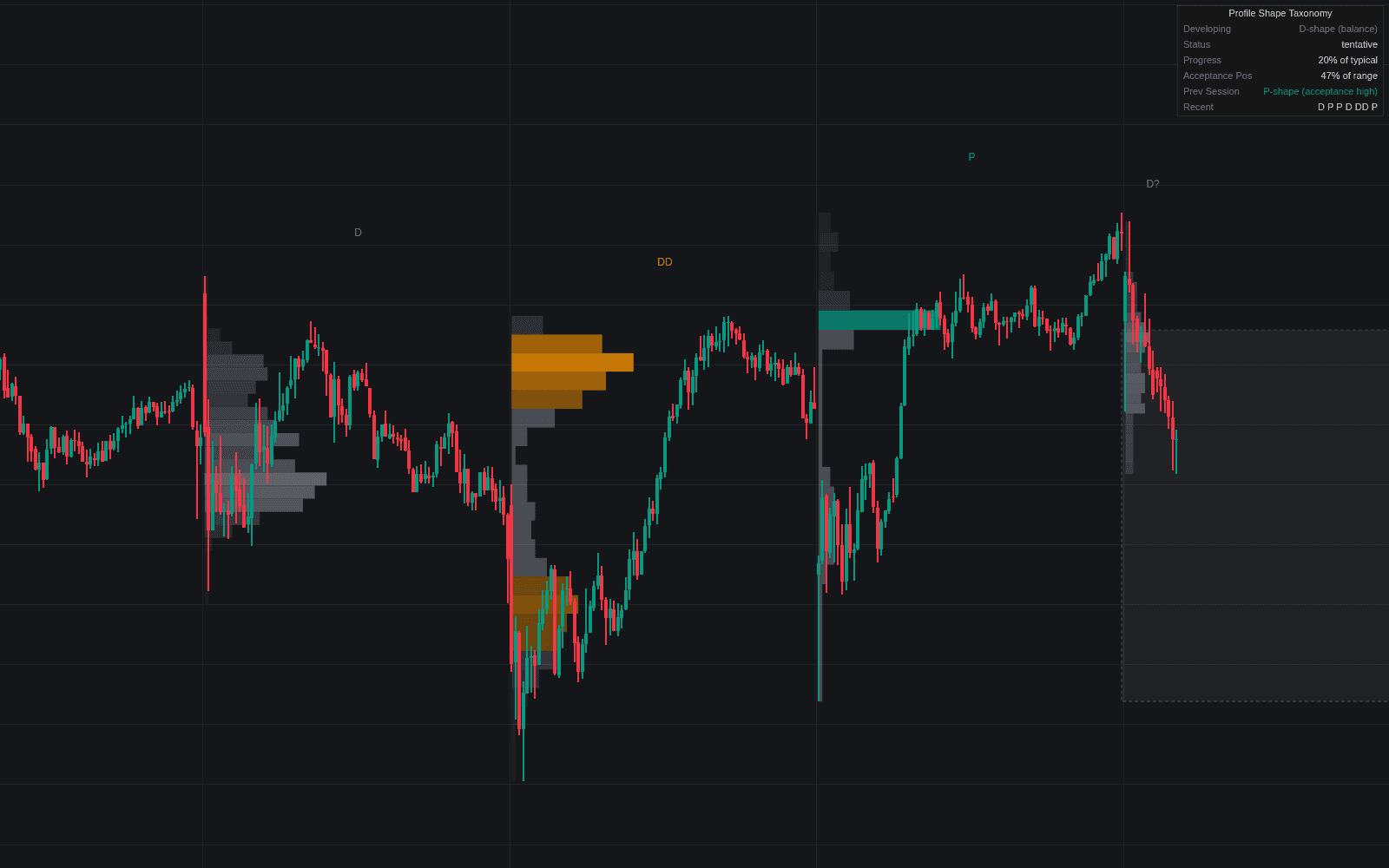
80% Rule mechanizes the 80% rule rotation setup from open to resolution: it builds the prior session's value area, classifies today's open against it, and signals only once price has re-entered the area and held inside for the acceptance time. Each step is marked on the chart and mirrored in a live status table.
The value area comes from a 25-row profile of the completed session, expanded around the point of control to 70% of its weight; the 60-minute default clock matches the classic two 30-minute periods of acceptance.
How to Trade the 80% Rule?
- Open outside value: a circle marks an open above or beneath the prior value area, the precondition, not yet a signal.
- Re-entry triangle: price closed back inside and the acceptance clock is running.
- 80% Rule label: acceptance confirmed (bullish after an open below value, bearish after an open above), targeting the opposite boundary, with the prior POC as interim reference.
- Outcome tags: ✓ marks rotation complete; ✕ marks a rejected re-entry or a stop-out back through the entry side.
Run it on a 30-minute or lower timeframe so the clock resolves cleanly, and cross-check the levels against a full volume profile when methods disagree.
80% Rule Settings
- Value Area % (default 70): share of the profile weight around the POC that defines value.
- Profile Rows (default 25): profile resolution; more rows sharpen the levels, fewer smooth them.
- Profile Weighting (default Volume): or TPO (Time) for symbols without reliable volume.
- Custom Session (default off): restricts the tool to a session window (default 0930-1600).
- Acceptance Time (Minutes) (default 60): time closes must hold inside value before the signal fires.
- Style toggles cover the value area box, POC line, signal labels, step markers and the status table.
Frequently Asked Questions
Free to use
Run it on Vela. Go further with a paid plan.
- Up to 500 Custom Alerts, with webhook automation
- Up to 10× the chart history of Free
- Orderflow lookback up to full history
- More Quant usage to customize it, plus extra usage when you need it
- Futures data alongside crypto, stocks, forex and commodities

Related indicators
Run it on Vela. Make it yours with Quant.
Open this indicator free on Vela, our next-generation charting platform. Then ask Quant, our coding agent built into Vela, to retune it or turn it into a backtested strategy of your own.