Pocket Pivot
 By LuxAlgoMar 3, 2026
Pocket Pivot is an indicator on Vela, our next-generation charting platform, written in Pine Script®.
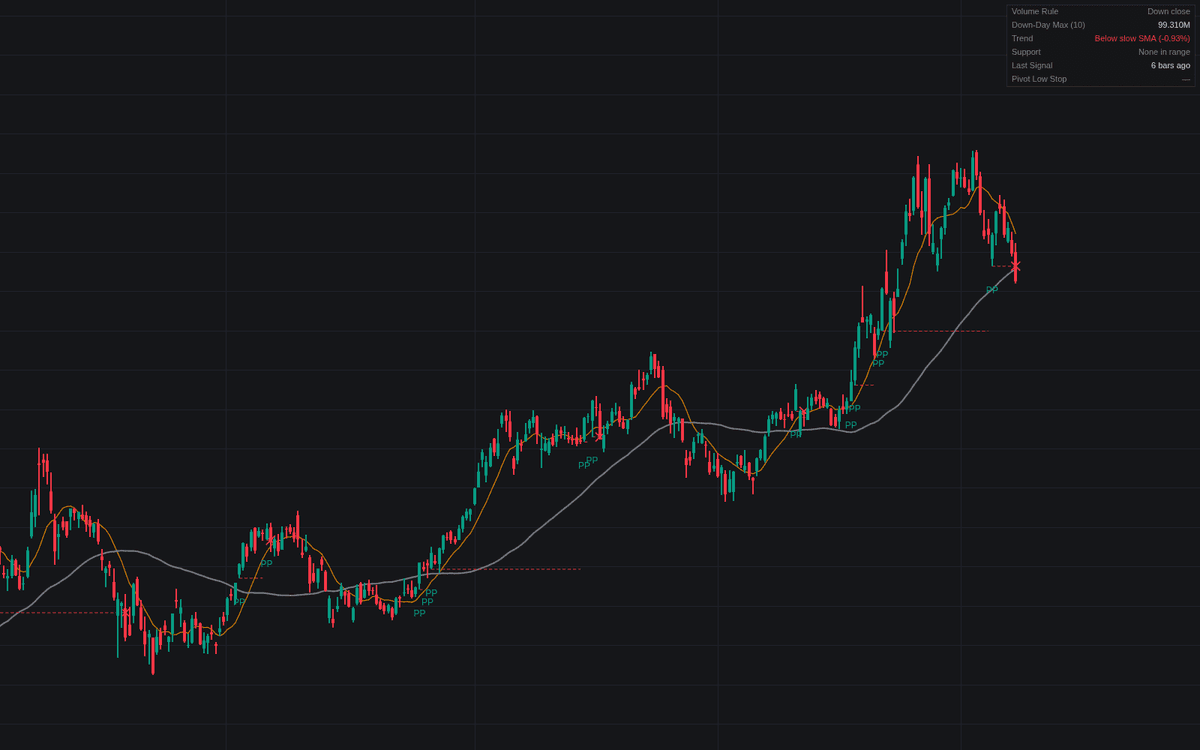

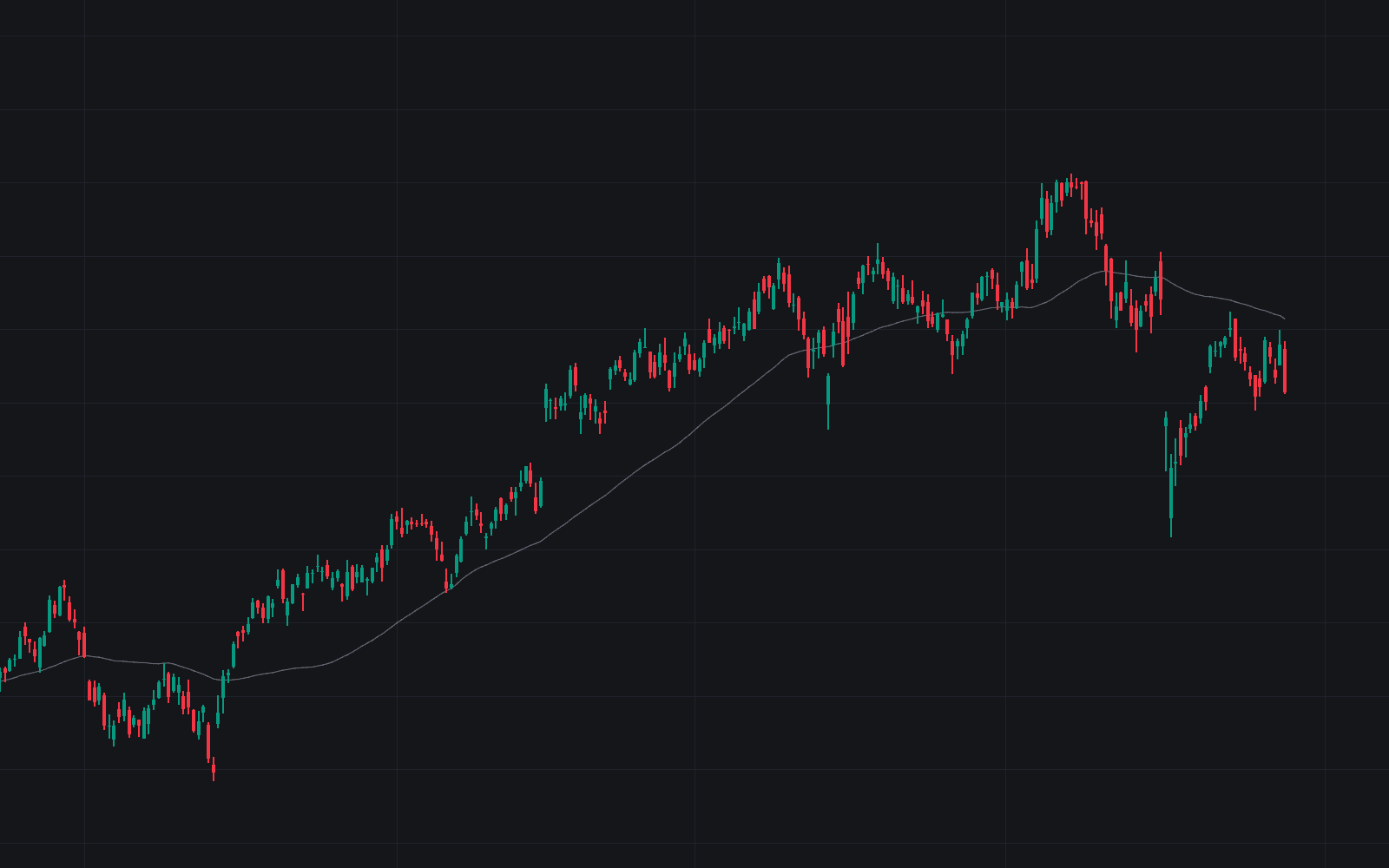
Pocket Pivot marks the up sessions whose volume beats every down day of the recent window: the buying signature that lets an entry start inside the base rather than at the breakout. The definitive clean build of the pocket pivot enforces the constructive context the definition demands: the close above the slow average, the day's low within a proximity band of the fast or slow average. Extended and downtrending prints are skipped.
How to Trade the Pocket Pivot?
- Pocket pivot: an up close beating the window's largest down day; the PP label's tooltip reports the volume multiple, supporting average, and pivot low.
- Continuation pocket pivot: a signal finding support at the fast average, the classical add point, alerted separately.
- Pivot day low stop: a dashed line under each signal day's low, the classical exit reference; a close beneath it is marked with a cross and alerted.
- Volume Rule Met: the raw signature before context filters, for screening with the filters off.
The dashboard scores the live bar against the volume rule and tracks trend, support, the last signal, and the standing stop.
Pocket Pivot Settings
- Down-Day Volume Lookback (default 10): sessions scanned for the down-day volume an up day must beat.
- Pivot Day Low Stop (default enabled): tracks each signal day's low until breached or replaced.
- Fast SMA Length (default 10), Slow SMA Length (default 50): the averages defining constructive context.
- Uptrend Filter (default enabled): the signal must close above the slow average.
- MA Support Filter (default enabled): the low must reach either average's proximity band while the close holds above it.
- Support Proximity % (default 2): the band's width. Zero demands an intraday touch; it doubles as the extension guard.
- Show Dashboard (default enabled, Top Right, Small) plus Style toggles for signal markers and both average plots.
Frequently Asked Questions
Free to use
Run it on Vela. Go further with a paid plan.
- Up to 500 Custom Alerts, with webhook automation
- Up to 10× the chart history of Free
- Orderflow lookback up to full history
- More Quant usage to customize it, plus extra usage when you need it
- Futures data alongside crypto, stocks, forex and commodities

Related indicators
Run it on Vela. Make it yours with Quant.
Open this indicator free on Vela, our next-generation charting platform. Then ask Quant, our coding agent built into Vela, to retune it or turn it into a backtested strategy of your own.