Spline Quantile Regression Channel
 By LuxAlgoMar 18, 2026
Spline Quantile Regression Channel is an indicator on Vela, our next-generation charting platform, written in Pine Script®.
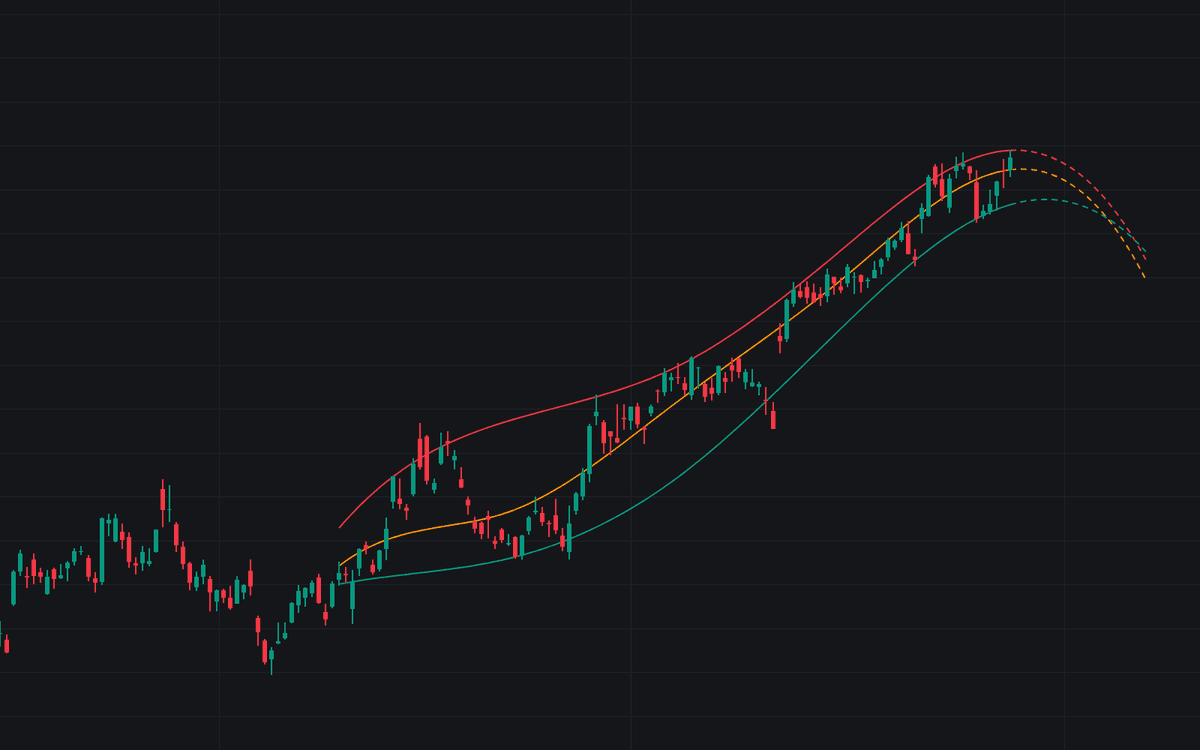

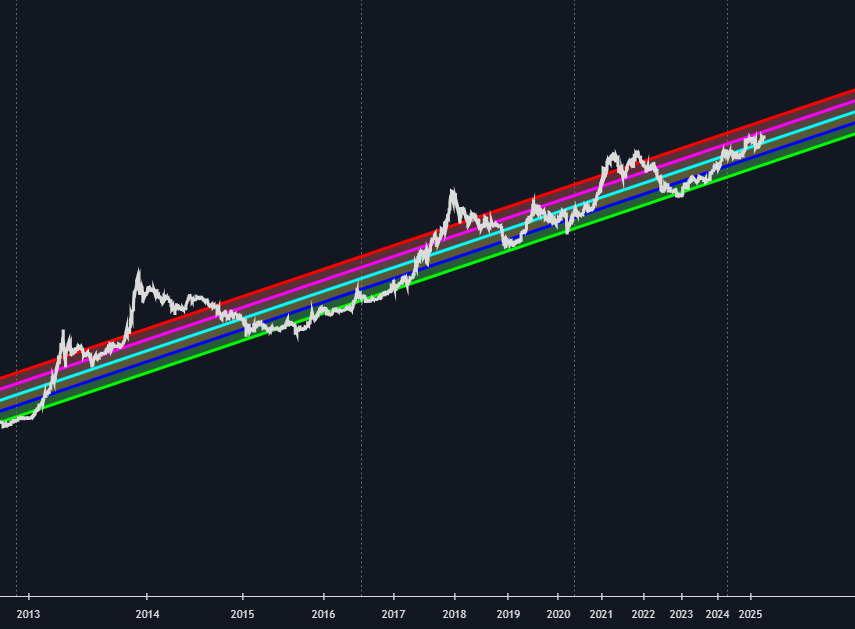
The Spline Quantile Regression Channel swaps the straight-line channel for a curve shaped like the market actually moved. Fitting regression quantiles over a cubic spline basis, it models the upper, median, and lower portions of recent prices. The channel bends through accelerations and stalls a linear fit averages away. A dashed segment extends the spline forward, continuing the current slope and curvature mathematically.
How to Trade the Spline Quantile Regression Channel?
- Median slope: rising favors longs, falling favors shorts; flattening curvature signals fading momentum early.
- Upper band touches: the top of the recent distribution: overextension in an uptrend, resistance in a downtrend.
- Lower band touches: the statistical floor of the window: a pullback zone in uptrends, extension in downtrends.
- Forecast divergence: price breaking sharply from the dashed projection means the fitted regime is failing. Rethink the bias.
Trend followers filter entries by the median's direction and buy pullbacks in a rising channel; mean-reversion traders fade outer-quantile touches in rotating markets. The projection is a continuation model, not a promise: it assumes current structure and volatility persist.
Spline Quantile Regression Channel Settings
- Lookback Period: bars fitted: longer for macro structure, shorter for fast reaction.
- Internal Knots: the spline's flexibility; more knots hug swings, fewer give a smoother, stiffer curve.
- IRLS Iterations: solver passes; higher values sharpen the quantile fit in volatile data.
- Forecast Length: bars of forward projection.
- Upper / Median / Lower Quantile: the percentile each band targets (e.g. 0.95, 0.5, 0.05); wider spacing, broader channel.
- Per-band colors and line width cover styling.
Frequently Asked Questions
Free to use
Run it on Vela. Go further with a paid plan.
- Up to 500 strategy alerts, with webhook automation
- Up to 10× the chart history of Free
- Orderflow lookback up to full history
- More Quant usage to customize it, plus extra usage when you need it
- Futures data alongside crypto, stocks, forex and commodities
Also works on

Related indicators
Run it on Vela. Make it yours with Quant.
Open this indicator free on Vela, our next-generation charting platform. Then ask Quant, our coding agent built into Vela, to retune it or turn it into a backtested strategy of your own.