Spring
 By LuxAlgoJun 17, 2026
Spring is an indicator on Vela, our next-generation charting platform, written in Pine Script®.
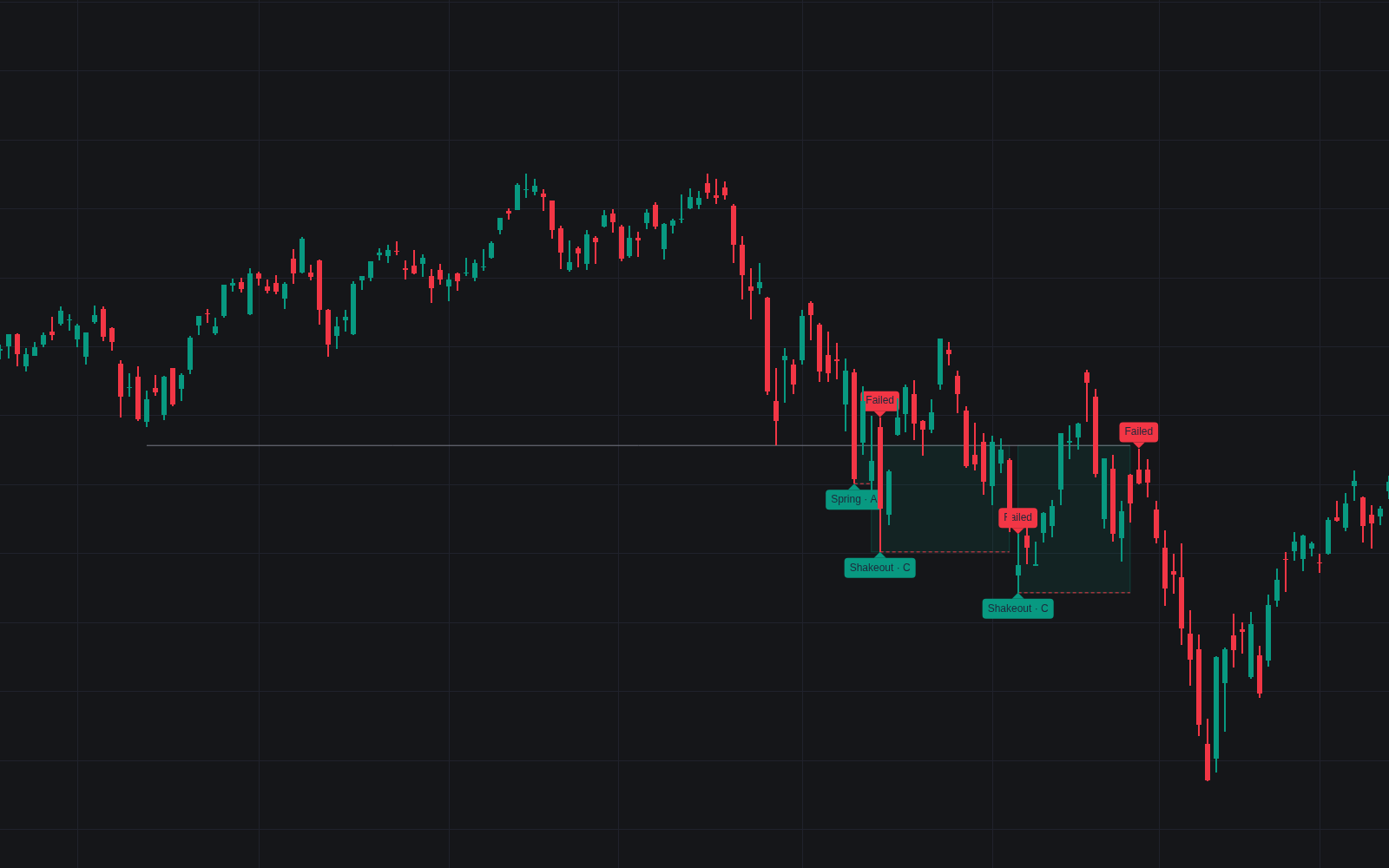

Spring automates the phase C test at the base of an accumulation range, the definitive clean build of the Wyckoff spring with its grading rules stated up front. The script first constructs the range: support anchored by swing lows, held for a minimum duration and probed a minimum number of times, so stops have time to build beneath it. Only then can an undercut qualify: a break closing back above the level inside the allowed window prints the event; a longer stay below is a breakdown.
How to Trade the Spring?
- Spring · A/B/C label: printed at the probe low with a grade: one point each for shallow penetration, quiet probe volume and a fast reclaim.
- Shakeout label: a deep undercut on heavy volume, the more violent variant of the same trap.
- Test label: the confirmation: a later swing low holding at or above the spring low, near the lows, on volume under the set fraction of the probe's.
- Failed label: a close back under the spring low, or acceptance below the range, voids the read.
The dashed spring-low line is where the read stops being defensible, the stop's natural home.
Spring Settings
- Swing Length (default 5): pivot confirmation for the lows that build and test support.
- Minimum Range Duration (default 20) and Minimum Support Tests (default 2): how long and how often support must hold to count as established.
- Support Zone Width (default 0.5) with ATR Length (default 14): the ATR-normalized tolerance grouping lows into one level.
- Maximum Bars Below Support (default 5): the reclaim deadline separating springs from breakdowns.
- Deep Penetration Threshold (default 1.0), Heavy Probe Volume (default 1.5), Fast Reclaim Threshold (default 2) and Volume Average Length (default 20): the grading dials and their volume baseline.
- Test Window (default 30) and Maximum Test Volume (default 0.75): how long a confirming test may take and how quiet it must stay.
Frequently Asked Questions
Free to use
Run it on Vela. Go further with a paid plan.
- Up to 500 Custom Alerts, with webhook automation
- Up to 10× the chart history of Free
- Orderflow lookback up to full history
- More Quant usage to customize it, plus extra usage when you need it
- Futures data alongside crypto, stocks, forex and commodities

Related indicators
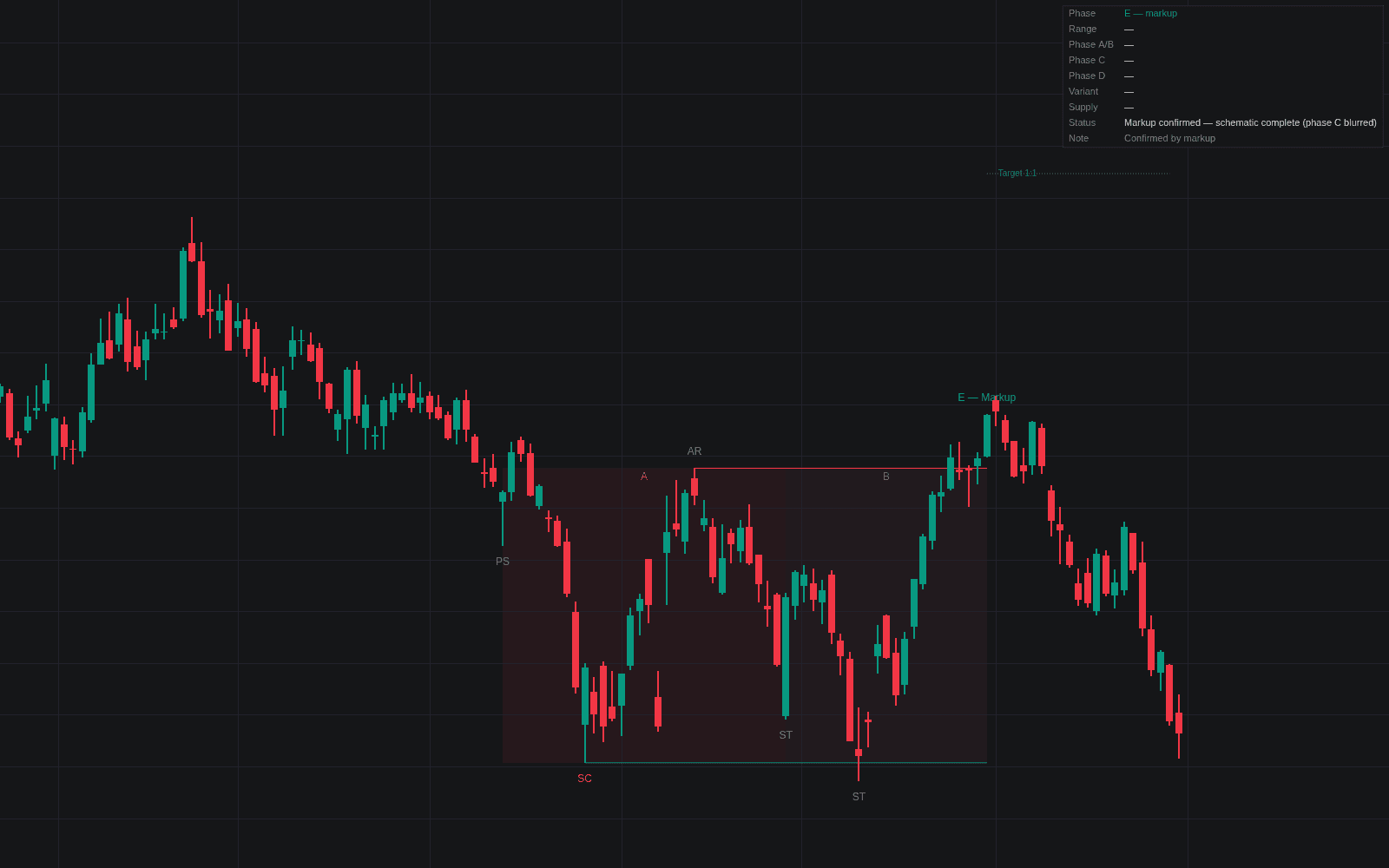
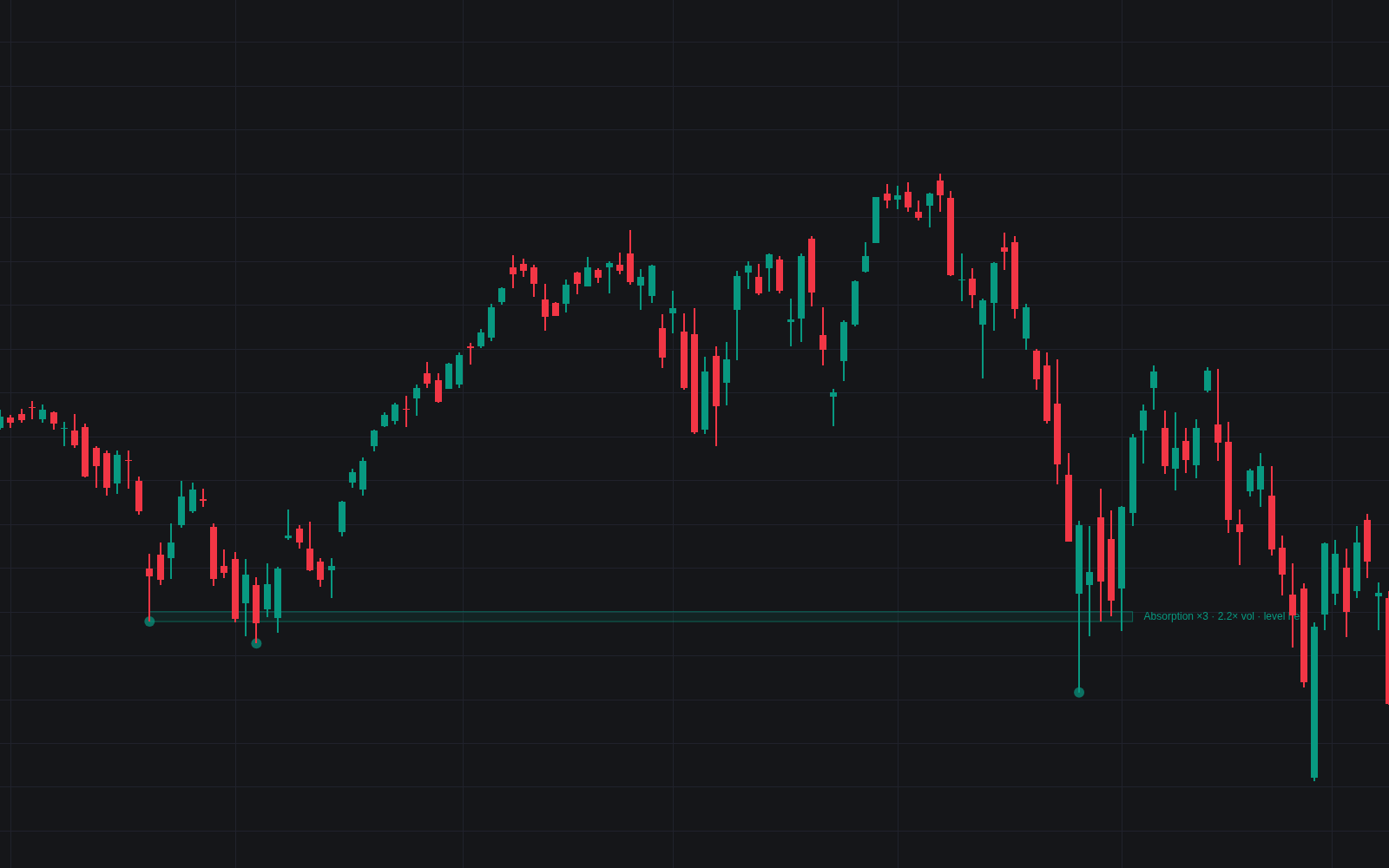
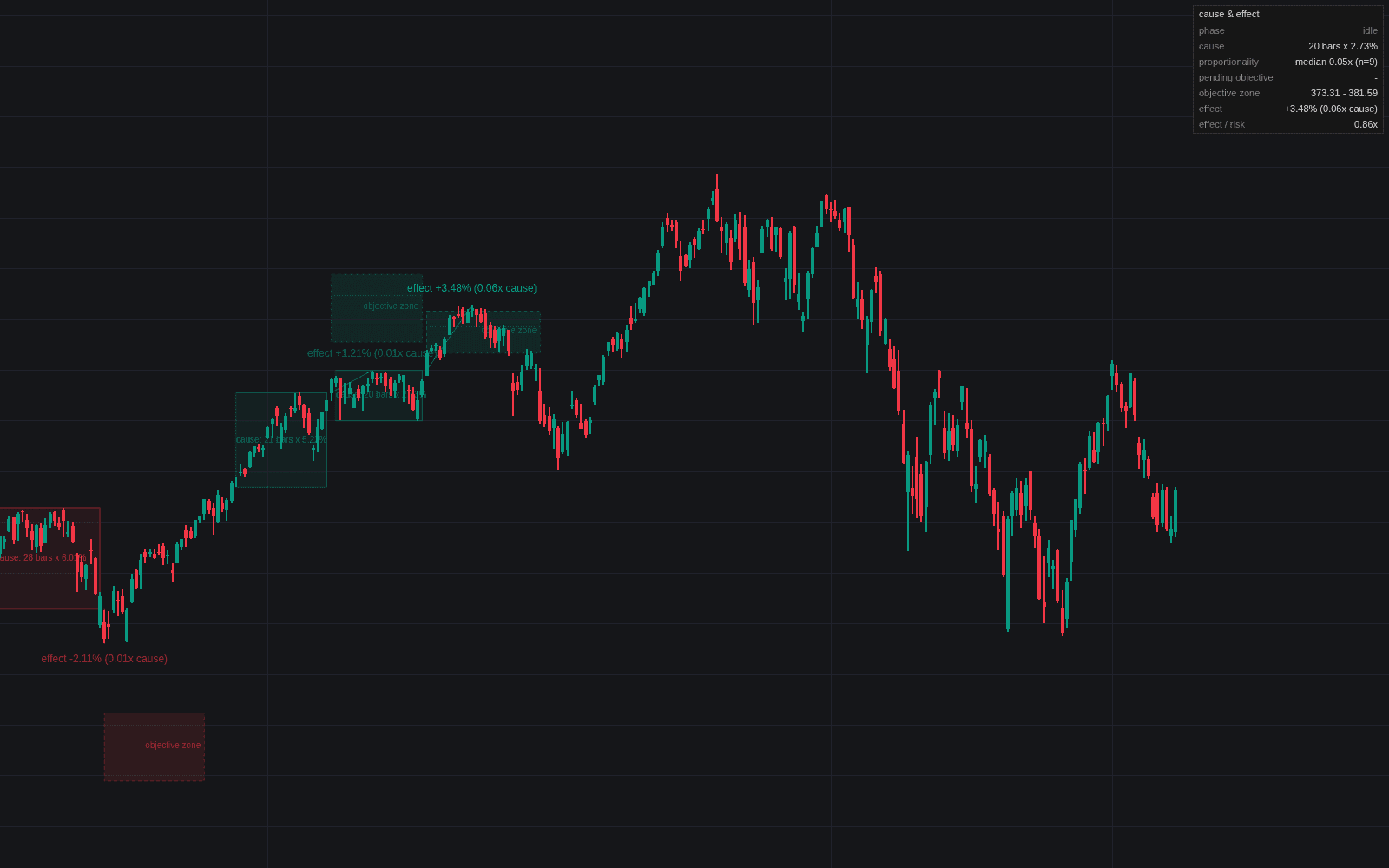
Run it on Vela. Make it yours with Quant.
Open this indicator free on Vela, our next-generation charting platform. Then ask Quant, our coding agent built into Vela, to retune it or turn it into a backtested strategy of your own.